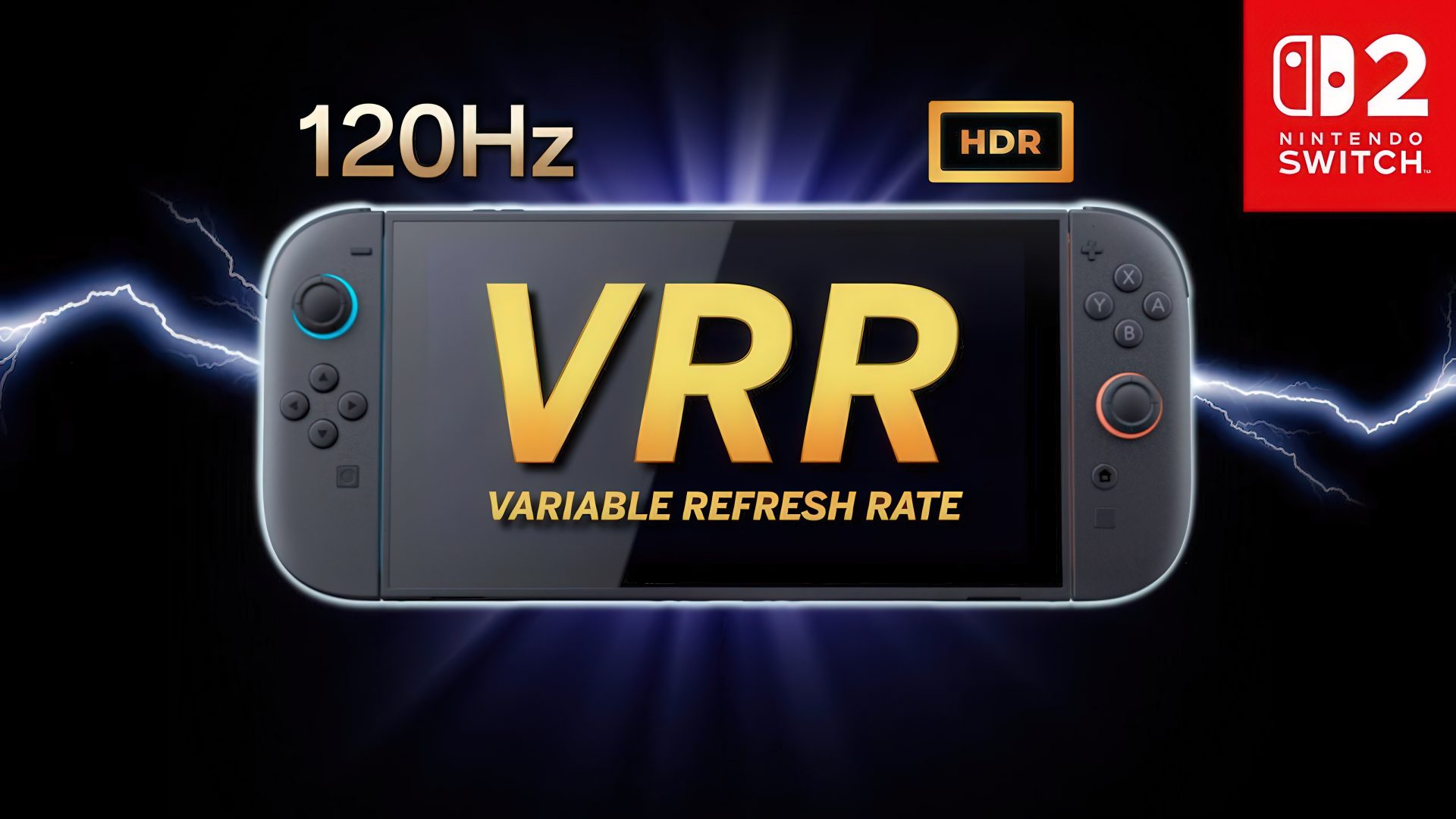


Nintendo fans were thrilled when they learned ahead of the Switch 2‘s release that the hybrid console would support VRR (variable refresh rate) in both handheld and docked/TV mode. However, Nintendo quickly removed any official information on the feature and eventually confirmed that VRR would only be available in handheld mode. Independent tests later verified that adding support could be feasible, fueling the hopes of fans. As months passed with no further info, though, whether this would ever happen remained unclear.
A ray of hope appeared in July, when a job listing suggested Nintendo was still working on it. And now, it’s official: the new Nintendo Switch 2 firmware update released today, version 23.0.0, introduces VRR support in docked mode, among various other things. Here’s the full changelog:
We took the following actions in the “game chat”:
- We’ve added a feature that displays chats you’ve previously participated in, in the list of chats you can join.
- We’ve made it possible to join a new chat without selecting any friends.
- We’ve added a button to change the screen size in the menu that appears when you press the C button during a chat.
We’ve added a “Settings” option to the “Virtual Game Card” list screen. You can check the registration status of the device using the virtual game card.
VRR output is now supported in TV mode. When both the software and the TV support it, the video will be output at a refresh rate that matches the game’s processing speed. An update to the Nintendo Switch 2 Dock is required to enable this feature.
Nintendo Switch 2 now supports “complete data transfer” between two Nintendo Switch 2 consoles. You can transfer all your data, including save data and screenshots, from your Switch 2 to your new Switch 2 console.
We’ve made the following changes in “Settings”.
- Under “Accessibility” → “Text-to-Speech,” we have added support for text-to-speech in Portuguese (Brazil).
- Under “Accessibility” → “Voice-to-Text Conversion for Game Chat,” we’ve added Portuguese (Brazil) to the list of languagesfor “Text-to-Speech Conversion.”
- We’ve made it so that the “Audio” -> “TV Sound” settings are saved for each connected TV.
- The item name “Display” → “Dock Output Information” has been changed to “Video Output Information” to allow users to check in detail the video signals that the connected TV can display.
- We’ve added a “VRR Settings” option to the “Display” section.
- We’ve added a feature to “Mii” that allows you to create a QR code of your Mii and share it with other users.
- We’ve added a feature that allows you to instantly play and check the sound when you change the volume under “Sleep” → “Sleep wake-up sound when playing on TV”.
- We have added an item to “System” → “Switch Software Operation Mode” → “Toggle Handheld Mode Boost in Quick Settings”. Turning this setting ON will allow you to toggle the Handheld Mode Boost ON/OFF in the Quick Settings menu that appears when you long-press the HOME button.
- We’ve added a new option: “System” → “Transfer all to Nintendo Switch 2”.
Even if you cannot transfer the virtual game card from another console when starting the software, you can now temporarily play the software using an online license.
If another console is offline and you are unable to move the virtual game card, the “Play with Online License” button will be displayed. Only the person who purchased the software can play it using an online license.


We’ve added a feature to play background music in the Mii editing screen. You can switch or stop the background music (BGM) using the “BGM Settings” button in the upper left corner of the screen.
Regarding handheld mode boost, we’ve made it possible to use other controllers even while Joy-Con 2s are attached to the console.
In the “My Page” → “Profile” play record, play time when playing the same software on multiple consoles will now be aggregated. The games you’ve played since the update will be displayed in chronological order.
We have fixed several issues and improved operational stability.
In other Nintendo Switch 2 news, Metroid Ravenousgot unveiled during yesterday’s Direct, and the Zelda: Ocarina of Time remake had the same treatment two days ago. We’ve since published a detailed roundup article with everything we know about this highly anticipated return of the 1998 classic.
About the author: With over two decades of experience in gaming journalism, Alessio Palumbo has led the gaming vertical at Wccftech since August 2015. He started working at a young age for Italian websites like Everyeye.it, Gamestar.it, Nextgame.it, and Multiplayer.it before kickstarting the indie English-language publication Worlds Factory as its founder and Editor in Chief.
In the last decade, he has coordinated the overall output of Wccftech’s gaming section, managed PR relations, assigned reviews, produced daily news coverage, edited gaming content as needed, and delivered game reviews.
Arguably, his trademark content is the long series of exclusive developer interviews that have been cited by Wikipedia and by the biggest news media and gaming publications.
His passion for technology also makes him knowledgeable when it comes to gaming hardware and tech. His favorite genres include RPGs, MMORPGs, and action/adventure games.
Follow Wccftech on Google to get more of our news coverage in your feeds.
Products mentioned