

You can do this on Xbox Series X and PlayStation 5.
Even if you’ve been eagerly awaiting the release ofGrand Theft Auto 6, shelling out $80 for the standard edition or $100 for the ultimate edition isn’t easy for everyone. You shouldn’t expect the biggest game of the year to go on sale any time soon, but the good news is there’s another way to save some money on it. The only catch is that you need a friend who wants to play the game on the same kind of console and is willing to split the cost with you.
Both Xbox Series X and PlayStation 5 have a game sharing feature that lets you play one copy of a game on two different consoles. While there are some restrictions on sharing DLC and other in-game items, most full games can be shared, and GTA 6 is no exception.
Sharing GTA 6 on PlayStation 5

On PlayStation 5, sharing works by signing into your account on two different consoles and enabling the console sharing feature. After buyingGTA 6, sign into your PlayStation account on the console you want to share the game with. Open Settings on the console’s main screen, then go to Users and Accounts and select Other. Open Console Sharing and Offline Play and toggle the feature on.
While logged into your account, your friend can now download any of your games to their own console, then switch back to their own account to play the game. Keep in mind that your account can only share games with one other console at a time. Your friend will also need to remember to switch back to their own account after starting to download one of your games, since you can’t use the same account on two consoles simultaneously. Once you’ve set up console sharing, your friend will maintain access to your library permanently unless you change your password.
Sharing GTA 6 on Xbox Series X
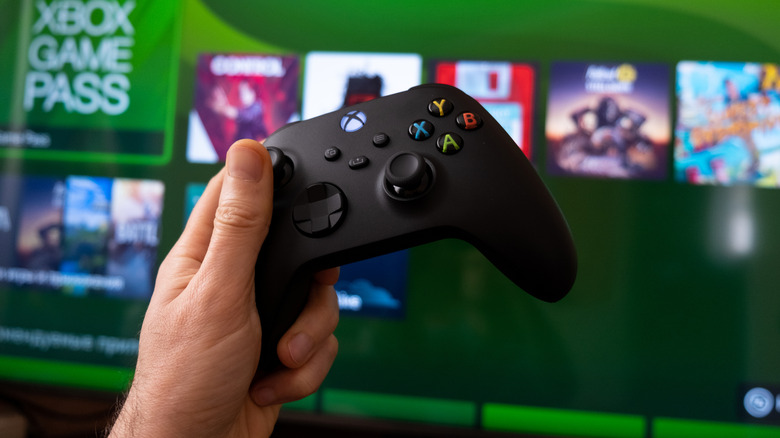
The process for sharing GTA 6 on Xbox Series X is similar, but works by designating one console as your home Xbox. As with the PS5, you should first buy the game, then log into your account on your friend’s Xbox. From the main screen, open Settings from the top menu, then select General > Personalization > My home Xbox and select the box marked Make this my home Xbox. Now you can download GTA 6 to the console, and your friend can switch back to their account to play it there.
This will allow anyone using this Xbox to download games on your account without you signing in. In the menu itself, a note recommends making your own console your home Xbox, but that would only allow another user to play GTA 6 on your own console. Also note that you can only switch your home Xbox five times per year, so be mindful of that limit if you want to change who you’re sharing games with.

4 Comments
Pingback: The Sims Creator Will Wright's Next Game Uses AI to Turn Your Memories Into Content - Comic Vibe
Pingback: How 'Adults' Defied the Streaming Comedy Curse - Comic Vibe
Pingback: We All Love Batman but These 5 Things Annoy Even the Most Diehard Fans - Comic Vibe
Pingback: Netflix Developing Animated Series Based on GRENDEL Comic Book - Comic Vibe