

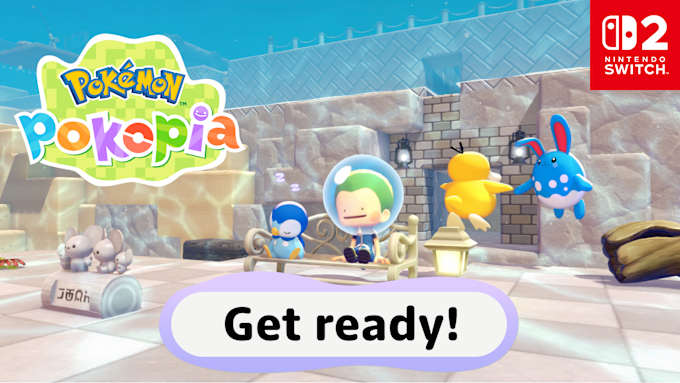
Splish, splash—wait, is Ditto wandering around…underwater? How is this possible?! Water great question!
If you’re ready to dive back into the Pokémon Pokopia game, new content will be available 5th August. Firstly, a free update will be available to everyone who has Pokémon Pokopia. After updating, you’ll be able to learn Dive, which lets you move around and build underwater.
Secondly, let’s talk about the paid DLC*. Expansion Pass Part 1: Bubbly Basin* also comes out 5th August, adding an entirely new underwater area. You can look forward to new adventures, tasty in-game watermelons, buoyant blocks that let you make floating buildings, an additional Dream Island, new furniture items, and more!
Please check out the video for a peek at the new content. You’ll also get your first look at Part 2 of the paid DLC—info about the third and final part will be shared in the future!
How to get ready for the 5th August content

Before you can access the expansion pass and free update content, you’ll need to do a bit of in-game prep. Most importantly, make sure that you’ve completed the request “Raise the environment level!” in Bleak Beach. You also need to have the ability to jump and know the move Surf.
Completing the request means that you need to raise the environment level in Bleak Beach to at least 5.If you’re not sure how to do that, here’s a little helping hand!
How to raise the environment level
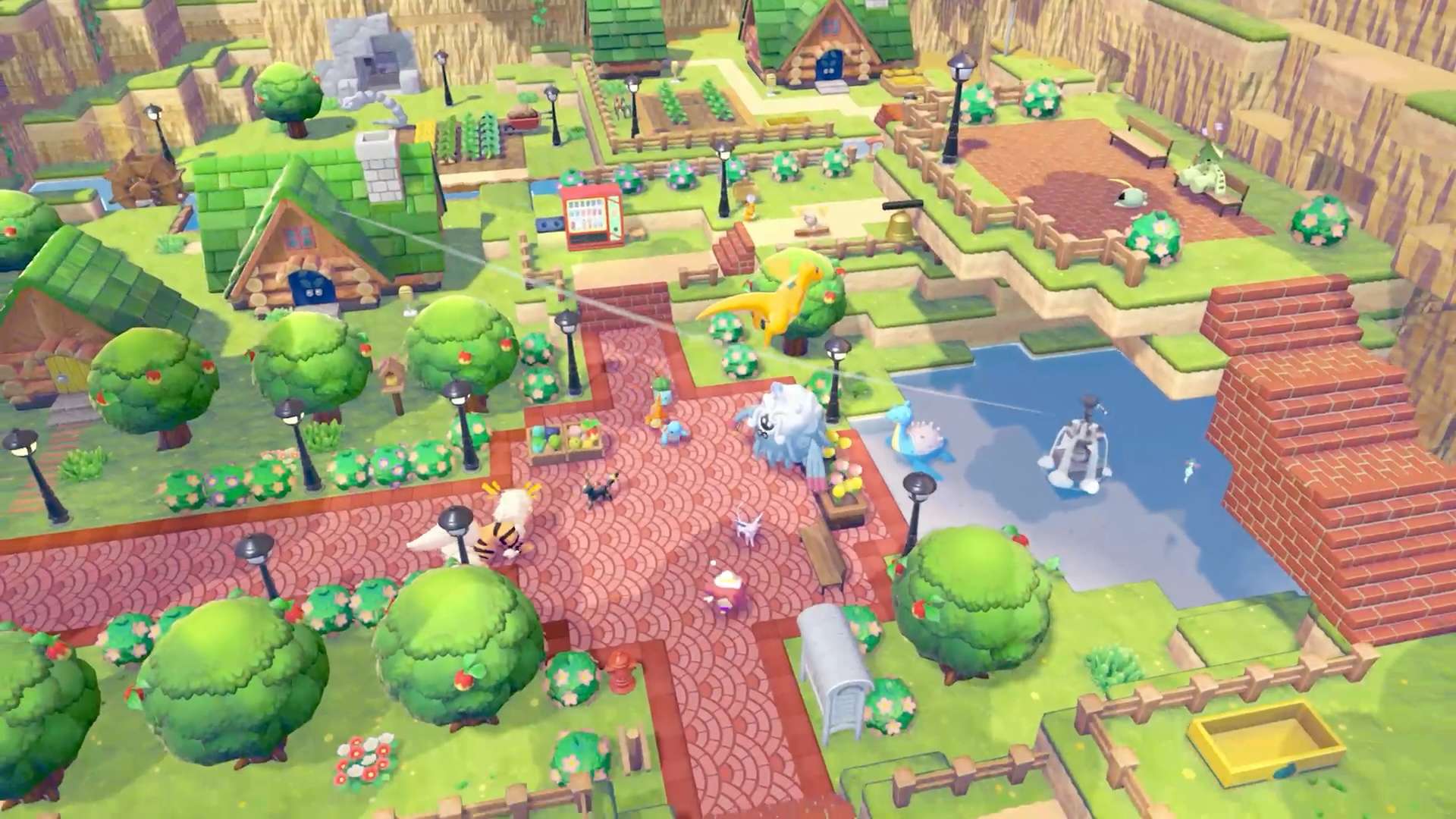
There are several ways to raise an area’s environment level—but first, let’s make sure everyone’s on the same page.
The environment level indicates how comfortable your Pokémon friends are as you keep making improvements to an area. Raising it also unlocks additional challenges and items at the Pokémon Center PC shop.
Luckily, it’s easy to check what environment level you’re currently at, so let’s start there.
Pro tip #1: Check your environment level!
Make sure you have a working Pokémon Center PC at Bleak Beach and then give it a look-see. Your environment level will be displayed at the top of the screen, and you can click the – Button for a more detailed look. This will show you the Pokémon you’ve befriended in the area, each Pokémon’s individual comfort level, and how close you are to the next environment level (it’s the little meter at the top).
Check these details from time to time to see how you’re doing.
Pro tip #2: Build lots of different habitats.
Befriending Pokémon makes it easier to raise environment levels, so you know what that means, right? It’s habitat-making time!
If you need some inspiration about what to make, check out your Habitat Dex. You’ll see habitats you’ve made, habitats that you know about but have yet to make (they look greyed out in the Habitat Dex), and placeholder entries for habitats that you don’t know about yet. The Habitat Dex also has info on which Pokémon are attracted to which habitat.
Pro tip #3: Make your Pokémon comfy!
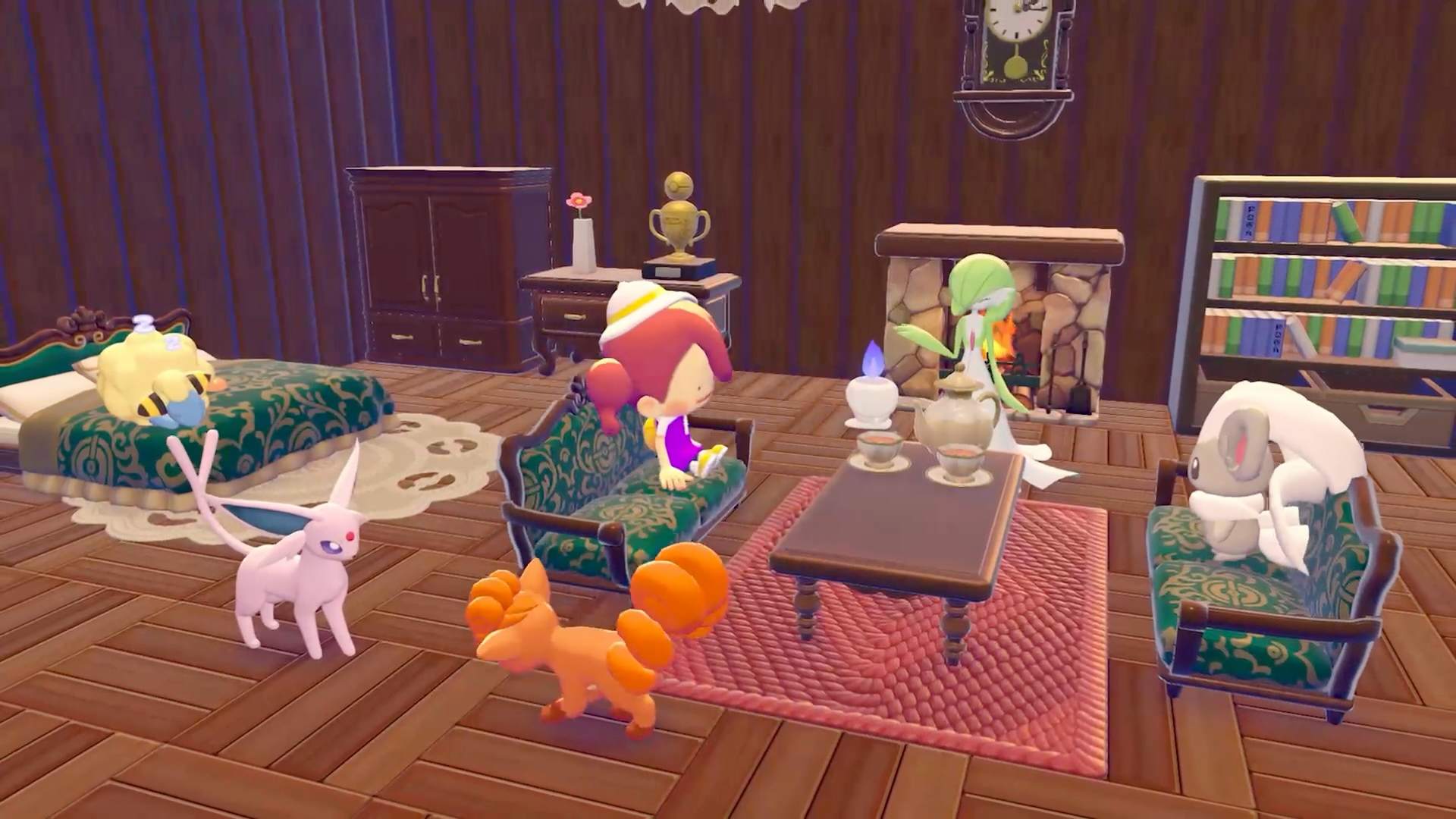
Remember when you checked your environment level and got a peek at Pokémon comfort levels? Well, let’s now focus on making them happier. Here are some things you can try.
-
Talk to all the Pokémon in the area to see if they need anything—especially if they have a little speech bubble over their head. For example, if a Pokémon wants to relax, you can try placing a bed in their habitat for them. Other Pokémon may request different changes to their home, like asking you to make it more or less humid, brighter or darker, etc.
Try new things to see what they like. You can also review a Pokémon’s favourite things by looking at their Pokédex entry.
-
Build houses for Pokémon to improve their comfort. Whether you use a building kit or design from scratch, Pokémon love houses. You can also try making one with multiple rooms to house many Pokémon at once.
-
Complete requests that Pokémon give you. These requests can range from quick tasks to longer quests. You’re never quite sure what you’ll discover!
OK, that should be enough for you to get started. We hope you have fun with the game and upcoming new content. You got this!
If you’d like to learn more about the game or purchase the Pokémon Pokopia Expansion Pass to access the DLC, please visit the link below.
