

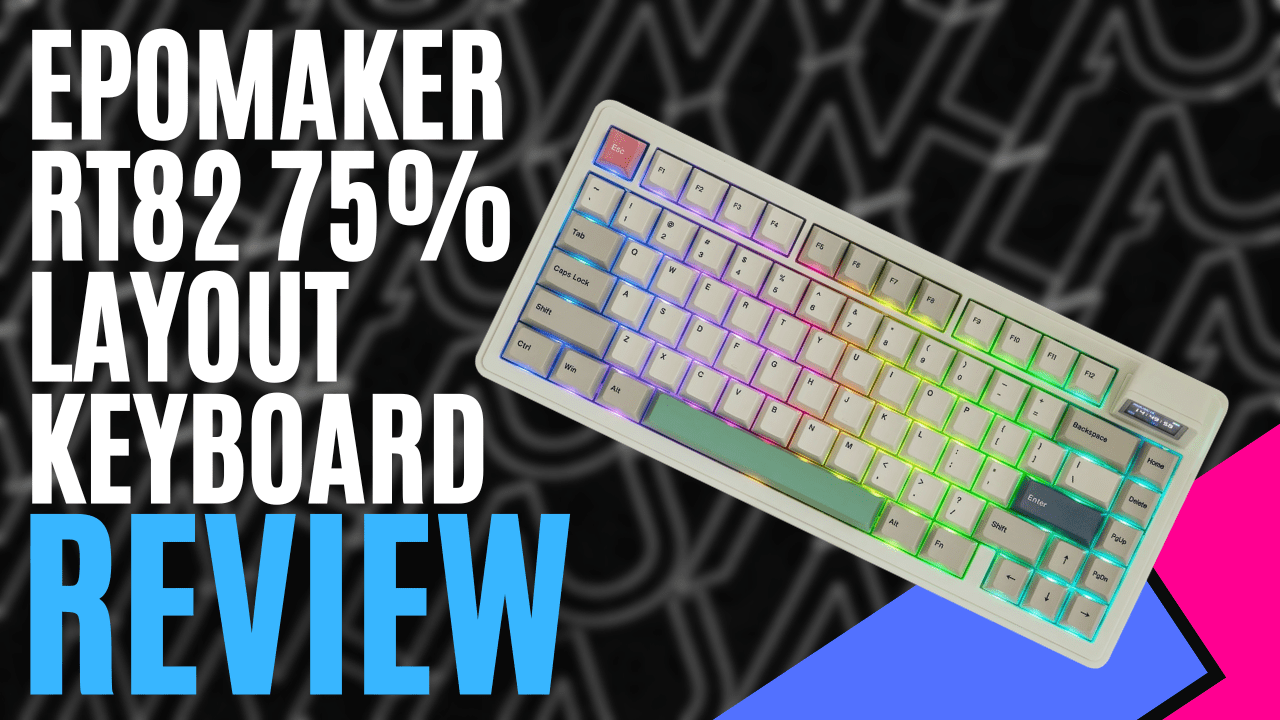
Founded in 2019, EPOMAKER is a Chinese hardware brand best known for its variety of budget-friendly mechanical keyboards with trendy designs and retro aesthetics, among other products. They have made a name for themselves in the enthusiast community for offering premium features such as hot-swappable switches, gasket mounts, and built-in LCD screens.
In December 2025, EPOMAKER officially released the EPOMAKER RT82, a retro-styled 75% wireless mechanical keyboard, featuring a built-in LCD screen and customisation options through the VIA program. We are fortunate to get our hands on the EPOMAKER RT82 and see how it performs.
EPOMAKER RT82 comes neatly packaged in a cardboard box with a simplistic design reminiscent of the boxes that older keyboards used to come in. Inside is the keyboard itself, USB-A to USB-C braided cable, detachable mini TV, 2-in-1 switch and keycap puller, additional switches, additional keycaps for Mac users, multilingual manual and a card with QR codes on the back linking to an online manual, their Discord server and download links for the JSON file and VIA program.
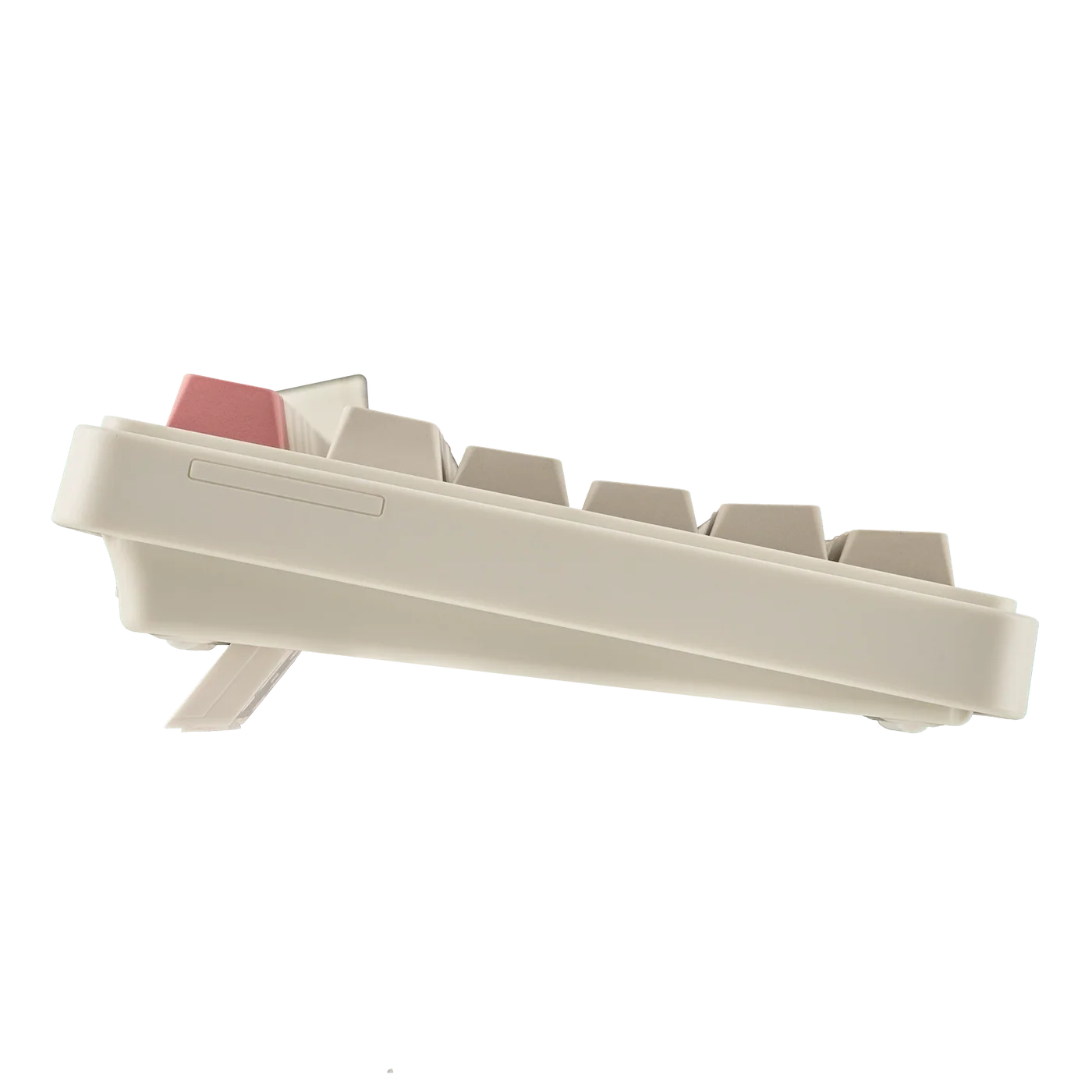
Like many EPOMAKER products, the keyboard has a retro design reminiscent of 90s-era keyboards. The body is made of ABS plastic, which feels tough, sturdy, and nice to hold, and is surprisingly light for its size. Underneath, there are kickstands to adjust the keyboard’s angle to suit users’ preferences. Pressing the keys feels responsive for typing and general use.
It can be used for gaming, but it isn’t built for it, as gaming keyboards are preferred for their low-latency inputs. The keys also sound like older keyboards with every press, giving that ASMR feel as you type away. Underneath the keys are RGB lights with various colours and patterns that can be customised.
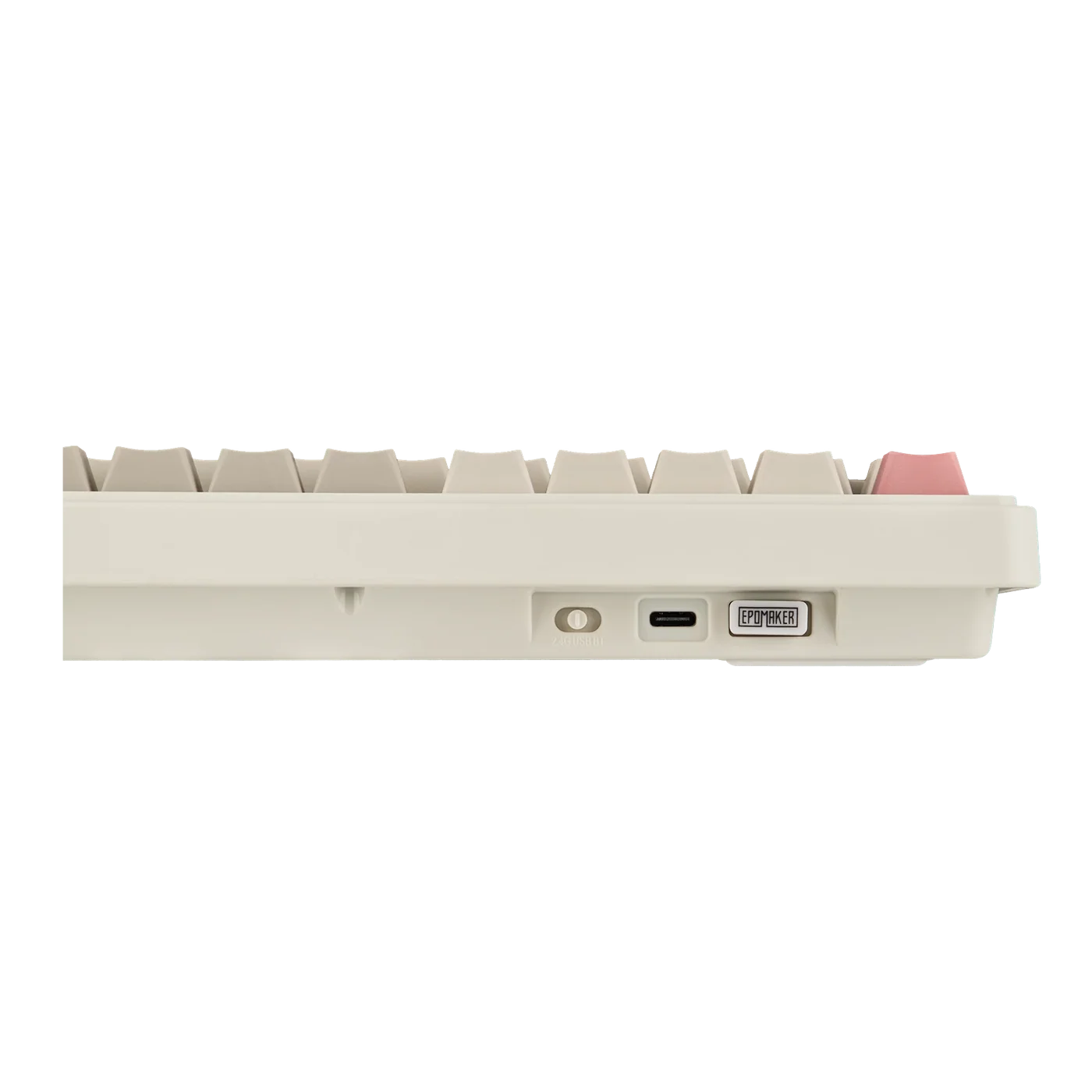
Along the top side, there is a USB-C port, a USB dongle, and a switch to switch between the USB dongle, Bluetooth, and wired connections. Each connection type is simple and straightforward for connecting the keyboard to a PC, a Mac computer, and even smart devices. The keyboard comes with the PC keys installed by default, but the Option and Command keys are also included and can be swapped in for Mac users.
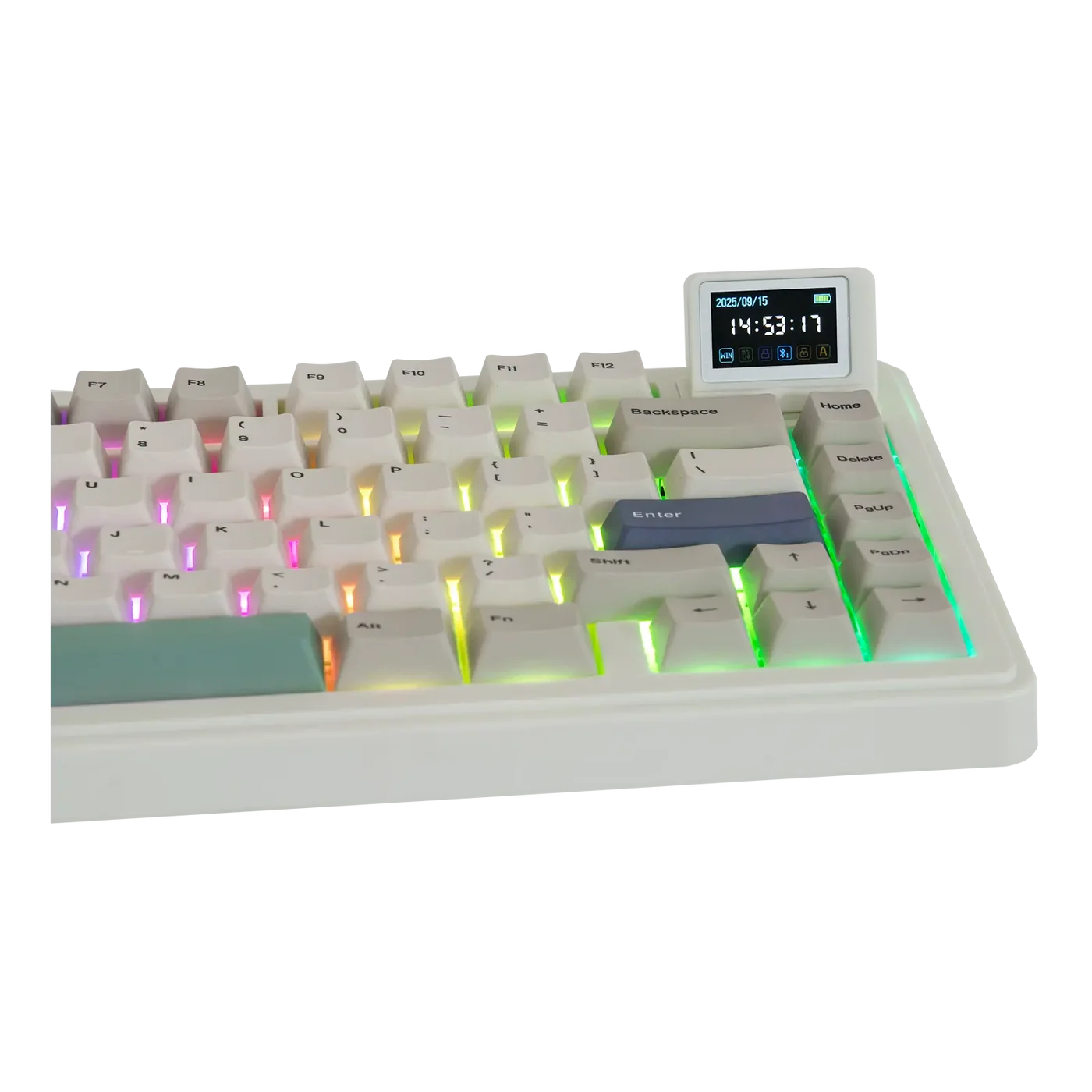
The biggest distinguishing feature of the EPOMAKER RT82 keyboard is the mini TV with a 1.14-inch LCD Screen. It’s shaped like an old-fashioned computer monitor and is an optional attachment that magnetically sticks to the keyboard in the top right. The mini TV can display the time, date, battery level and what connection type you’re using. It also has a typewriter mode that displays every key you press, and it can display three images or animated GIFs, which can be customised using the VIA program.
The mini TV can’t be used as an actual TV to watch full videos, but it still looks impressive for its small size, and you’ll still have your actual screen for the important stuff anyway. It’s a fun little feature, though some users might see it as an unnecessary gimmick that doesn’t do what other common devices can’t already do. EPOMAKER have stated that new features for the mini TV, such as weather details and reminders, will be added in future firmware updates. It might not really be needed, but the mini TV is still a fun attachment that looks good on the keyboard and on your desk.
To switch between different functions on the mini TV and the RGB light patterns, users have a few commands to use with the FN key and other specific keys. For the mini TV, FN + X turns it on or off, FN + C resets or reboots the display, and FN + Enter toggles between the different displays.
For the RGB lights, FN + Backspace will turn it on or off, FN + Insert cycles through the different dynamic or static backlight effects, FN + Delete cycles through the available colour options, FN + Up Arrow and FN + Down Arrow adjusts the brightness, FN + Left Arrow and FN + Right Arrow to adjust the speed, and Fn + [ or Fn + ] adjusts the hues and colours.
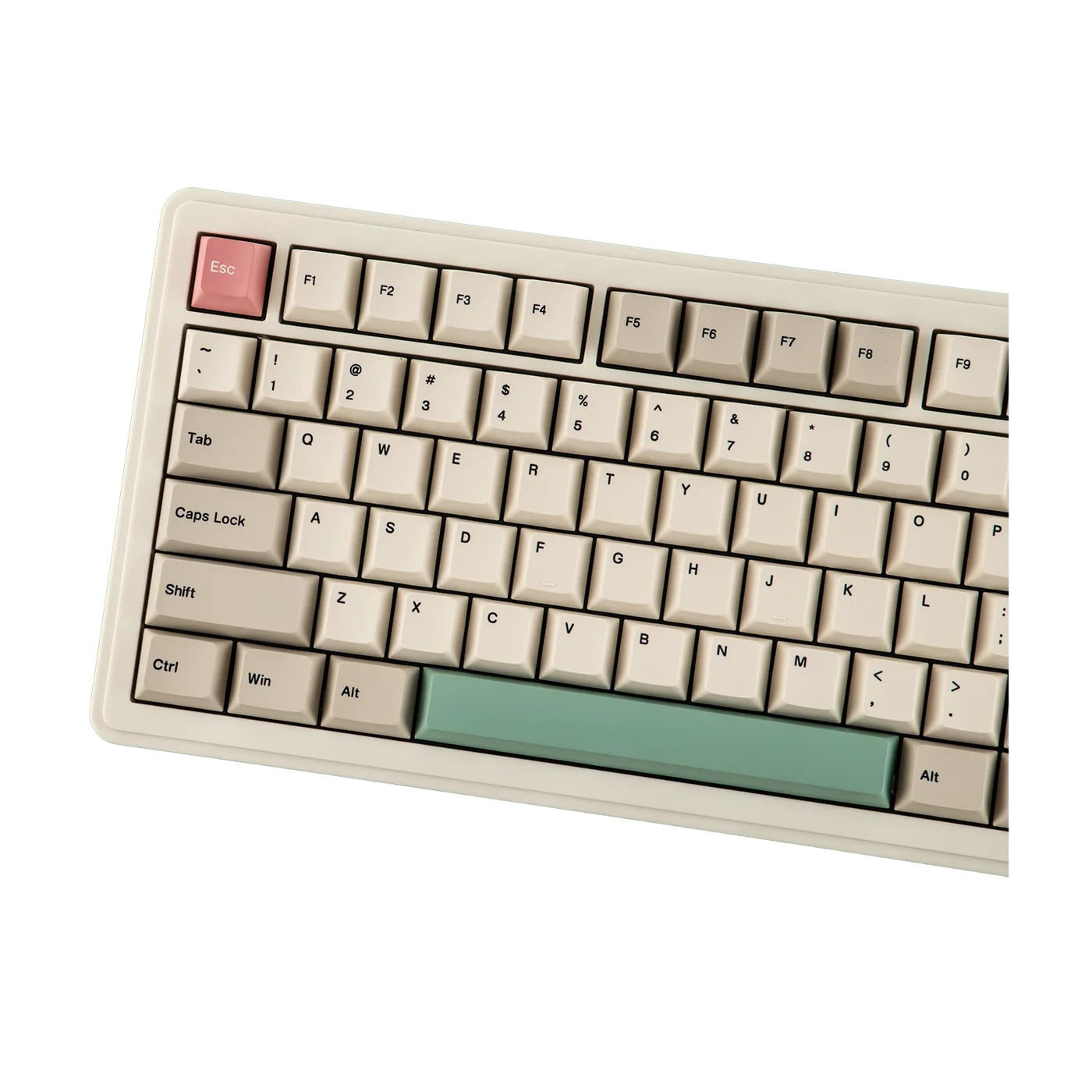
Having all these commands on the keyboard itself is a nice and convenient way to adjust the mini TV and RGB lights, all at your fingertips.
The free web-based app, VIA, lets users remap keys, create macros, and customise images/GIFs on the mini TV or the RGB lights. To connect to the app, the keyboard needs a wired connection to the computer you’re using, and it will automatically bring up the EPOMAKER RT82 model or whatever EPOMAKER keyboard you’re using.
The app isn’t perfect, however, as users might have trouble connecting their keyboards to access all the customisation options. I was able to get it connected after a few attempts and by trying different browsers, but it shouldn’t be this difficult. Those who aren’t worried about customising the keyboard’s unique features can simply use the keyboard as is.
The battery life when using the keyboard wirelessly depends on whether the RGB lights and mini TV are on. It can last for 14 hours with both the RGB and TV on, 17 hours with the RGB on and TV off, 45 hours with the RGB off and TV on and 115 hours with both the RGB and TV off. Compared to other keyboard brands, the battery life is a bit underwhelming, but of course, a wired connection means it isn’t an issue at all.
The EPOMAKER RT82 is another fantastic, budget-friendly mechanical keyboard from the Chinese hardware brand. The retro design looks and feels like old-school keyboards and has that satisfying clicky sound when typing. The mini TV is a fun little optional feature with some display options, and the RGB lights offer a nice variety of colours to add style to your keyboard. EPOMAKER RT82 feels like a blast from the past, built for modern devices.
