


Apple’s open-source, on-device AI model instantly turns images into scenes, and Vision Pro owners can try it out in the app Splat Studio.
Starting with visionOS 26, Apple’s own Photos app includes the ability to almost instantly turn any image into a “spatial scene” with one click. This is essentially a three-dimensional photo with a limited amount of free viewing area, which can be slightly tilted to ‘peak’.
Meanwhile, over the past year or so, we’ve seen the emergence of more advanced, open-source, proprietary AI systems that turn photos into scenes you can freely explore and walk around. For example, with Marble, you can run it in your headset’s web browser and explore the scene in WebXR.
Marble converts images into WebXR volumetric scenes in minutes
Marble, an AI model from World Labs, can transform a single image into a volumetric scene that can be viewed in WebXR in minutes.
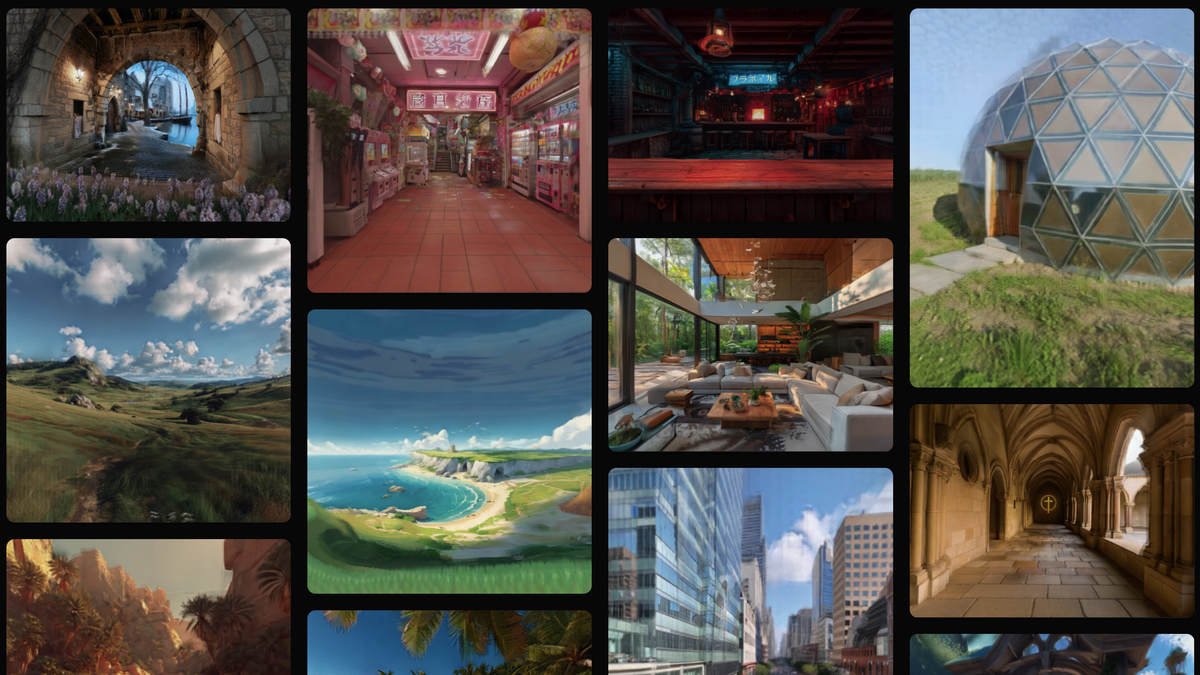
However, Marble is a computationally expensive server-side model that takes several minutes to produce results. And that’s what makes Apple’s SHARP particularly interesting.
SHARP runs on popular consumer devices with common CPU support, as well as Nvidia CUDA and Apple Silicon Metal hardware acceleration, and takes less than a second to complete on most hardware.
In a rare move from Apple, SHARP is free and open source, and the code is available on GitHub. For example, you can easily download and run it on your Mac.
Like almost every impressive advance in 3D reconstruction over the past few years, it generates Gaussian splats, fitting millions of semi-transparent color blobs (Gaussians) into 3D space, allowing arbitrary viewpoints to be realistically rendered in real time. You receive the results as a .ply file that can be rendered with a standard 3DGS viewer.
For Apple Vision Pro owners, Portugal-based developer Rob Matwiejczyk has built a VisionOS app that integrates Apple’s SHARP model into an easy-to-use graphical interface, eliminating the need for a Mac or PC.
UploadVR is testing Splat Studio, a visionOS app powered by Apple’s SHARP.
The app, called Splat Studio, is available for free on the App Store and runs entirely on your device. Simply select an image from your photo library and a 3D scene will instantly appear before your eyes, allowing you to rotate, move, and scale it by hand.
I tested Splat Studio on an M5 Apple Vision Pro using the same Steam Dev Days 2014 VR room I used to test Marble. For comparison, I also converted the same image into a spatial scene in the visionOS 26 Photos app. Above you can see the resulting footage from Splat Studio, and below you can see footage of the spatial scene.
The Splat Studio app turned an image into a scene in about 20 seconds, compared to the near-instant results of Apple’s Photos app, but it’s unclear how much of this is due to the SHARP model compared to the overhead the Splat Studio app may add.
For comparison, the Spatial Scenes feature in Apple Photos in visionOS 26.
As a result, Apple Photos Spatial Scene lets you peer into the scene, but the degree to which you can move in each direction is relatively limited. Splat Studio’s SHARP results, on the other hand, allow you to move freely within the scene. As with many generated AI results, the trade-off is that the further you move away from the original perspective of the image, the more some of the detail is lost, making the detail look like an illusion.
