

What you need to know
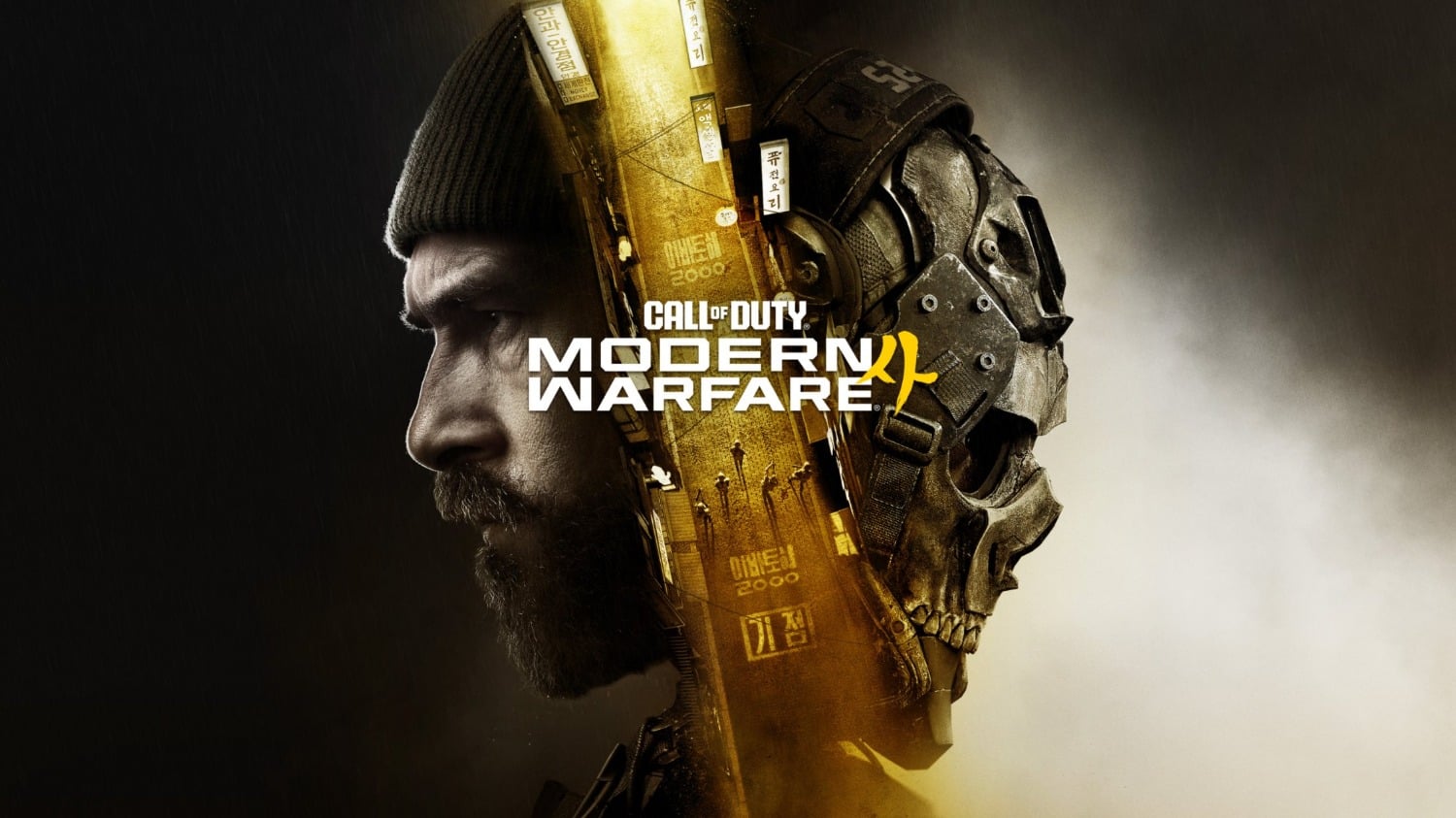
Xbox’s opt-in event-themed backgrounds can display Call of Duty Modern Warfare 4 promotions and temporarily replace selected game art. The game also occupies prominent home screen ad space. Users can disable event-themed backgrounds in Personalization settings or enable high-contrast mode for a more minimalist interface.
Voice: DefaultSpeed
0:00 / 2:05
Use left and right arrow keys to seek audio.
Microsoft is using opt-in marketing to show an ad for Call of Duty Modern Warfare 4 on the dynamic backgrounds on Xbox console UIs while also taking over home screen panes to promote the game.
4
Xbox fans are bristling against a lesser-known marketing program nestled into dynamic background settings. The opt-in feature essentially opens your console’s dynamic BGs up to becoming billboard advertisements for Xbox “events,” and in this case, Windows Central aptly notes that the event in this case is essentially Call of Duty interactive marketing.
The description for the event-themed background feature says that it “shows occasional event-themed dynamic backgrounds. Temporarily overrides selected game art.”
- Read more: Modern Warfare 4 depicts North Korean invasion in ‘darker and more dangerous’ campaign, offline play may be supported
- Read more: Call of Duty: Modern Warfare 4’s PC Shader Compilation will run before you even launch the game
In any case, it’s possible to turn off this feature. I personally don’t have a dynamic background–I opt for a much more minimalist UI with high contrast turned on. Yet once I turned off high-contrast mode, the Call of Duty MW4 dynamic background showed up.
4
I also noticed that Call of Duty Modern Warfare 4 was heavily advertised on the home screen. That makes sense, as it’s the latest first-party Xbox game, but it’s also worth noting that the ads for COD MW4 take up more than 65% of the screen when you scroll down twice.
Here’s how to turn off event-themed backgrounds:
Settings->General->Personalization->My Background->Show event-themed backgrounds
Here’s how to turn on high-contrast mode:
Settings->Accessibility->High-contrast (I recommend dark theme)
Does turning off Xbox event-themed backgrounds also remove Call of Duty: Modern Warfare 4 ads from the home screen?
Can Xbox users keep a custom dynamic background while opting out of event-themed promotions?
Is the Xbox event-themed background setting enabled by default?
Can Xbox users choose which selected game art an event-themed background temporarily overrides?
Want something else? Ask TweakBot.
And here’s what the home screen will look like after high-contrast mode is turned on. Yes, it’s extremely minimalist, but it’s more about quick functionality (and avoiding ads wherever possible).
4
