

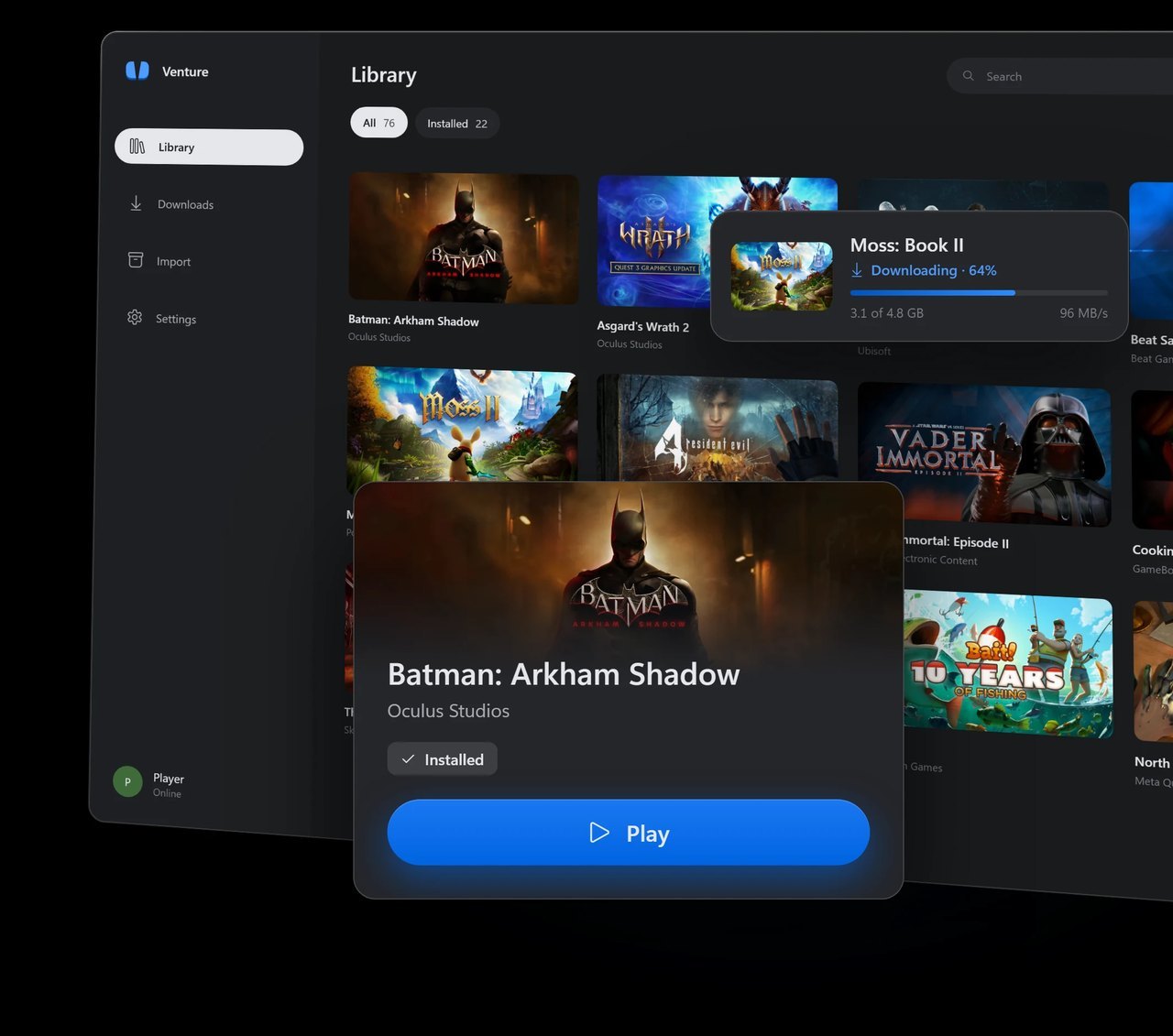
It comes from Villagers654, the developer behind RiftLift, which does a similar job for Rift-era PC games you own. Version 0.1.0 went up on GitHub at 23:06 UTC on October 28. Version 0.1.0.3 followed ten hours later. The license is GPL-3.0, and by Thursday morning Pacific the Windows installer had been downloaded a little over 500 times.
Road to VR’s write-up on Thursday advised holding off, because Venture asks you to sign in with your personal Meta account and nothing guarantees Meta will not ban it. Fair worry. Theail than that. Everything below comes from the code at commit 0eea1ad, the one behind 0.1.0.3
Your password stays on Meta’s page
Choose Sign in with Meta and Venture opens Meta’s own login page, auth.meta.com, inside an embedded Microsoft Edge window running in private mode. Venture’s own interface never asks for your email or password. That window will only navigate to Meta’s domains (meta.com, oculus.com, facebook.com, instagram.com and fbsbx.com), with an exception for embedded security-check frames. Its developer tools are off, and nothing in the code injects a script into Meta’s page.
What Venture keeps afterward is an access token, a key that lets it act for your account without the password. On Windows it is encrypted with DPAPI, the encryption Windows ties to your user login, and saved under %LOCALAPPDATA%Venture. On Linux it goes into the system keyring. The sign-in screen itself tells you sign-ins are only used to talk to Meta.
The code backs that up. Outside your own PC, the app talks to Meta for sign-in, your library and downloads, and to GitHub once per launch to check for a newer release, which you can switch off. The one other address is dpaste.com, a paste site, and only when you click Report issue or Upload debug report. Before anything goes up, the report is scrubbed of tokens, your Windows username and your account name. There is no analytics or crash-reporting library in the code. The games you run still reach their own servers, the same as they would on a Quest.
It checks what you own, every time
Before any download, Venture asks Meta for your account’s active entitlements, Meta’s word for the list of apps you own. If the game is not on it, the download stops with “Refresh your library: ownership could not be verified for this download.” Files come only from Meta’s own delivery servers at securecdn.oculus.com.
The check repeats while you play. When a game asks whether you own it, Venture asks Meta live, each time, and the README for that part of the runtime is blunt about failure: “Errors, wrong accounts/platforms/packages, revoked grants, and network failures never grant ownership. There is no offline success cache.” It refuses App Sharing too, Meta’s family library feature: “Each account must own the game.”
That is a stricter line than AVP Play, the Vision Pro project this site covered on October 10, which answers each game’s own license check with yes.
One door is wide open, though. The Import page takes any APK, ZIP or game folder “with no account or ownership check,” and the developer notes say that includes a modified build. It can also copy installed games off a Quest in developer mode. Venture changes nothing itself, but it will run what you hand it. Leave Import alone unless the files came off your own headset.
Meta can see it
No code can tell you what Meta will decide. It can tell you what Meta sees. Every request Venture sends to Meta’s launcher APIs carries the user agent “Venture/0.3 native” (the name an app gives when it connects), and the sign-in link carries utm_

1 Comment
Pingback: Zelda: Ocarina of Time remake physical copy leaks before release date, risking spoilers - Comic Vibe