
Close Menu

    Subscribe to Updates

    Get the latest creative news from FooBar about art, design and business.

    What's Hot

    Rajinikanth gets emotional as he pays final respects to music composer Deva, CM Vijay consoles family members and announces State honours for funeral

    October 17, 2026

    Save $40 Off Microsoft’s Professional-Grade Xbox Elite Series 2 Core Wireless Controller

    October 17, 2026

    Hamster Kombat Daily Combo 18 October 2026: Play To Earn

    October 17, 2026
    Facebook X (Twitter) Instagram
    Facebook X (Twitter) Instagram YouTube TikTok
    Comic Vibe
    Saturday, October 17
    • Home
    • Comics
      • Comic Vibe News
    • Gaming
    • Movies
    • TV
    • Anime
    • Toys & Collectibles
    • Cosplay
    • Tech
    • Digital Culture
      • Creators & Fan Culture
      • Creator Economy & Fan-Driven Platforms
      • Digital Fandom & Online Communities
      • Metaverse & Virtual Worlds
      • NFTs & Digital Collectibles
      • Virtual Events & Online Conventions
      • Virtual Identity & Avatars
    • Shop
    Comic Vibe
    • Home
    • Contact Us
    • Terms & Conditions
    • Advertise With Us
    • DMCA Policy
    • Privacy Policy
    • About Us
    Home»Gaming»The Steam Deck Can Play PS5 Games, But Not The Way You Might Think
    Gaming

    The Steam Deck Can Play PS5 Games, But Not The Way You Might Think

    JamesBy JamesOctober 17, 20261 Comment4 Mins Read
    Facebook Twitter
    The Steam Deck Can Play PS5 Games, But Not The Way You Might Think
    Share
    Facebook Twitter

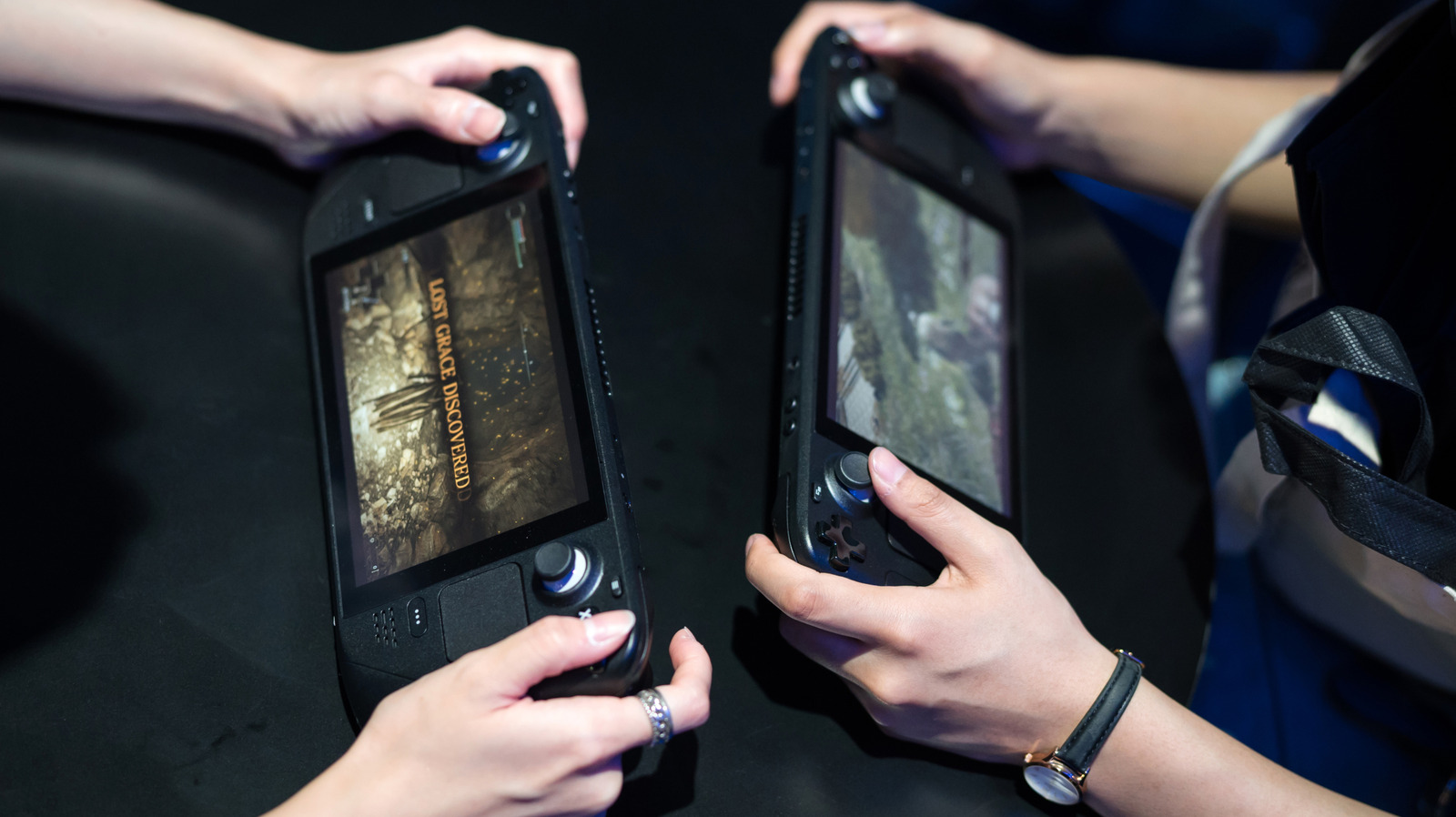
    When you buy a Steam Deck, the beauty isn’t just its portability; it’s also that you don’t have to be locked into playing directly on the ecosystem if you’re a multi-platform gamer. That’s because the Steam Deck has nifty unofficial apps you can download through Discover Software Center in Desktop Mode that stretch its capabilities. These apps let you access games you’ve bought from other launchers, and some you couldn’t get natively, like your PlayStation 5 library and your phone.

    However, for your Steam Deck to play PS5 games, you must own a working console. Plus, you need to download the Chiaki4deck app (also called Chiaki-NG) and enable Remote Play on your console, since you won’t use the Steam Deck to access your library directly. Instead, you’ll stream, so you need a stable connection for smooth performance.

    Lastly, Steam Deck controls translate fairly well to a PS5 DualSense controller automatically (you can also configure this during the Chiaki4deck setup); the trackpads on the Steam Deck mimic the PS5 DualSense’s touchpad and PlayStation button. For extra customization, consider remapping it yourself or downloading a community template.

    How to set up Chiaki4deck to stream your PlayStation 5 games
    PS5 Logo in neon lights on a white wall decoration

    To stream your PlayStation 5 games from the Chiaki4deck app, both your Steam Deck and console must be on the same network. You can do this remotely by port forwarding (the old way) or using the “Remote Connectionetup, keep them on the same network to ensure they link properly (you only need to do this once)

    First, open Desktop Mode on your Steam Deck by holding down the power button. Once you’re in Desktop Mode, open the Discover Software Center and search for “Chiaki4deck or Chiaki-NG.” Select it to download and install it. After installing the app, you can optionally create a non-Steam game and remap the controls — this step is recommended.

    The next step is to register your PS5 console in the Chiaki4deck app. The app should prompt you to do so during initial setup. Just note that you’ll also need to do this on your console, since it requires entering a PIN to link your devices through the PlayStation Remote Play menu (navigate to “Settings” > “System” > Remote Play”). Once you start Chiaki4deck, you should see a window with a Register button that prompts you to enter the PIN, your PSN account ID, and Host. The latter should auto-populate if you’re on the same network and logged into your PSN account; otherwise, you may need to use a public lookup tool. After registering, open the Chiaki4deck app in Game Mode, select “Play,” to connect to your PS5 while it’s on or in Rest Mode (it must be configured to stay connected to the internet in Rest Mode settings).

    What to do if you don’t have a PlayStation 5
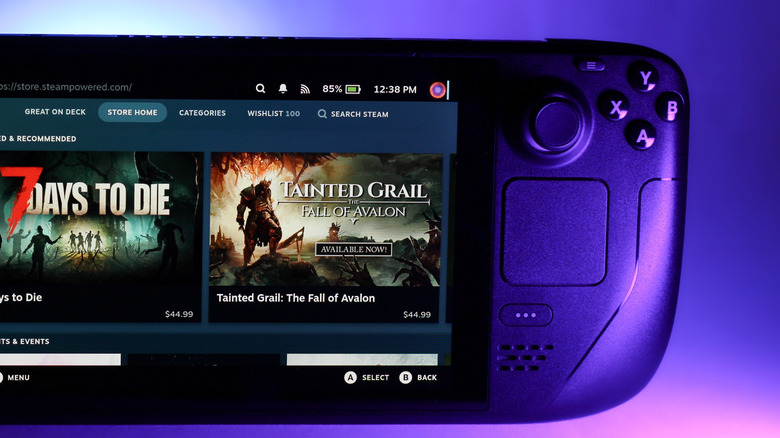
    Steam Deck showing a side view of the Store Home section in Steam OS

    As great as it is to turn your Steam Deck into another device for streaming your PlayStation 5 games, it isn’t very helpful if you don’t own the console or yours isn’t working. Also, the experience depends on your connection; a poor network means more latency while streaming. As such, you have only a few options. One, you can just buy some of Sony’s ported titles directly. Great options include “God of War: Ragnarök,” “Ghost of Tsushima: Director’s Cut,” and “Horizon Zero Dawn,” which perform well on the Steam Deck. You can view a full list of Sony titles through PlayStation Studios’ Steam page.

    The second option is “technically” emulation (emphasis on the quotations). However, this one isn’t recommended since the emulator is still in its early stages, meaning it’s a work in progress and remains experimental. If the project interests you, you can check out SharpEmu, which supports Windows, Linux, and macOS. Currently, the emulator supports only a few titles, and much less so on the Steam Deck.

    The first “working” emulated title for the Steam Deck is “Astro Bot,” but it’s more of a proof of concept, showing only the title and loading screen at 0.5 to 1 FPS. The other major downside is that most titles won’t beorous tuning. If anything, this might become more of a job for the Steam Deck 2 when Valve announces and releases it

    Deck Games Might Play Steam
    Share. Facebook Twitter
    Previous ArticleDecomp.dev, a Massive Decompilation Community, Is Shutting Down After the Deluge of AI Game Decomps and Ports
    Next Article Gus Arriola and Gordo: Presenting Hispanic Culture in a Comic Strip
    James

    Related Posts

    Save $40 Off Microsoft’s Professional-Grade Xbox Elite Series 2 Core Wireless Controller

    October 17, 2026

    Double Fine’s first post-Xbox title, first-person Soulslikes and other new indie games worth checking out

    October 17, 2026

    Pikmin 4 is $20 off ahead of its $10 Nintendo Switch 2 update

    October 17, 2026

    PlayStation 6 Price Tag Has Gamers Ready To Ditch Consoles Forever

    October 17, 2026

    1 Comment

    1. Pingback: Double Fine's first post-Xbox title, first-person Soulslikes and other new indie games worth checking out - Comic Vibe

    Leave A Reply Cancel Reply

    Our Picks

    Rajinikanth gets emotional as he pays final respects to music composer Deva, CM Vijay consoles family members and announces State honours for funeral

    October 17, 2026

    Save $40 Off Microsoft’s Professional-Grade Xbox Elite Series 2 Core Wireless Controller

    October 17, 2026

    Hamster Kombat Daily Combo 18 October 2026: Play To Earn

    October 17, 2026

    More Thoughts From Me #246: Across The Metaverse

    October 17, 2026
    • Facebook
    • Twitter
    • Instagram
    • YouTube
    • TikTok
    • Telegram
    Don't Miss
    Gaming

    Wai Kiat Lee: From playing WSOP on Playstation to winning millions

    By JamesJuly 16, 20260

    Wai Kiat Lee is a high stakes poker pro from Malaysia and an ambassador for Natural8.

    Keke Palmer’s Lady Miss Jacqueline Returns With Royal Feuds, Dead Husbands and an AI Conspiracy

    July 16, 2026

    Kris Jenner’s mother Mary Jo ‘MJ’ Shannon dies at 91

    July 16, 2026

    Threezero Unveils New Mega Man MDLX Figure with the Ice Slasher Suit 

    July 16, 2026

    Subscribe to Updates

    Get the latest creative news from SmartMag about art & design.

    About Us
    About Us

    Comic Vibe is a pop-culture destination created for fans who live and breathe comics, movies, anime, TV shows, gaming, tech, cosplay, and collectibles.

    Our mission is to deliver engaging news, reviews, features, guides, and opinions that celebrate geek culture in all its forms. From the latest comic releases and blockbuster films to anime trends, gaming updates, cutting-edge tech, and collector culture, Comic Vibe brings everything together in one vibrant hub.

    Our Picks

    Rajinikanth gets emotional as he pays final respects to music composer Deva, CM Vijay consoles family members and announces State honours for funeral

    October 17, 2026

    Save $40 Off Microsoft’s Professional-Grade Xbox Elite Series 2 Core Wireless Controller

    October 17, 2026

    Hamster Kombat Daily Combo 18 October 2026: Play To Earn

    October 17, 2026

    Subscribe to Updates

    Get the latest comics, anime, movies, TV, gaming, cosplay, and pop culture news delivered directly to your inbox. No spam—just the stories every fan should know.

    Facebook X (Twitter) Instagram YouTube TikTok
    • Home
    • Contact Us
    • Terms & Conditions
    • Advertise With Us
    • DMCA Policy
    • Privacy Policy
    • About Us
    © 2026 Comic Vibe. Designed by Comic Vibe.

    Type above and press Enter to search. Press Esc to cancel.