

(Credit: Ian Moore)
If you’re tuned into the gaming zeitgeist, you’ve seen how fired up everyone is over Valve’s new Steam Machine. With prices on components such as memory and graphics cards so high, anything that might make gaming more affordable is an instant eyeball magnet
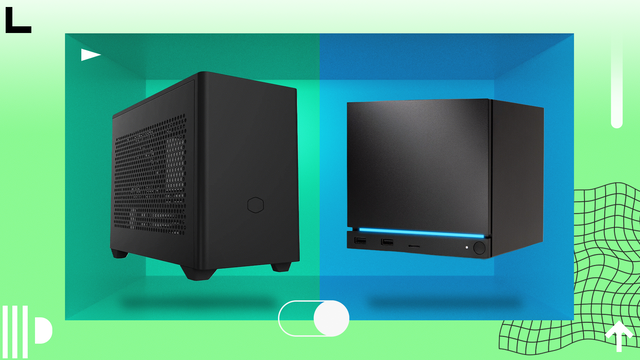
Valve’s Steam Machine is an attractive gaming device with a compelling value proposition: PC gaming from a small box with bone-simple setup, plus access to the full run of Steam titles, for a relative budget price. Good luck getting one quick, though. These systems are available in limited numbers, and Valve is running a buyers’ waiting list for them
If you are up to the challenge of building your own PC (trust me, it’s easy!), you could build your own equivalent of the Steam Machine with faster hardware while paying no more than the $1,049 Valve is asking for the Steam Machine base model. (Or you could spend just slightly more, and get parts that are even more potent!) Here’s how
Valve’s New Steam Machine (Wait, There Was an Old One?)
Valve has toyed with the idea of selling gaming PCs for some time now. Several Steam Machine-branded gaming desktops did launch around a decade ago, but Valve didn’t actually produce or sell these. Instead, Valve designed a few prototypes and then left it to manufacturing partners to produce their own Steam Machines. Several companies partook in this effort, including Alienware, Maingear, and Zotac. But after a few years, these disappeared from the market
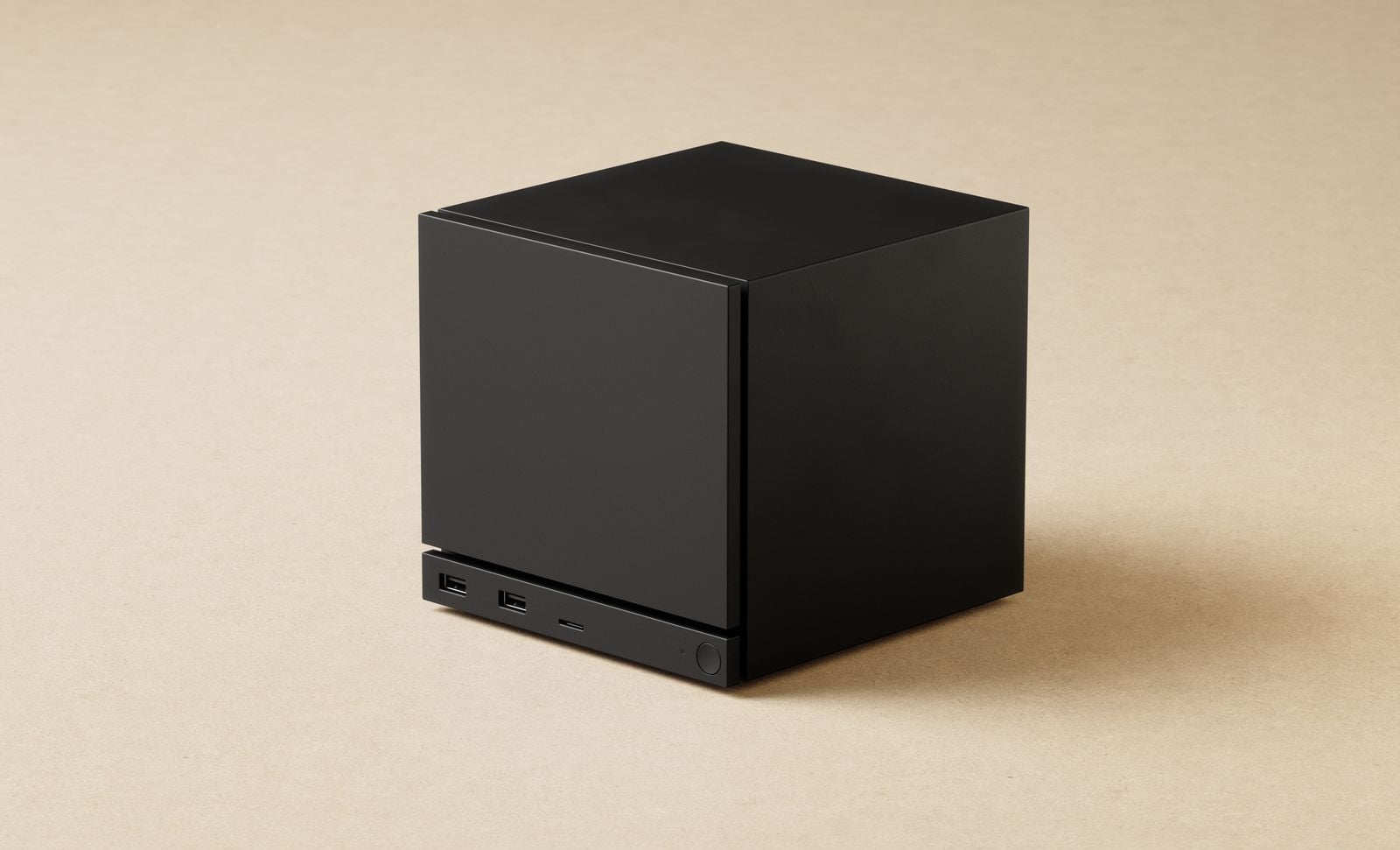
This time, Valve created its own Steam Machine PC that it’s selling directly to customers. This system comes equipped with an AMD “Zen 4”-based processor with six simultaneous multithreading (SMT) CPU cores clocked at 4.8GHz. Valve paired this with a Radeon RDNA 3 graphics processor that has 28 compute units (CUs). Valve lists both of these components as “semi-custom,” but these chips might not be nearly as custom as Valve has let on.
(Credit: Valve)
The Zen 4 CPU cores are not all identical. Two are traditional Zen 4 CPU cores, while four are Zen 4c cores that are nearly identical to normal Zen 4 CPU cores but with less cache. This configuration closely resembles the AMD Ryzen 5 8500G, a desktop chip I reviewed a while back that also has two Zen 4 cores and four Zen 4c cores
Per Valve’s specs, the Steam Machine’s CPU has a lower power draw of 30 watts (W) than the Ryzen 5 8500G’s 65W, so it’s not a perfectmatch. But I see enough smoke to suspect that the 8500G is essentially the Steam Machine’s CPU. AMD has a low-power version of the Ryzen 8500G, known as the Ryzen 8500GE, which comes closer, with a 35W power draw and a max clock speed of 5.0GHz.
(Credit: Valve)
AMD likely took this chip and pushed down the max clock speed to 4.8GHz to hit a desired power target of 30W. I suppose that would still make it “semi-custom,” but it’s not a particularly fast chip. I’ve reviewed the 8500G, and it’s one of the slowest processors, at least in terms of raw CPU performance, I’ve tested in the last few years. The Steam Machine’s variant should be slightly slower still due to the reductions in clock speed, power, and thermal headroom
The graphics chip in the Steam Machine, meanwhile, also appears to be only “semi-custom” due to a difference in clock speed. An AMD Radeon RDNA 3 graphics chip with 28 CUs would have 1,792 stream processors, 112 texture mapping units (TMUs), 64 raster operation processors (ROPs), and 56 ray accelerators.
(Credit: Valve)
That’s exactly the same number of hardware remon, OEM-only model. (I’ve yet to lay hands on one.) Both also have 8GB of GDDR6 memory. The RX 7400 operates at 1.1GHz, slower than the Steam Machine’s GPU at 2.45GHz, but it also has a low power draw (55W). The Steam Machine’s GPU is rated at double that (110W), which was likely necessary to achieve that clock speed
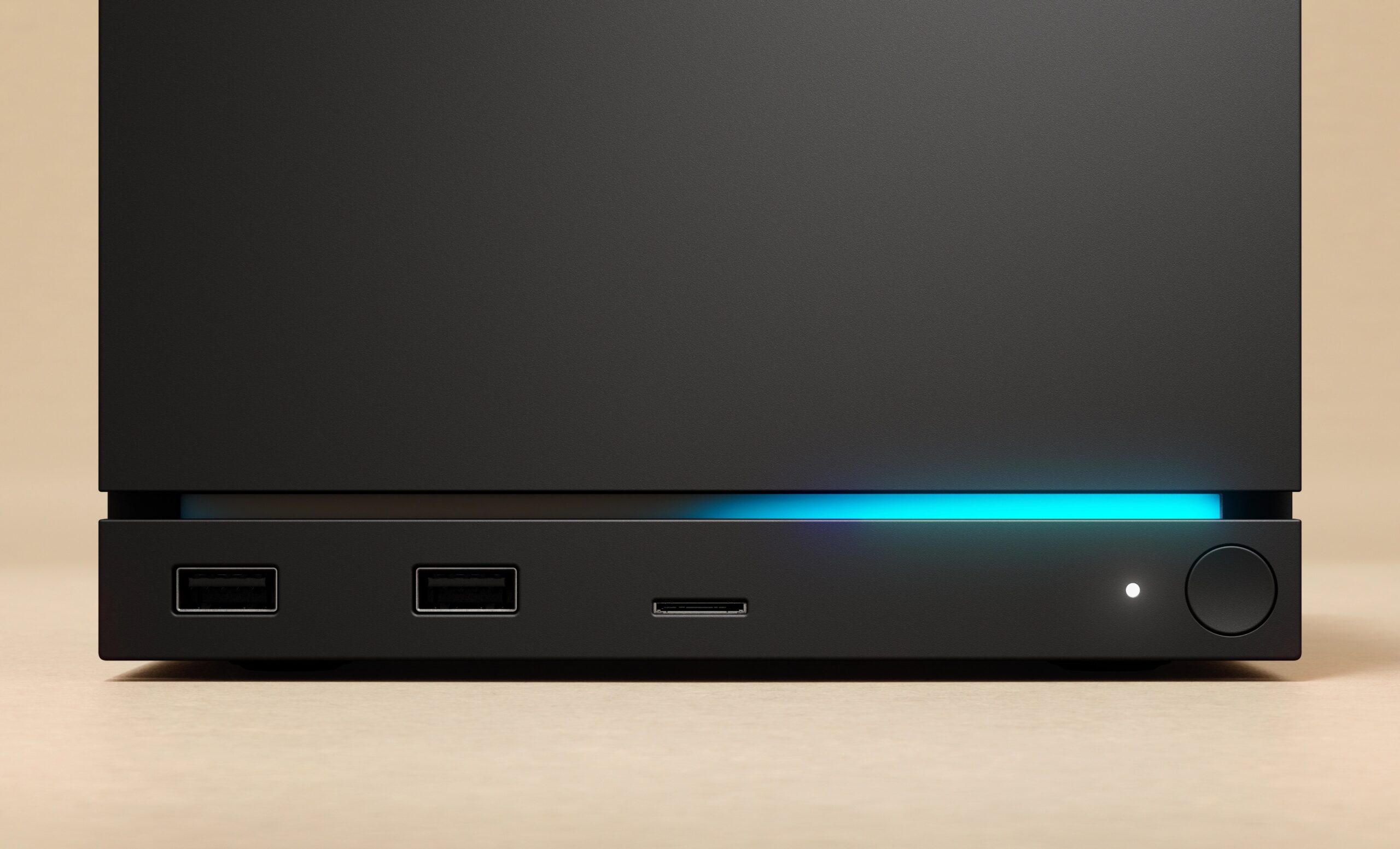
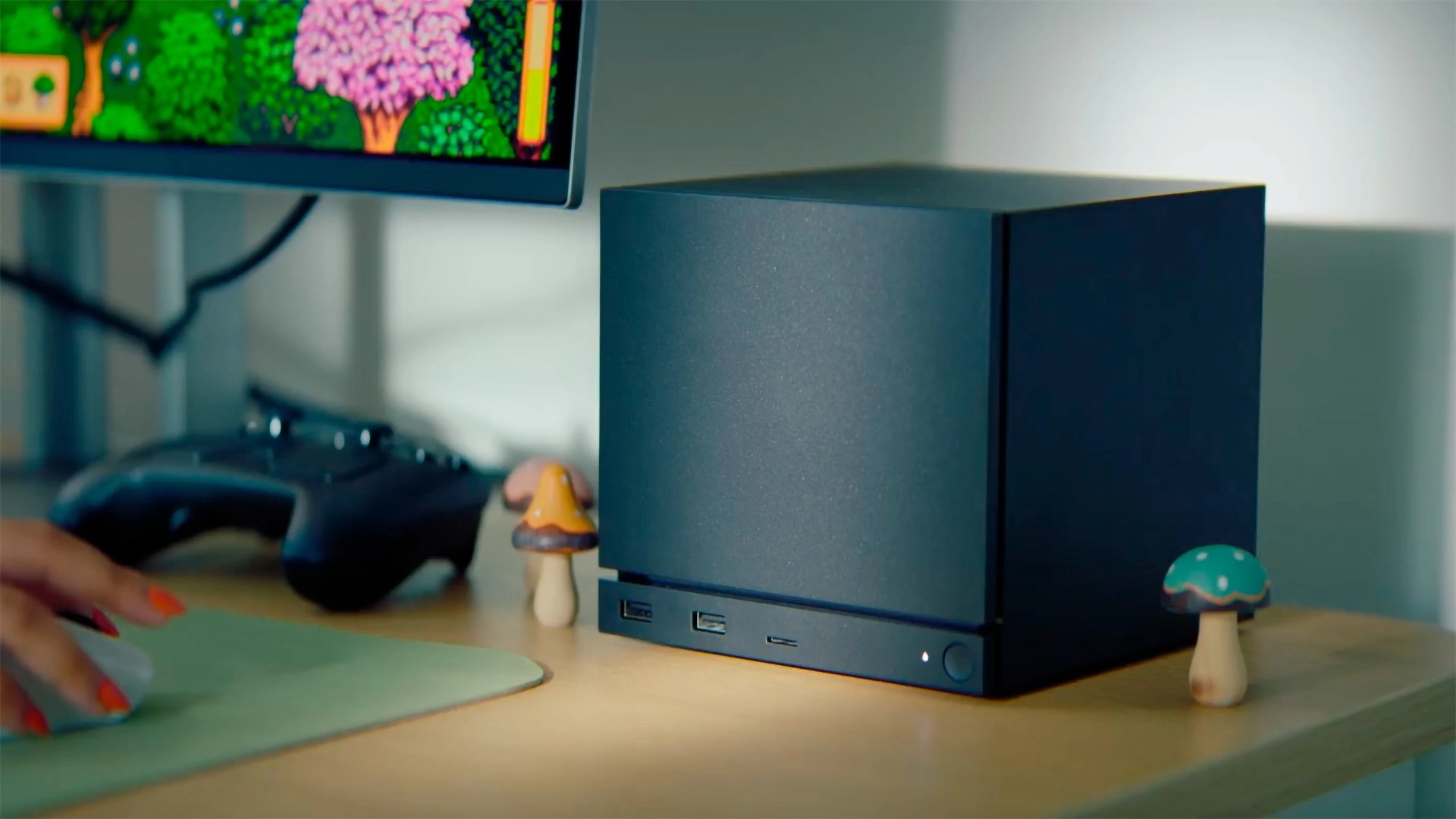
In addition to these components, Valve’s Steam Machine has 16GB of single-channel DDR5 memory, and it comes with either a 512GB or 2TB NVMe SSD. All of this hardware is assembled inside a small chassis that’s almost a cube (6 by 6.1 by 6.4 inches, HWD) and weighs just 5.7 pounds. That tiny size is one of the Steam Machine’s undeniable charms: Stick it on a shelf and forget it
No other companies have announced plans to produce Steam Machines of their own, but I wouldn’t be surprised if they do. Nothing would stop them from doing so, as the operating system, SteamOS, is entirely free and publicly available
SteamOS: Valve’s Can’t-Lose Gaming Gambit
The Steam Machine’s default operating system is Valve’s SteamOS. SteamOS is derived from Linux, with the current version, SteamOS 3, based on the Arch distribution. This choice of operating system has both advantages and disadvantages
That it’s free, aside from what money Valve put into development, is a big plus. Also, gaming on a Linux-based operating system like SteamOS has the advantage that Linux tends to have lower re
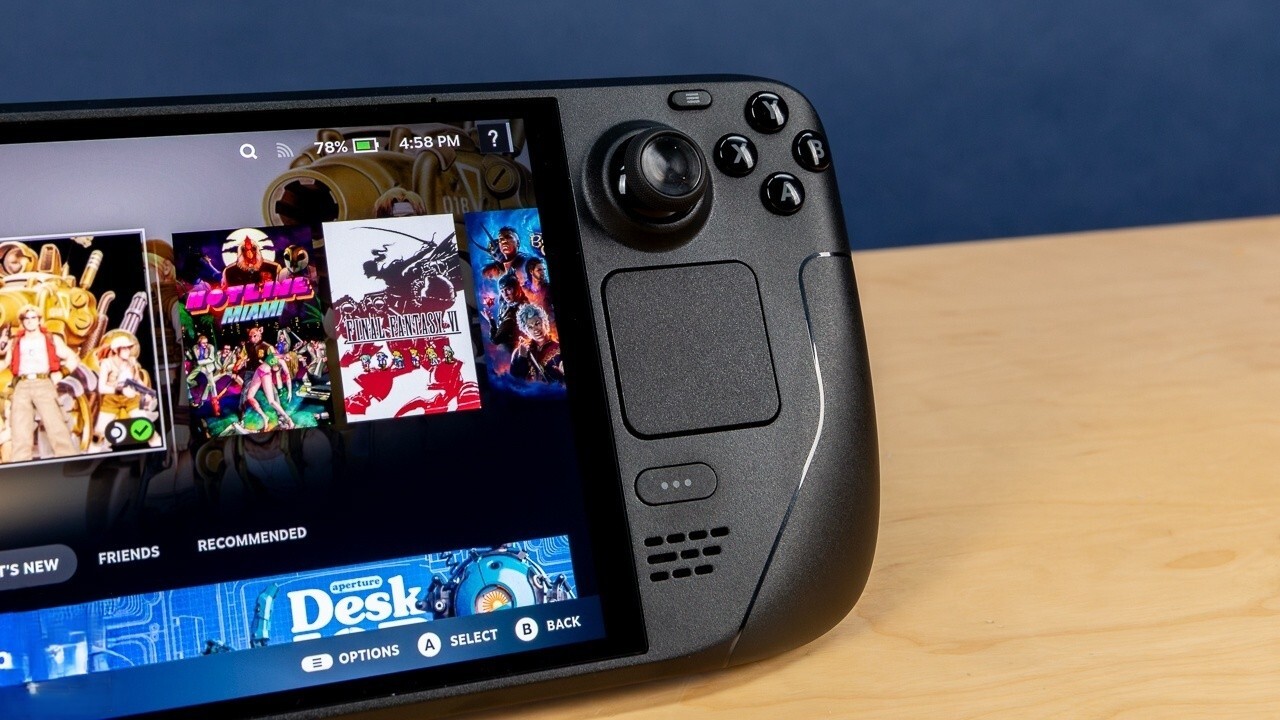
Windows, meanwhile, will probably always have better overall software support as its most significant advantage. Software support and game compatibility were two of the biggest weaknesses of the original Steam Machines a decade back, too, but that situation has changed a lot since. Valve has led a concerted effort to expand game compatibility for Linux-based PCs and devices like its own Steam Deck.
(Credit: Valve)
With SteamOS being free, you can easily build your own Steam Machine equivalent from the very same parts you’d use to build a Windows PC. You might think that Valve wouldn’t like this, but realistically, it wins either way. The more people who game on Linux, the more pressure builds up to improve the OS and expand Linux’s game compatibility even further
Also, everyone knows that Valve’s Steam is the world’s largest digital game distributor. Valve makes money from any games you buy on Steam. The whole reason it built the Steam Machine in the first place is to try and compete with Microsoft’s Xbox and Sony’s PlayStation consoles, where Valve doesn’t get a cut of game sales. As long as you buy your games through Steam, Valve wins
Now, let’s get to building some Steam Machines. (Pro tip: You’ll need an existing system from which to install your Linux distribution to a USB drive of at least 8GB, so that you can boot your new DIY Steam Machine from that drive for the initial setup.)
I have not built the systems listed below, but they should be compatible with SteamOS. (An AMD GPU is a prerequisite, at the moment.) A plus that these builds have over the Steam Machine is that you can also install Windows or another version of Linux on them, in a dual-boot configuration, if you want access to an OS beyond SteamOS at your disposal. (If you run into any technical difficulties with SteamOS, you may appreciate this.) Also, Valve just announced that you can replace SteamOS with Windows on the Steam Machine, if you are so inclined. (It just issued the drivers.) But so long as you have an AMD graphics processor and reasonably modern hardware, right now, SteamOS should be compatible with the system you build.
A Cheaper, Faster All-AMD Steam Machine: MicroATX and Mini-ITX Configs
The Steam Machine runs on budget-friendly components, which means that it’s relatively easy to match or exceed its performance for a similar price. This first proposed build is centered on an AMD Ryzen 7 5700X processor, with eight CPU cores and support for up to 16 processing threadsce
At 4.6GHz, the 5700X is clocked slightly lower than the Steam Machine’s CPU, and it runs on the Zen 3 architecture rather than Zen 4. But its higher core count helps make up for this
The 5700X likely has more L3 cache, too. We don’t know how much L3 cache the Steam Machine’s processor has, but I’m banking on 16MB, like the Ryzen 5 8500G. The 5700X has 32MB, and as AMD’s 3D V-Cache technology has shown, a larger L3 cache is often beneficial to gaming performance. It also helps that the 5700X is an AMD AM4 processor, and this lets you use DDR4 memory, which is more affordable than DDR5. AM4-socket motherboards are cheaper on average, too.
(Credit: Thermaltake)
The graphics card that I opted for with this build is an AMD Radeon RX 7600, which is unquestionably faster than the Steam Machine’s GPU. The Radeon RX 7600 runs on the same RDNA 3 architecture as the Steam Machine’s GPU, but it has 32 CUs instead, which works out to 2,048 stream processors, 128 TMUs, 64 ROPs, and 32 ray accelerators. The Steam Machine’s GPU is likely based on a cut-down version of the Radeon RX 7600’s GPU, as the nearly identical Radeon RX 7400 is also a cut-down Radeon RX 7600.
We don’t know how wide the memory interface is on the Steam Machine’s GPU, but it’s likely 128 bits, just like the Radeon RX 7600’s. The Radeon RX 7600 has 8GB of GDDR6 memory and operates at a higher clock speed of 2,655MHz
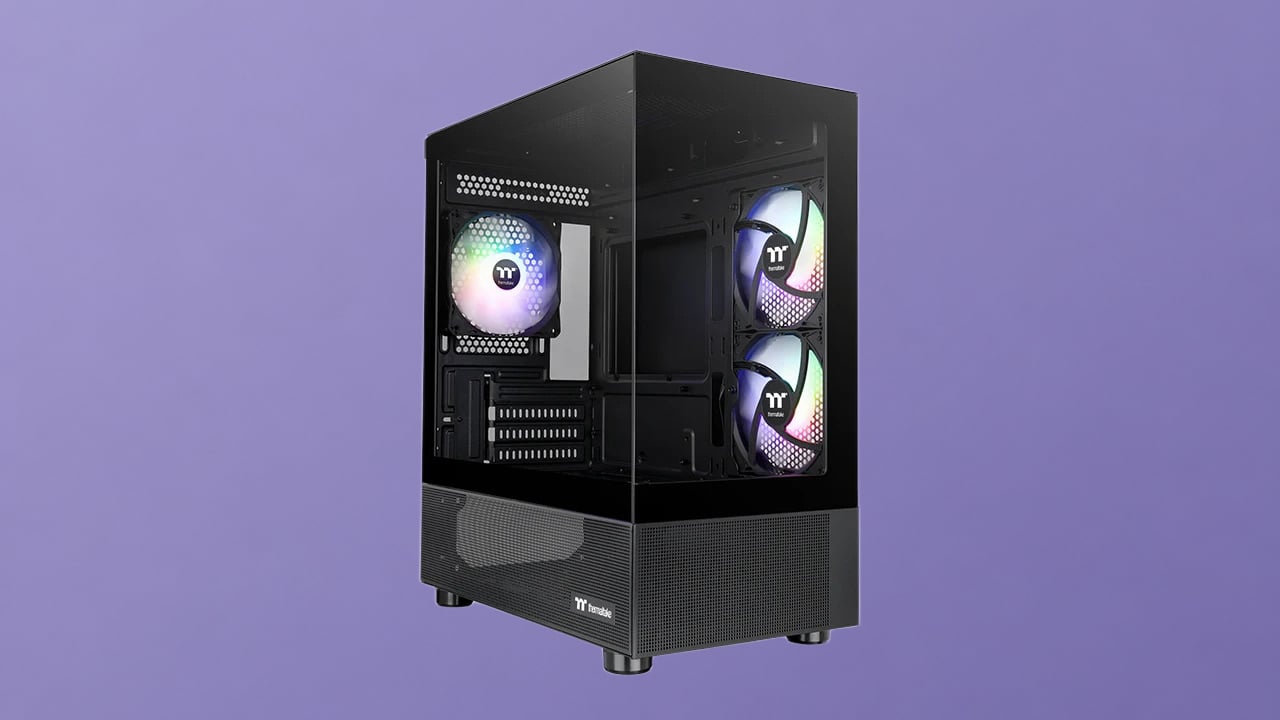
Building your own Steam Machine does present the hurdle of assembly, which is easy but can be intimidating if you’ve never done it before. This is especially true if you encounter a defective part. The system you assemble also won’t be quite as small as the Steam Machine, but if you go with the MicroATX build proposed above, you could assemble this system for about $917, which is considerably cheaper than Valve’s $1,049 entry point.
(Credit: Michael Justin Allen Sexton)
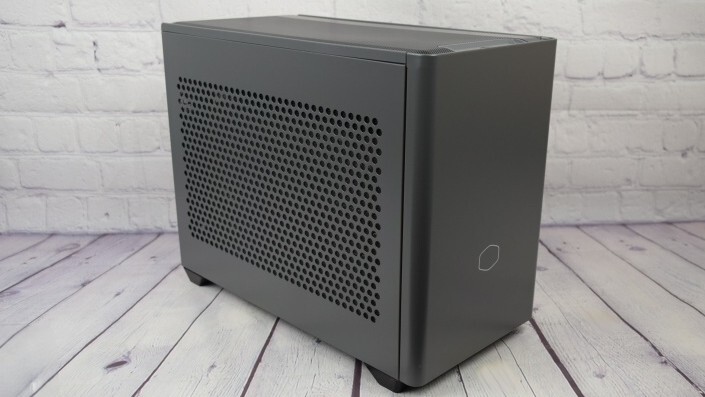
The big compromise is size; the Thermaltake case I chose above measures 17.2 by 8.4 by 15 inches, making it a proper midtower, nothing nearly as small as the Steam Machine’s cube of 6 inches on all sides. If you really want a small PC, you could build this same system in a Mini-ITX case, like so
This raises the price, as Mini-ITX cases are a bit costlier, and the parts that fit in them tend to be, too. (Also: The NR200 measures 14.8 by 7.3 by 11.5 inches; not nearly as small as the Steam Machine, but significantly smaller than our MicroATX case.) This configuration bounces down the motherboard size to Mini-ITX to match the chassis, and switches the power supply to a compact, pricier SFX model that the case requires
At roughly $1,140, it’s a bit pricier than the Steam Machine, but not by much; we’d seen the configuration as low as $1,000 just a few days before. (The RAM, PSU, case, and SSD shot up in price but may fall again.) At least you can actually buy the parts today; you may not be able to lay down your credit card for a Steam Machine for a while. And the CPU/GPU combo should decisively outperform the Steam Machine’s bits on all measures
One caveat: These motherboards don’t have built-in Wi-Fi. (The Steam Machine, in contrast, includes Wi-Fi 6E support.) If you can plug into Ethernet for the stablest possible gaming and computing, so much the better. The boards have RJ-45 Ethernet jacks. If not, factor in an additional $25 to $30 for a basic USB Wi-Fi dongle
Two Flavors of Faster Intel Steam Machine (But Not as Cheap…)
This next build should prove dramaticallyfaster and, with prices fluctuating by the day, comes a little above the Steam Machine’s $1,049 asking price—a good deal, if you don’t mind a MicroATX-sized midtower PC
The Intel Core Ultra 5 250K Plus is one of the fastest mainstream-price gaming processors that Intel currently offers, and it will run circles around the Steam Machine’s CPU. When I tested the 250K Plus, it easily outpaced the Ryzen 5 8500G in every metric. It’s also far faster than the popular AMD Ryzen 7 9800X3D and AMD Ryzen 7 9850X3D in CPU-focused tests. The best thing about this processor is that it is also affordable, at just $219.99 from Newegg. (Intel just increased the suggested selling price from an even tastier $199.99.)
As noted earlier, Valve says that SteamOS only supports AMD graphics cards at this time. While you should be able to use Intel and Nvidia graphics cards, as the underlying Arch Linux that SteamOS runs on supports both, it likely requires a little more technical know-how to get those to work. We’d stick to Radeon for now unless you’re intrepid. It should just work with Valve’s SteamOS installer
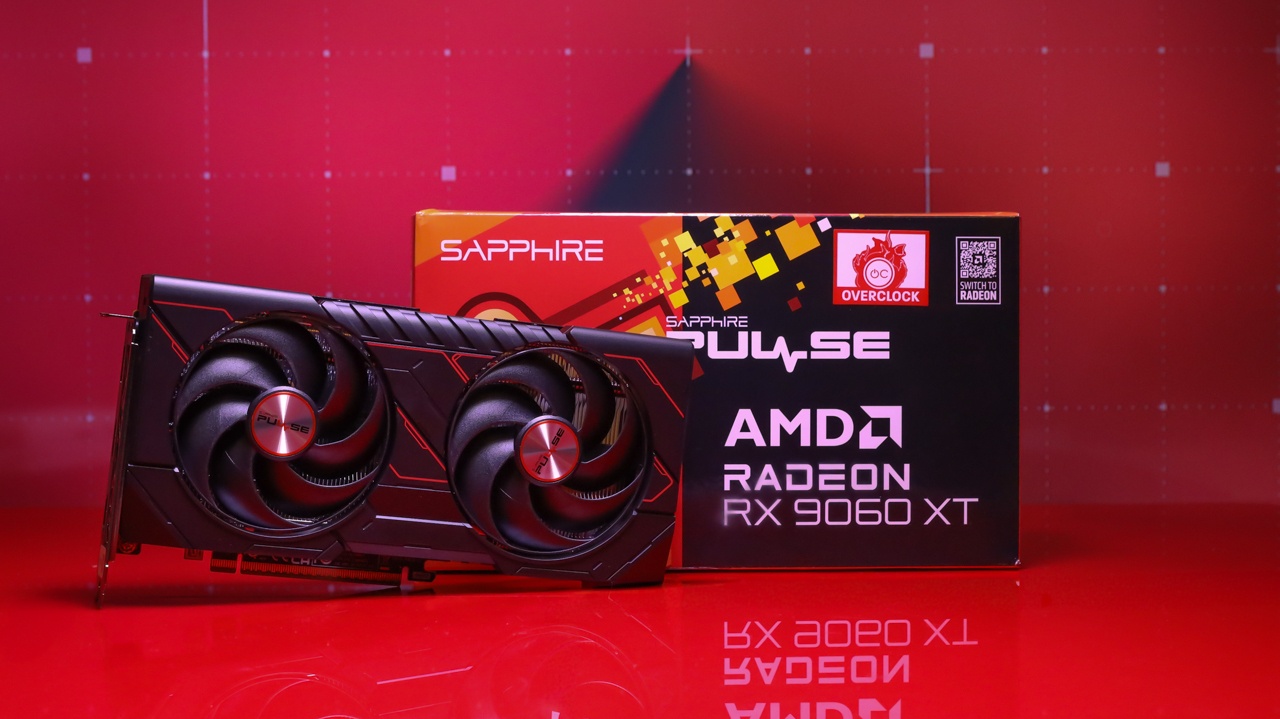
With that in mind, the next step up from the Radeon RX 7600 is the AMD Radeon RX 9060 XT, which is considerably faster and designed as a successor to the older Radeon RX 7600. The Radeon RX 9060 XT comes in 8GB and 16GB variants that carry MSRPs of $299 and $349, respectively. Due to price hikes, you won’t find the RX 9060 XT at exactly these prices, but the 8GB version of the Radeon RX 9060 XT sells for $369, something of a bargain in the current market. I’ve seen it fall as low as $329 at times.
(Credit: Joseph Maldonado)
With the Intel Core Ultra 5 250K Plus, the AMD Radeon RX 9060 XT 8GB, and the other required components to build a MicroATX PC, you could build this system out for roughly $1,125 and have a MicroATX PC that is significantlyjuiced up versus the Steam Machine, and wholly upgradable down the line, to boot
You could also pull this build off in a Mini-ITX form factor (using the same Cooler Master case as in the AMD Mini-ITX config), but this pushes the price up a fair bit, to $1,369
This would also exceed the Steam Machine’s price, but it would be way smaller than the MicroATX build, and again: Unlike the Steam Machine, you can buy these parts right now. Plus, the Intel 250K Plus/AMD Radeon RX 9060 XT combo should wallop the Steam Machine on performance, with plenty of muscle to spare
Want to Build a Steam Machine? Don’t Worry, PC Building Is Fun!
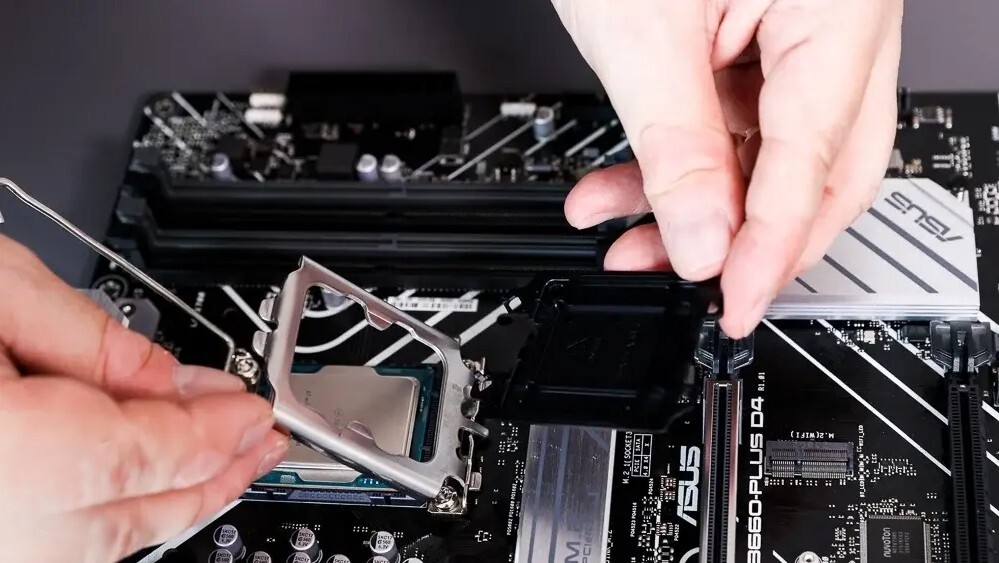
If you’ve never built a PC before, the prospect can be intimidating. In truth, however, you shouldn’t worry so much about the PC building process. The motherboard, which connects all the parts of a PC, has dedicated slots for the components required to build a PC. Nothing will fit into these spots that isn’t designed to
With some of these components, it’s as simple as matching the shape. Processors are typically square or slightly rectangular, and no other replaceable components come even remotely close to resembling them, which means you have little chance of trying to put something into the CPU socket that isn’t a processor.
(Credit: Joseph Maldonado)
I suppose you could accidentally try to install your RAM in a PCIe slot, or vice versa, since both go into relatively similar thin slots. If you do try this, however, you’ll find that they won’t fit. You would have to apply enough force to physically break something, which isn’t an easy mistake to make. If the part is meant to fit into that slot, it should go in without excessive pressure. Again: Our beginner’s guide will help a lot
The prebuilt, ready-to-run Steam Machine certainly offers some advantages in setup and immediate gratification over building your own system. If you don’t have the time or simply aren’t comfortable with building a PC, the Steam Machine is an attractive option. The parts you get aren’t a bad deal relative to what you pay, either, and you should be able to fire up an enjoyable gaming experience on Valve’s Steam Machine. And that box is unbeatably small. But building your own Steam Machine is a viable option too, particularly if you want a faster system or want to save a bit on the total cost.
