

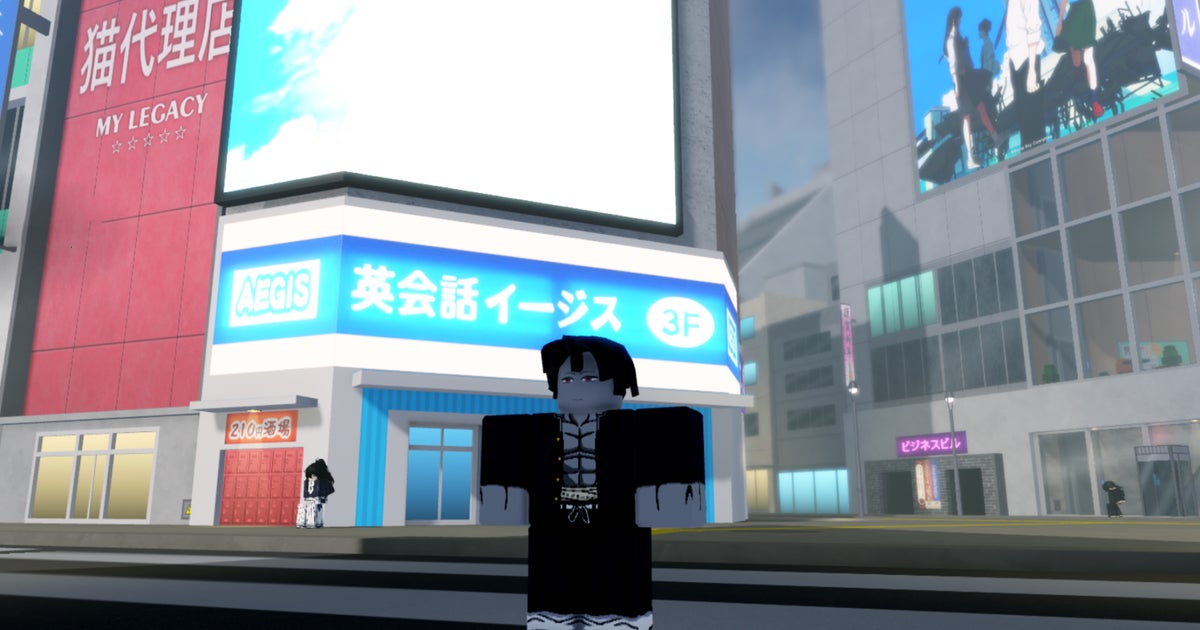
Shibuya is a fighting game where you experience fierce battles against other players. Based on the Jujutsu Kaisen anime and manga series, this Roblox RPG is set 1,000 years after the events of the original story. Even so, you can recognize important elements from Satoru Gojo’s universe, like Cursed Techniques and Sorcerer Grades.
The combat in Shibuya focuses on knowing when to parry or attack enemies. You can perform regular combos, but you can also throw enemies into the air and unleash a sequence of aerial attacks. Your character can also wield weapons and unlock more skills through training. To improve your character even further, one option is to use Shibuya codes, which can give you extra Cursed Technique Rolls and Clan Rerolls. Below, you’ll find the working Shibuya codes, how to redeem them, and where to find more of these to claim extra freebies.
To see this content please enable targeting cookies.
Shibuya codes
- 2000likes – 20x Locked Cursed Technique Rerolls, 10x Locked Clan Rerolls, 10x Locked Race Rerolls, 10x Locked Face Rerolls, 10x Locked Hair Color Rerolls, 10x Locked Theme Rerolls NEW
- debuishere – 5x Locked Cursed Technique Rerolls NEW
- 10kmembers – 10x Locked Cursed Technique Rerolls, 5x Locked Clan Rerolls, 5x Locked Race Rerolls NEW
- publictesting – 10x Locked Cursed Technique Rerolls, 10x Locked Clan Rerolls, 10x Locked Race Rerolls, 10x Locked Race Variant Rerolls, 10x Locked Face Rerolls, 10x Locked Hair Color Rerolls, 10x Locked Theme Rerolls NEW
How to redeem Shibuya codes
When it comes to redeeming Shibuya codes, there are two ways to do so: you can either use the Roblox chatbox or the code section of the Settings menu. Regardless of which method you choose, if the code is working, a message will appear on the screen listing all the rewards you received. Below, we explain both methods.
To claim codes using the chatbox, here’s what you need to do:
- Launch Shibuya in Roblox.
- Create your character and complete the tutorial.
- Open the chat screen using the button on the top left corner.
- To enter a code, add a ‘!’ before its name (i.e. !codename), then press enter.
Now, here’s how you redeem codes in the Settings menu:
- Launch Shibuya in Roblox.
- Create your character and complete the tutorial.
- Press the M key to open the Settings menu.
- Enter the code in the textbox in the bottom left corner and then press the Enter key.
How to get more Shibuya codes
If you want to obtain more free rolls to make your character stronger or change their appearance, you will need to look for more codes. Our first tip is to simply bookmark this page and check it periodically, as we are always looking for new codes and updating our list.
Another option is to enter Shibuya’s official Discord server, where new codes are shared. You can favorite the ‘Codes” channel to make checking for codes easier. Usually, the developer tells when a code expires, so you know which ones you can still redeem.
Expired Shibuya codes
- sorryforlag
- sorryforbugs
- ctrerolls
- themererollpack
- 1000likes
- sorryforsds2
- optimizationattempt
- emergencysd
- halloween
- 5000members
- 500likes
- mobile controls
That wraps up our guide on Shibuya. After you have redeemed all the working codes, and have made your way through the ranked matches, you might want to give other Roblox games a try, and we can help you find codes for them. Our pages on Ragdoll Robot Boxing codes and First Person Boxing codes might be good options if you want other fighting games to play. But if you want to try something completely different, you can check our lists of Survive A Million Monkeys codes and Corsa Legends codes.

1 Comment
Pingback: Anime Vs Anime codes (November 2026) - Comic Vibe