

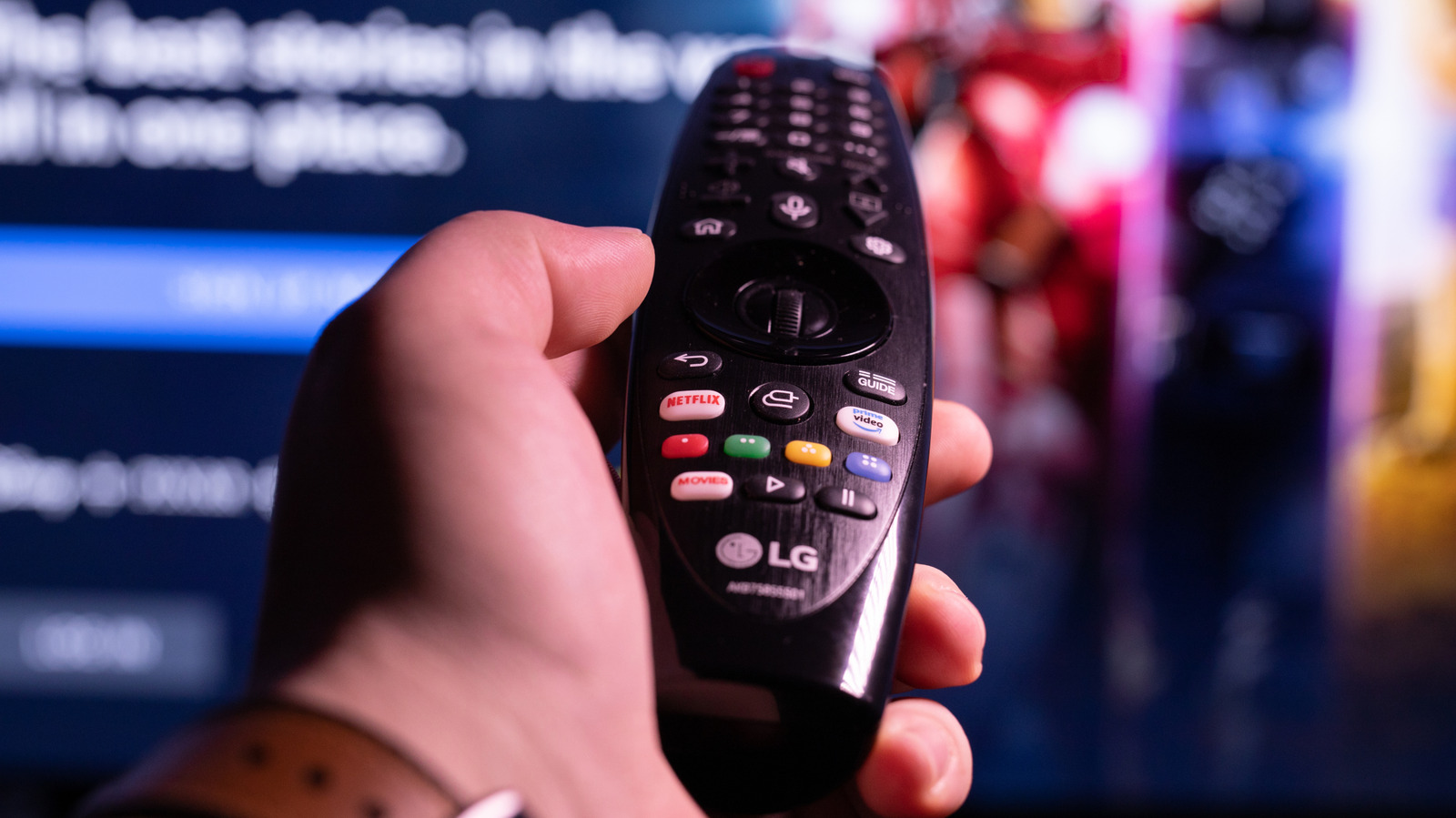
Cable and streaming offer access to countless channels and apps so you can binge-watch a show or even turn on the news. However, if you want to watch television or movies without paying a monthly or annual fee, there are free ways to do so through LG TVs.
LG TVs come with a free benefit for owners, as they let you access hundreds of channels without paying an extra dime. By using LG Channels, viewers can browse more than 400 channels, with content ranging from movies to TV shows, live sports, breaking news, and more. To access LG Channels on an LG TV, you simply install the app and select it with your remote. Alternatively, you can press the dedicated LG Channels button on certain LG remotes. LG Channels is available on 2016 and newer LG smart TVs as well as on Android and iOS devices, and it’s viewable in either an LG TV’s Live TV app or through the LG Channels app on the home screen. Keep in mind, however, that this is just one of many different ways to stream TV channels for free.
If you do not own an LG TV, you can use a browser to access the web <a href="https://comicvibe.com/playstation-5-version-of-popular-ps2-game-remake-out-for-free-today/” title=”PlayStation 5 Version of Popular PS2 Game Remake Out for Free Today”>version of LG Channels. LG states that the lineup of shows and channels may vary due to the TV model or the way you access LG Channels.
The free LG TV channels

You can check out the full listing of TV shows, channels, and movies on the official LG Channels website. There, you’ll find genres such as comedy, drama, movies, and more, as well as a few programs airing live through the free service.
It isn’t one of those free services that just has shows from the ’60s or ’70s, either. You will find shows such as “White Collar,” “The Walking Dead Universe,” and “NCIS.” There are also options for kids, including “Yu-Gi-Oh!,” “Sonic the Hedgehog,” and “Garfield and Friends,” as well as shows featured on Nickelodeon. There is live news and sports coverage. You may even find on-demand movies offered by some channels. LG Channels is just one way modern technology shows that you don’t really need an antenna anymore to get free TV channels on your smart TV.
Along with being completely free, LG Channels does not make users sign in or register for an account. LG owners on Reddit who have used LG Channels say it feels nostalgic, reminding them of how live TV used to be.
Other free TV channel services

If you don’t have an LG TV, there are several other free TV alternatives you can use. Aside from the version of LG Channels available in your web browser, services like Roku Channels, Google TV Freeplay, and Pluto TV offer users completely free ways to view TV shows and movies.
Pluto TV is a free streaming television service that comes with hundreds of live channels and thousands of on-demand movies and shows for users to stream. As it is a streaming service, it is available as an app that can be downloaded on smart TVs. Similar to LG Channels, users don’t need to register to watch it, either. However, online forums like Reddit are full of users that say the interface is poorly laid out and can be quite slow to navigate.
The Roku Channel and Google TV Freeplay are similar free streaming services available on other TV brands that offer hundreds of live channels as well. However, unlike Pluto TV and LG Channels, users will have to register for an account in order to access the content. A Reddit thread contains comments from those who use Roku Channel, with many saying they have marked a few favorite channels to keep in rotation. Throw in LG Channels to the mix, and you’re bound to find a show or movie you haven’t seen in a while.
