

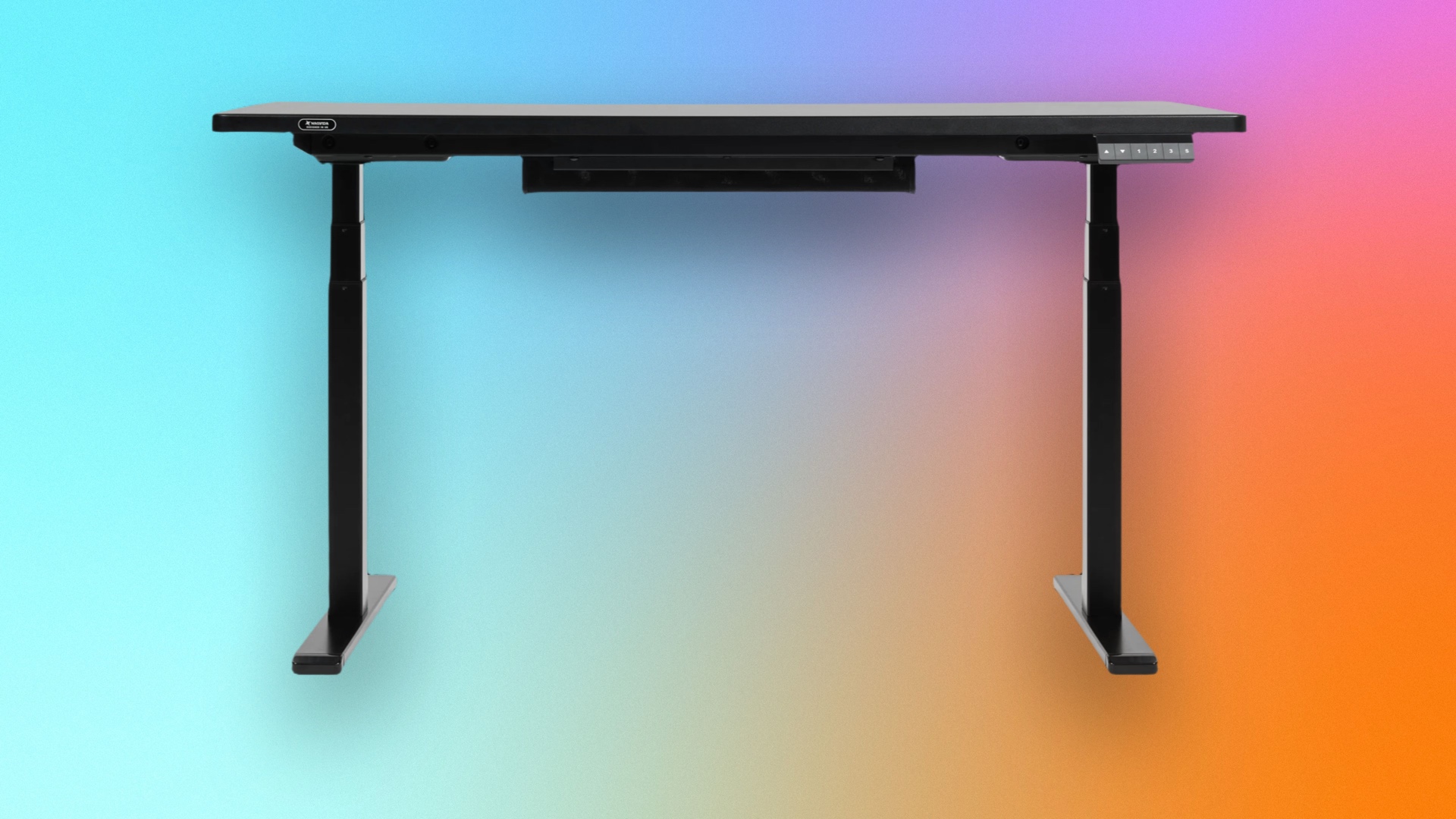
It’s sadly all too rare these days for me to test a product with a feature that genuinely surprises me with just how useful it is. Recently, though, I came across one in the Boulies MagVida gaming desk. I was surprised not only by how useful it is but also by the fact that I’d never seen it before. As you might have guessed from the desk’s name, the company used magnets to help keep your desk tidy and organized. But even aside from that feature, the desk has a lot going for it.
What makes a good gaming desk
To be considered a good gaming desk, or even one of the best standing desks, it needs to nail the basics. The first is that it needs to be solid. There are few things more annoying in this world than a wobbly desk. I have ADHD, so I’m constantly readjusting and repositioning myself at my desk, and feeling it wobble every time I do is unacceptable.
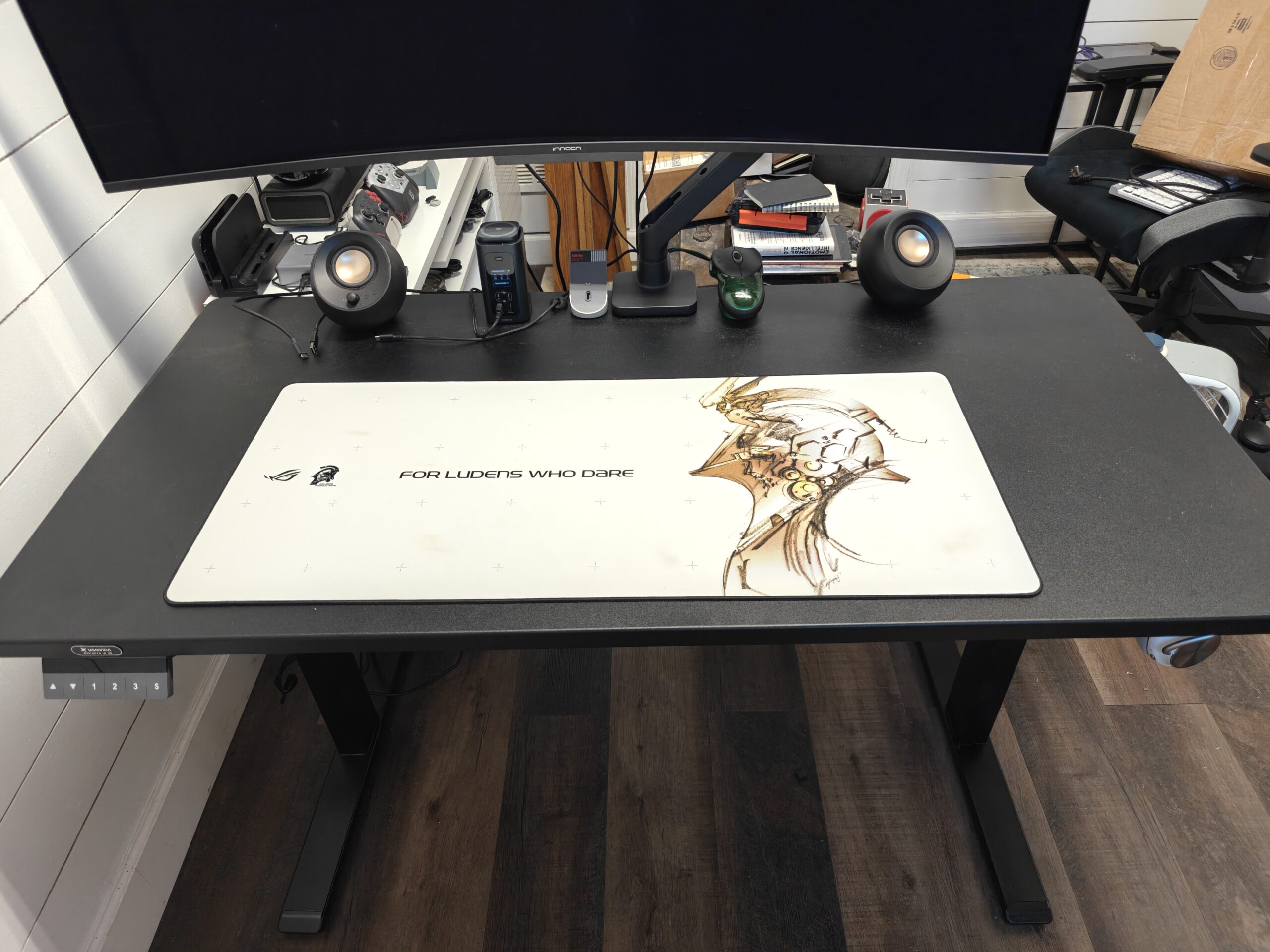
The MagVida is one of the sturdiest desks I’ve used. I’ve not detected any wobble, even when my kids are running around and bumping into it. And it feels truly solid under my arms while I’m working or gaming. Boulies says the desk can support over 260 pounds, and I don’t doubt it.
It also needs to be large enough to accommodate all my stuff, including my 49-inch gaming monitor. The MagVida is certainly not the largest desk around — it only comes in one size of 55 by 27 inches — but I still found it to be more than large enough for everything I need.
Jason Cockerham/CNET
The last basic feature to look for in a standing gaming desk is how quietly and smoothly it raises and lowers. My previous desk, <a href="https://cc.cnet.com/v1/otc/04Yxjj1rHOmYAxbnVDhvKNn?merchant=03pjePpmBTL8Cy9cJ3j9hPZ&url=https%3A%2F%2Fwww.autonomous.ai%2Fstanding-desks&u=https%3A%2F%2Fwww.cnet.com%2Ftech%2Fgaming%2Fthis-gaming-desk-has-a-game-changing-feature%2F” rel=”nofollow noopener” target=”_blank”>made by Autonomous, worked just fine, but it was a bit loud when raising and lowering. The MagVida is much quieter. You can still hear it in a quiet environment, but with headphones on or in a communal office space, you’ll likely never notice it moving.
How the MagVida desk stands out
The MagVida adds something that is amazingly simple and incredibly useful, all while keeping the price at a reasonable $699: magnets. There are some gaming desks out there that try to throw in every imaginable feature and charge a whole lot of money for it. Sure, many of the features are genuinely useful, like the integrated powerful supply in the Secret Lab Magnus Pro. But some, like the integrated drink cooler and warmer on the LivTab CyberOne, are cool but arguably not actually too useful, especially when they take up valuable desk space.
Magnets, however, are one of those technologies that truly border on magic in how simple yet effective they are. Nearly the entire underside of the MagVida desk is magnetic, and Boulies has built a whole range of accessories to take advantage of it.
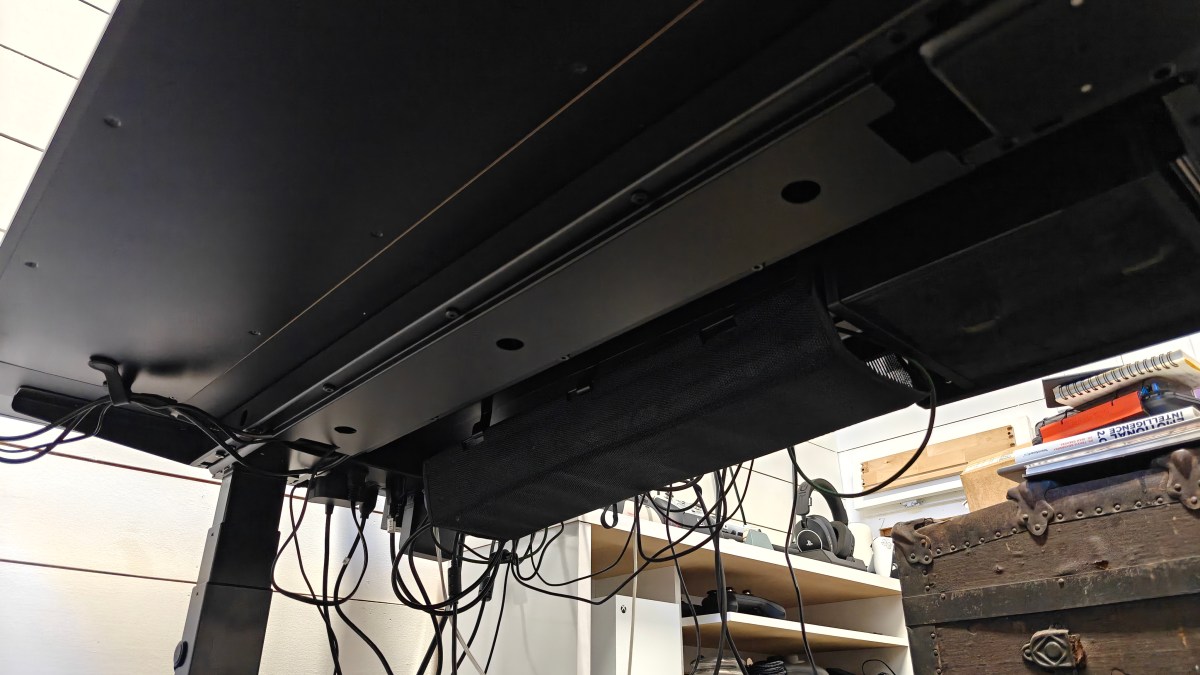
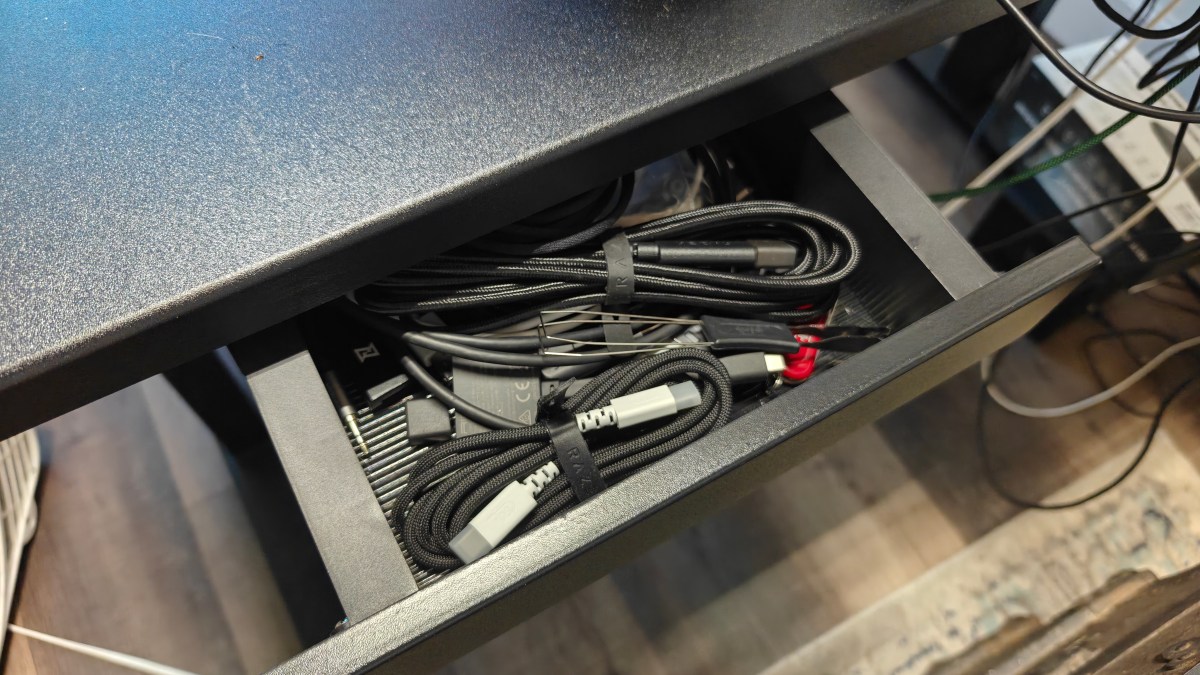
There’s a cable tray with a velcro strip down the middle for managing power supplies and cables, hooks that are incredibly strong for holding headphones or whatever else you might need. And there are magnetic straps for tucking pesky cables and other dangly bits out of the way.
The standalone hooks and the hooks for the cable tray hold quite well, but the straps sadly aren’t nearly as strong. Having all this simple organization built into the desk, without charging hundreds of extra dollars for it, has been a game changer for me.
Assembling the MagVida desk is easy, too
As impressed as I was by the magnetic accessories, the biggest surprise was in the assembly process. I’ve put together my share of standing desks over the years, and all of them have been complicated and taken at least 45 minutes to an hour to assemble.
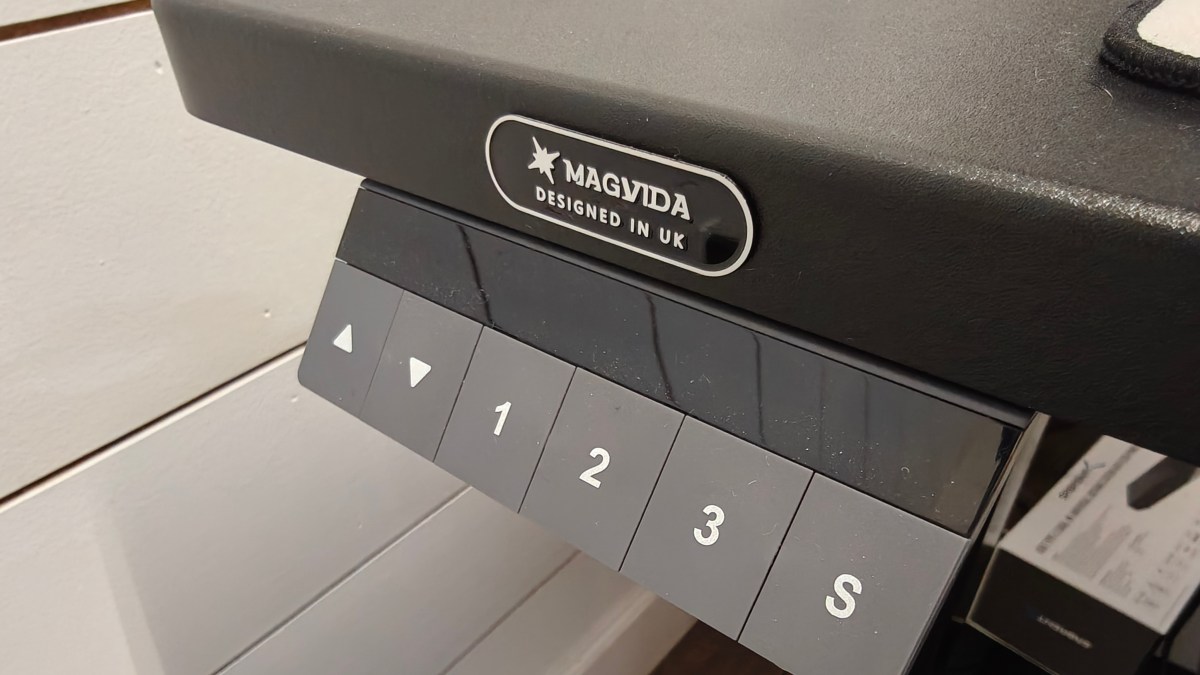
The best part of the MagVida is that it comes in just two boxes, and almost the entire thing is preassembled. The legs are entirely assembled out of the box, so all you have to do is slot them into the left and right spots underneath the top, and screw in eight short screws on each leg. There’s an included extension cable for the power cord, so you can connect it to the power supply and the control board.
Once the legs are on, attach the feet with four simple screws to each, screw the control panel into the predrilled holes on either side, and connect everything. Boulies says it can be assembled in as little as 5 minutes, and while I didn’t get it down that quickly, I was up and running in about 15. It was certainly the easiest desk I’ve ever assembled.
Is the Boulies MagVida gaming desk worth it?
Sure, if I had a ton of money, I might be convinced to spend a couple of thousand dollars on a standing desk. But the truth is, I’d rather have something simple that does the job and offers a few genuinely useful features and save that money for my PC.
Boulies gets all the little things right with the MagVida. But with its easy assembly, magnetic accessories and cable management features, it sets itself apart from other standing gaming desks.
