

Anime art lives everywhere: phone wallpapers, posters, fan art collections, manga panels shared online. But much of it exists only as small, compressed files. A favorite illustration saved years ago might be 800 pixels wide; stretched across a desktop wallpaper or printed as a poster, it turns soft and blurry. The problem is not the art itself, but the resolution it was saved at, often years before anyone thought about printing it. AI upscaling tools promise a fix: enlarge the image while rebuilding its lines and color areas so it holds up at a larger size. This article explains how the technology works, what to look for in a tool, and where its honest limits sit.
Why Anime Art Is Hard to Enlarge
Anime has a visual style that punishes bad resizing. The artwork is built on bold outlines, cel shading with flat blocks of color and hard edges, and fine details in the eyes, hair strands and costume marks. Traditional resizing works by interpolation: the software averages neighboring pixels to fill in the new, larger grid. That averaging softens exactly what anime depends on. Outlines go fuzzy, flat color areas develop banding, and the small details that give a character expression blur into smudges. Screen tones and halftone patterns in manga panels can turn into visible moiré. JPEG compression makes it worse, because the blocky artifacts baked into a small file get magnified along with everything else. The bigger the enlargement, the worse the result looks.
How AI Upscaling Actually Works
AI upscaling takes a different approach. Instead of averaging pixels, a neural network trained on large sets of images predicts what the missing detail should plausibly look like. The model has learned how edges behave, how textures continue, and how shapes resolve, so it can reconstruct a crisp outline where interpolation would only produce a gradient. Models tuned for illustration treat line art differently from photographic texture: they protect the outline and the flat color areas instead of inventing grain that was never there. Most tools also clean the image first, reducing compression noise and blur before the enlargement step, so artifacts are not simply scaled up with the art. The output is typically two or four times the original size, and the difference shows most clearly in the line work, where a reconstructed edge looks drawn rather than smeared.
What to Look for in an Upscaling Tool
Not every upscaling tool suits anime art, so a few features matter more than the rest. Line clarity comes first: the tool should keep outlines crisp and cel shading clean rather than producing fuzzy edges. A clear preview is just as important, because the only way to judge an upscale is to compare the original and the edited result side by side before saving. Control over the output size matters too: the right size depends on the end use, and unnecessary enlargement only adds artifacts. A dedicated anime upscaler built for illustration work lets you check line work, eyes and small color details at the final viewing size, which is where problems show up first. If a tool offers none of that inspection, the result is a gamble rather than a decision.
Getting the Best Result From Your Source
The source image sets the ceiling for everything that follows, so start with the cleanest copy you have: the highest resolution available, saved with the least compression. Once the upscale is done, inspect the face and the line art at 100 percent, zooming into the eyes, hair strands and costume marks where artifacts are easiest to notice. If details begin to look overprocessed, with a waxy or plastic finish, reduce the scale and try again. Choose the smallest size that meets your display or print need, then compare it with the source before exporting. A modest 2x enlargement of a decent source usually looks far better than an aggressive 4x enlargement of a heavily compressed one.
Where Upscaled Anime Art Gets Used
The most common use is personal display: a favorite illustration becomes a sharp desktop or phone wallpaper instead of a blurry stretch. Prints and posters are next, since a print needs far more resolution than a screen, and an upscale can take a small file to a size that prints cleanly. Creators use enlarged art in editing projects, video thumbnails and social posts, where a crisp image reads better at every size. Manga readers enlarge panels for larger screens, and fan artists prepare portfolio pieces and merchandise mockups from older, smaller work. In each case the goal is the same: the art should look like itself, only bigger.
The Limits Worth Knowing
Upscaling has honest limits, and knowing them saves disappointment. No tool can invent detail that was never in the source: a tiny, heavily compressed image will always stay limited, no matter how good the model is. Very small faces and hands remain the hardest test, and overprocessing can leave skin and hair looking artificial. Backgrounds with fine patterns can also come out looking too smooth, losing the texture the artist intended. There is also a legal point that technology does not change. Enlarging an image does not change who owns it or how it may be used, so upscale your own artwork or properly licensed images, and respect the original artist when sharing the result. Used with that care, the technology is a genuinely useful tool rather than a shortcut around someone else’s work.
The Bottom Line
AI upscaling gives anime artwork a second life, but only when it is used with care. Pick a tool that protects line clarity and lets you preview the result, start from the cleanest source you can find, choose the smallest size that fits the job, and inspect the details before you export. Done that way, an old illustration can become a sharp wallpaper, a clean print or a portfolio piece, with its lines and colors intact. The technology cannot replace the original art, but it can make sure the art you already love still looks its best at the size you actually want to see it.

Informe Gleeden: Las presiones invisibles de los encuentros casuales

Deseo bajo, orgasmos e infidelidad: seis verdades sobre sexo
7 señales de alerta de un código QR falso en pegatinas y carteles de pago
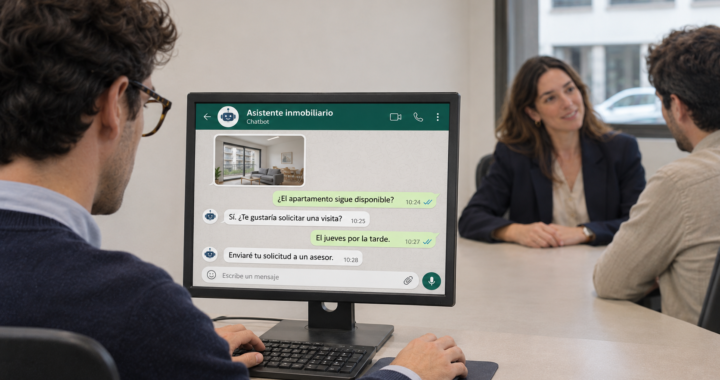
La venta de una propiedad combina información, disponibilidad y decisiones que rara vez se resuelven en una sola conversación

Cuando las estafas digitales se vuelven más difíciles de detectar
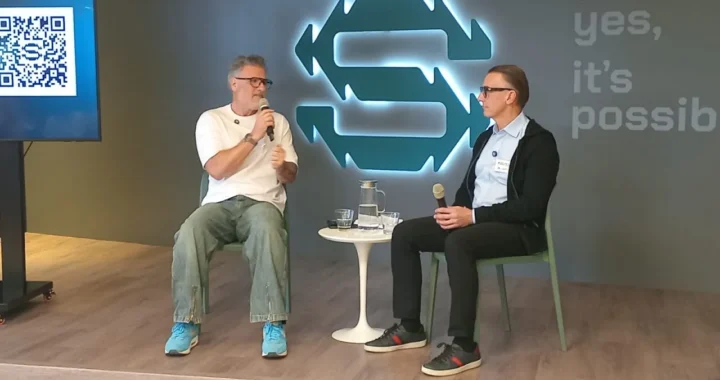
La ventaja competitiva que la IA no puede copiar

1 Comment
Pingback: Caregiving out loud: How humor, candor and pop culture are breaking the silence on an isolating role - Comic Vibe