


With a parade of mice or is it mouse reviews of late-que the grammar police, EPOMAKER have sent me their latest EPOMAKER EM3 Mouse to test. On the website, the EM3 is listed as a top-shelf gaming mouse crafted from carbon fibre-reinforced ABS, combining high strength with a lightweight design. Let’s dive in and see how it performs.
Opening the box, you are greeted with the mouse, measuring 12.1 x 6.3 x 3.7cm, with the docking station coming in at 6 x 3 x 3.5cm, plus spare grip tapes and a USB-A to USB-C cable that matches the colours of the mouse. What strikes you straight away is the 56g weight and the carbon fibre design pattern ghosted all over it. It looks very shiny, but has a nice rough texture for grip, kind of like a smooth sandpaper feel.
The case is made up of 90% ABS plastic with 10% carbon fibre on top, helping to achieve strength and light weight. I have been sent the silver version to test; the EM3 also comes in black and pink. The mouse comes with five buttons in total, with forward and back scrolling as well.
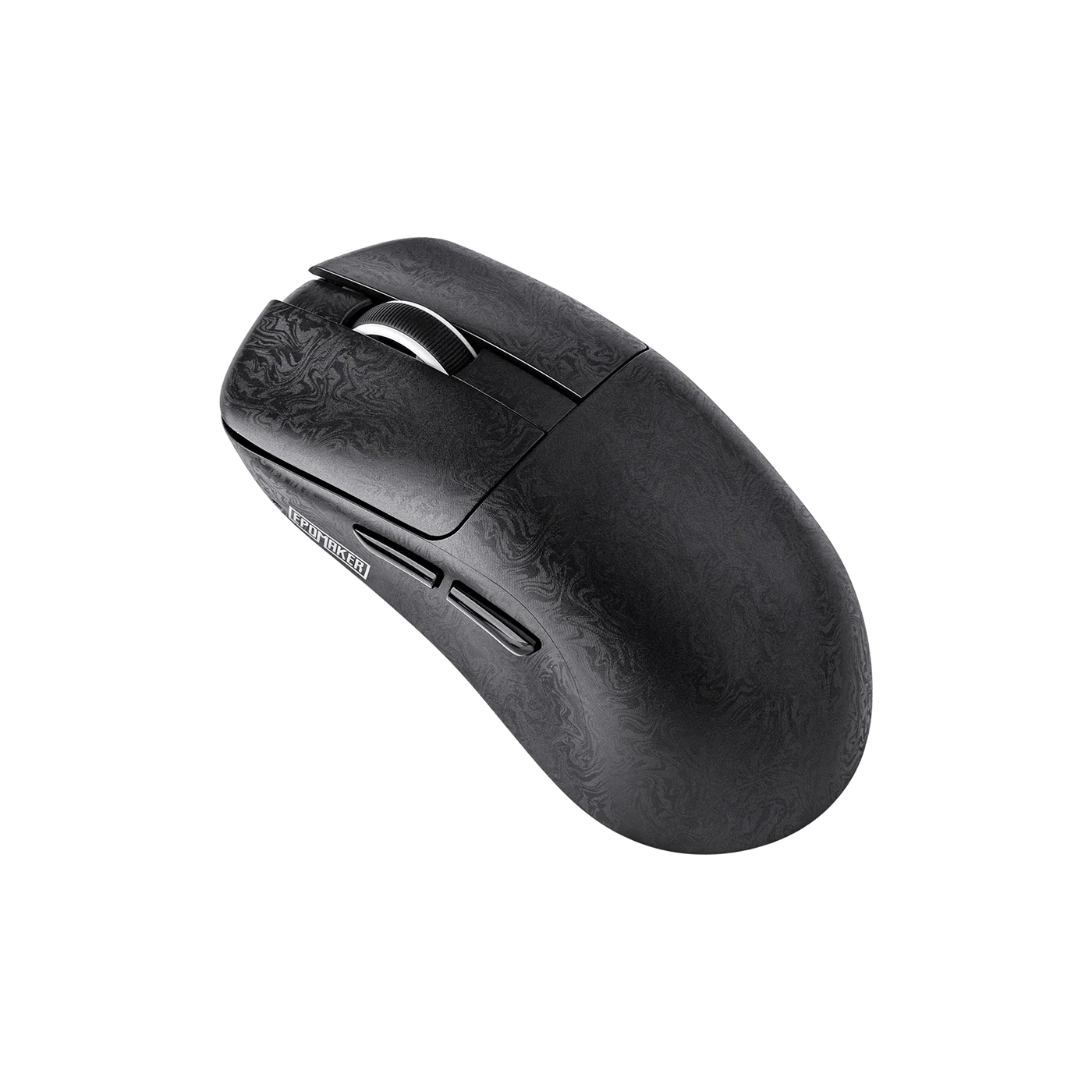
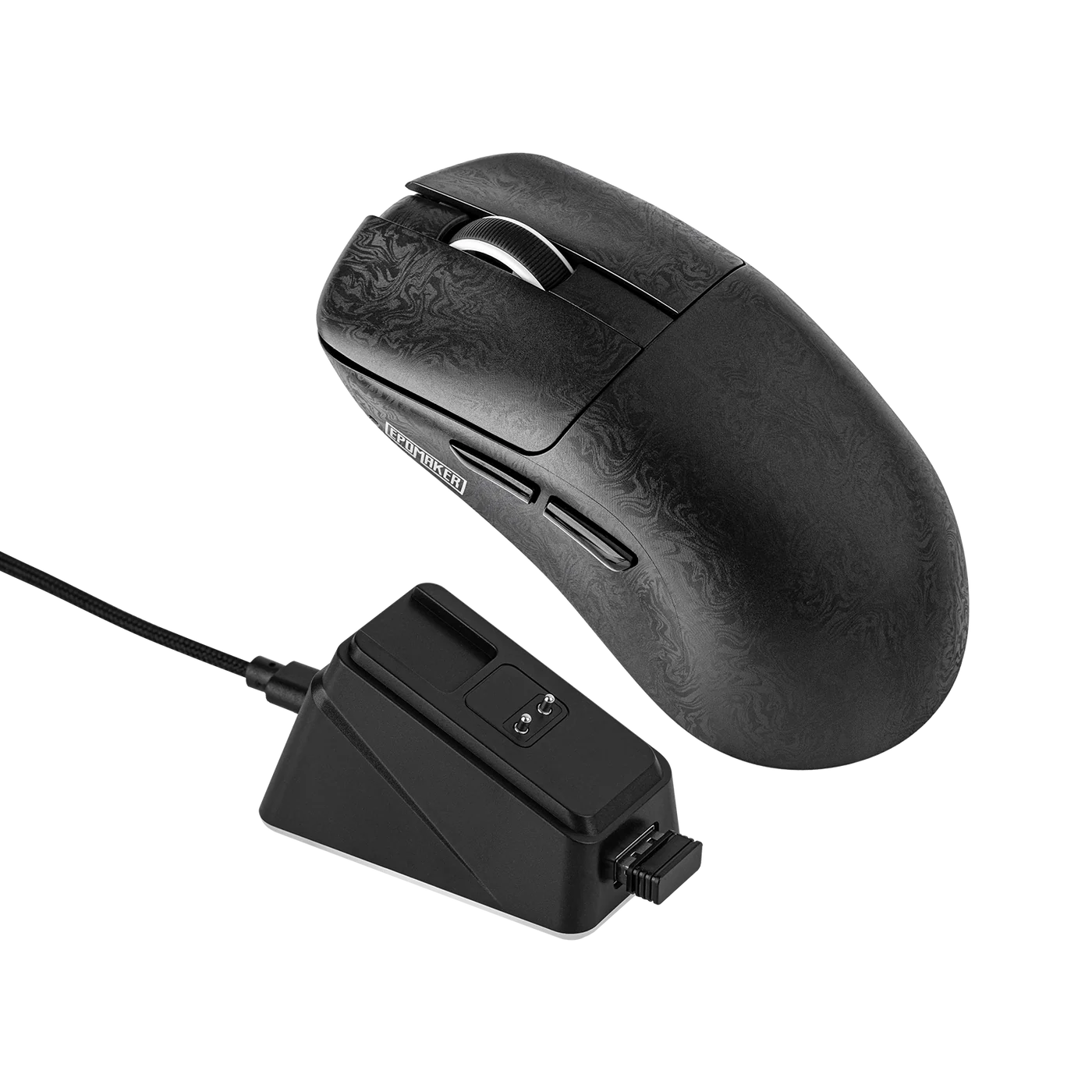
The click on the mouse is nice and crisp, and the wheel functions very quietly; it has a nice grooved grip to ensure you can get maximum purchase when gaming. I have been using an ergonomic mouse lately, and I can definitely tell the difference with the EPOMAKER EM3 Mouse. It has a standard mouse shape, but at the sub-$50 price point, it’s hard to complain.
The heart of the mouse is the PixArt PAW3315 sensor, which is found in a lot of high-end gaming mice. The sensor pumps out 300 IPS (Inches per second) with a maximum DPI setting of 16000, which can be changed when not gaming down to 8000, 6400, 3200, 1600, and 800. This helps save battery and can be changed on the button underneath the mouse or in the online software.
You have a tri-band connection through 2.4GHz wireless, Bluetooth, or a wired connection, giving you a 1000Hz polling rate when connected wirelessly or hardwired, and it is compatible with Windows and Mac. The wireless dongle is actually housed underneath the mouse in a small flap section; there is no EPOMAKER branding on it, which can be confusing when you have multiple devices connected.
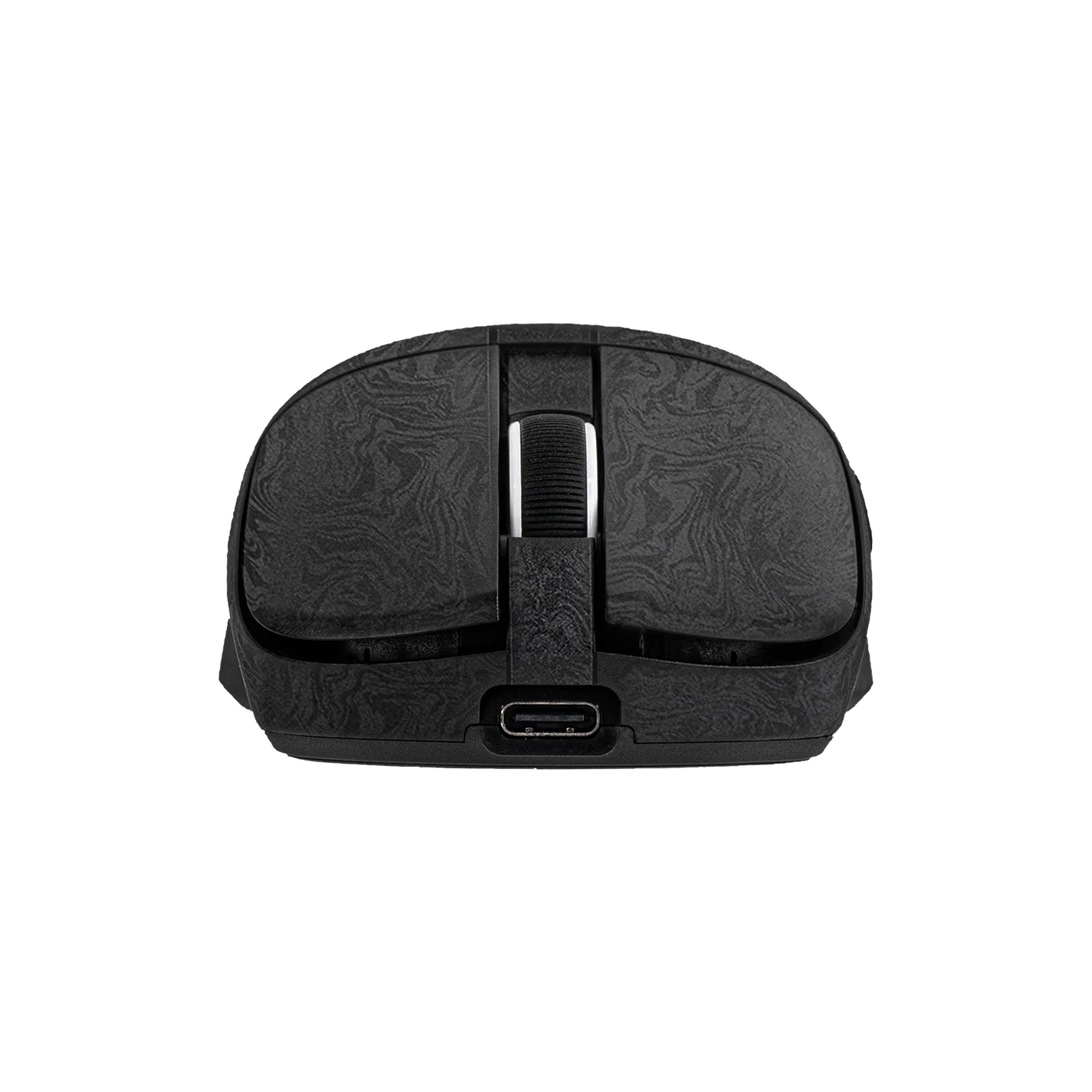
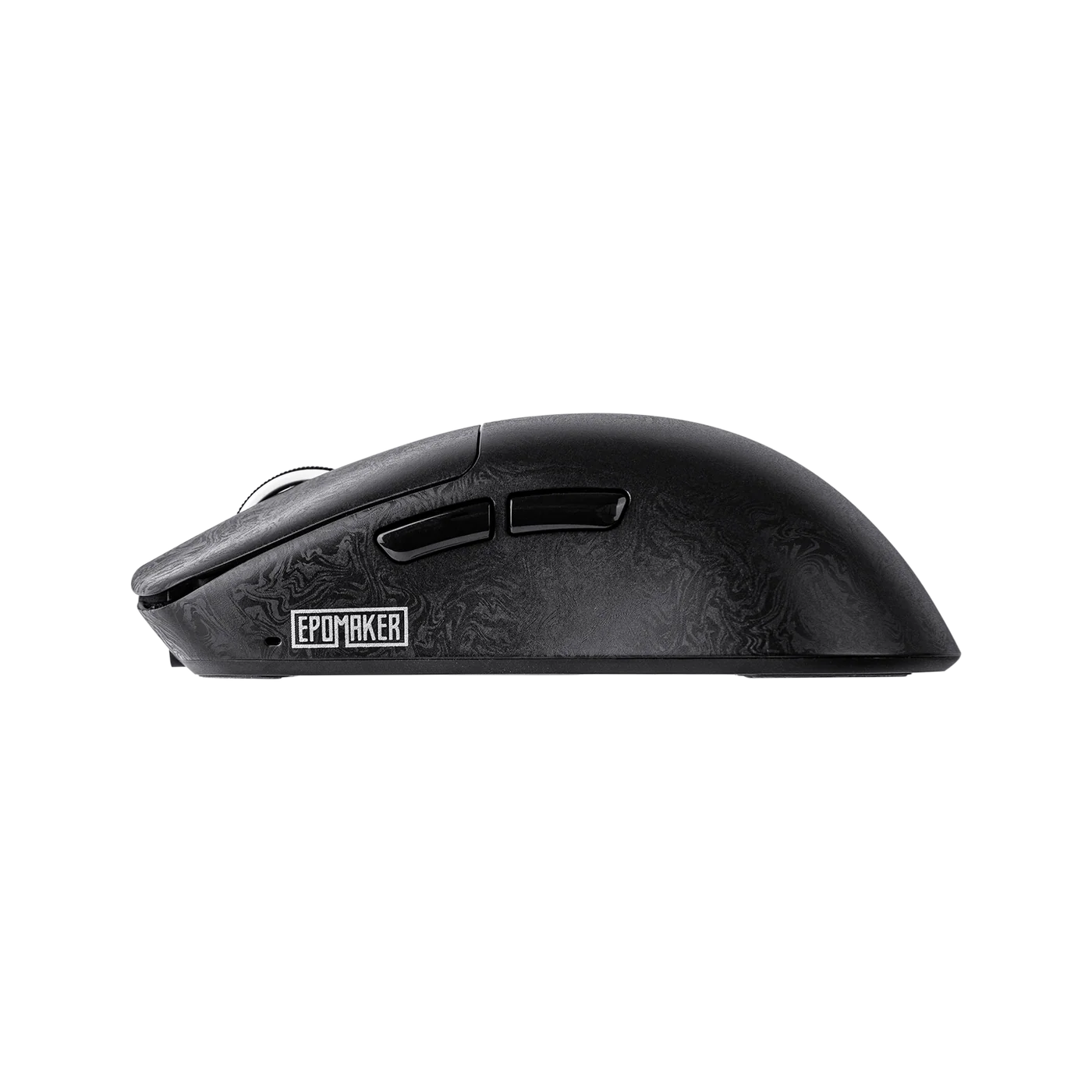
The battery is a decent size as well, 600mAh, giving you around 55 hours before you need to charge it. There is a small LED indication light on the front left of the mouse, and a nice rainbow LED around the base of the charging station. While 55 hours can sound quite low, the charging station makes it convenient to put the mouse on the magnetic station before you walk away, ensuring the battery stays topped up.
Customisation is complete through the EPOMAKER hub software, or, my personal preference, your DPI settings, key mapping, debounce, sleep timer and many more features
Overall, the EPOMAKER EM3 is a sub-$50 gaming mouse that really punches above its weight, as most EPOMAKER products do. You have the customisable 1600 DPI, which you can drop down when just browsing, the convenient magnetic charging dock, the rainbow LEDs underneath, and a lightweight carbon fibre design; there is not really much you can’t like about this mouse for its price bracket.
If you are in the market for a solid gaming mouse but your budget is tight before Christmas, the EPOMAKER EM3 Mouse is definitely worth checking out.

1 Comment
Pingback: Patrick Stewart And Chainkata In The Top Ten Hottest Comics This Week - Comic Vibe