

<img src="https://assets.nintendo.com/image/upload/q_auto/f_auto/c_fill,w_813/dpr_2.0/ncom/en_US/articles/2026/coming-soon-gift-digital-games-to-family-group-members/EN/4._Gift_on_HOME_screen_English” alt=””>
Coming soon: Gift digital games to family group members
Just in time for the holidays, a new feature will let family group members gift digital games to other members of their group. This feature will be added* to Nintendo eShop for the Nintendo Switch™ and Nintendo Switch 2 systems on Nov. 16.
About the new feature
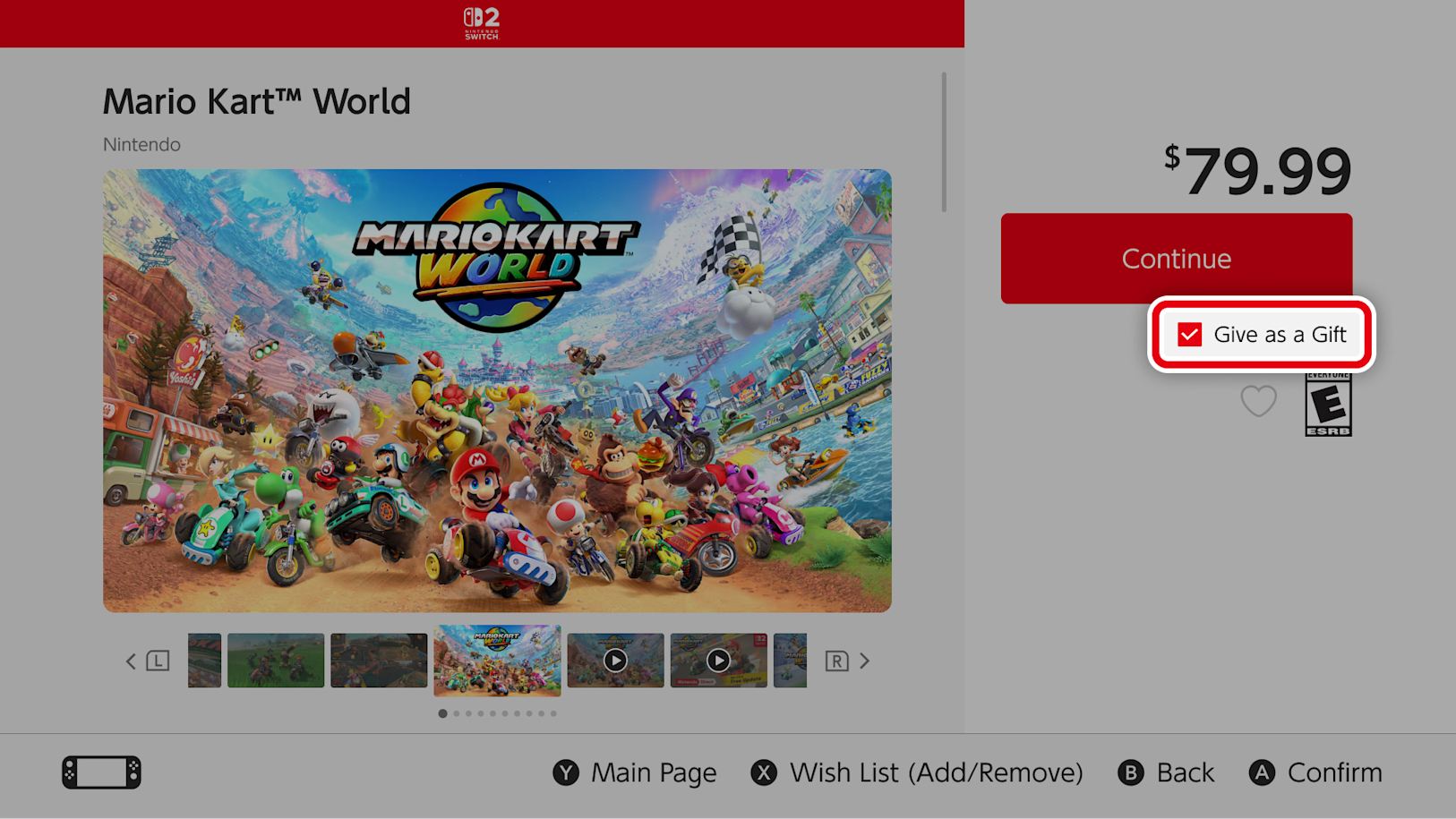
You will be able to gift digital products that you purchase through Nintendo eShop on your device to family group members. This includes eligible games as well as DLC and upgrade packs. As a reminder, anyone with a Nintendo Account can easily set up a family group and add members (up to 8 total). To learn how, visit Support.
Here are a few things to keep in mind:
-
Some products may not be eligible for digital gifting
-
Supervised accounts are not able to send digital gifts
-
The number of digital gift purchases allowed in a given period is limited
How to send a gift
To send a gift, follow these steps:
-
Visit Nintendo eShop on your device and find the game you’d like to give as a gift.
-
From the product page, select the Give as a Gift checkbox, then proceed to purchase.
-
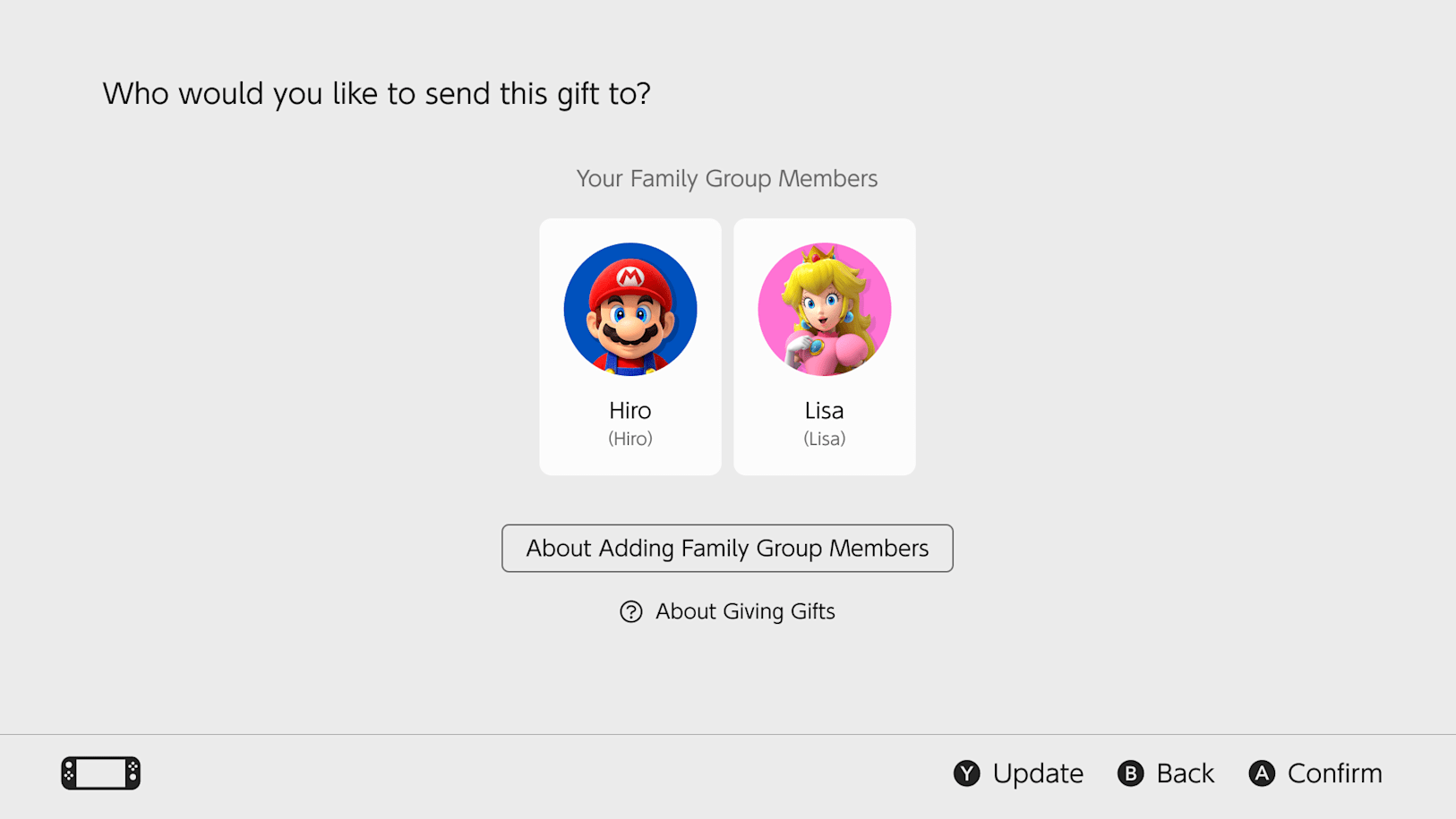
Select the gift recipient from the list of members of your family group. You’ll also be able to select which of their linked systems to send the gift to.
-
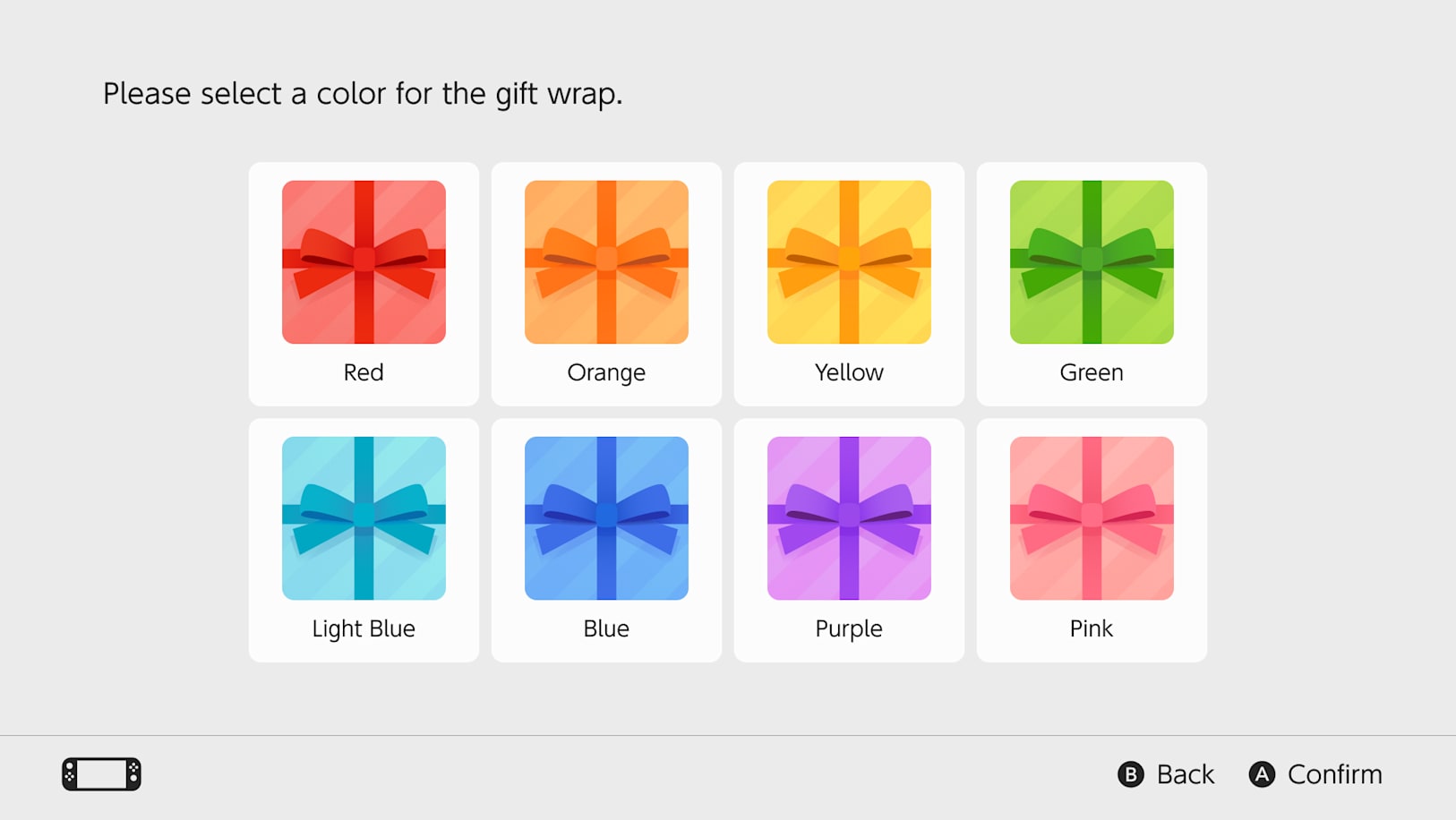
After selecting your gift wrap color and other options, you’ll complete the purchase as usual.
Please note that gifts are sent to your recipient immediately, so be sure you’re ready!
Receiving a gift
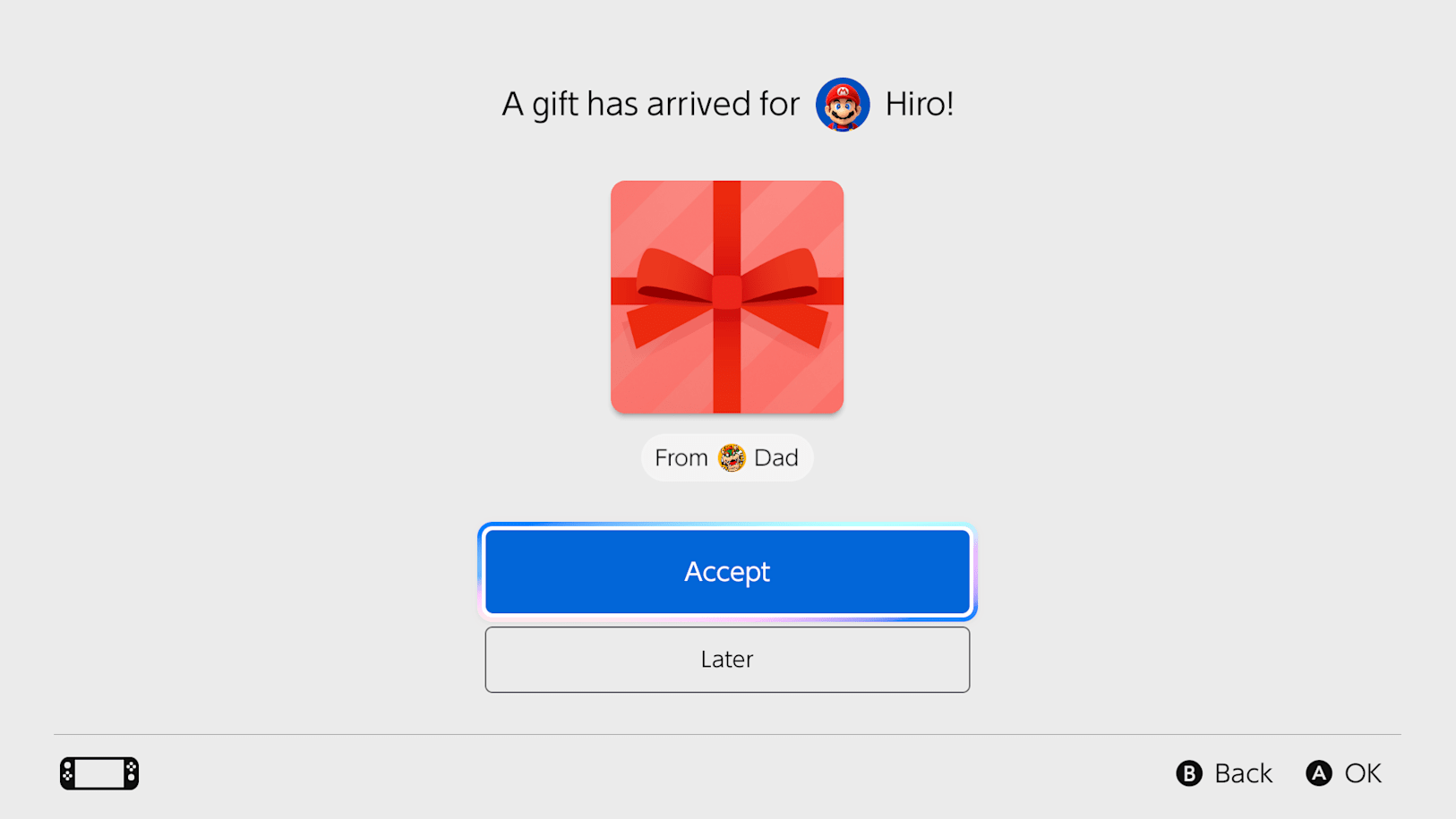
Your gift will be delivered to the recipient’s HOME Menu. The gift can be selected, accepted, and played right away.
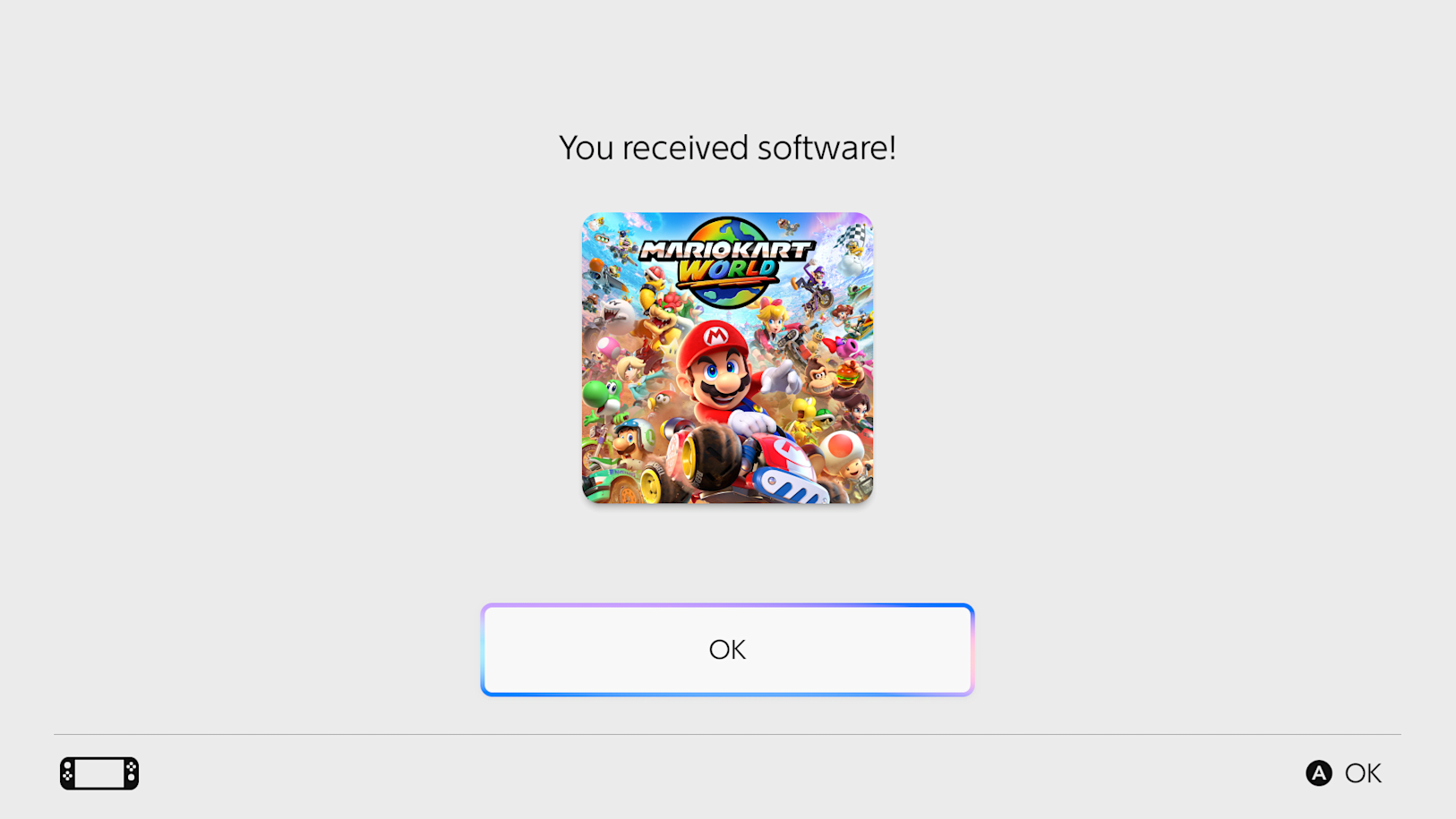
This feature is a great way to celebrate a special occasion with your kids. Happy gifting!
*This feature will be available on systems supporting system version 23.5.0 or greater, releasing Nov. 9, 2026. The update should automatically download if your system is connected to the internet. You may also verify your current menu version and manually start the update from the System Settings menu. For more details about this system update, visit Support.
