

Valve’s long-awaited Steam Machine is now shipping to lucky buyers. But with a long reservation queue and a starting price of $1,049, it’s hard to feel the hype. I’m far more excited about the news that Valve is bringing SteamOS to a wider range of PCs, because it gives me the option to transform one of my existing computers into a custom Steam Machine without spending any cash
To that end, SteamOS now lets you build your own Steam Machine with AMD hardware, and PC manufacturers are already shipping prebuilt alternatives. Valve is also working on support for Intel and Nvidia hardware. Even if the Steam Machine doesn’t sell a ton of units, Valve’s Linux-powered operating system is on the cusp of delivering serious competition to Windows 11 for PC gaming
SteamOS Is Finally Escaping the Steam Deck
Valve officially supports only the Lenovo Legion Go S, Steam Deck, and Steam Machine with its SteamOS installation tool at the time of publication. But the change log for the recently released SteamOS 3.8 advertises “improved compatibility with recent Intel and AMD platforms.” On the SteamOS installation page, Valve specifically says this latest version has beta support for “other AMD-powered handhelds” and systems with “AMD discrete GPUs,” which represents a massive expansion of hardware support.
Still, when Valve says you can build a custom Steam Machine with “whatever parts you want,” right now, the caveat is that you need AMD graphics hardware and the latest beta version of SteamOS. In other words, you can’t just install SteamOS on any computer the way you can with other Linux distributions or Windows 11
Valve coder Pierre-Loup Griffais phrased it more accurately in his recent Bluesky post, “If you have an AMD GPU, you can build your own Steam Machine now! More GPU support being worked on.” He also tells The Verge that “there’s not yet an install wizard” that makes SteamOS easy to install alongside Windows on consumer hardware. In any case, it seems like Valve is actively pursuing that goal
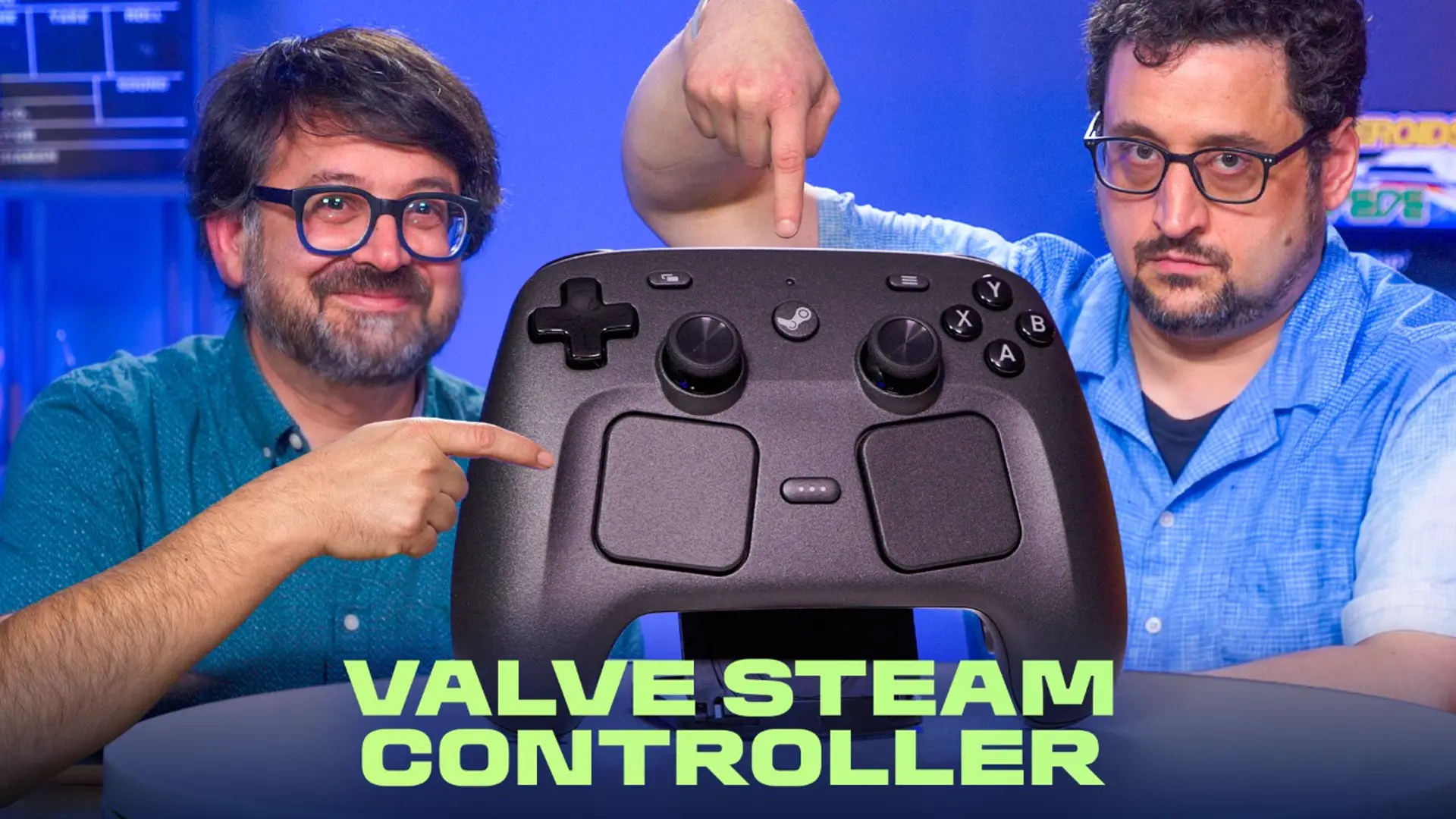

The New Steam Controller Is Real! Find Out What’s Improved
Beyond the initial work Valve is doing to support AMD and Intel graphics, Griffais says that Valve is “collaborating with Nvidia very closely” and the company has “a growing team” working on Nvidia graphics support for SteamOS. He notes that Nvidia graphics support might not launch in 2026, however
SteamOS is as modifiable as any other Linux distribution, so enthusiasts have performed complex configuration processes to get it running on a variety of hardware devices that Valve doesn’t officially support. Most people aren’t going to want to go through that much trouble to get SteamOS working, but the fact that it’s possible and that Valve is building out support for third-party hardware leads me to believe that more user-friendly install processes are imminent. Simplifying the installation process across more hardware types is an important hurdle for Valve to clear.
SteamOS boots to an interface optimized for game controllers (Credit: Valve/PCMag)
The Next Steam Machine Is the PC You Already Own
Valve launched the first iteration of Steam Machines back in 2013. These were custom desktop PCs from a variety of third-party companies, including Alienware, that ran a far less polished version of SteamOS. Unlike the latest Steam Machine, which can run the majority of Windows games from Steam, these devices supported only a handful of games that developers ported to Linux. This hardware lineup was a failure.
Since then, Valve has polished the SteamOS experience on far more compelling first-party hardware, including the Steam Deck. And now, by opening the OS up to more device platforms, Valve is wisely not forcing you to fight scalpers just to set up a SteamOS machine in your living room
It’s a good move for affordability because Valve is clearly struggling toRAM suppliers are giving Valve “take it or leave it” pricing and refusing to talk to the company again if it doesn’t buy RAM at a given price
SteamOS Is Already a Better Gaming OS Than Windows 11
Assuming Valve works out all the hardware compatibility issues and SteamOS really does become something you can quickly install on whatever machine you build, is it realistically an alternative to Windows?
Recommended by Our Editors
Sorry Valve, But the Steam Deck Outgrew My Need for a Steam Machine
Valve Confirms Steam Machine Will Cost Over $1,000. Here’s How to Buy One
Your Steam Deck Is Secretly a Linux PC. Here Are 10 Ways to Unlock Its Full Potential
I say it absolutely is for gaming. Valve has long worked to improve the experience on platforms that Microsoft ignored until recently, such as handhelds and living room PCs. I’ve reviewed Windows 11-powered handheld gaming PCs before, and I much prefer my Steam Deck’s user interface. Microsoft is scrambling to catch up with the recently released full-screen Xbox Mode and promises to speed up gaming performance, but it has good reasons for concern—PC gaming is one of the few distinct advantages Windows has over competing operating systems like Apple’s macOS.
Beyond gaming, SteamOS is just as capable as Ubuntu and other Linux distributions. You can even boot it directly to a traditional Linux desktop. By offering a SteamOS installer for existing PCs (even if just for AMD hardware to start), Valve is both expanding hardware choice and delivering a general-purpose Linux desktop OS to the masses
SteamOS includes a capable KDE Plasma desktop environment (Credit: Valve/PCMag)
Valve Still Has One Big SteamOS Problem
As mentioned, Valve still has plenty of work to do on simplifying the SteamOS installation process for existing PCs. The official SteamOS installer currently overwrites everything on your machine, wiping all your data and replacing Windows with SteamOS. That’s far from ideal, especially since other developers also see the potential for Linux-based systems to overtake Windows for gaming
Bazzite, for example, is a third-party distribution that delivers a SteamOS-style gaming experience for a wider variety of hardware. Bazzite is based on Fedora Linux, and it comes with Steam, including the Proton compatibility layer for running Windows PC games. It supports Intel and Nvidia graphics, and it includes a convenient graphical installer that sets up the Linux environment in a dual-boot configuration with Windows. It can also launch a full-screen SteamOS-style controller-optimized experience called Steam Gaming Mode upon sign-in.
SteamOS Is the Future, Not the Steam Machine
Most PC gamers haven’t heard of Bazzite, but they do use Steam. Valve’s SteamOS has a shot at making real inroads against Windows 11 if Valve develops support for more PC hardware, simplifies the installation process, and actively promotes it as an alternative OS for existing gaming PCs. Even though Valve’s Steam Machine is getting all the headlines, it’s just a single hardware device. SteamOS is what gives it potential, and you can take advantage of it on more hardware than ever before. I’ll admit that the Steam Controller is important, too, but you can buy it separately for a very reasonable $100. I don’t plan to spend $1,049 for Valve’s Steam Machine, but I am looking forward to building my own with SteamOS.
About Our Expert
Chris Hoffman
Senior Writer, Software
Experience
I’ve been writing about technology for more than 15 years and using it in earnest for over twice as long. As a member of PCMag’s software team, I focus on Windows coverage, but also write about other key desktop operating systems and system apps. (I used Windows 3.1 upon its release and have followed every subsequent release closely)
Prior to joining PCMag, I wrote for How-To Geek starting in 2011, and my articles amassed over a billion page views. I went on to run the publication as editor-in-chief for four and a half years. I have also contributed to Computerworld, Fast Company, PCWorld, Reader’s Digest, The New York Times, and many other outlets about everything from AI to PC hardware to Windows. I founded and ran my own direct-to-reader Windows-focused newsletters, Windows Intelligence and The Windows ReadMe, working in partnership with Thurrott.com.
Areas of Expertise
- Windows
- Operating Systems
Latest By Chris Hoffman
- Microsoft Won’t Let Windows 10 Die Just Yet
- Intermedia AnyMeeting Review: Reliable Video Meetings With AI Recaps
- These 34 Hidden Features Make Windows 11 So Much Better
- The Best Gmail Alternatives for Every Type of User
- Windows 11 Is About to Change in a Way You’ll Actually Notice
- More from Chris Hoffman
Read Full Bio
