

The Xbox One is still alive and kicking, but not with the same gusto it had when we were in the midst of the eighth-generation console era. If you happen to own the system, it’s probably not getting as much use today as it did several years ago, but that’s just the nature of the beast when new tech comes to town. The Xbox Series X|S is formidable, ninth-gen hardware that keeps you on the cutting edge of modern gaming, but one thing Microsoft’s latest console lacks is a dedicated HDMI input.
“Um, yes it does,” you may be saying to yourself right now. While the Series X|S does feature an HDMI ARC/eARC port, the single connection functions as both an input and output. The Xbox One, on the other hand, has two HDMI ports: an output for connecting the console to your TV, and an input for hooking up a separate AV component, such as a cable box, streaming device, or secondary <a href="https://comicvibe.com/video-game-stocks-to-add-to-your-watchlist/” title=”Video Game Stocks To Add to Your Watchlist”>game console. This type of HDMI connection is also referred to as HDMI pass-through.
Microsoft wanted gamers to use the Xbox One as a full-on entertainment hub that handled gaming, streaming, and TV-watching. The HDMI input was only the first part of the equation, though, and Xbox One owners also needed to use the OneGuide app to view connected HDMI devices. That software is still available today, but Microsoft removed live TV support back in 2021, so now OneGuide is really just a glorified HDMI selector.
The Xbox One HDMI input is gone but (mostly) not forgotten
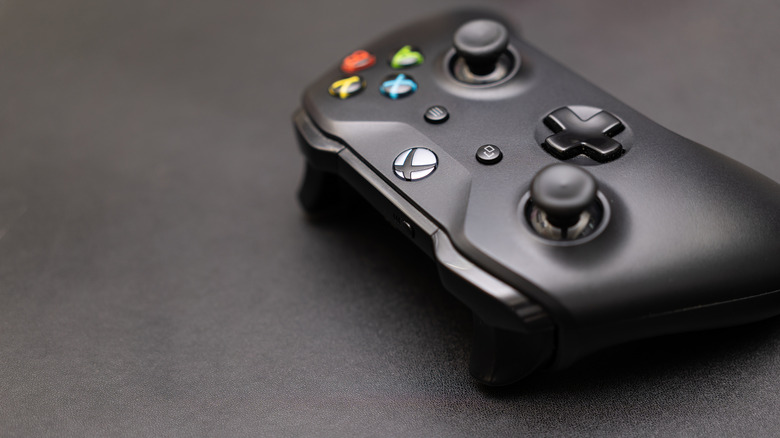
Xbox owners have lamented the loss of the HDMI input on the Series X|S generation for years. Not only did the OneGuide interface feel simple and intuitive to use, but it also let you maximize your AV setup — especially if all of your TV’s HDMI ports were already being used. One of the only drawbacks of the Xbox One’s pass-through capability was that it introduced a minuscule amount of input lag. This wasn’t such a big deal if you were hooking up a cable box, but it was more concerning if you were plugging in a second game console.
Fortunately, you can solve most problems in the world of consumer tech by spending money, and adding extra HDMI ports to your gaming rig is no exception. For most TVs and projectors, you can simply invest in an HDMI selector. You’ll just want to make sure it supports all the gaming specs you plan on throwing at it. For the best future-proofing, look for a selector that supports up to HDMI 2.2. At the very least, you’ll want HDMI 2.1 connectivity and 4K/120-hertz support.
The Xbox One generation is largely in the past at this point, but the console’s HDMI input and OneGuide integration paved the way for the streaming era we’re now very much steeped in. Microsoft just couldn’t keep up with the many demands of live TV licensing, and the majority of gamers simply weren’t using the Xbox One’s HDMI input. Unfortunately, the nixing of OneGuide’s live TV overlay came only a few years after the discontinuation of the Kinect gesture-tracking peripheral — the late 2010s/early 2020s were a tough time for Xbox One owners.

1 Comment
Pingback: 'Smallville' Star Tom Welling Accidentally Posts Revealing Photo - Comic Vibe