

Cables sprawled like digital spaghetti, accessories scattered across every surface, and somewhere beneath it all, your actual desk. Creating a clean, minimal laptop setup isn’t just about aesthetics; it promises enhanced focus and an uncluttered space where every item earns its place. This guide focuses on gear that marries robust performance with sleek integration, cutting through the noise so you can actually enjoy your game. Prepare to transform your digital battlefield from chaotic to clean, boosting both your productivity and your joy.
This content may contain affiliate links. If you wish to support us and use these links to buy something, we may earn a commission.
11. Razer Viper V3 Pro
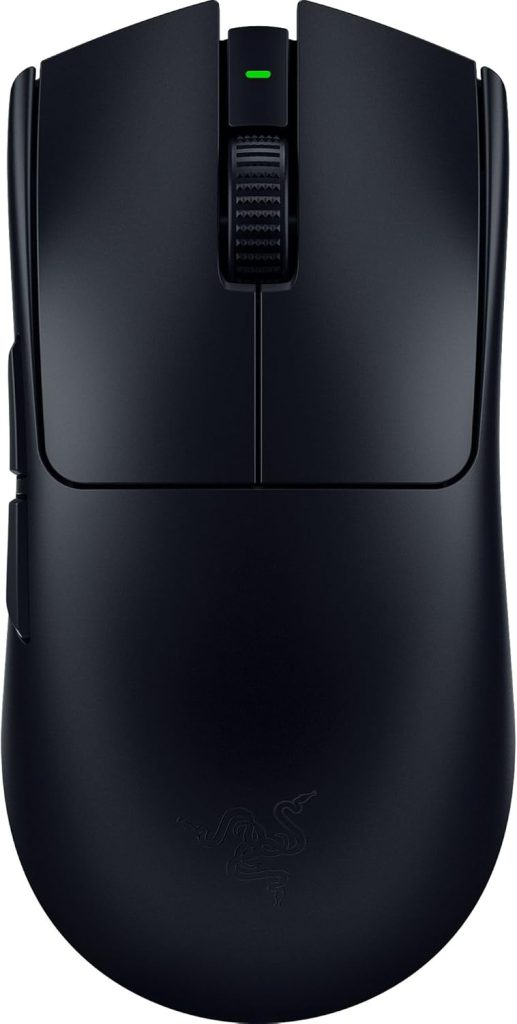
Fifty-four grams of competitive advantage with sensor tech that tracks faster than human perception.
At a mere 54 g in its black iteration, this esports mouse feels like an extension of your hand, enabling rapid adjustments and flick shots. Its Focus Pro Optical Sensor Gen-2 boasts 35,000 DPI, tracking movements up to 750 IPS with 70G acceleration. Every micro-adjustment registers instantly, ensuring your digital actions mirror your physical intent precisely.
For untethered gameplay, the mouse offers reliable 2.4 GHz wireless connectivity, though a wired USB-C option ensures zero latency when milliseconds count. With HyperPolling support, it achieves an 8,000 Hz polling rate, relaying data eight times faster than typical gaming mice. This right-handed symmetrical design provides comfort during extended sessions, feeling less like a tool and more like an unfair advantage.
10. FIFINE H13
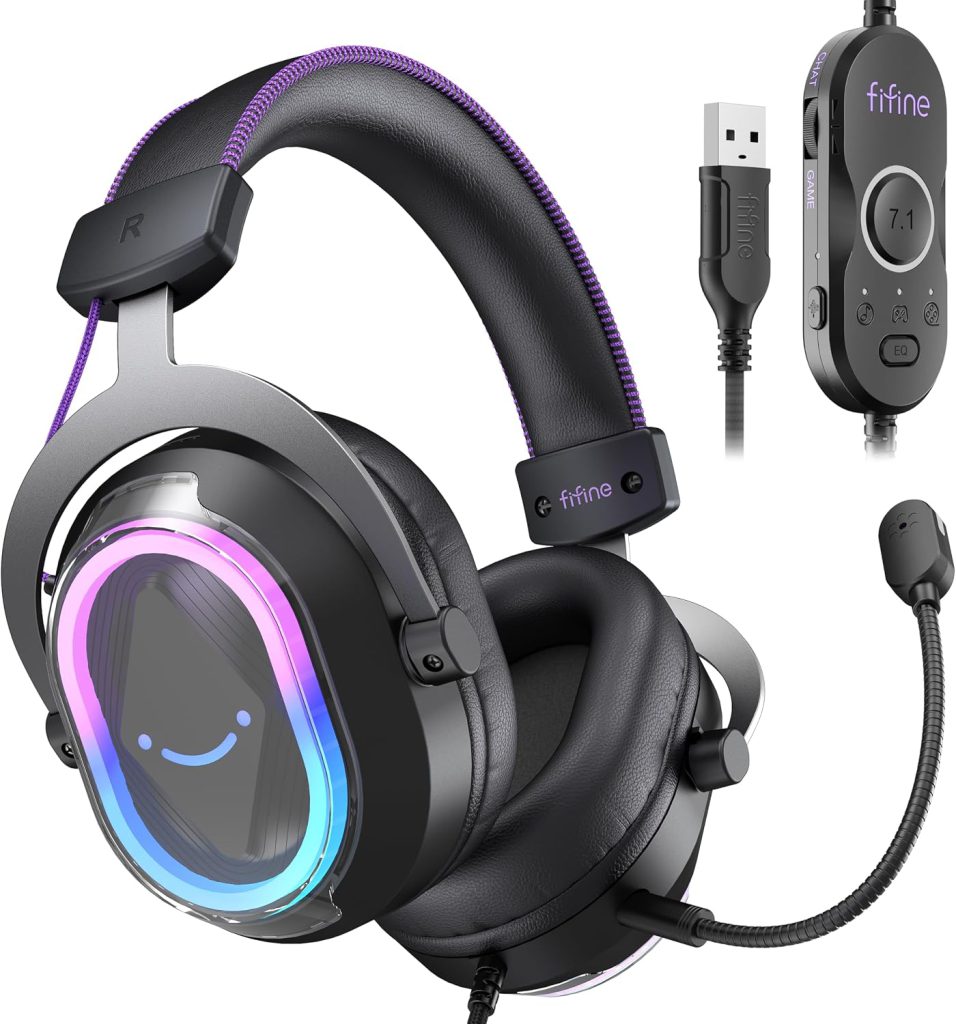
Virtual surround sound and noise-canceling comms without the premium price tag.
A crackling mic can ruin a squad push faster than a rogue grenade. The FIFINE H13 gaming headset delivers crisp sound and clear communication without the fuss. It features 50 mm dynamic drivers for rich audio and 7.1 virtual surround sound for immersive positional awareness. Its active noise-canceling, detachable microphone ensures your teammates hear you, not your background noise.
It connects directlyard controls for game/chat balance, EQ modes, and lighting streamline your setup. Xbox compatibility is absent, so plan accordingly. Its clean white design with black accents complements a minimalist battle station, delivering clear communication and immersive sound without a complicated setup
9. llano V12 Ultra
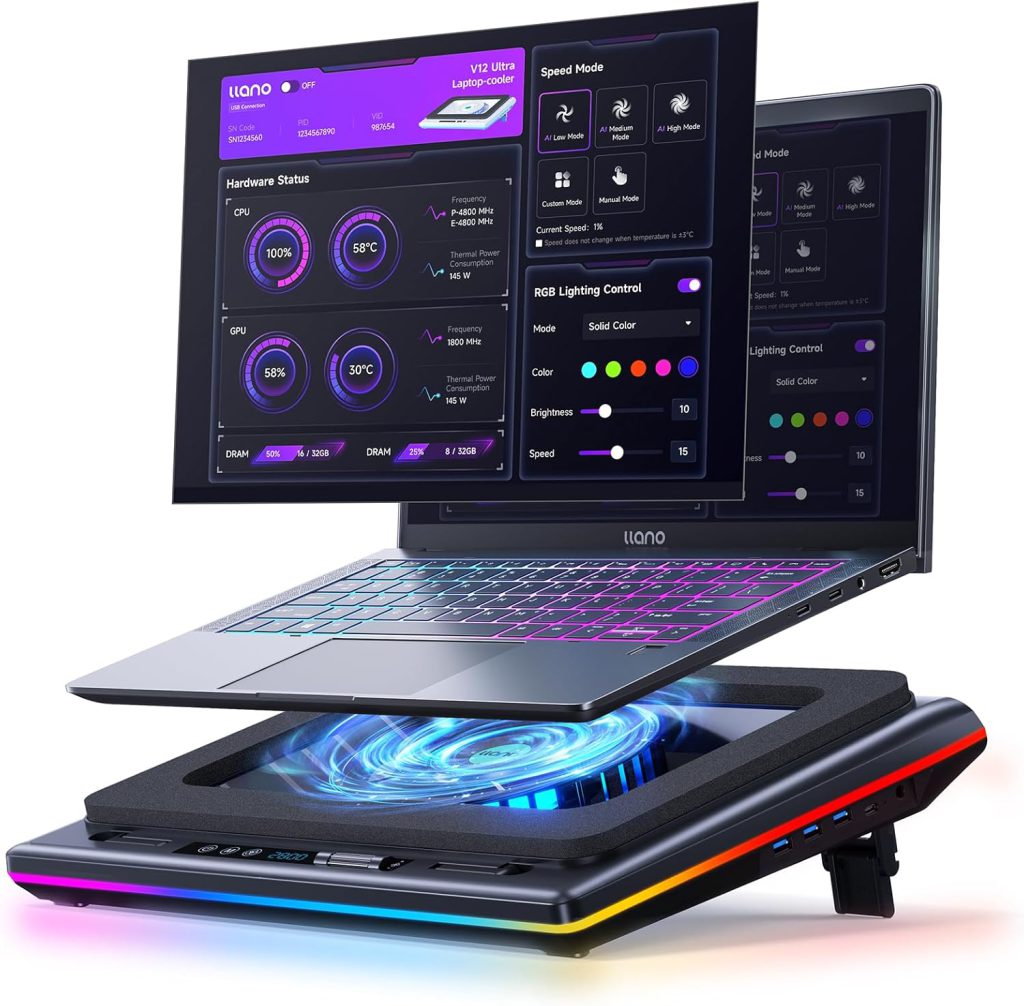
Thermal throttling meets its match with intelligent cooling that adapts to your workload.
User testimonials confirm that thermal throttling plagues many gaming laptop owners during extended sessions. The llano V12 Ultra tackles this directly, deploying a 5.5-inch (14 cm) turbo fan capable of 2,800 RPM to evacuate heat. You can fine-tune its formidable airflow with a simple dial or the Myth.cool software on Windows. This intelligent cooling prevents your high-end graphics card from throttling when it matters most.
Beyond cooling, this stand declutters your digital life. With three height adjustments, you can dial in the perfect ergonomic angle, preventing bad posture. It integrates a 3-port USB 3.0 hub, transforming cable chaos into a streamlined operation. Designed for laptops from 15.6 to 21 inches, the V12 Ultra offers a versatile solution that keeps both your machine and your workspace running cool.
8. ASUS ROG Zephyrus
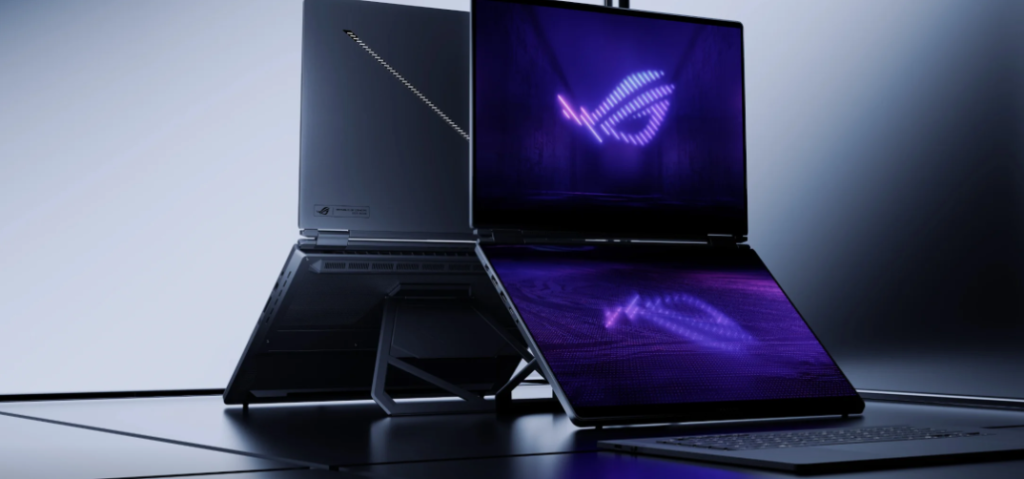
Premium gaming power packed into a chassis that actually fits in a backpack.
Gaming laptops used to resemble cinder blocks, demanding you make space for their heft. The ASUS ROG Zephyrus series flipped that script, showing power could coexist with a chassis as sleek as a minimalist art piece. You get discrete NVIDIA graphics, pushing frames to vibrant, high-refresh displays without the usual compromises.
Keeping those potent internals cool without adding bulk is no small feat; the Zephyrus manages it with sophisticated thermal designs, often employing innovative hinge mechanisms that enhance airflow. This keeps performance consistent, avoiding the throttled speeds common in less refined thin-and-light machines. The result is a laptop that not only dominates in performance but also integrates cleanly into any setup, a far cry from the aggressive, RGB-laden behemoths of yesterday.
7. Wallpaper Engine
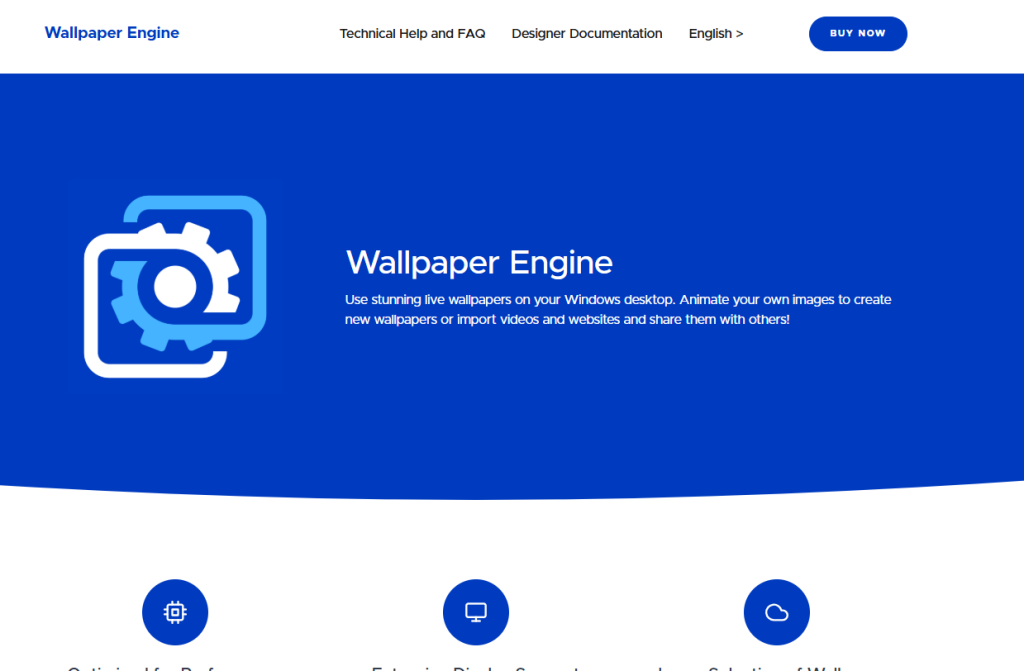
Animated backgrounds that sync your digital workspace to your physical desk aesthetic.
Dynamic wallpapers dramatically transform the ambiance of any gaming setup, adding a layer of immersion and personal style. Wallpaper Engine, a desktop customization application for Windows, lets you move beyond static images, transforming your digital workspace with animated and interactive backgrounds. You can precisely match your desktop’s vibe to your physical desk aesthetics, syncing with RGB themes and ambient lighting for a truly cohesive visual experience.
This ensures your digital backdrop reinforces any desired theme, from a cozy black-and-white setup to a vibrant esports battle station. The customization options let you dial in exactly the mood you want, making your entire display feel unified rather than thrown together from whatever default wallpapers came pre-installed.
6. Google’s T-Rex Game
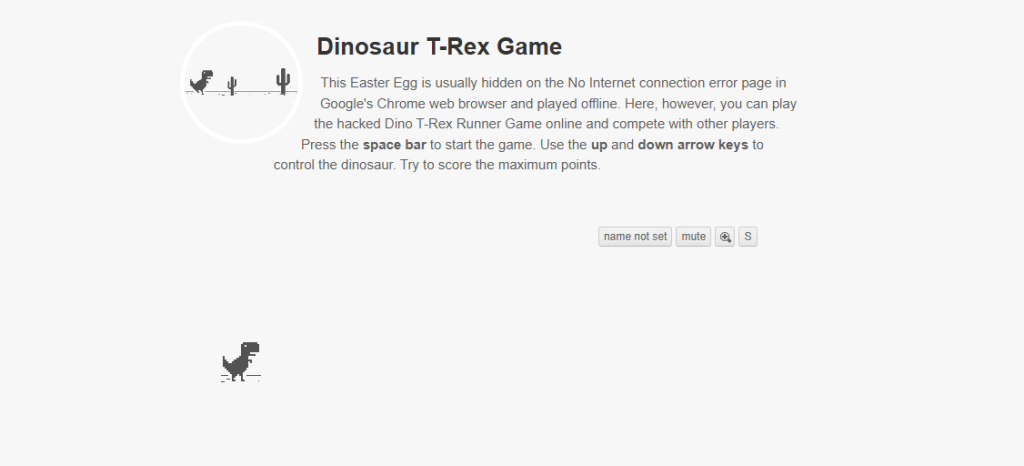
The ultimate low-stakes diagnostic tool for testing your new peripheral’s responsiveness.
The Google Chrome dinosaur game appears whenever your browser cannot load a page or your internet connection drops. This simple, endless runner has transcended its origins as a mere error message filler, transforming into a beloved casual mini-game accessible to anyone with a browser. You might find yourself tapping the spacebar to jump over cacti during a coffee shop’s spotty Wi-Fi.
Beyond killing time, this pixelated paleontological sprint serves a surprising purpose: it acts as a rudimentary, low-stakes test for a new gaming setup. You plug in a new gaming mouse or a high-refresh-rate monitor and immediately load up the T-Rex, unconsciously checking the responsiveness. It’s the ultimate “can it run Doom?” of the 21st century, offering a quick, universally understood gauge for whether your peripherals are up to scratch.
5. IKEA Lamp
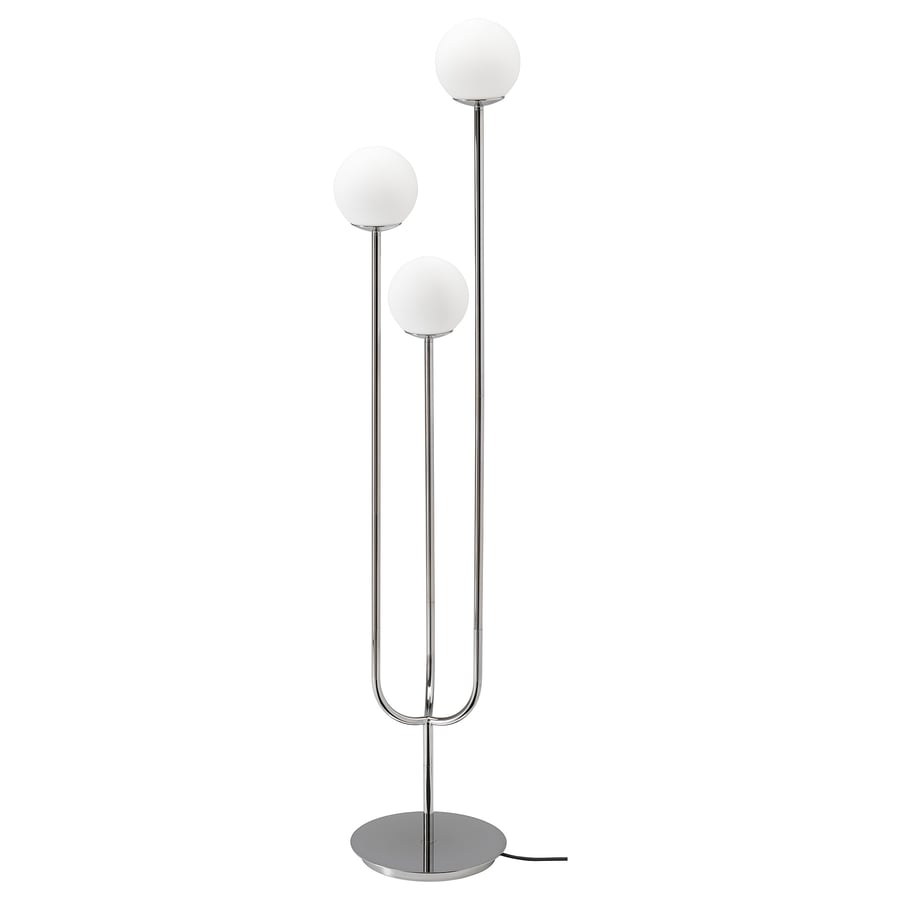
Warm ambient light that softens the tech-heavy aesthetic without adding clutter.
A strategically placed lamp offers more than illumination; it transforms the entire atmosphere of your workspace. It provides a soft, warm ambient light, introducing a pleasing color temperature to your environment. This minimal aesthetic ensures your desk avoids looking cluttered or overdone, a common pitfall in many tech-heavy setups.
This subtle addition works wonders, especially in sleek black-and-white aesthetic themes, blending seamlessly without drawing undue attention. You can even use its placement to discreetly conceal unsightly cables around the back of the desk, maintaining a tidy space. Such a straightforward choice dramatically enhances the coziness and visual appeal of any gaming setup.
4. Monitor (144 Hz)
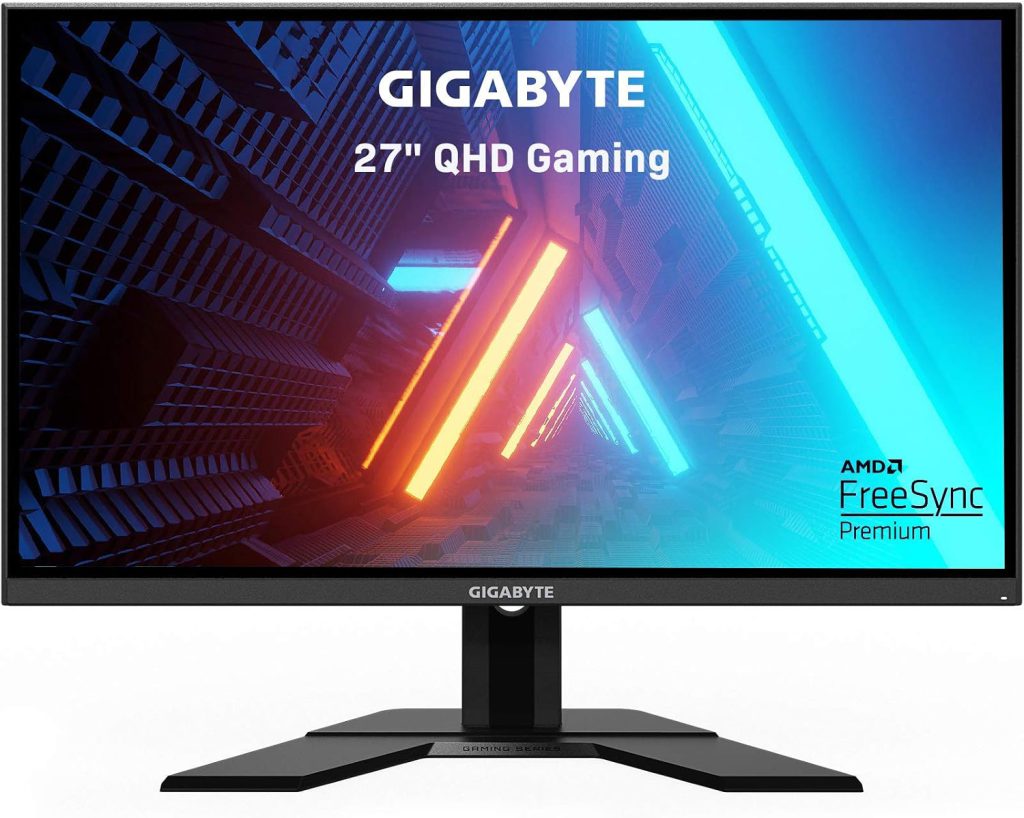
Expanded real estate that transforms your cramped laptop screen into a command center.
An external monitor running at 144 Hz can immediately transform a gaming laptop setup, drastically expanding your visual real estate. Laptop screens, typically 13 to 17 inches (33 to 43 cm), offer limited space. An external display lets you spread your game, Discord, and stream chat across multiple windows, addressing a small display’s inherent limitations.
You do not need a cutting-edge 4K OLED panel for significant visual improvement. For a truly clean aesthetic, a monitor arm elevates the display, freeing up desk space for peripherals. This simple addition transforms a cluttered battle station into a streamlined command center, undeniably elevating the entire gaming experience.
3. llano Glass Mouse Pad
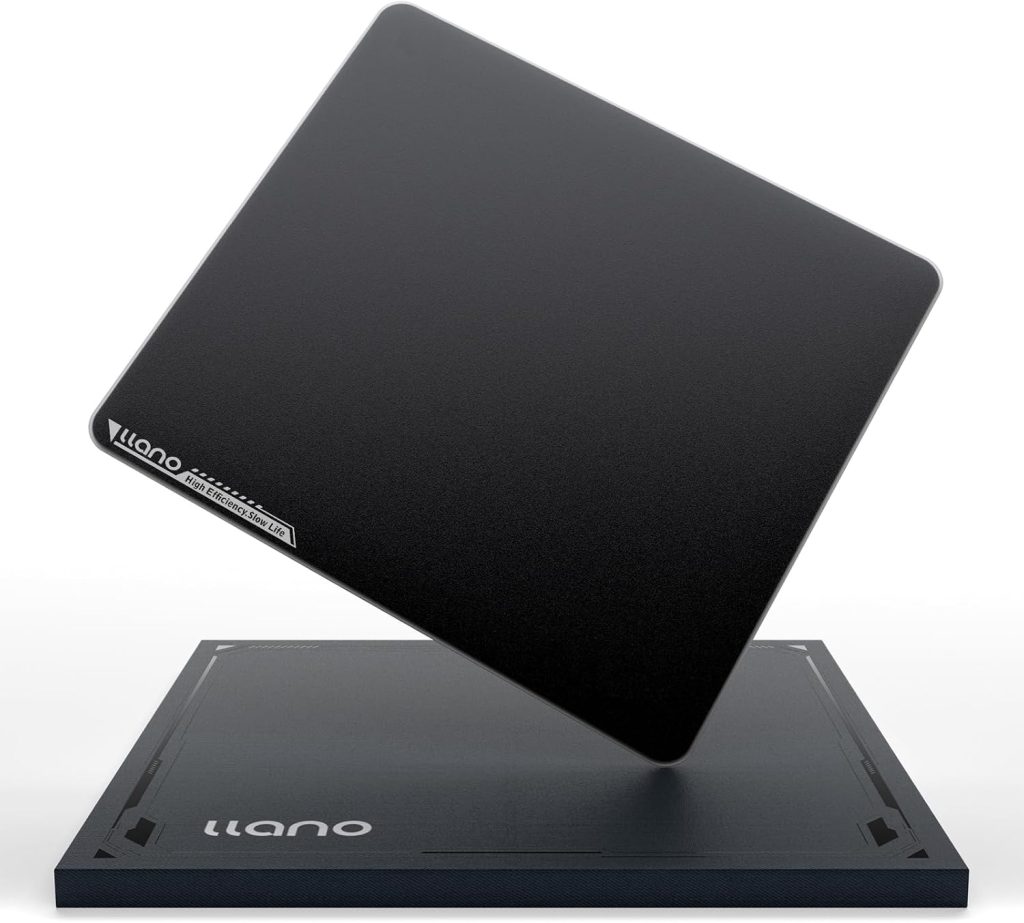
Consistent glide and precision that turns every mouse movement into muscle memory.
Competitive gamers demand consistent input, and a glass mouse pad delivers it with ruthless efficiency. This surface provides an exceptionally smooth glide while maintaining the necessary control for pinpoint accuracy, a critical factor in games requiring precise mouse movements. You gain the kind of responsiveness that feels almost telepathic, ensuring your crosshair or cursor moves exactly where you intend.
The llano Glass Mouse Pad’s sleek, reflective surface integrates seamlessly into any minimalist black and white setup. Unlike fabric pads that can develop worn spots, a glass surface remains consistent. This choice enhances both gameplay and visual cohesion, making your desk look less like a chaotic workstation and more like a curated command center.
2. MHD Pro Keyboard
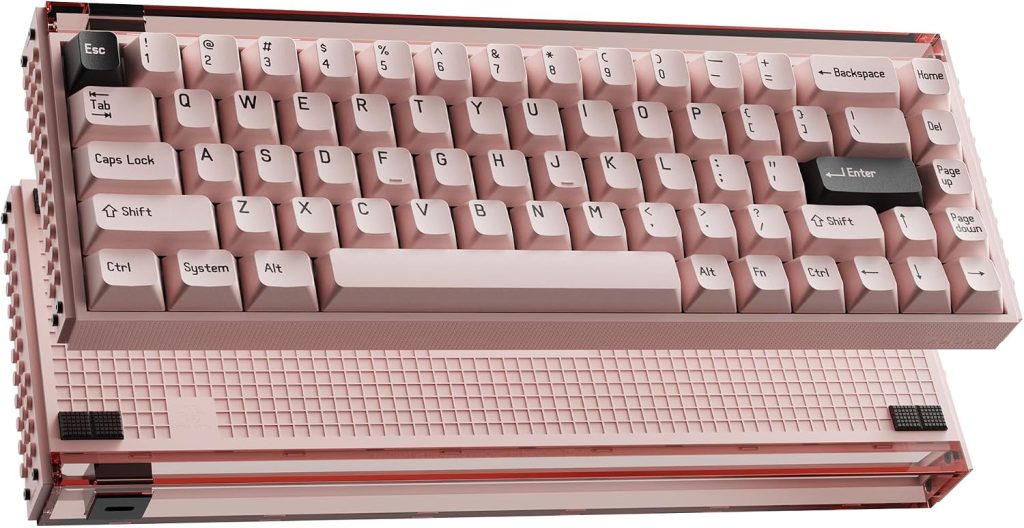
Budget-friendly aesthetics with RGB customization that punches above its price point.
A well-curated desk relies on gear that punches above its weight class in both looks and value. The MHD Pro keyboard, readily available on Amazon, embodies this principle perfectly, delivering a crisp white aesthetic without demanding a premium price. This peripheral integrates seamlessly into any black and white themed setup, where its minimal design instantly elevates your space.
You get an unmistakably high-end appearance, often associated with far more expensive hardware. The included RGB lighting offers extensive customization, allowing you to easily adjust animations to blend seamlessly with varied lighting schemes. Whether you prefer subtle underglow or synchronized patterns, the options ensure a cohesive look across your entire battle station.
1. USB Dock
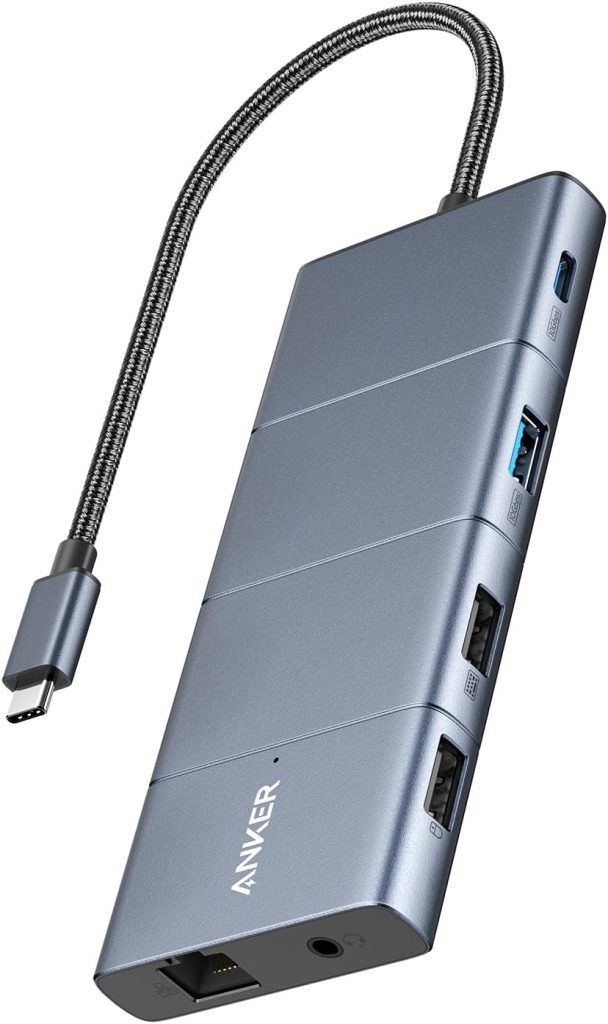
One hub to rule them all, consolidating cable chaos into a single manageable connection point.
Tangled cables can instantly sabotage an otherwise clean desk setup, but a USB dock offers a straightforward solution. It allows multiple USB peripherals to plug into one central location, consolidating what would be a rat’s nest of wires. This unified point simplifies hiding cables underneath or behind your desk.
Your workspace no longer resembles a post-apocalyptic scavenger hunt. With these eleven essentials, you’ve transformed chaos into clarity, where every piece serves both function and form. The boost in focus isn’t just theory when your desk becomes a place you actually want to sit down and game.
