

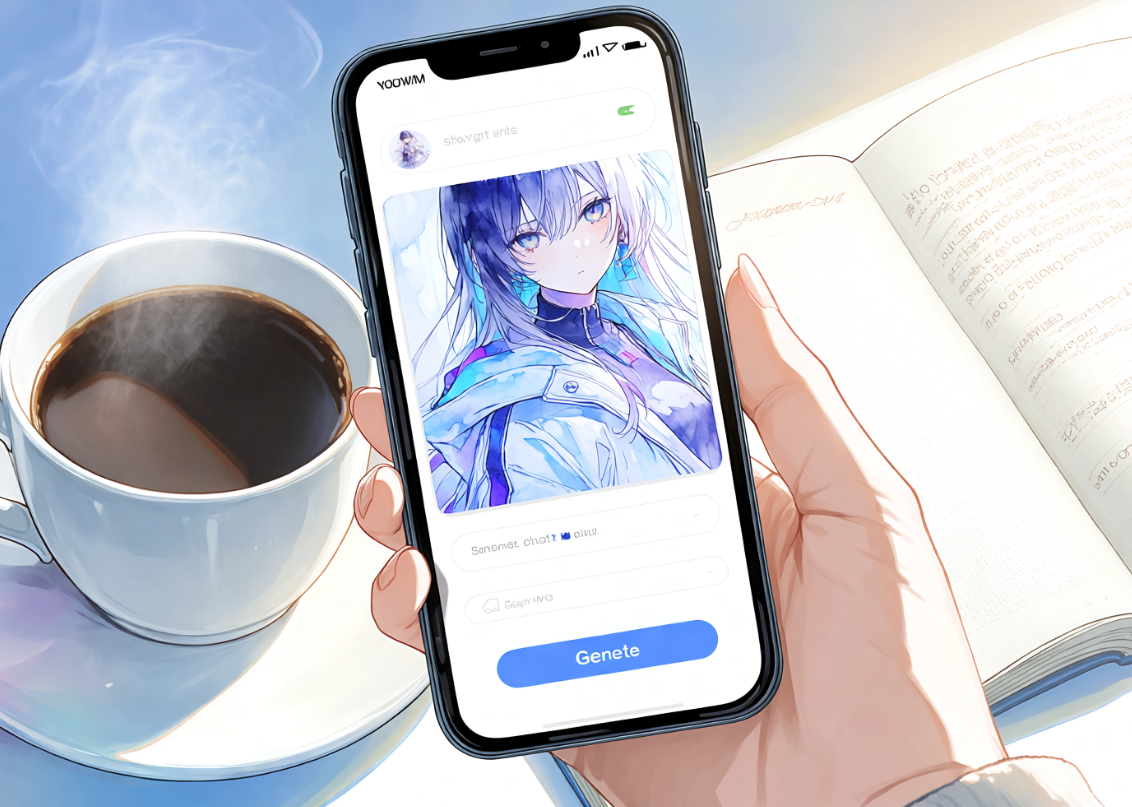
AI art creation isn’t tied to a desktop anymore. A lot of people now want to generate anime artwork straight from their phone — during a commute, on a coffee break, or whenever an idea shows up — but many of them wonder whether a mobile app can really match the quality and depth of a desktop platform, or whether they’re settling for a watered-down version of the real thing.
This guide covers what you can realistically expect from mobile anime AI generation, how it compares to desktop, and how to get started.PixAI is the main example throughout, since it offers a dedicated native iOS app built specifically for anime-style AI art rather than a stripped-down mobile shell of a desktop tool.
Can You Really Create Anime AI Art on a Phone?
Yes, and the reason is simpler than it might seem: most AI art generation today is cloud-based. Your phone isn’t the one doing the heavy computational work of generating an image — it’s sending your request to remote servers, which handle the actual generation, and sending the finished image back down to your screen.
That matters because it means image quality depends primarily on the AI models being used, not on how powerful your phone’s processor is. An iPhone user and a desktop user working from the same platform and the same models will get artwork of comparable quality — the phone’s role is mostly the interface: entering prompts, browsing models, and viewing results, optimized for a smaller screen. A stable internet connection is really the only hard requirement for the generation itself to work well.
This is a genuine shift from a few years ago, when serious AI art generation effectively required a capable desktop GPU. Cloud-based apps removed that barrier entirely, which is part of why mobile-first anime art creation has grown so quickly — it no longer matters whether you’re on the latest iPhone or an older model, since your device is never the bottleneck.
What Makes a Good Anime AI Art Generator App?
Not every anime AI app is built the same way, so it’s worth knowing what separates a solid one from a mediocre one. Look for:
•Anime-focused AI models — models actually trained on anime artwork, not general-purpose image generators
•Prompt customization — the ability to write detailed, specific descriptions rather than choosing from rigid presets
•Model browsing — access to a range of artistic styles rather than a single fixed look
•In-app image editing — tools to refine a result without switching to another app
•Saving and sharing features — a straightforward way to keep and share your work
•A user-friendly interface — intuitive navigation that doesn’t fight the small screen
•Reliable performance — fast generation without frequent crashes or failed requests
The strongest apps balance real generative power with a genuinely simple mobile experience — neither an overly limited toy nor a desktop interface awkwardly squeezed onto a phone screen.
What Can You Do with the PixAI Mobile App?
On iOS, PixAI’s app brings the core creation experience to mobile while keeping the workflow simple enough for a phone screen. From the app, you can:
• Generate anime artwork using anime-focused AI models
• Browse and compare different models and artistic styles
• Work on original characters and refine their design over multiple generations
• Edit existing images with in-app tools
• Explore community content for inspiration
• Access and manage the same account across devices
This doesn’t mean every advanced desktop feature has made its way to mobile — some deeper editing and workflow tools are still better suited to a larger screen, which is worth knowing going in. What the app does deliver is the core loop of browsing, prompting, and generating, in a form that works comfortably on a phone.
Getting Started on iPhone
Getting your first image generated on iPhone takes only a few minutes:
1. Download the app from the App Store
2. Create or sign in to your account using email or a social login
3. Browse available anime models to get a sense of your options
4. Enter your prompt, describing your desired character or scene in as much detail as you can
5. Generate your first image and watch it come together
6. Save or continue refining your artwork before moving on
You can grabPixAI on the App Store directly to follow along — it’s the quickest way to get from curiosity to your first finished piece of anime art, all from your phone.
Mobile vs Desktop: What Are the Differences?
It’s worth being honest here rather than pretending mobile and desktop are interchangeable in every respect. Each has real strengths:
•Screen size — desktop makes it much easier to judge fine detail, especially for close editing work
•Workflow speed — mobile is faster for quick, spontaneous generations; desktop is better suited to longer, more deliberate sessions
•Prompt writing — typing long, detailed prompts is simply more comfortable on a physical keyboard
•Editing convenience — precise touch-up work tends to be easier with a mouse and a larger canvas
•Multi-tasking — desktop makes it easier to reference other images, notes, or tabs while working
•Accessibility — mobile wins decisively here, since it’s with you everywhere, not just at a desk
Desktop tends to offer a more comfortable experience for long, involved creative sessions, while mobile is excellent for everyday generation, quick iteration, and capturing ideas the moment they occur to you. Neither one makes the other unnecessary — they suit different moments in the same creative process. Plenty of people end up using both: mobile for quick generations and inspiration on the go, desktop when they sit down to seriously refine a piece or work through a longer editing session.
Tips for Creating Better Anime AI Art on Your Phone
•Keep prompts organized — save ones that worked well so you’re not rewriting from scratch each time
•Save favorite models for quick access to the styles you use most
•Use a stable internet connection for smoother, uninterrupted generation
•Experiment systematically with different styles and models rather than settling on the first thing that works
•Revisit and refine previous generations instead of only generating new ones from scratch
•Take advantage of community inspiration for ideas when you’re not sure where to start
If you’re building out a recurring character rather than one-off images, it’s also worth looking at3 beginner methods for character consistency in PixAI, which covers mobile-friendly techniques for keeping a character recognizable across multiple generations, even when you’re creating on the go between other things.
Why PixAI Works Well on Mobile
Bringing the threads above together, PixAI’s iOS app works well for mobile anime AI art because it treats mobile as a genuine platform rather than an afterthought:
• A native iOS app rather than a repurposed mobile website
• An anime-focused workflow built around actual anime models and styles
• Cross-device account accessibility, so your work follows you between phone and desktop
• Community features for inspiration and discovery
• Easy onboarding that gets new users to a first generation quickly
• Cloud-powered generation that keeps mobile image quality on par with desktop
It’s not a full replacement for desktop in every scenario — longer, more involved creative sessions and fine detail work still tend to feel better on a bigger screen — and Android support isn’t currently available. Within those honest boundaries, though, it’s a genuinely capable way to create anime art from an iPhone.
Common Questions About Mobile Anime AI Apps
Q: Is image quality lower on mobile?
A: No. Since generation happens in the cloud using the same models as desktop, quality is comparable — the differences are in interface and screen size, not underlying image quality.
Q: Can I use the same account across devices?
A: Yes. Your account, and generally your generation history, carries over between mobile and desktop.
Q: Does the mobile app support the same AI models?
A: Largely yes, though some advanced or newly released tools may roll out to desktop first before reaching mobile.
Q: Can I create original anime characters on mobile?
A: Yes — character creation and refinement work fine on mobile, though extended design sessions may still feel more comfortable on a larger screen.
Q: Is the app beginner-friendly?
A: Yes. The onboarding flow is built to get a first-time user to a finished generation in just a few steps.
Final Thoughts
Modern smartphones are fully capable of producing high-quality anime AI art through the right dedicated app, and the gap between mobile and desktop quality is smaller than a lot of people assume, since the actual generation happens in the cloud either way.
PixAI’s native iOS app gives iPhone users an accessible way to generate anime artwork wherever they happen to be, while desktop remains a solid choice for longer or more detail-heavy creative sessions. Android support isn’t available right now, but that may change — it’s worth keeping an eye on official updates if that’s your platform. For iPhone users ready to start, though, the whole process from download to first finished image takes only a few minutes.
Free AI Image Generator: Text to Image in Seconds

7 Best Drawing Apps for Kids That Actually Teach Art Skills (Not Just Coloring) — Plus One Habit That Ties It All Together
Beyond the Prompt: How QuillBot’s AI Image Generator Turns Ideas into Visual Stories
Google Launches AI Edge Gallery for Offline Mobile AI Models
How to Turn Text Prompts Into Videos with AI
Transform Your Photos into Stunning Art with AI Anime Filter
AI Image Upscalers in 2026: How Super Resolution Actually Works (and Where It Still Falls Short)

Next-Gen Website Building: How AI Tools Simplify the Entire Process
How Do I Get an Animated Picture of Myself? (Beginner’s Guide)
