

Review: $230 projector fully sealed for low-effort long-term entertainment
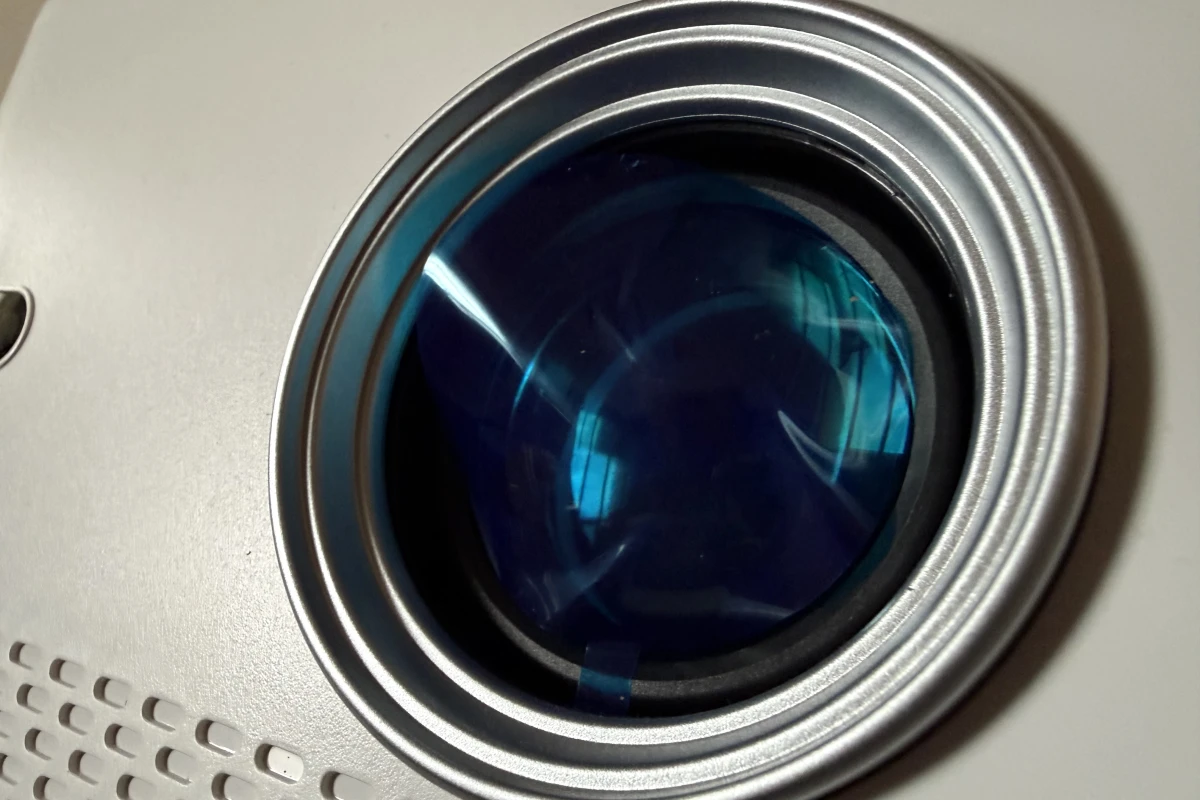
Thanks to the enclosed inner optics, you’ll only need to keep an eye on the lens and vent when it comes to dust build-up
New Atlas
View 6 Images
1/6
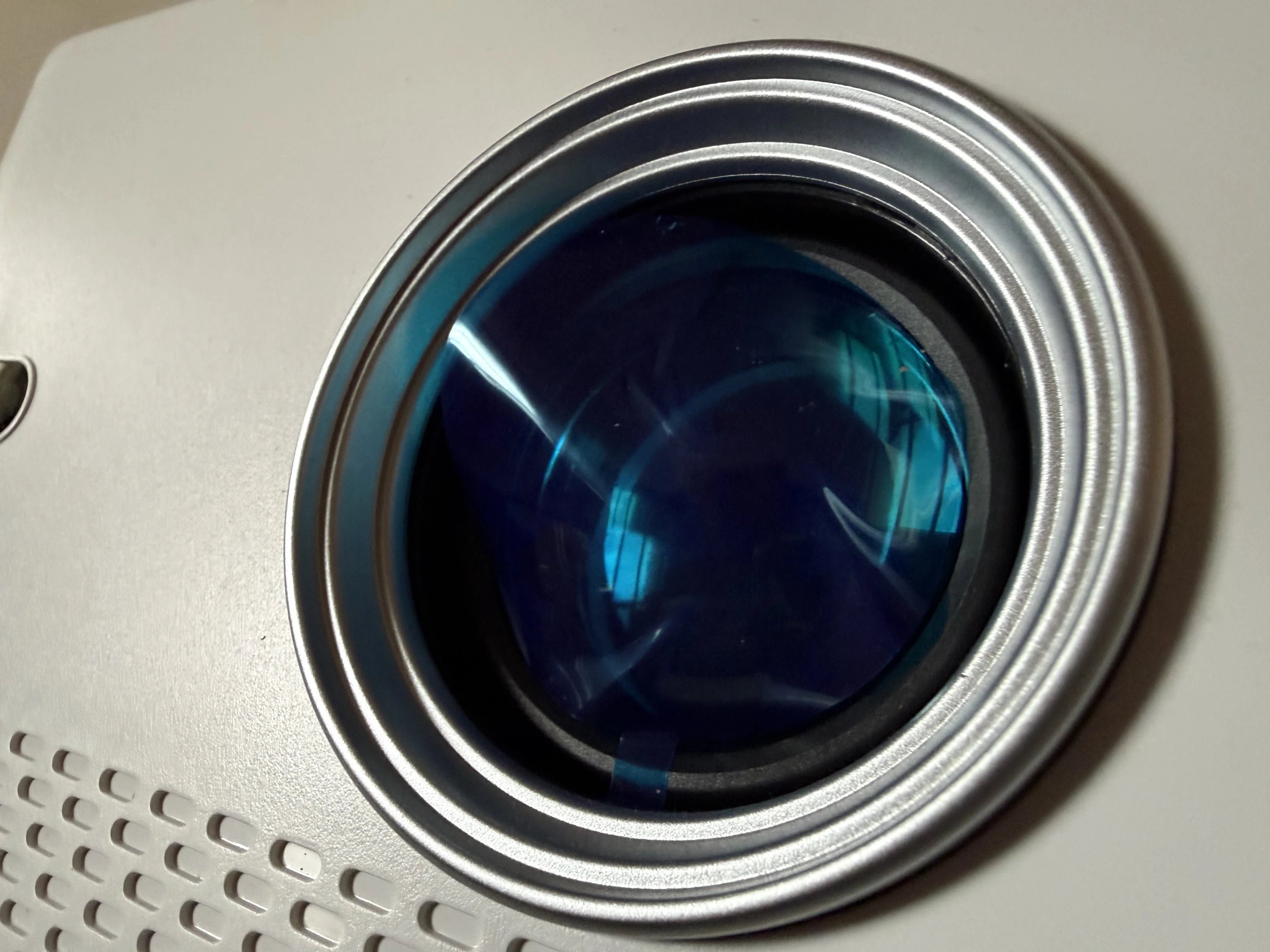
Thanks to the enclosed inner optics, you’ll only need to keep an eye on the lens and vent when it comes to dust build-up
New Atlas
2/6
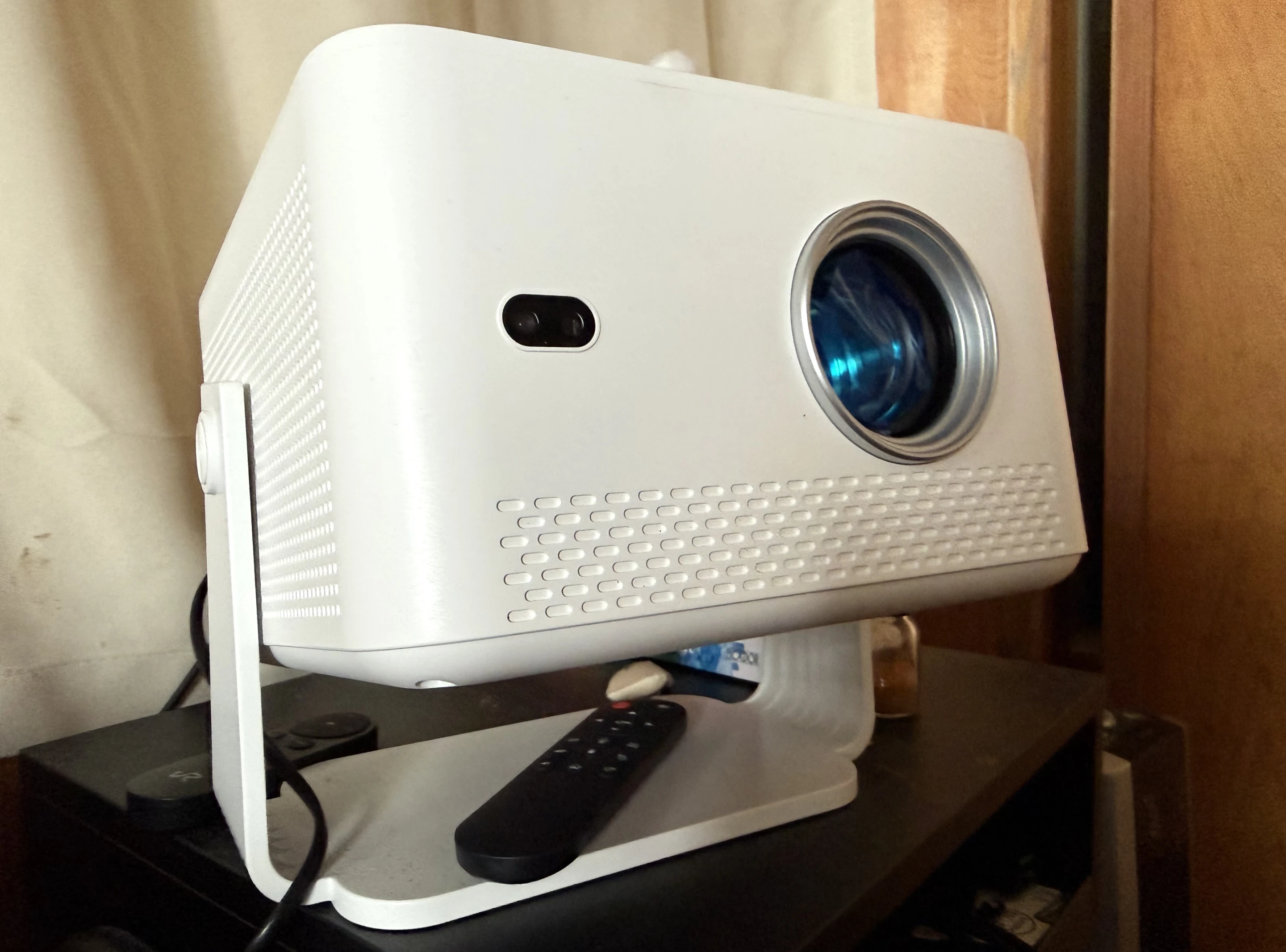
While it’s not a compact unit compared to some, it easily fits on my bedside table and has a sturdy stand ideal if you want a ceiling-mounted unit
New Atlas
3/6
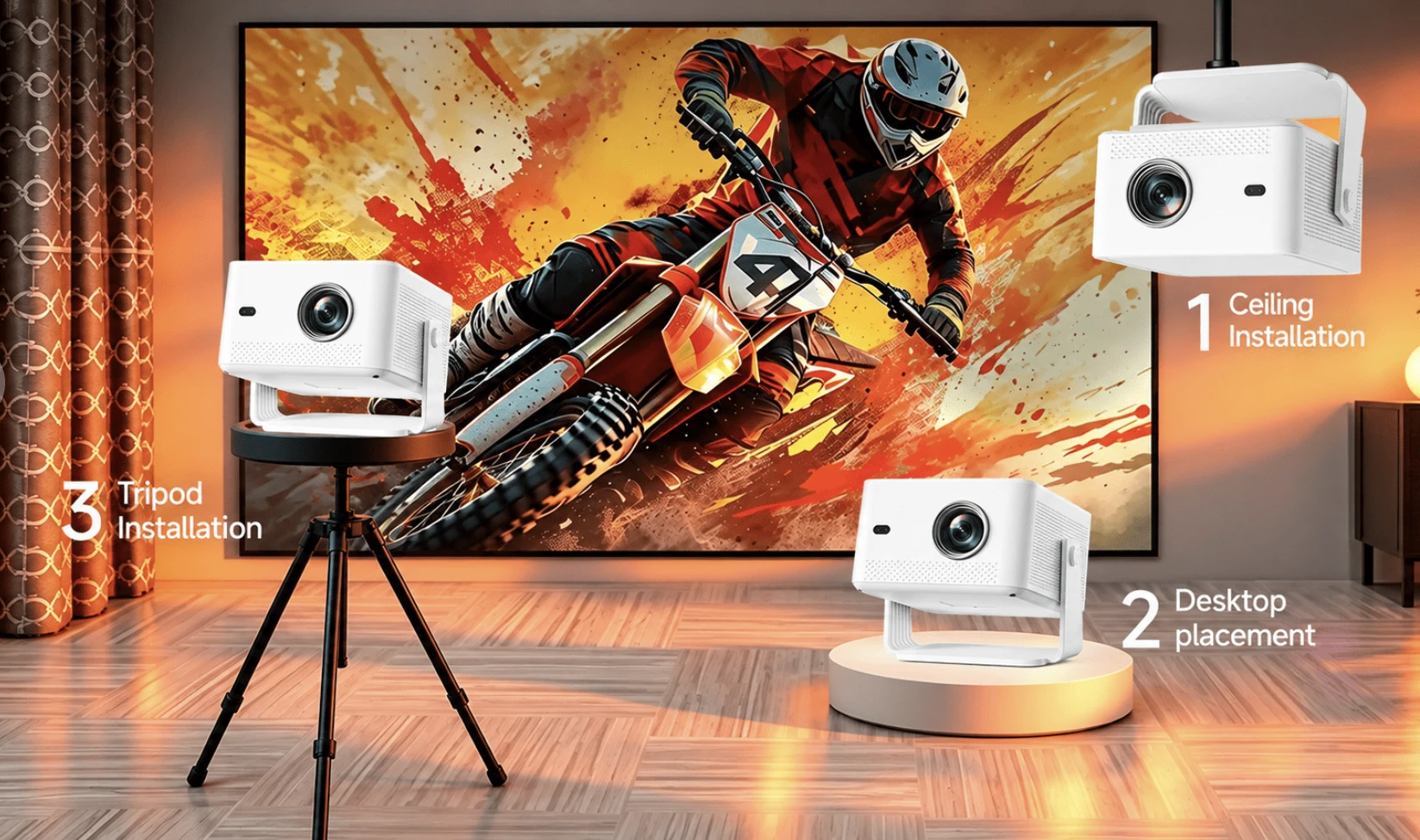
The M800 is designed to adapt to your environment
Magcubic
4/6
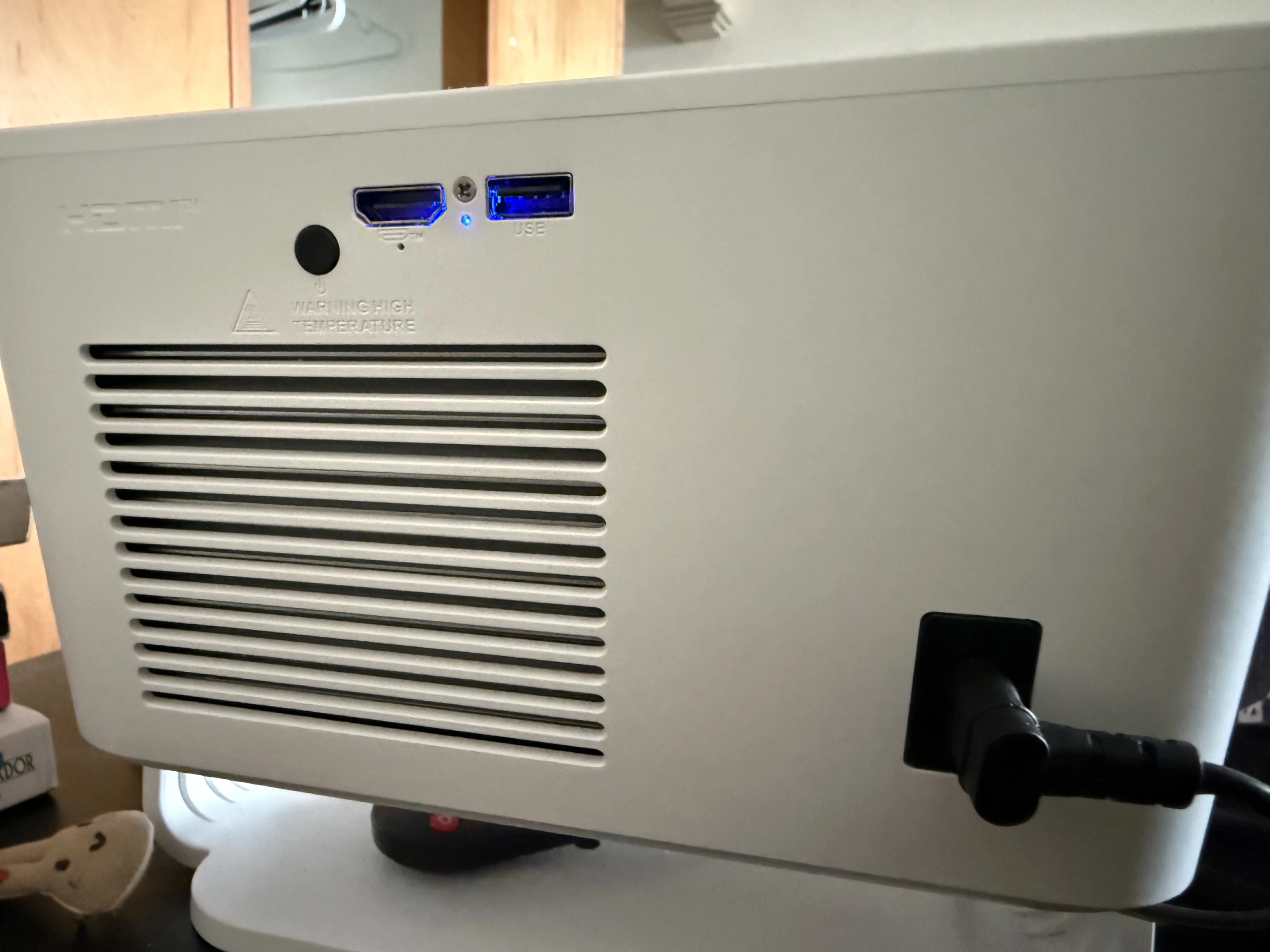
The unit stayed surprisingly cool – and its fan remained quiet – even after several hours of nonstop viewing
New Atlas
5/6
The projector works as both a “plug and play” unit or one that can be customized for purpose
New Atlas
6/6
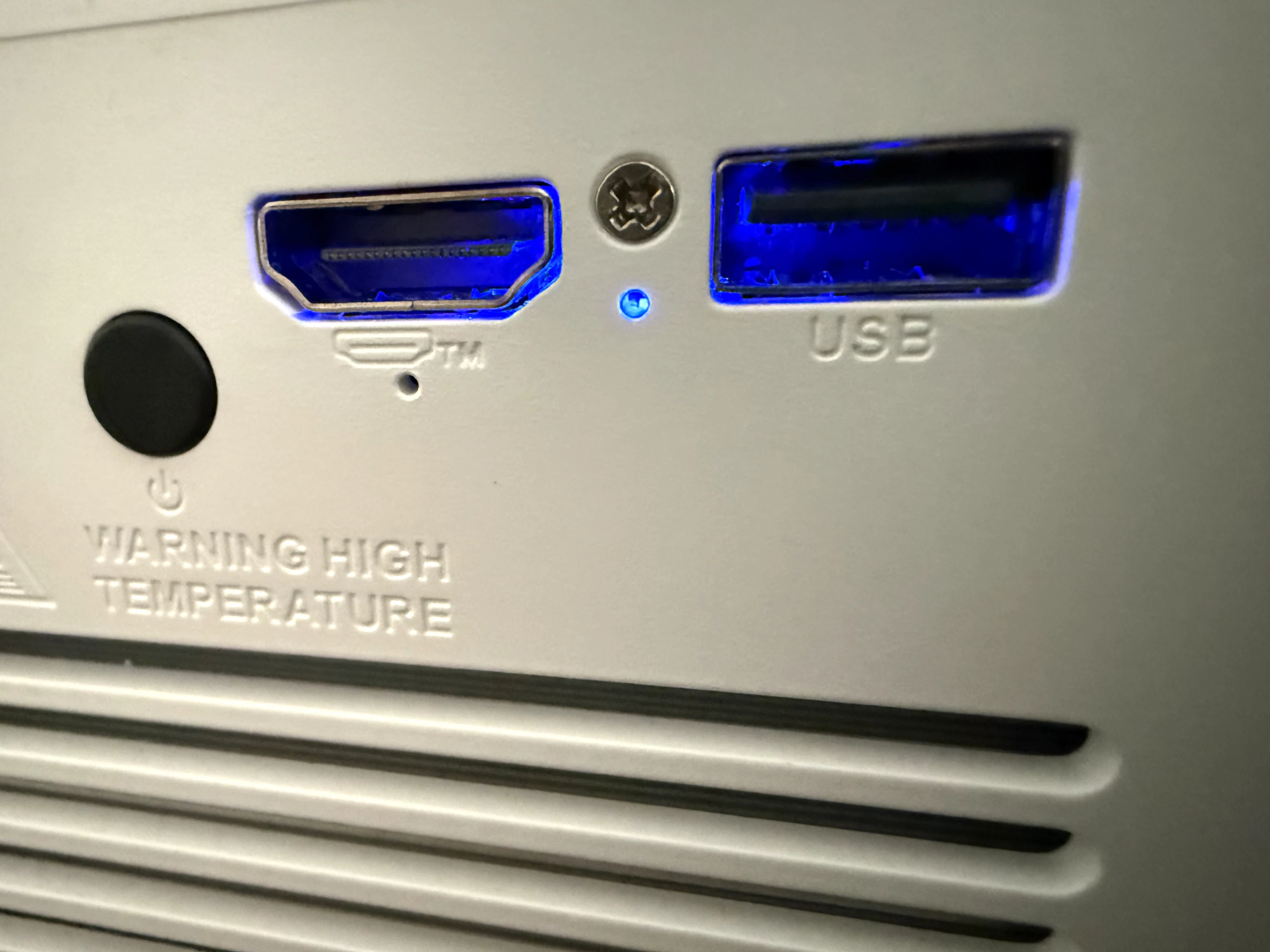
While the M800 supports wireless options, the HDMI and USB ports allow for more flexibility in streaming
New Atlas
If you’re after an everyday smart projector that punches above its weight when it comes to sound, image and connectivity, and is built to last with very little maintenance on your part, Magcubic’s M800 is a strong performer in the budget space.
While I’m still a newcomer to the projector world, I have become a fan of what Magcubic has had to offer up this year. So much so I carried that model – the X7 – in my backpack to the other side of the equator in July, where it had become my nightly TV screen.
I’m also a big fan of getting bang for your buck, and technology that can be “plug and play” if you want it to be. The M800 ticks both boxes, but also offers a lot of flexibility if you want to add a screen of apps downloaded from the Google Play store or stream
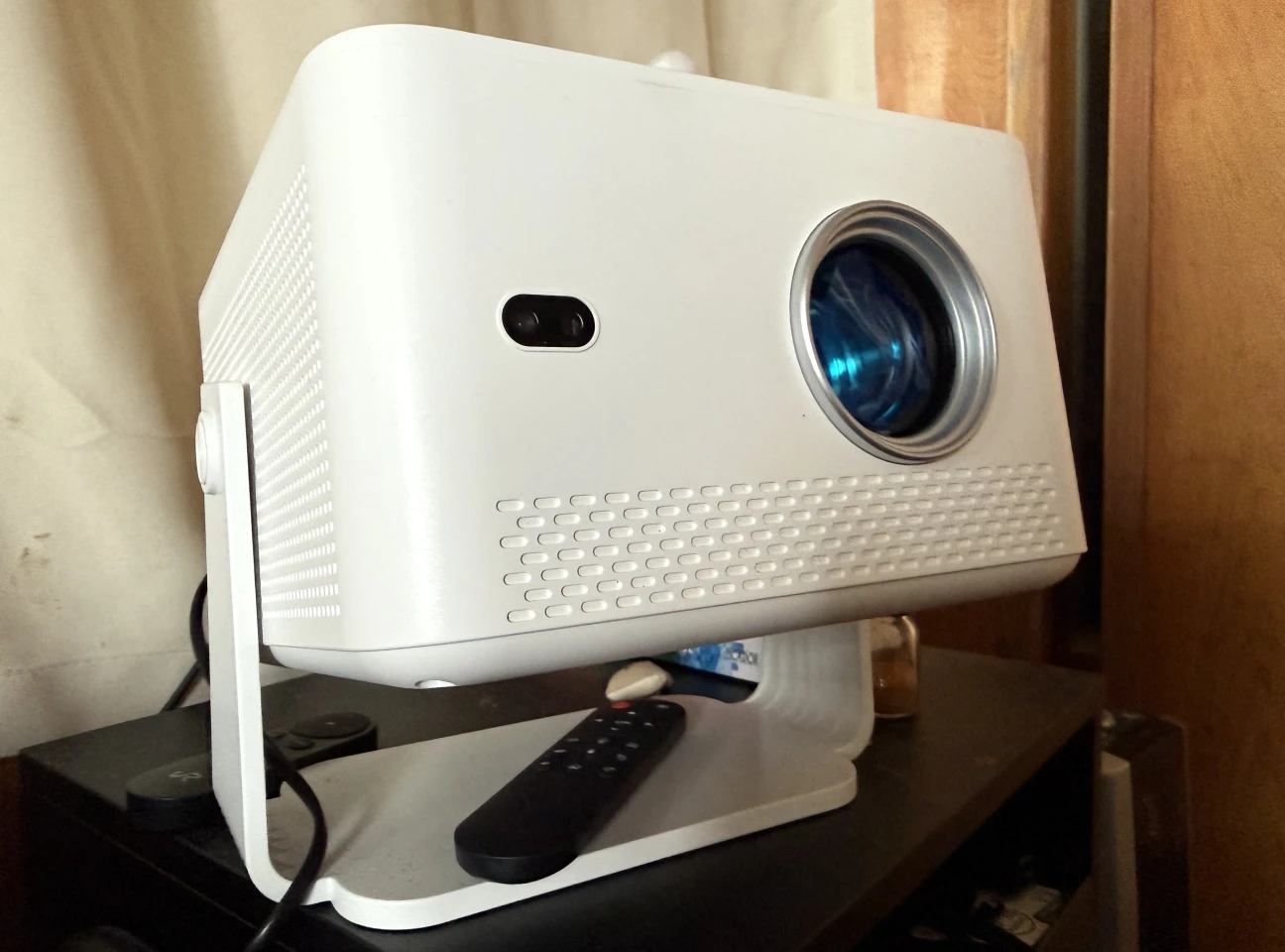
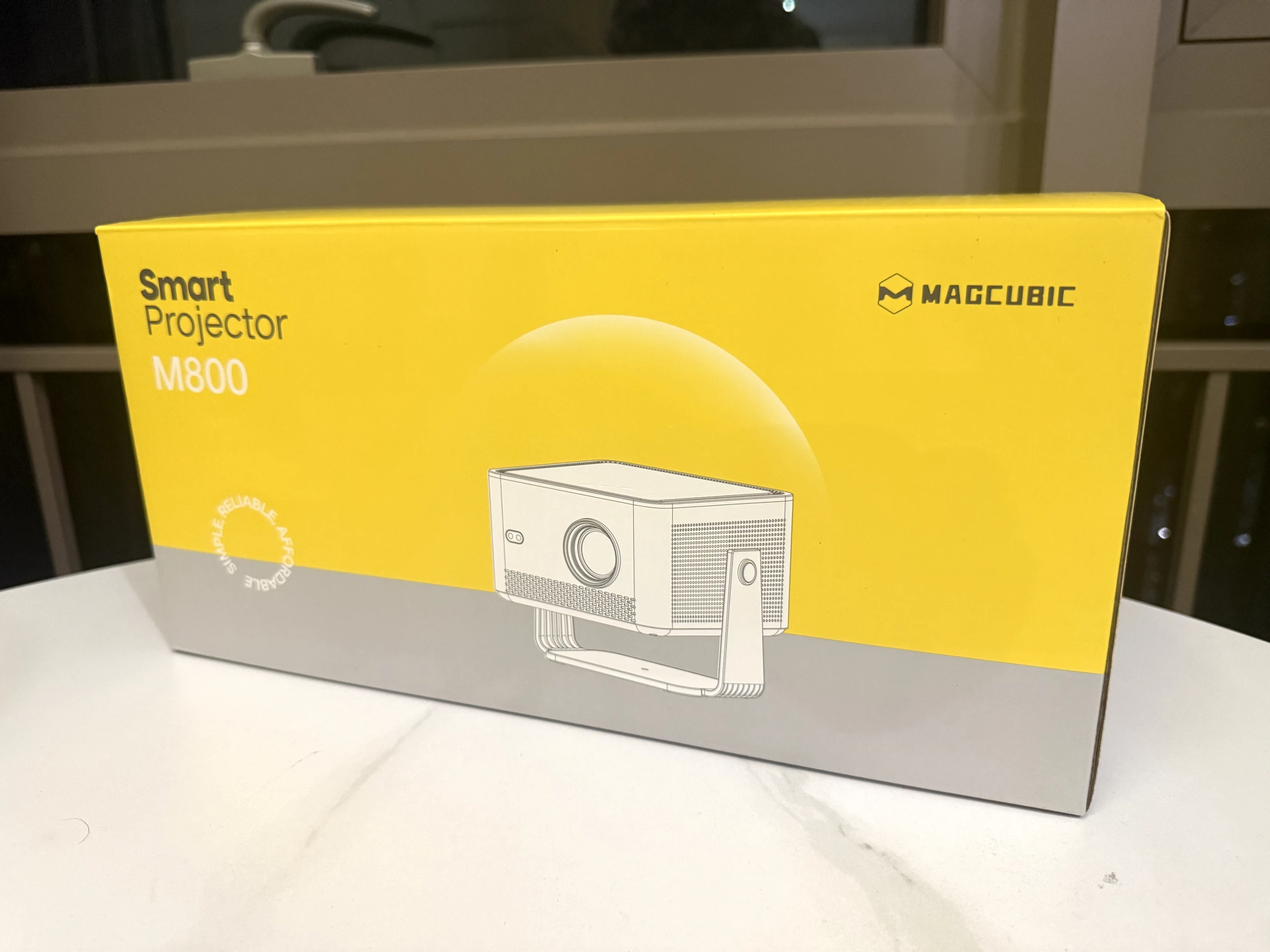
It’d be unfair to compare the X7 and the M800 as both are quite different pieces of hardware. This unit is considerably heavier, at 2.9 kg (just under 6.4 lb), and wider, measuring around 25.4 x 23.9 x 20.8 cm (or 10 x 9.4 x 8.2 in). If you’re after a portable projector, this can function as one, but isn’t really designed for portability. Instead, it’s been built around a fully enclosed optical structure, keeping dust from entering the unit and affecting projection.
While it’s still ideal to keep an eye on vents every few months to make sure they’re free of dust and other common household debris like pet hair, the M800 is designed to make sure general upkeep is kept external. This is surprisingly valuable, especially if you’re a novice or plan to mount the unit from a harder-to-access spot like the ceiling or a high wall.
But, essentially, the shield around the internal optical machinery should extend the lifespan of the unit. While I can’t attest to this, having only used it for a month, the less technology I have to dismantle and reassemble to clean, the better (for both myself and the tech).
Much like the X7, the M800 does however feature autofocus, auto four-corner keystone correction and intelligent obstacle avoidance to fit whatever space you’re aiming it at. I have found, with both models, that the auto-sizing can ignore softer wall features like crown molding, but a click of the button in settings and you can resize the screen to suit.
That said, the projector can accommodate a pretty large range of room sizes, from its position to wall projection. The recommended range is 1.35 m to 2.25 m (60 to 100 in), but can work outside of these parameters (0.9 to 3.1 m, or 40 to 150 in). And with a fairly low throw ratio (1.0:1), you can project a screen of up to 140-in wide from a short distance while keeping brightness and picture clarity intact. This makes the M800 a good option for smaller lounge rooms or bedrooms, where wall-to-projector distance is often limited.
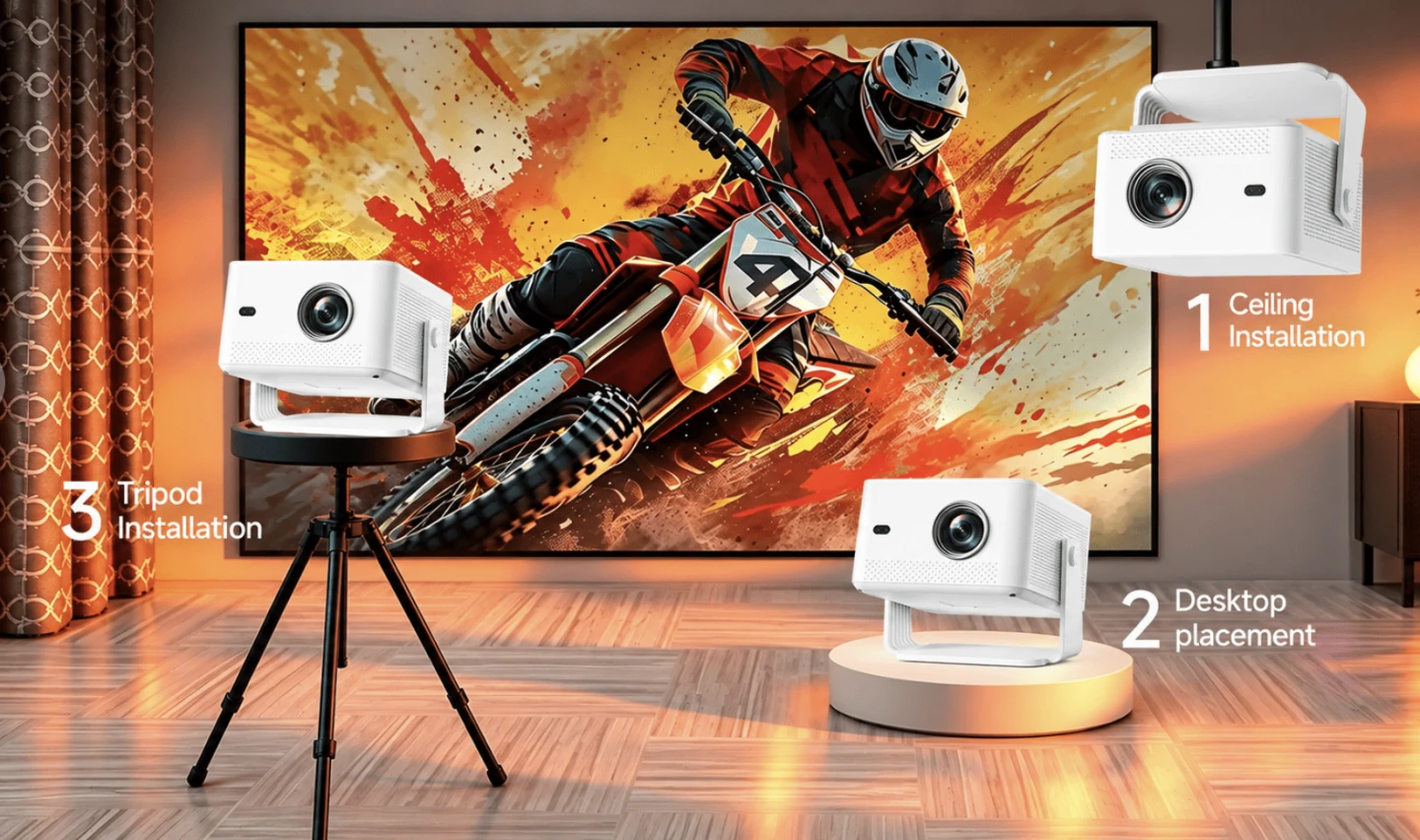
I’ll admit that this took me a while to master – because of course I didn’t read the instruction manual or look at the specifications before setting it up – but it basically means the M800 is a great unit to mount from the ceiling to recreate a theater-like screen experience. And speaking of flexibility, the M800 comes with two threaded holes for mounting, one on the stand’s base and one beneath the projector itself. This way you can fit it to a ceiling, wall or stand, or simply ignore the fittings and place it on a table or even the floor. Given its weight, I’m impressed with the sturdiness of its stand – while it allows movement for 180-degree rotation, from front to rear view – there’s no sense of the unit swinging while in use, and feels super-reliable for mounting on a wall or ceiling.
Picture-wise, the M800 offers native 1080-pixel full high-definition LCD projection system with 8K decoding support depending on viewing needs. And when it’s set up right, it’s bright – 1,200 ANSI lumens – even with some light sneaking into the room. That said, some reviewers have measured brightness and found it falling short of the official specs, and I didn’t notice a marked difference in brightness compared with the X7. The contrast, however, is excellent, especially when watching the screen in the dark, as is the image quality from corner to corner. While the auto settings are ready to go, you can adjust aspects such as saturation and contrast in settings, but you shouldn’t really need to.
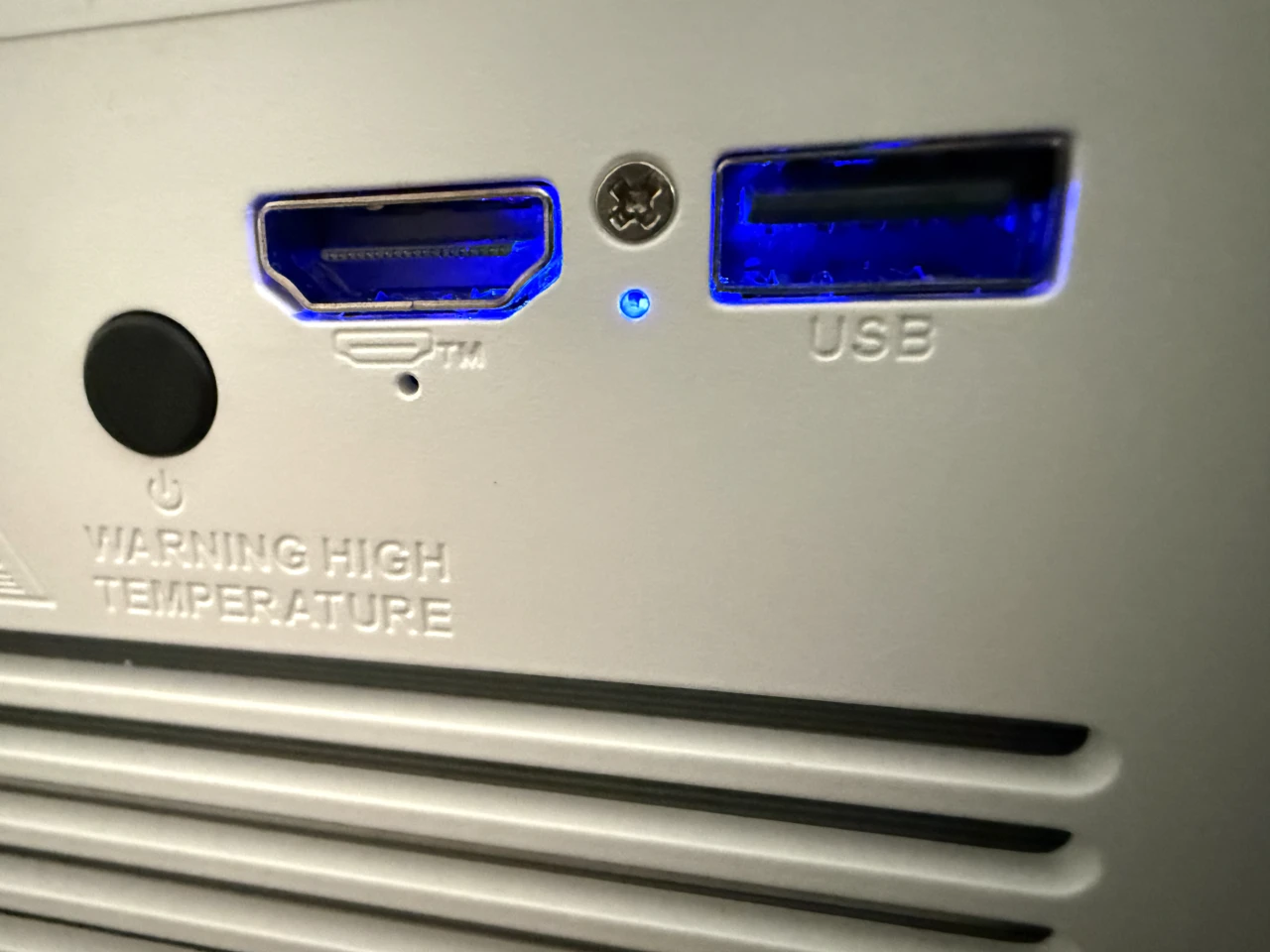
The unit runs on Android 14, and comes with 2 GB of RAM (16 GB storage), which will accommodate enough streaming apps for general use. While it’s fitted with Wi-Fi 6 and Bluetooth 5.4, it also houses a USB 2.0 port and a HDMI 2.0 input. Ideally, you’d want to connect the M800 to your home Wi-Fi for ease of wireless streaming and app downloading, but I set it up just over Bluetooth and with some work could mirror from my iOS screen to the projector and onto the wall.
While testing, I didn’t have my gaming consoles on hand, however early reviews of the unit report very little lag. It’s powered by an Allwinner H726 chipset, which is a solid performer for budget projectors, so I’d expect little latency for the kind of low-action Switch games I’d be most likely to put up on the big screen. And while the rear vent will generate some heat over several hours of viewing or game-playing, the M800 stayed surprisingly cool – as well as surprisingly quiet – even with it running within a couple of feet of my head.
While I did say a comparison is unfair, it’s worth pointing out that the M800 outdoes the X7 in terms of sound output; it has a heftier built-in 15-W speaker on one side, which delivers all-round excellent audio and range. I was happy it stayed crisp and clear even when the bass was pushed. And I really like the output of the X7’s 5-W sound system. Of course, given its connectivity, the M800 can be linked up with more powerful audio systems for more of a cinematic experience with video and audio in sync. However, I feel the usefulness of the built-in speaker will really depend more on its positioning and what you want out of it than the content you’re projecting.
And the Bluetooth-connected remote is intuitive, has voice controls and is pretty self explanatory. Magcubic hasn’t deis respect (so much so my X7 remote was compatible with the M800 too). That said, there aren’t any controls besides an on/off switch on the unit itself, and there’s no native Magcubic app I could use on my iPhone (there is a Google Play app)
And while there are many different ways to stream to the M800, I found it fairly tricky to manage it wirelessly via iOS and without Wi-Fi. But that’s not a surprise when managing Apple to Android communication, and there are ample workarounds that even I eventually figured it out. And while the makers say it can support more than 8,000 apps, Netflix playback via on-screen control is limited to 480-p playback. This too can be navigated around, but it’s not as “plug and play” as YouTube, for example.
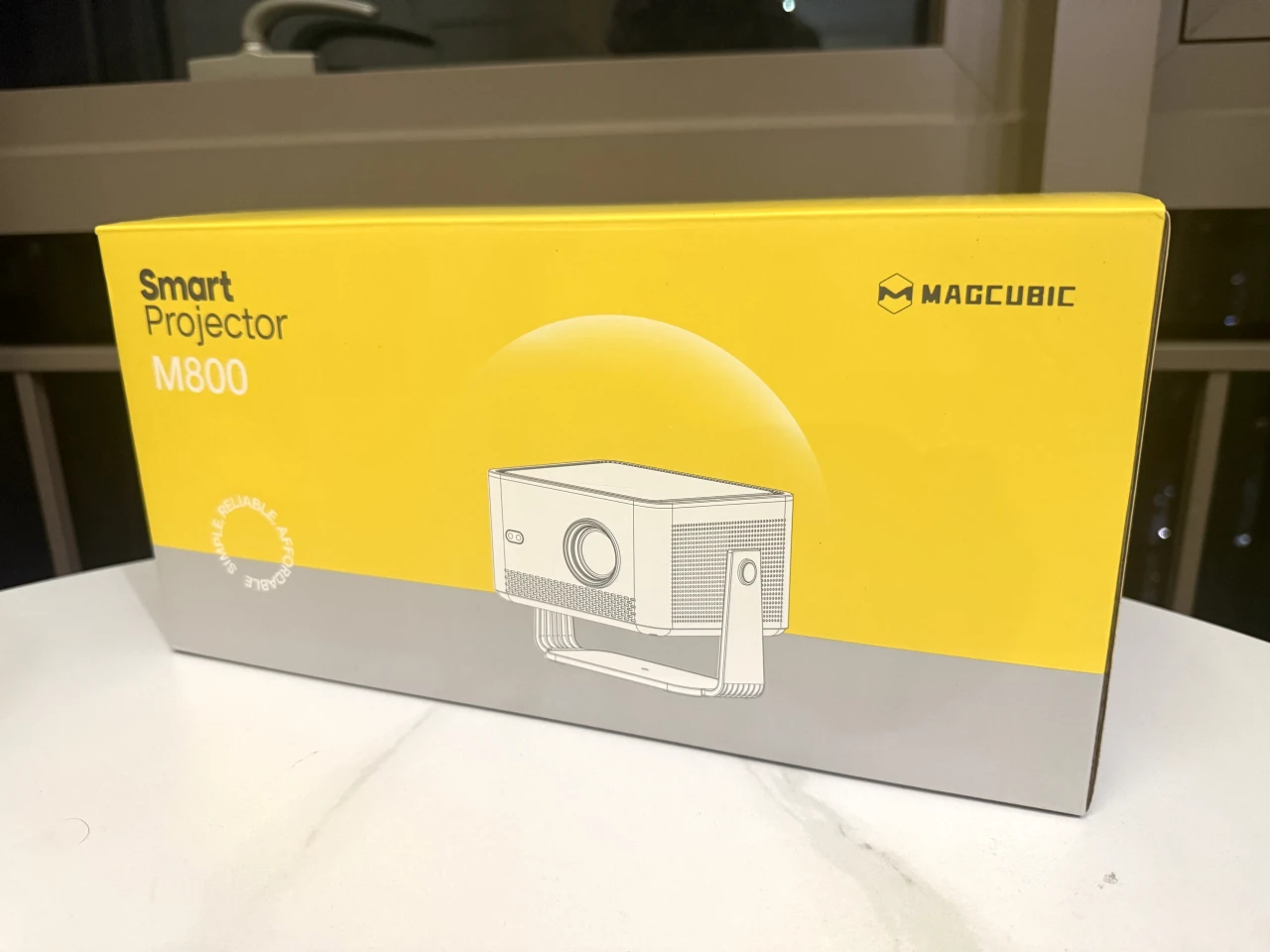
Like so much of consumer technology now, the projector landscape has become increasingly crowded. But this has also made space for all kinds of models that suit a huge range of budgets. And when it comes to budget, this low-maintenance, adaptable and strong everyday-viewing unit is both a good entry point and a solid upgrade from a less powerful device in its price bracket.
The M800 is currently on sale for US$237 (normally $305), with free shipping offered to the US, UK, Australia, Canada, EU and more; check the website for specifics, including price differences based on currency, though.
