



Sun, July 19, 2026 at 4:17 PM UTC
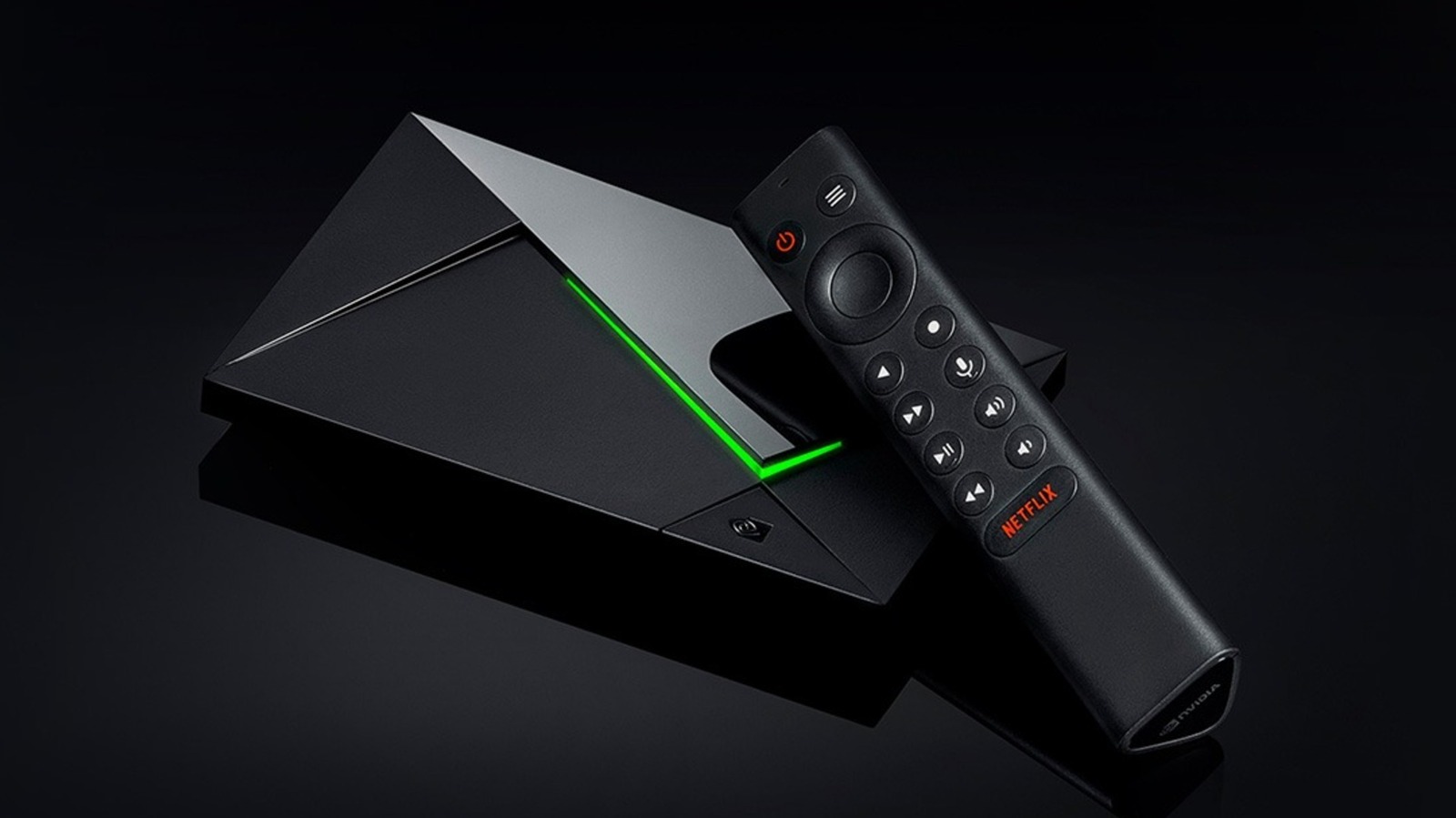
If you’re shopping around for streaming devices, you might consider something like an Apple TV or Fire TV Stick. However, if you want the best experience, Consumer Reports recommends the Nvidia Shield TV Pro. This device includes all the usual streaming apps, including Netflix and Amazon Prime Video, as well as one special app you can’t find in any other streaming device: GeForce Now.
GeForce Now is a cloud gaming service that lets you stream an ever-growing list of games onto compatible devices, including PC, tablets, and the Nvidia Shield. You can sync up your Nvidia account with libraries on digital distribution platforms such as Steam, Epic Games, Ubisoft, GOG, and Xbox (no PlayStation yet), and you can stream these games onto a compatible device. A base GeForce Now account is free, so you only need to own a game to play it — preferably through Steam. However, paid subscription tiers carry various advantages, such as skipping waiting queues to play a game, higher resolutions and framerates, and a larger library of titles.
I was recently gifted an Nvidia Shield with an Ultimate tier subscription — the most expensive one with the most perks — for the purpose of testing out GeForce Now and comparing it to rival consoles. How does it stack up to playing games on the Xbox Series X and PlayStation 5? Is the Nvidia Shield a powerful (and cheaper) alternative to the Steam Machine? Read on to find out.
BYOC (Bring Your Own Controller)
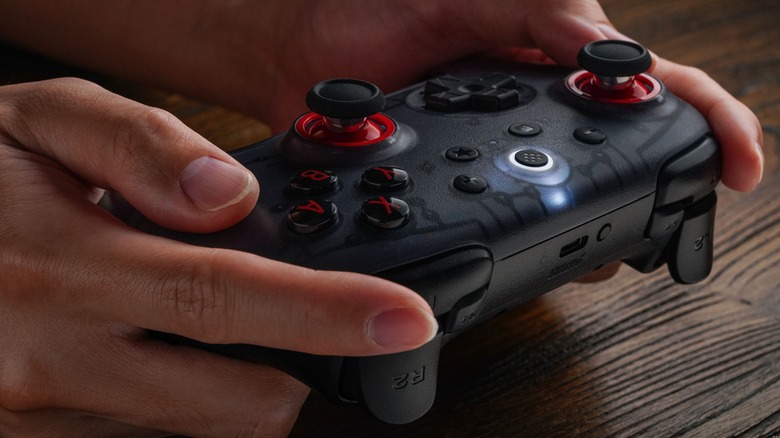
While modern game consoles include a dedicated controller, the Nvidia Shield only packs in a remote control. If you want to use GeForce Now on your Nvidia Shield, you’ll need to supply your own controller, which is an additional (and potentially annoying) expense, but one that opens up countless possibilities.
Since the Nvidia Shield runs on Android, virtually every controller compatible with Android systems works with GeForce Now. Heck, you can even use these controllers to navigate the standard Nvidia Shield menus. Simply sync your favorite gaming controller to the device or plug it inpreferences
You might not need the best gaming controller to enjoy GeForce Now on the Nvidia Shield (I personally prefer the 8BitDo Ultimate 2C), but I have to mention one device in particular: The Shield Controller. This novel device combines the silhouette of the Xbox controller with the face button and stick layout of PlayStation controllers. While the buttons, triggers, and thumbsticks on my copy don’t feel as responsive as those on other controllers, I can easily chalk it up to my Shield controller’s pre-owned nature. And yet, playing GeForce Now games doesn’t feel complete without it — I attribute this to the device’s ability to natively connect to the Nvidia Shield and its unique polygonally textured prongs. It’s by no means a perfect controller, but it does the job. My only major complaint is the start buttons on the bottom, which activate various pause and “previous menu” functions. These buttons are awkward to press, and I frequently press one by accident when I meant to toggle another. I honestly wouldn’t mind seeing a refresh of this controller, redesigned with hall effect or TMR thumbsticks and better start button placement.
When it works, it works, but when it doesn’t …

GeForce Now is basically advertised as the Chromebook of PC gaming. Why spend money on an expensive gaming rig when you can just remotely access one that’s more powerful than most setups, and all gaming consoles? Because unless you get your latency under control, you’ll wish you used one of those alternatives.
Playing games on GeForce Now relies on three factors: Bandwidth, packet loss, and latency. The higher the bandwidth and the lower the packet loss and latency, the better your games will look and the faster they’ll respond. However, since this connection requires so much data, it’s delicate and prone to disruptions. I highly recommend using an ethernet cable to connect to your home internet, because any latency spikes will ruin your experience.
If you’re the only person in your household online when you play GeForce Now, most games will feel as snappy and reactive as a game you play on a physical console. However, if someone else is streaming video, on a live call, or otherwise using bandwidth, prepare to experience latency from hell. I’m talking button inputs that take six or more tries to register, menu cursors and in-game cameras that continue to move even when your finger is off the thumbstick, and terrible video quality. When this happens, not even a wired connection can save you.
Graphical fidelity may vary
From a hardware perspective, the Nvidia Shield TV Pro is about as powerful as a smartphone or Nintendo Switch. On its own, the Shield doesn’t have the chops to play the latest and most graphically intense games. But that’s why it relies on GeForce Now: So it can leverage the hardware of a computer that can. At least, that’s the intent.
For the most part, games played through GeForce Now look better than they do on consoles and generally sport solid framerates. Usually, when you play modern games on the Xbox Series X or PlayStation 5, you have to pick graphics modes that prioritize either resolution and fidelity or a stable amount of frames per second. However, you can get both on GeForce Now through the Nvidia Shield because you’re basically playing the game on a powerful PC and streaming the results. Titles such as “Hitman: World of Assassination,” “DOOM,” and “Baldur’s Gate III” all look incredible through the service, but unless you buy a subscription package, the cracks show when playing certain games.
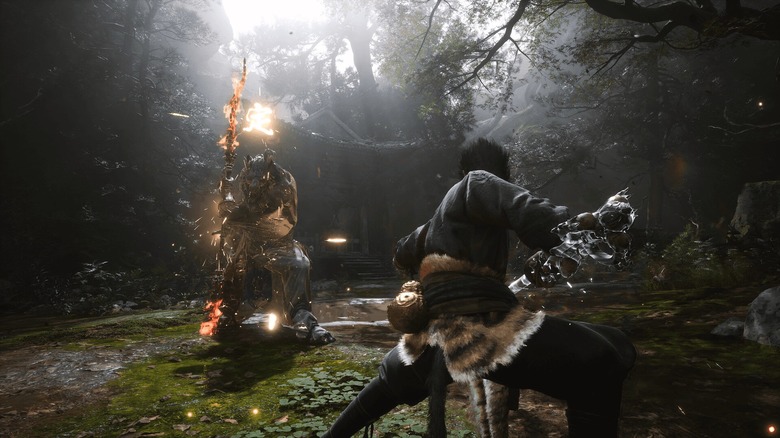
If you want to see GeForce Now at its worst and its best, boot up “Black Myth: Wukong.” When you play the game with nothing but the free subscription, you’re locked to medium graphics settings at 720p that never quite reach 30fps. The result looks like a crunchy, unoptimized PlayStation 3 title. However, if you pay for a subscription, you can stream the game off a rig that channels the power of an Nvidia RTX graphics card, which renders the game at max settings with 2160p resolution and a stable 90fps. Not even a PS5 copy can aspire to look that good.
The library could use some work
One of GeForce Now’s main hooks is the ability to play games without downloading titles onto a hard drive. Potentially thousands of games are at your fingertips, so long as you’re willing to wait for a rig while watching ads. Of course, if you have a Performance or Ultimate plan, you can play instantly, but even then the service is far from perfect.
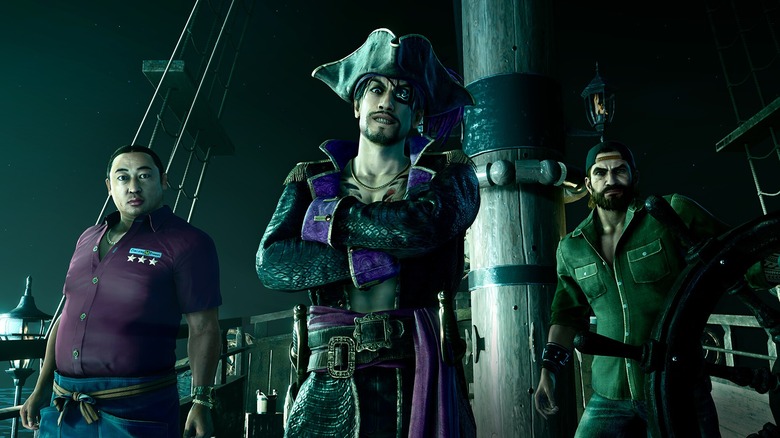
First things first: GeForce Now is no Xbox Game Pass or PlayStation Plus. You need to own digital copies of the games you want to stream. Nothing wrong with that, but unless you have a Performance or Ultimate Plan, you might be locked out of most games. And that’s assuming GeForce Now even supports the majority of your library — out of over 5,500 games GeForce Now pulled from my accounts, it only lets me play 377. Popular titles such as “Baldur’s Gate 3” and “007: First Light,” and even underappreciated games like the “Ys” franchise are all playable (with the right subscription). But any “Final Fantasy” game before “FFXVI” isn’t available,” and neither is the entire “Yakuza/Like a Dragon” library.
All things being equal, this limited library is probably the biggest argument against relying on Nvidia Shield for gaming. Yes, the ability to play any game at any time without installing it is a monumental boon for anyone who wants to swap between games, especially titles that eat up storage space such as “Black Myth: Wukong” and “Fortnite.” However, if you have the sudden urge to play “Persona 5” on a TV, either buy a console version or purchase a Steam Machine. Or request the title in GeForce NOW’s feedback section and hope Nvidia adds it.
In conclusion
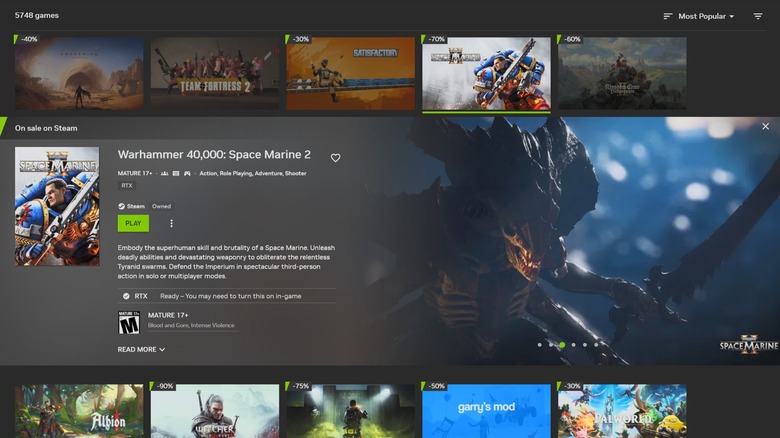
Playing games on the Nvidia Shield TV Pro is full of potential, but it’s up to users to ensure the service can reach that potential. In an ideal setting, games played through GeForce Now look and respond better than anything a console can deliver, but you have to make sure no other devices are taking up bandwidth. Plus, unless you’re paying $100 or $200 a year for higher tier subscriptions (which is still cheaper than paying for a console, especially given recent price increases), you’re locked out of many games you own and the most powerful rigs. This isn’t a problem for older titles, but newer games will suffer.
If you have a sizable game library— mostly through Steam — can guarantee a stable connection, and don’t have the money for a console or powerful rig, an Nvidia Shield and GeForce Now account are right up your alley. However, look through the service’s game library to make sure your favorite titles are supported. Or at least which subscription tier they require.
If you’re unsure, just start with the free plan and give GeForce Now through the Nvidia Shield a go. If you like what you experience (and want to play for more than an hour at a time), try investing some money in a premium subscription. If not, the Nvidia Shield is still one of the best ways to stream your favorite shows and movies. You win either way.
Enjoyed this article? Sign up to BGR’s free newsletter and add us as a preferred searchent, plus tips and advice you’ll actually use
Read the original article on BGR.
