

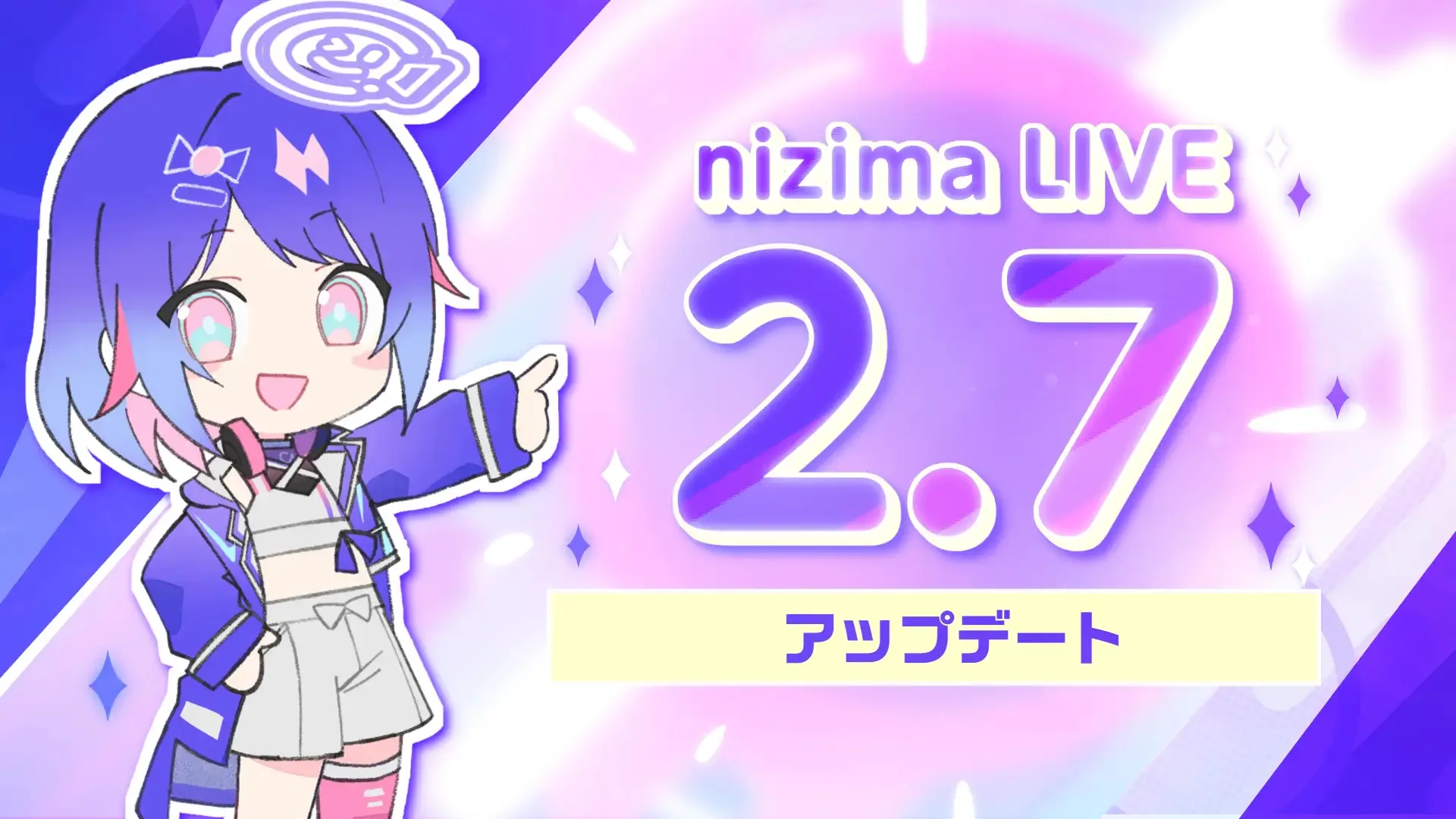
On August 12th, Live2D released “nizima LIVE 2.7,” a tracking app for VTubers. It includes new features such as an AI assistant and voice tracking. It is currently available for Windows and macOS.
The AI assistant function allows you to connect your favorite Live2D models with chat AIs such as ChatGPT, Gemini, and local LLM. It also supports voice input, and you can select from 31 characters and 82 different voices in the VOICEVOX series. The model’s mouth and entire body move in accordance with the conversation, and estimated emotions are reflected in its facial expressions. Responses can be output as subtitles to OBS.
The voice tracking feature allows you to control Live2D models using only voice input, without needing a camera. It supports features such as blinking eyes, lip-syncing, facial movements (up, down, left, right), and full-body movements.
In addition, we’ve added a time parameter function that changes Live2D parameters according to the real time. Voice input lip-syncing is now available for all models in the macOS version. Left, right, and middle mouse clicks, as well as side buttons, can now be assigned as shortcuts for facial expressions and motions.
Furthermore, Google account login is now supported. In addition, new effects such as “Mirror Ball,” “Comic,” and “Pixel Art” have been added.
nizima LIVE App Information
| app | nizima LIVE |
| Latest version | 2.7 |
| Release date | August 12, 2026 |
| Main new features | AI assistant, voice tracking, time parameters |
| AI collaboration | ChatGPT, Gemini, local LLM, etc. |
| Text-to-speech | VOICEVOX series: 31 characters, 82 types in total |
| Supported OS | Windows、macOS |
| iOS app | nizima LIVE TRACKER |
| Official website | https://docs.nizima.com/promotion/nl92316 |
| Download page | https://nizimalive.com/download/ |
This article is an English translation of an original Japanese article, translated by the Mogura VR editorial team.
