
Close Menu

    Subscribe to Updates

    Get the latest creative news from FooBar about art, design and business.

    What's Hot

    ‘Industry is bullsh*t, you need not to be from Bandra, you can be in Malad and still be acting’, says Manoj Bajpayee

    October 28, 2026

    ABSOLUTE CATWOMAN miniseries extended to 12

    October 28, 2026

    How to Watch Rays vs. Brewers: World Series Game 5 TV Channel, Live Stream, Time

    October 28, 2026
    Facebook X (Twitter) Instagram
    Facebook X (Twitter) Instagram YouTube TikTok
    Comic Vibe
    Wednesday, October 28
    • Home
    • Comics
      • Comic Vibe News
    • Gaming
    • Movies
    • TV
    • Anime
    • Toys & Collectibles
    • Cosplay
    • Tech
    • Digital Culture
      • Creators & Fan Culture
      • Creator Economy & Fan-Driven Platforms
      • Digital Fandom & Online Communities
      • Metaverse & Virtual Worlds
      • NFTs & Digital Collectibles
      • Virtual Events & Online Conventions
      • Virtual Identity & Avatars
    • Shop
    Comic Vibe
    • Home
    • Contact Us
    • Terms & Conditions
    • Advertise With Us
    • DMCA Policy
    • Privacy Policy
    • About Us
    Home»Gaming»How To Update Your PlayStation 5 Pulse Elite Headset
    Gaming

    How To Update Your PlayStation 5 Pulse Elite Headset

    JamesBy JamesOctober 8, 20261 Comment3 Mins Read
    Facebook Twitter
    How To Update Your PlayStation 5 Pulse Elite Headset
    Share
    Facebook Twitter

    When it comes to gaming hardware like the <a href="https://comicvibe.com/playstation-5-getting-major-ui-update-nobody-expected/” title=”PlayStation 5 Getting Major UI Update Nobody Expected”>PlayStation 5, it’s well established that you need to keep your console’s software updated. PlayStation releases regular patches and updates to improve the PS5’s functions and fix problems, and these updates are usually installed automatically. However, in addition to the console, something you may not know is that you also need to keep your peripherals, like gaming headsets, updated, and this doesn’t always happen automatically.

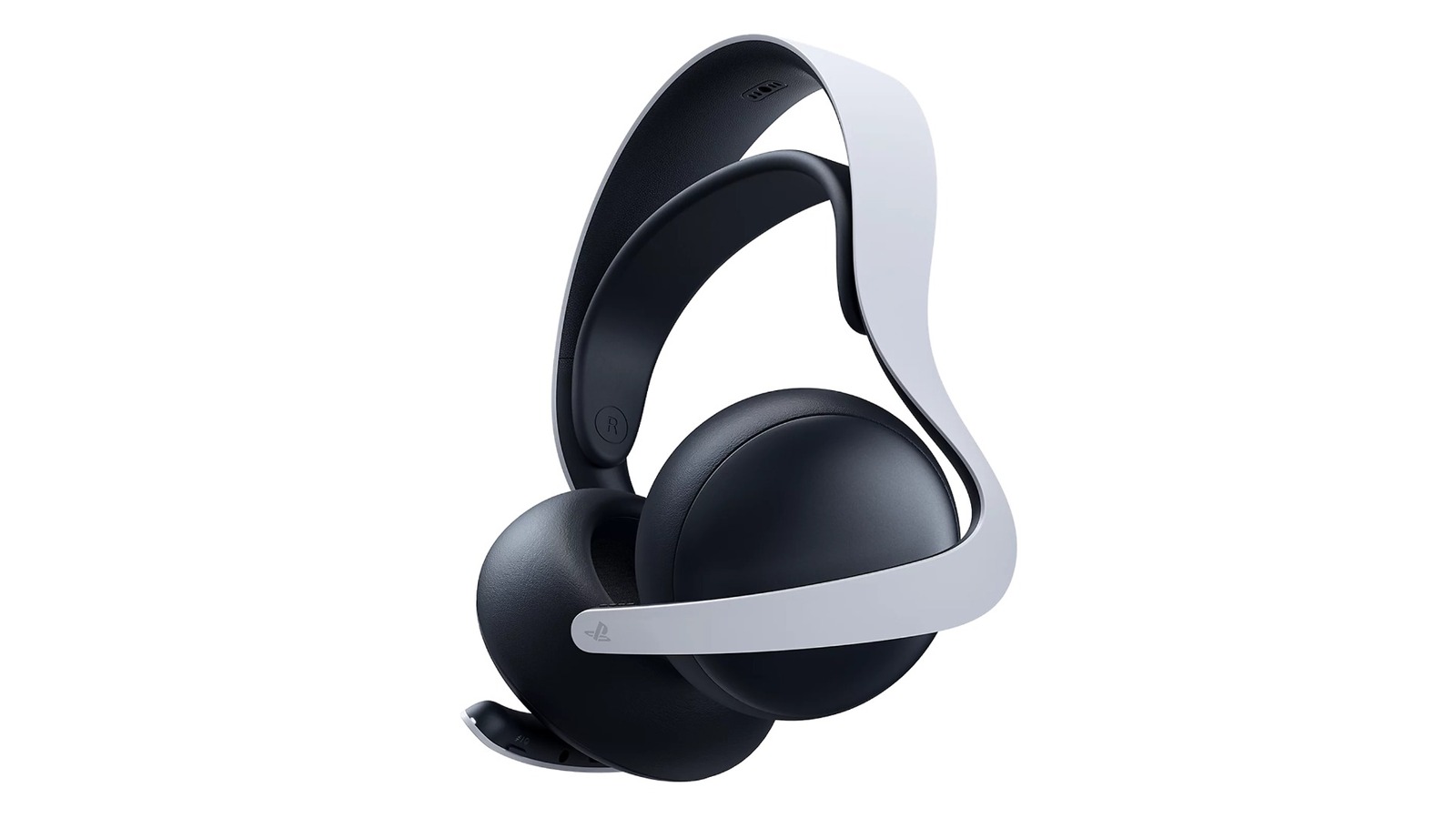
    Take, for example, the PlayStation 5 Pulse Elite headset. It might not seem like using a gaming headset would require any particularly complicated computing, but just like with the PS5 itself, Sony does periodically release firmware updates for peripherals, including the Pulse Elite. The company usually does this to fix little hiccups like connection problems and generally keep the device’s performance in line with the PS5’s functionality. If you have your Pulse Elite headset connected to your PS5, updating it may be as simple as updating the console itself, but if you need to perform a manual check, it’s also possible to update it through a PC instead.

    You can update your headset either through your PlayStation 5 or a PC
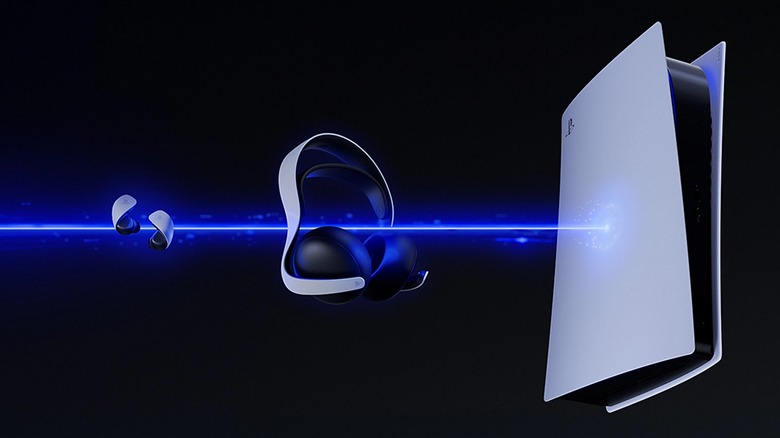
    A PlayStation 5 connecting to a Pulse Elite wireless headset and Pulse Explore earbuds.

    The Pulse Elite headset is connected to your PlayStation 5 console via the PlayStation Link USB adapter. You plug the Link into your console’s USB ports, and the headset can sync up with it. While the Link is plugged into your PS5 and the Pulse Elite is connected to it, updates for both devices become available when the PS5 system software is updated, with on-screen instructions appearing when an accessory update is ready to install. If you enable automatic updates on your PS5, your console will install new system software automatically while it’s in Rest Mode.

    If you’re worried you missed an update, you can manually check for them by going to your PS5 settings, followed by the System menu, then System Software and System Software Update and Settings. Your PS5 will quickly check if there are updates available, and if there are, you can click Update System Software to install them. Remember, your Link and Pulse Elite must be connected to get updated as well. If you think there’s a specific headset update available, even if there are no system updates, you can instead go to the Accessories menu in Settings, then click Headset and PS Link Device Software Update. This will specifically check for updates to connected Links and accessories like the Pulse Elite.

    If, for whatever reason, you don’t want to connect your Link and Pulse Elite to your console, you can connect them to your PC instead by downloading the Link PC Driver. After installing it, loading its interface, and connecting your Link and headset, you can open the Firmware settings from the quick menu to check for updates. You need to keep your headset connected to the PC with a USB cable while the firmware is updating. 

    Elite PlayStation pulse Update your
    Share. Facebook Twitter
    Previous Article‘It’s Almost Not Worth Being Number Two’ – How Live-Service Turned Games Into a Battle Royale for the Top Spot
    Next Article Is Flutter Entertainment (FLUT) Cheap As Leadership Changes Test Its 44% Undervalued View?
    James

    Related Posts

    “Taking several years with several thousand people… It’s almost impossible” – PlayStation creator Ken Kutaragi on the current state of gaming

    October 28, 2026

    Everything We Saw At Nintendo’s October Indie World Showcase

    October 28, 2026

    Social media is full of weird video game mashups. Where are they all coming from?

    October 28, 2026

    Everything We Saw at Nintendo Indie World Showcase October 2026

    October 28, 2026

    1 Comment

    1. Pingback: Sony begins selling off its VR patents to Meta - Comic Vibe

    Leave A Reply Cancel Reply

    Our Picks

    ‘Industry is bullsh*t, you need not to be from Bandra, you can be in Malad and still be acting’, says Manoj Bajpayee

    October 28, 2026

    ABSOLUTE CATWOMAN miniseries extended to 12

    October 28, 2026

    How to Watch Rays vs. Brewers: World Series Game 5 TV Channel, Live Stream, Time

    October 28, 2026

    ASUS unveils a limited-edition TUF Gaming RX 9070 XT with Onimusha styling

    October 28, 2026
    • Facebook
    • Twitter
    • Instagram
    • YouTube
    • TikTok
    • Telegram
    Don't Miss
    Anime

    “Daemons of the Shadow Realm”: When twins have an identity crisis

    By JamesJuly 18, 20260

    “Daemons of the Shadow Realm” twins Yuru and Asa (©Hiromu Arakawa/SQUARE ENIX/Project Tsugai)

    Batman Caped Crusader Season 2 release date: When the world’s greatest detective returns to Prime Video

    July 18, 2026

    Gaming in 2026 is a renaissance of the 2013 Xbox 360 and PlayStation 3 era

    July 18, 2026

    Ranbir Kapoor’s Majestic Entry at ‘Ramayana’ Trailer Launch in Delhi

    July 18, 2026

    Subscribe to Updates

    Get the latest creative news from SmartMag about art & design.

    About Us
    About Us

    Comic Vibe is a pop-culture destination created for fans who live and breathe comics, movies, anime, TV shows, gaming, tech, cosplay, and collectibles.

    Our mission is to deliver engaging news, reviews, features, guides, and opinions that celebrate geek culture in all its forms. From the latest comic releases and blockbuster films to anime trends, gaming updates, cutting-edge tech, and collector culture, Comic Vibe brings everything together in one vibrant hub.

    Our Picks

    ‘Industry is bullsh*t, you need not to be from Bandra, you can be in Malad and still be acting’, says Manoj Bajpayee

    October 28, 2026

    ABSOLUTE CATWOMAN miniseries extended to 12

    October 28, 2026

    How to Watch Rays vs. Brewers: World Series Game 5 TV Channel, Live Stream, Time

    October 28, 2026

    Subscribe to Updates

    Get the latest comics, anime, movies, TV, gaming, cosplay, and pop culture news delivered directly to your inbox. No spam—just the stories every fan should know.

    Facebook X (Twitter) Instagram YouTube TikTok
    • Home
    • Contact Us
    • Terms & Conditions
    • Advertise With Us
    • DMCA Policy
    • Privacy Policy
    • About Us
    © 2026 Comic Vibe. Designed by Comic Vibe.

    Type above and press Enter to search. Press Esc to cancel.