
Close Menu

    Subscribe to Updates

    Get the latest creative news from FooBar about art, design and business.

    What's Hot

    SF Cartoon Art Museum closes weeks after former curator’s arrest

    August 4, 2026

    You have no reason not to watch Babylon 5 now that it’s free on YouTube

    August 4, 2026

    Mattel’s Q2 Growth Story Runs Through Hot Wheels, Games, and Action Figures

    August 4, 2026
    Facebook X (Twitter) Instagram
    Facebook X (Twitter) Instagram YouTube TikTok
    Comic Vibe
    Tuesday, August 4
    • Home
    • Comics
      • Comic Vibe News
    • Gaming
    • Movies
    • TV
    • Anime
    • Toys & Collectibles
    • Cosplay
    • Tech
    • Digital Culture
      • Creators & Fan Culture
      • Creator Economy & Fan-Driven Platforms
      • Digital Fandom & Online Communities
      • Metaverse & Virtual Worlds
      • NFTs & Digital Collectibles
      • Virtual Events & Online Conventions
      • Virtual Identity & Avatars
    • Shop
    Comic Vibe
    • Home
    • Contact Us
    • Terms & Conditions
    • Advertise With Us
    • DMCA Policy
    • Privacy Policy
    • About Us
    Home»Gaming»How to cancel your PlayStation Plus subscription
    Gaming

    How to cancel your PlayStation Plus subscription

    JamesBy JamesAugust 4, 2026No Comments2 Mins Read
    Facebook Twitter
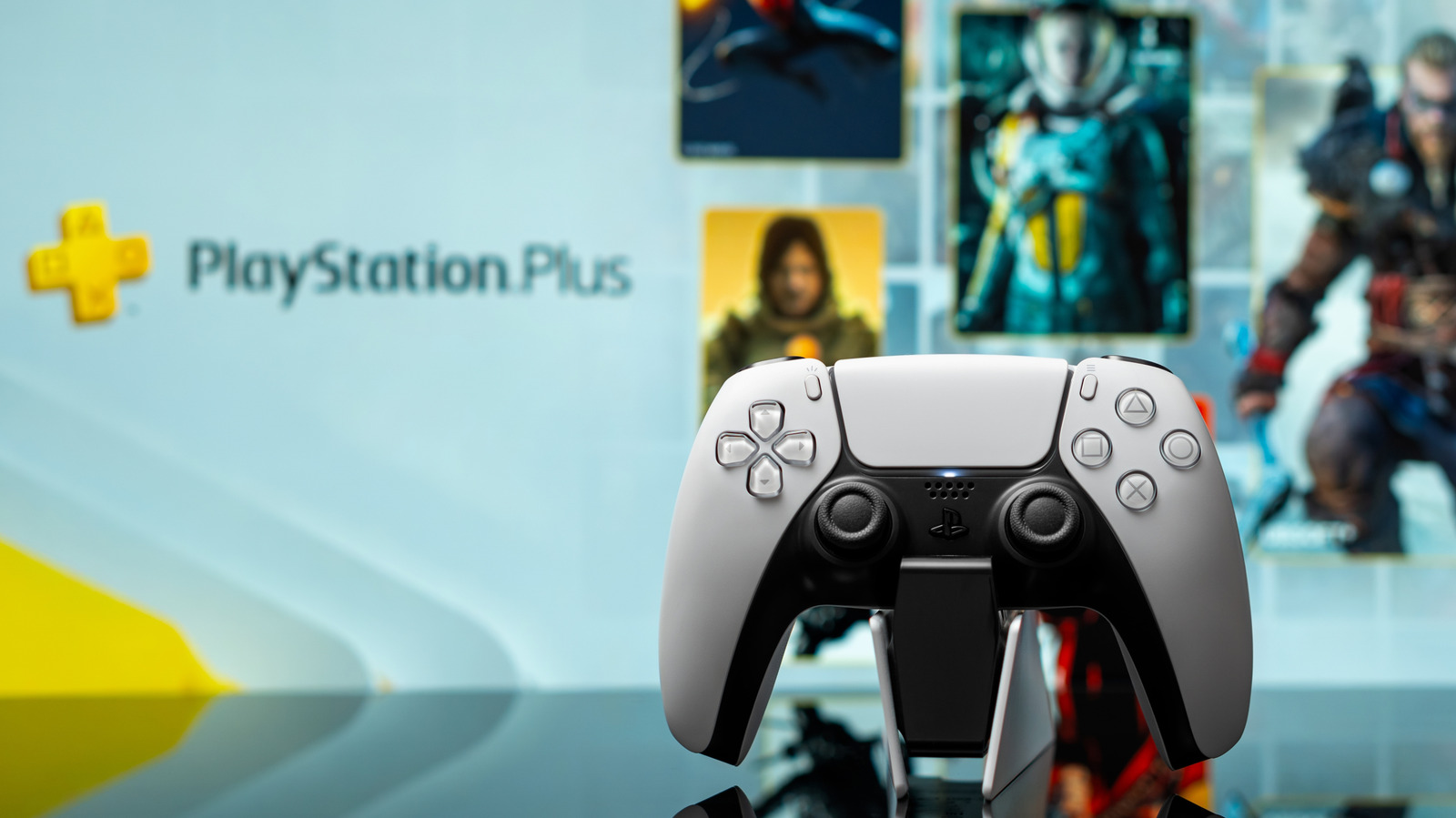
    How to cancel your PlayStation Plus subscription
    Share
    Facebook Twitter

    If you’re done giving Sony money every month, cancelling PlayStation Plus is easy.

    There are many reasons why you might want to cancel a PlayStation Plus subscription. Whether you’re fed up with PlayStation Plus price hikes, tired of the constantly changing library of PS Plus games, or simply mad at PlayStation for their discontinuation of physical games, cancelling your subscription is only a few clicks away. It’s a simple process that you can do through a web browser, the PlayStation app or your PlayStation console.

    How to cancel your PlayStation Plus subscription

    Cancel PlayStation Plus

    You can cancel your PlayStation Plus subscription directly

    1. Go to PlayStation.com and sign in

    2. Go to Account Settings, which can be found by clicking your profile picture in the upper righthand corner

    3. Select Subscription from the menu on the left hand side

    Cancel PlayStation Plus

    You can also easily cancel your PlayStation Plus subscription PlayStation 5 vary slightly

    PlayStation 5

    1. From the home screen, go to the Settings menu

    2. Select Payment and Subscriptions

    3. Select your PlayStation Plus subscription and select Cancel

    PlayStation 4

    1. From the home screen, go to the Settings menu

    2. Select your PlayStation Plus subscription and select Cancel

    Cancel PlayStation Plus

    If you have the PlayStation app, you can also cancel your subscription from there by following these steps:

    1. Select the PS Store from the bottom menu

    2. Select the menu icon in the top right of the screen

    3. Select Subscription Management

    4. Select Cancel on your subscription

    What happens after you cancel

    A player's hands holding a PS5 controller

    After you cancel your PlayStation Plus subscription, you’ll no longer be charged, but you’ll still have access to all of your subscription benefits until the end of the payment period. Once your subscription is over, you’ll no longer be able to use the game library, any monthly free games you may have claimed, online storage or online multiplayer. However, packs, avatars and discounted purchases acquired through your subscription are yours to keep.

    If you change your mind and don’t want to cancel your PlayStation Plus, you can reactivate your subscription by going to your subscription settings again and selecting Reactivate Subscription. If you do so before what would be your next payment date, it will keep the current subscription active; otherwise, you’ll need to purchase a new subscription through the PlayStation Store.

    Cancel PlayStation Plus Subscription your
    Share. Facebook Twitter
    Previous ArticleBeyond the Selfie: How Roblox’s Age-Assurance System Helps Keep Age Checks Current
    Next Article ‘Reacher,’ ‘The Last Sunrise’ and ‘Sterling Point’ Are 3 of Prime Video’s Must-Watch Releases This August
    James

    Related Posts

    PSA: Final Fantasy 14 Is Out Now On Nintendo Switch 2 But You Don’t Have To Buy It To Play

    August 4, 2026

    OBAKEIDORO 2: Chase and Seek (Nintendo Switch 2) Review

    August 4, 2026

    Square Enix details loading times issue with Final Fantasy 14 on Nintendo Switch 2

    August 4, 2026

    Play Gears of War: E-Day Before Others With Xbox Game Pass

    August 4, 2026
    Leave A Reply Cancel Reply

    Our Picks

    SF Cartoon Art Museum closes weeks after former curator’s arrest

    August 4, 2026

    You have no reason not to watch Babylon 5 now that it’s free on YouTube

    August 4, 2026

    Mattel’s Q2 Growth Story Runs Through Hot Wheels, Games, and Action Figures

    August 4, 2026

    Bowen Yang to make Broadway debut starring in ‘Oh, Mary!’

    August 4, 2026
    • Facebook
    • Twitter
    • Instagram
    • YouTube
    • TikTok
    • Telegram
    Don't Miss
    Comic Vibe News

    Brick by Brick: The Lego Race at the British Grand Prix

    By JamesJuly 5, 20260

    In a unique twist at the British Grand Prix, Formula One drivers revved up Lego-constructed cars for a light-hearted parade lap, entertaining spectators with a lively and unpredictable display of brick racing

    15 Worst DC Comics Movies, Ranked

    July 5, 2026

    Epic Games settles a court case against former contractor accused of leaking Fortnite collaborations and bans them from leaking anything else

    July 5, 2026

    New Batman Report Confirms Barry Keoghan’s Joker Return in Matt Reeves’ 2027 Sequel

    July 5, 2026

    Subscribe to Updates

    Get the latest creative news from SmartMag about art & design.

    About Us
    About Us

    Comic Vibe is a pop-culture destination created for fans who live and breathe comics, movies, anime, TV shows, gaming, tech, cosplay, and collectibles.

    Our mission is to deliver engaging news, reviews, features, guides, and opinions that celebrate geek culture in all its forms. From the latest comic releases and blockbuster films to anime trends, gaming updates, cutting-edge tech, and collector culture, Comic Vibe brings everything together in one vibrant hub.

    Our Picks

    SF Cartoon Art Museum closes weeks after former curator’s arrest

    August 4, 2026

    You have no reason not to watch Babylon 5 now that it’s free on YouTube

    August 4, 2026

    Mattel’s Q2 Growth Story Runs Through Hot Wheels, Games, and Action Figures

    August 4, 2026

    Subscribe to Updates

    Get the latest comics, anime, movies, TV, gaming, cosplay, and pop culture news delivered directly to your inbox. No spam—just the stories every fan should know.

    Facebook X (Twitter) Instagram YouTube TikTok
    • Home
    • Contact Us
    • Terms & Conditions
    • Advertise With Us
    • DMCA Policy
    • Privacy Policy
    • About Us
    © 2026 Comic Vibe. Designed by Comic Vibe.

    Type above and press Enter to search. Press Esc to cancel.