

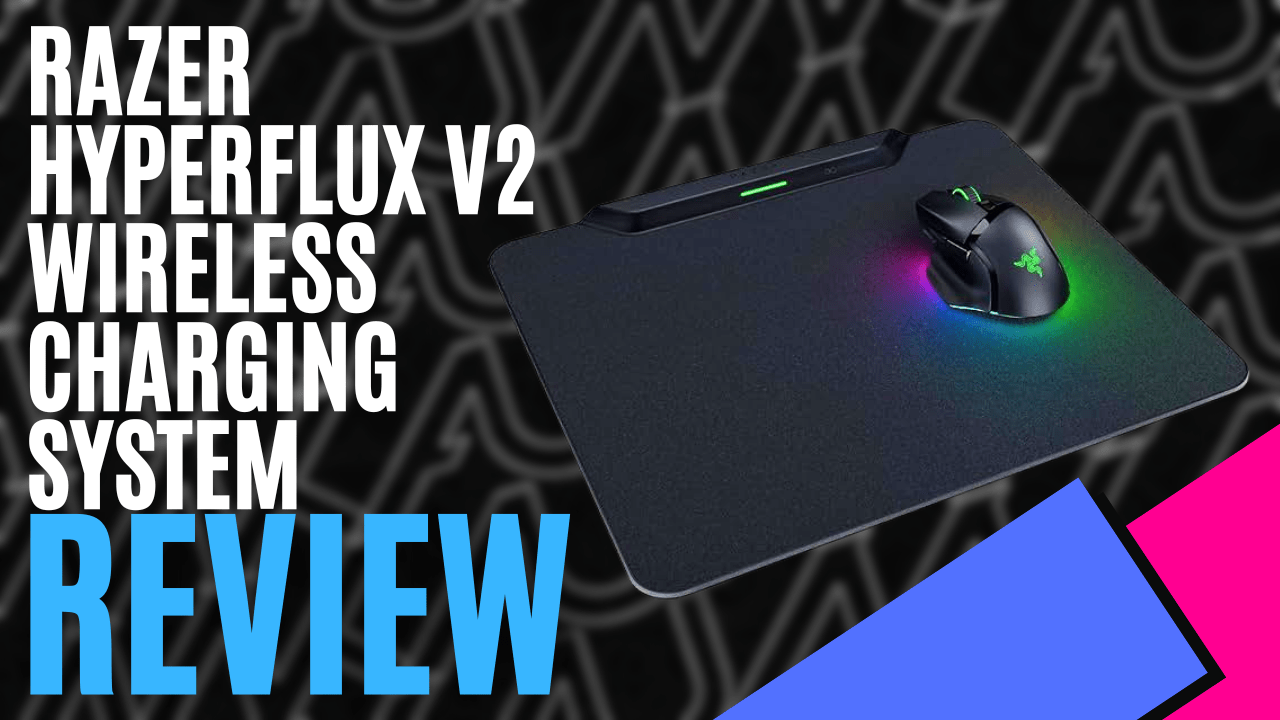
I have been lucky enough to test the Razer Naga V3 Pro, and Razer also sent over their Hyperflux V2 continuous wireless charging mousepad. On their site, the product is listed as “Tap into unlimited power with <a href="https://www.razer.com/gaming-mouse-mats/razer-hyperflux-v2-wireless-charging-system” rel=”nofollow noopener” target=”_blank”>Razer Hyperflux V2 wireless charging system. Pair it with our wireless gaming mice for a dongle-free setup that continuously powers your mouse as you game”. That sounds convenient, so let’s jump in and take a look.
Opening the box, you are greeted with the mouse pad, Razer Wireless Puck, and a USB Type-C to USB Type-A adapter. The puck is inserted into a compatible mouse.
It handles recharging and connectivity, so you never have to worry about charging again, and with the Puck, you no longer need a mouse dongle. See, this is why I need to read the instructions! (slowly removing the mouse dongle from the computer) What a rookie mistake.
The Hyperflux V2 mouse pad is 36 cm long and 31 cm wide, and just 0.5 cm thick. It is nice and light; the weight will vary depending on which type you choose: hard or cloth surface. The Razer Hyperflux V2 wireless charging system is definitely portable, yet large enough to game with.
There are no RGB’s built into it, only one LED indicator at the top that shows your current charge status of the mouse you are using. The colours are green for 100% to 75%, breathing green from 75% to 50%, yellow for less than 50% and orange when less than 25%.
It’s not just compatible with six Razer mice; using built-in HyperSpeed Multi-Device connectivity, at the time of this review, there are also seven Razer keyboards compatible with the Razer Hyperflux V2 wireless charging system, once again negating the need for a dongle.
Obviously no charging, but still a great feature to reduce clutter and USB port usage on your system.
You have two variations of mouse pad to choose from: the hard-surface edition for the smoothest, quickest glides, which is the version I was sent to test. The second is the cloth surface edition, for more controlled, pixel-precise swipes.
Under the mouse pad is an anti-slip rubber base with small, hexagon-grooved patterns that provide a tactile feel and keep the pad in place even during intense gaming. The edges are smooth and tapered, giving it a luxurious feel, and the sensor on top isn’t just a big box; it has curves and is somewhat rounded, making it visually appealing.
Having only recently converted to a wireless mouse, I’ve found that battery size these days negates daily or even weekly charging, but the Razer Hyperflux V2 wireless charging system eliminates charging altogether.
I love how it is one less thing I have to worry about, and the ability to connect
If you want one less thing to worry about, the Razer Hyperflux V2 wireless charging system is the mouse pad for you. Hook up your compatible mouse and keyboard, and let the plug-and-play mousepad do the rest.
