

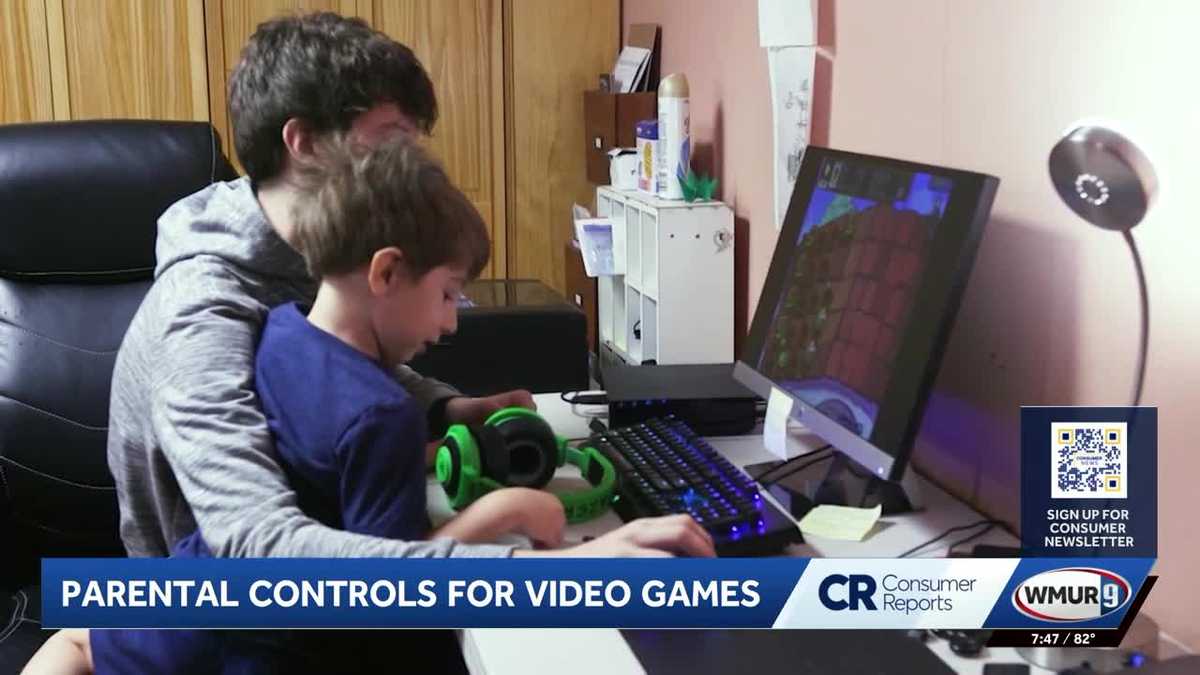
Parental controls can help control children’s spending online
WMUR AND CONSUMER REPORTS WATCHING YOUR MONEY. WHEN KIDS GO ONLINE, THEY’RE NOT JUST WATCHING VIDEOS OR PLAYING GAMES. THEY’RE NAVIGATING VIRTUAL WORLDS WHERE THEY CAN SPEND REAL MONEY. CONSUMER REPORTS OFFERS ADVICE AND TIPS ON SETTING PARENTAL CONTROLS TO PREVENT UNAUTHORIZED CHARGES AND PROTECT KIDS ONLINE. LYNNE RAMSBOTTOM’S GRANDSON LOVES TO PLAY ON ROBLOX, ALTHOUGH THE PLATFORM ITSELF IS FREE, HE TOOK HIS GRANDMOTHER’S CREDIT CARD AND SPENT $2,000 ON VIRTUAL CLOTHING, ACCESSORIES AND IN-GAME UPGRADES. INSTANT PANIC HOW AM I GOING TO PAY FOR THIS? HOW AM I GOING TO FIX THIS? STORIES LIKE THIS ARE BECOMING MORE COMMON AS GAMES MAKE IT INCREASINGLY EASY FOR KIDS TO SPEND MONEY WITHOUT REALIZING THEY’RE MAKING A PURCHASE. WHAT CAN BE CONFUSING FOR KIDS DOESN’T ALWAYS LOOK LIKE THEY’RE SPENDING REAL MONEY. YOU KNOW THEY’RE BUYING IN-GAME UPGRADES OR ROBUX OR GEMS OR COINS OR ANY OF THAT TYPE OF THING, SO THAT EXTRA STEP CAN MAKE IT DIFFICULT TO MAKE THE CONNECTION THAT THEY’RE ACTUALLY MAKING REAL CHARGES TO THEIR PARENT OR GRANDPARENTS ACCOUNT. SO WHAT CAN PARENTS AND GRANDPARENTS DO? CONSUMER REPORTS EXPERTS SAY PARENTAL CONTROLS GIVE ADULTS MORE CONTROL OVER THEIR CHILD’S ONLINE EXPERIENCE, SO GAMES LIKE ROBLOX DO OFFER PARENTAL CONTROLS THAT CAN LIMIT HOW MUCH CHILDREN CAN SPEND IN A GAME. BUT GENERALLY SPEAKING, PARENTS DO HAVE TO SET THOSE UP ON THEIR OWN. AND BECAUSE THESE TRANSACTIONS APP STORE OR A PHONE OR A TABLET, THERE CAN BE MORE THAN ONE LAYER OF PROTECTION THAT PARENTS NEED TO ENABLE. SETTING UP PARENTAL CONTROLS ONLY TAKES A FEW MINUTES ON APPLE DEVICES, PARENTS CAN USE FAMILY SHARING TO SET LIMITS ON APPS, WEBSITES, DOWNLOADS, AND PURCHASES FOR ANDROID DEVICES AND CHROMEBOOKS. GOOGLE’S FAMILY LINK OFFERS SIMILAR CONTROLS, WHILE MICROSOFT FAMILY SAFETY PROVIDES PARENTAL CONTROL TOOLS FOR WINDOWS COMPUTERS AND XBOX CONSOLES. NOW, PARENTAL CONTROLS ARE GREAT, BUT CONSUMER REPORTS SAYS THEY WORK BEST WHEN THEY’RE LAYERED TOGETHER WITH DEVICE AND APP SETTINGS, AND ESPECIALLY WITH CONVERSATIONS WITH YOUR KIDS ABOUT ONLINE SAFETY. FOR THE LATEST CONSUMER HEADLINES SENT RIGHT TO YOUR INBOX, YOU CAN SIGN UP FOR OUR CONSUMER NEWSLETTER. JUST SCA
Updated: 9:05 PM EDT Jul 8, 2026
Editorial Standards ⓘ
Parental controls can help control children’s spending online
Updated: 9:05 PM EDT Jul 8, 2026
Editorial Standards ⓘ
When children go online, they’re not just watching videos or playing games – they’re navigating virtual worlds where they can spend real money.Consumer Reports offers advice and tips on setting parental controls to prevent unauthorized charges and protect children online.Children navigating virtual worlds like Roblox can unknowingly spend real money, as one grandmother discovered when her grandson charged $2,000 to her credit card for in-game purchases in Roblox.”Instant panic!” said grandmother Lynne Ramsbottom. “How am I going to pay for this? How am I going to fix this?” >> Download the free WMUR app to get updates on the go <<Stories like Ramsbottom’s are becoming more common as games make it easy for kids to make purchases without realizing they are spending real money. “What can be confusing for kids is that it doesn’t always look like they’re spending real money,” said Nicholas de Leon of Consumer Reports. “They’re buying in-game upgrades, or Roblox, or Gems, or coins, or any of that type of thing. That extra step can make it difficult to make the connection that they’re making actual real charges to their parents’ or grandparents’ accounts.” Consumer Reports recommends setting up parental controls to give adults more control over their child’s online experience. “Games like Roblox do offer parental controls that can limit how much children can spend in a game,” de Leon said. “But generally speaking, parents do have to set those up on their own. And because purchases can happen through the game, the app store, a phone, a tablet, there can be more than one layer of protection that parents need to enable.” Setting up parental controls is a quick process. On Apple devices, Family Sharing can be used to set limits on apps, websites, downloads and purchases. For Android devices and Chromebooks, Google’s Family Link offers similar controls, while Microsoft Family Safety provides tools for Windows computers and Xbox consoles. Consumer Reports said parental controls work best when layered with device and app settings and paired with conversations about online safety.
MANCHESTER, N.H. —
When children go online, they’re not just watching videos or playing games – they’re navigating virtual worlds where they can spend real money
Consumer Reports offers advice and tips on setting parental controls to prevent unauthorized charges and protect children online
Children navigating virtual worlds like Roblox can unknowingly spend real money, as one grandmother discovered when her grandson charged $2,000 to her credit card for in-game purchases in Roblox
“Instant panic!” said grandmother Lynne Ramsbottom. “How am I going to pay for this? How am I going to fix this?”
>>Download the free WMUR app to get updates on the go<<
Stories like Ramsbottom’s are becoming more common as games make it easy for kids to make purchases without realizing they are spending real money
“What can be confusing for kids is that it doesn’t always look like they’re spending real money,” said Nicholas de Leon of Consumer Reports. “They’re buying in-game upgrades, or Roblox, or Gems, or coins, or any of that type of thing. That extra step can make it difficult to make the connection that they’re making actual real charges to their parents’ or grandparents’ accounts.”
Consumer Reports recommends setting up parental controls to give adults more control over their child’s online experience
“Games like Roblox do offer parental controls that can limit how much children can spend in a game,” de Leon said. “But generally speaking, parents do have to set those up on their own. And because purchases can happen through the game, the app store, a phone, a tablet, there can be more than one layer of protection that parents need to enable.”
Setting up parental controls is a quick process. On Apple devices, Family Sharing can be used to set limits on apps, websites, downloads and purchases. For Android devices and Chromebooks, Google’s Family Link offers similar controls, while Microsoft Family Safety provides tools for Windows computers and Xbox consoles
Consumer Reports said parental controls work best when layered with device and app settings and paired with conversations about online safety
Weather Information
‘
+ ‘
‘;
var gptLayer = window.gptLayer;
if (gptLayer && typeof gptLayer.insertAds === ‘function’) {
var slotsBefore = gptLayer.adSlots ? gptLayer.adSlots.length : 0;
gptLayer.insertAds();
if ((gptLayer.adSlots ? gptLayer.adSlots.length : 0) > slotsBefore) {
if (typeof gptLayer.callAdSlots === ‘function’) {
gptLayer.callAdSlots(‘imm’);
}
}
}
}
}
function closeRadarOverlay(containerId) {
var overlay = document.getElementById(containerId + ‘-radar-overlay’);
if (!overlay) return;
overlay.classList.remove(‘is-open’);
overlay.setAttribute(‘aria-hidden’, ‘true’);
document.body.classList.remove(‘weather-radar-overlay-active’);
var adSlot = overlay.querySelector(‘.weather-radar-overlay__ad-slot’);
if (adSlot) {
adSlot.innerHTML = ”;
}
}
function trackRadarOverlayInteraction(containerId) {
var now = Date.now();
var key = ‘radar_overlay_last_interaction_’ + containerId;
if (!window[key] || now – window[key] > 10000) {
window[key] = now;
dispatchWeatherGA4Event(‘radar_overlayinteraction’, ‘interaction’, containerId);
}
}
function isMobileOrTabletViewport(breakpoint = 980) {
const w = window.innerWidth || document.documentElement.clientWidth || 0;
return w
