

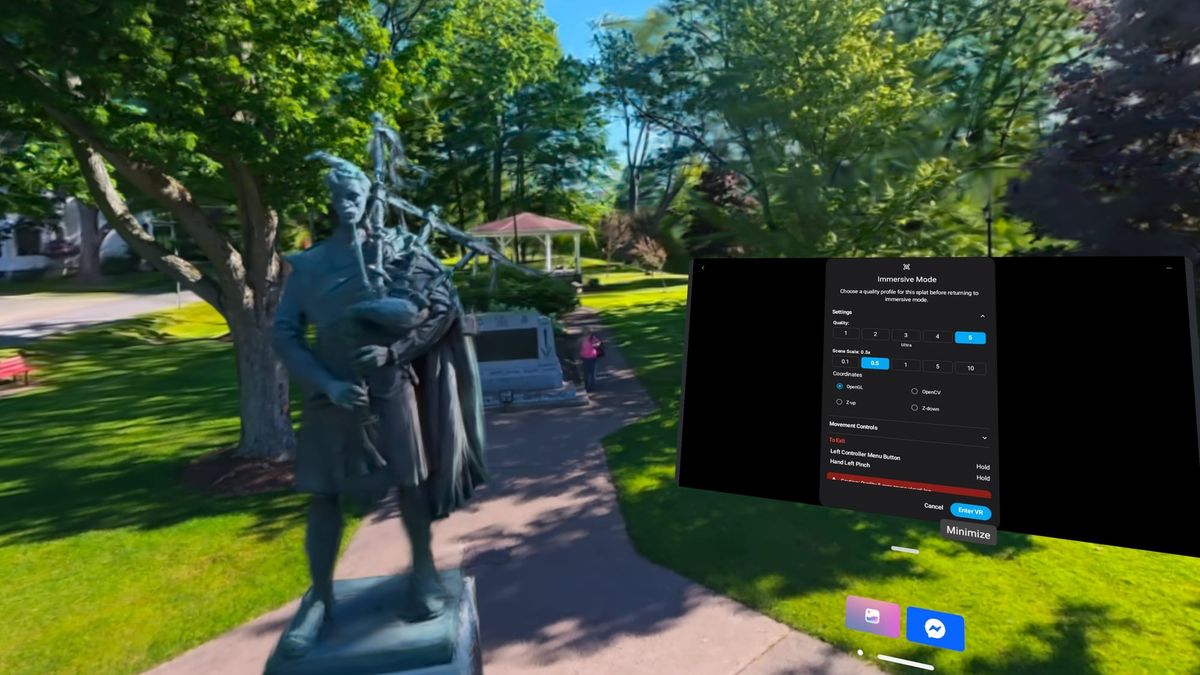
Gaussian splats are like dimensional photographs, capturing places you can explore from different positions and angles. They’re interesting on a screen, but VR makes them feel more like somewhere you can visit.
But getting there can be surprisingly confusing. Some viewers browse cloud libraries, while others need files transferred onto the headset. Some let you share, but others restrict viewing to one account. For each viewer, the experience varies considerably.
I tested several options on my Meta Quest 3 to describe what works best. Hyperscape gave me the best overall viewing experience, but AirVis is my strongest recommendation for combining quality, convenient controls, and sharing. I also explored generated worlds in Marble and moving subjects in Gracia, which show that splats can offer more than still captures.
AirVis: Best, Most Flexible Option
AirVis created an excellent native Quest app. I can browse public cloud scenes or open my own AirVis uploads. Currently, 5GB of cloud storage is free, with a subscription required for more.
The controls feel responsive, almost like flying a drone through the splat. I can also physically walk through the scene. AirVis consistently delivered crisp details, good frame rates, and intuitive controls. Medium quality worked well, and many scenes ran comfortably at the highest setting.
I also like that AirVis provides multiple ways to capture splats: phones, drones, and 360 video, along with a sizable community-driven library of scenes to explore.
PC Streaming
I won’t delve into all PC streaming options, but I did try AirVis’s solution. Setup was quick. In the PC app, I selected CloudXR Server under Profile Settings, chose a locally stored splat, and entered the server’s IP address in the Quest app.
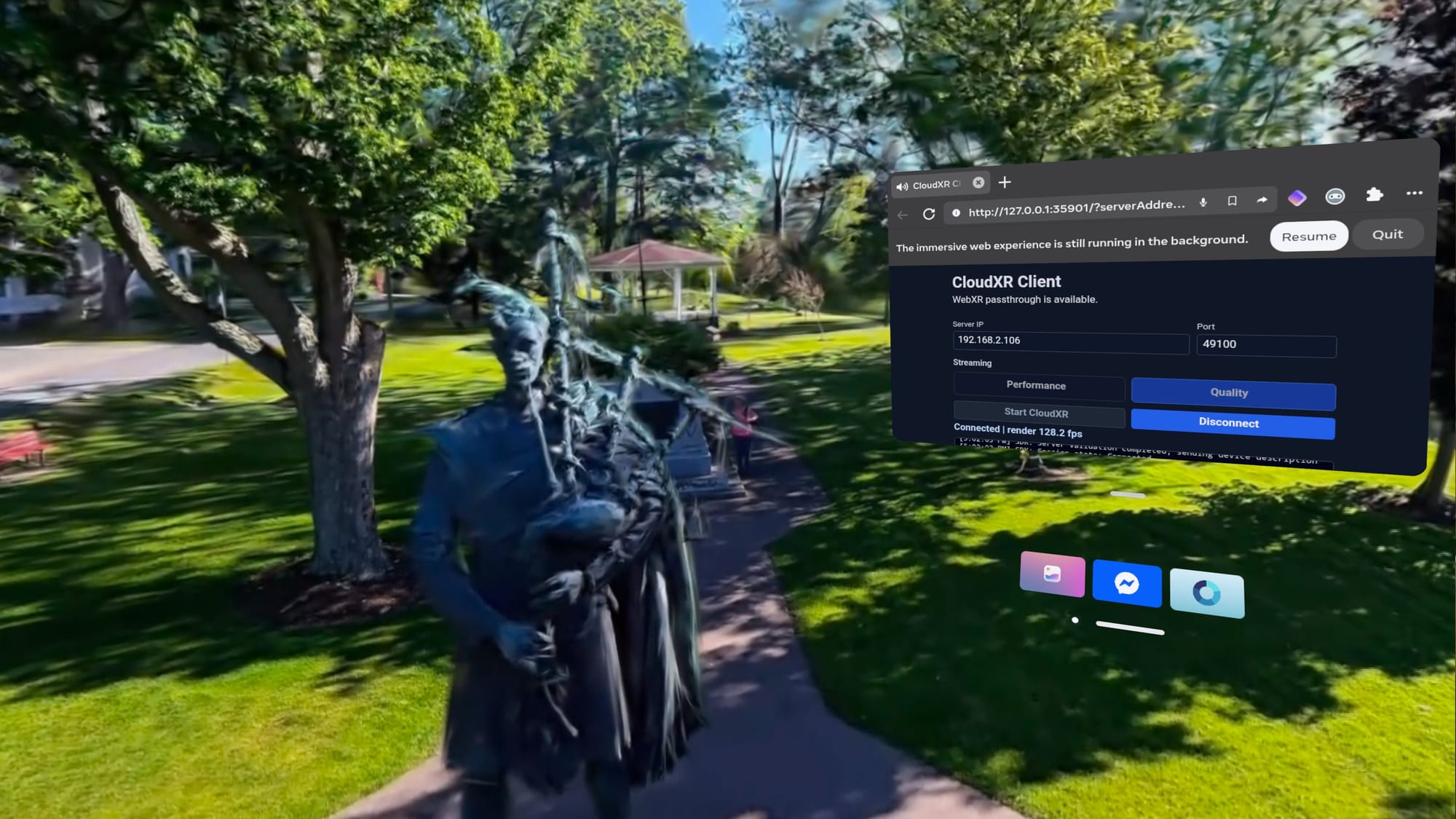
The result looked comparable to viewing the cloud content, with a nice speed boost from my desktop graphics card. The PC reported 30 to 40 frames per second for a 5M splat scene, running on my Nvidia RTX 4070 Super.
That’s a useful extra if you already have a fast GPU, but AirVis’s standalone app is a good starting point.
SuperSplat: Largest Library
SuperSplat runs through the Quest browser. I could teleport, physically walk, or fly through scenes, although flying felt less smooth than in AirVis. The community library is large, making it a good re
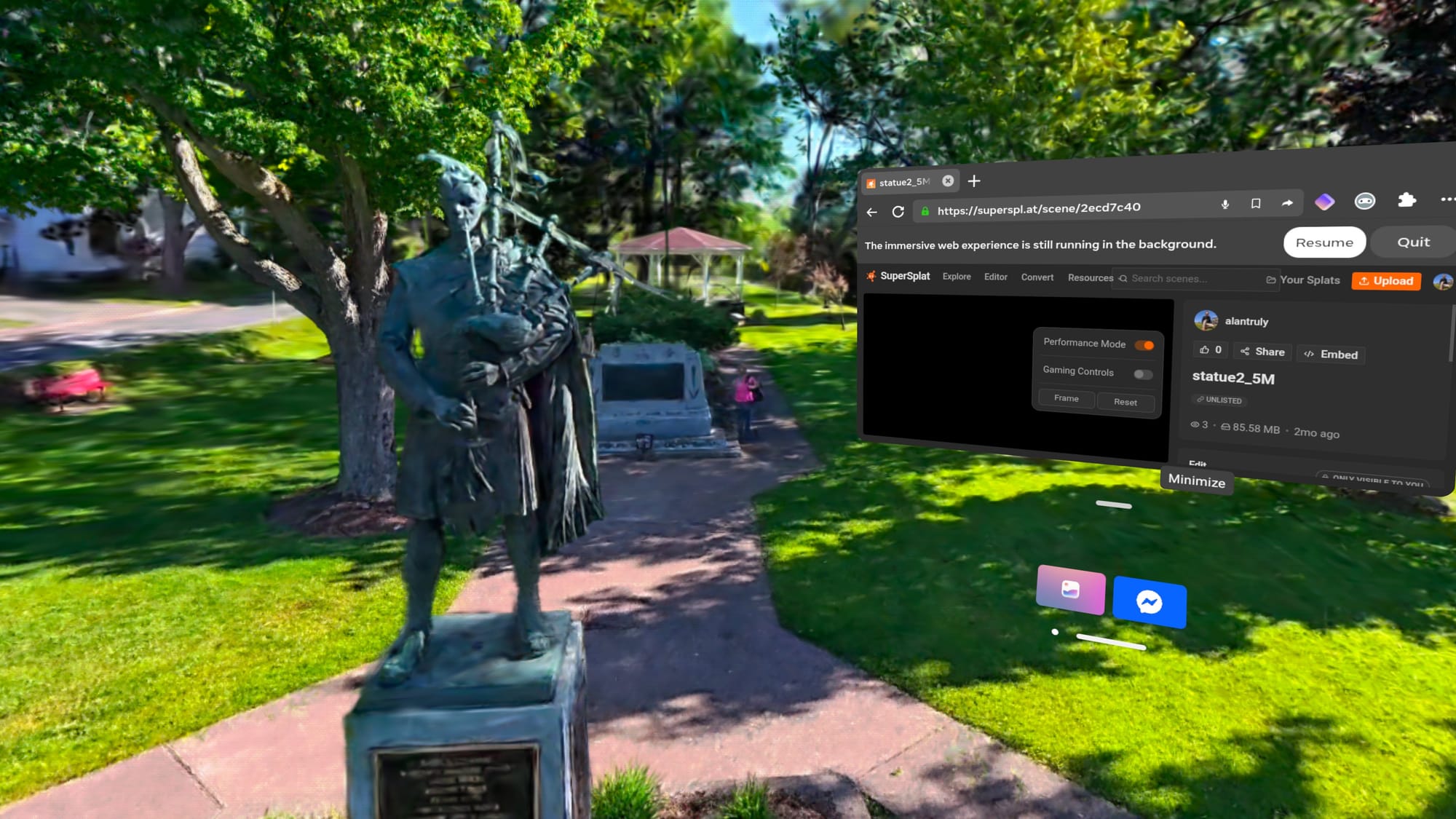
While the variety and quality are impressive, my headset struggled with many scenes. I had to switch to SuperSplat’s performance mode to get tolerable frame rates. Even then, lag was sometimes bad enough to cause motion sickness.
The quality was good, but its weakness was maintaining smooth movement with demanding content. Meta’s best headset is now three years old, and the aging Quest 3 hardware struggles with larger, unoptimized scenes.
GSVision: Displays Local Splats
The GSVision viewer was my best option for files stored directly on the Quest, which I transferred from my PC over USB. Larger scenes required reducing the splat count. The app recommends 700,000, and lag became noticeable around 1.2 million. There are several quality and performance adjustments. Setting Sort Every Nth Frame to 20 improved smoothness by updating the drawing order less frequently.
The controls made sense once I imagined positioning and rotating the splat rather than moving through it. I could even tilt it upside down. Unfortunately, a fixed gray platform obscured parts of the scene, and I couldn’t disable it. Reducing the culling distance to 0.2 meters stopped nearby details from disappearing so soon.
The bigger issue is the splat count limitation that leaves visible holes while viewing. I also tried Splatviewer VR, but it didn’t improve those issues and I had to sideload it.
Into The Scaniverse: See Mobile Splats
Into the Scaniverse connects a phone capture app with Quest viewing and community sharing like AirVis but isn’t as full-featured. It ran without noticeable lag in my tests, but scenes tended to lack detail. Still, I captured some good splats with my phone to view and share on Quest.
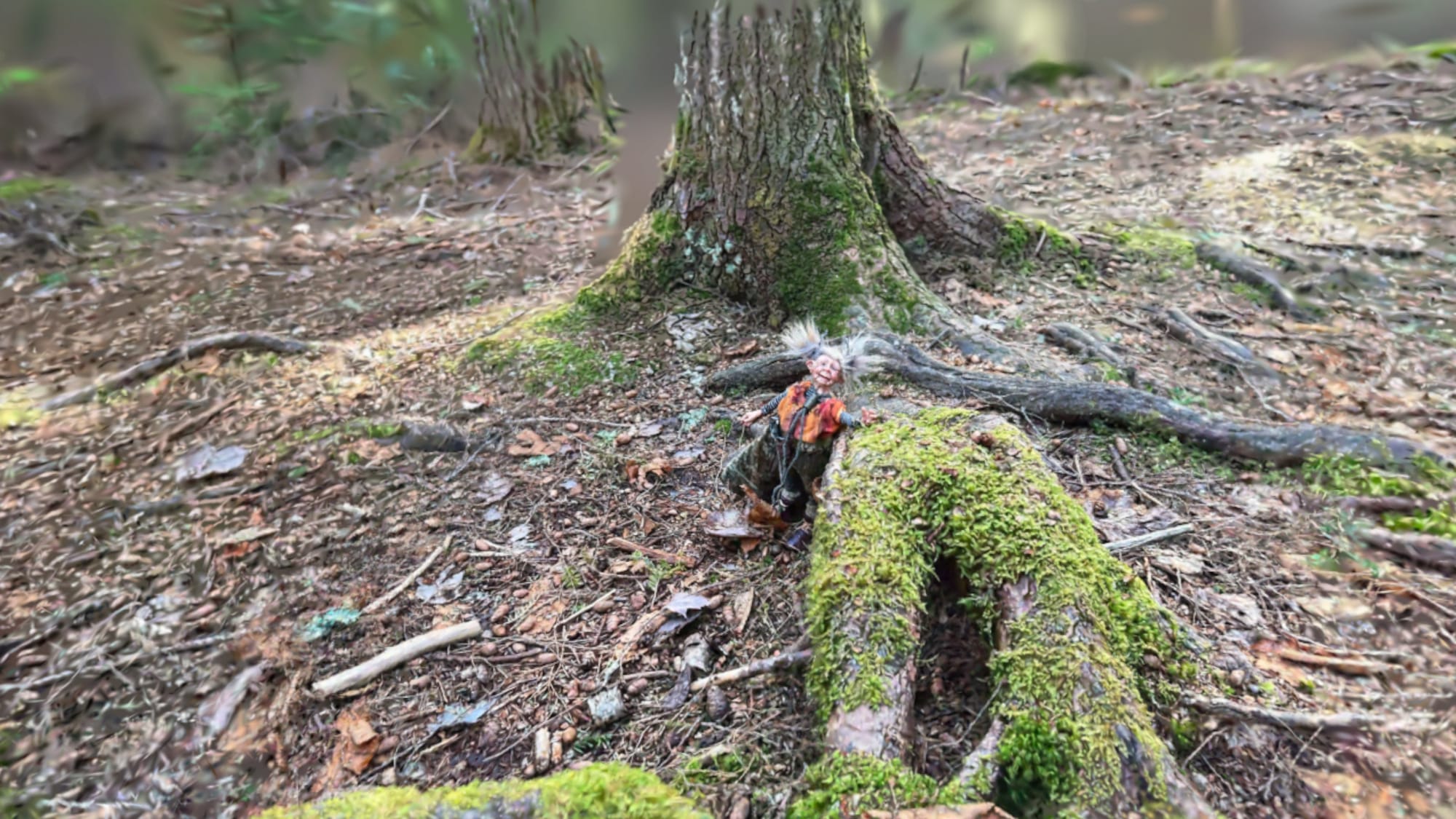
Scaniverse launched in 2021, before Gaussian splats were common. The Quest app is relatively new but feels like it needs a refresh. Its hot air balloon interface and globe metaphor feel awkward beside the clean thumbnail browsers of other viewers.
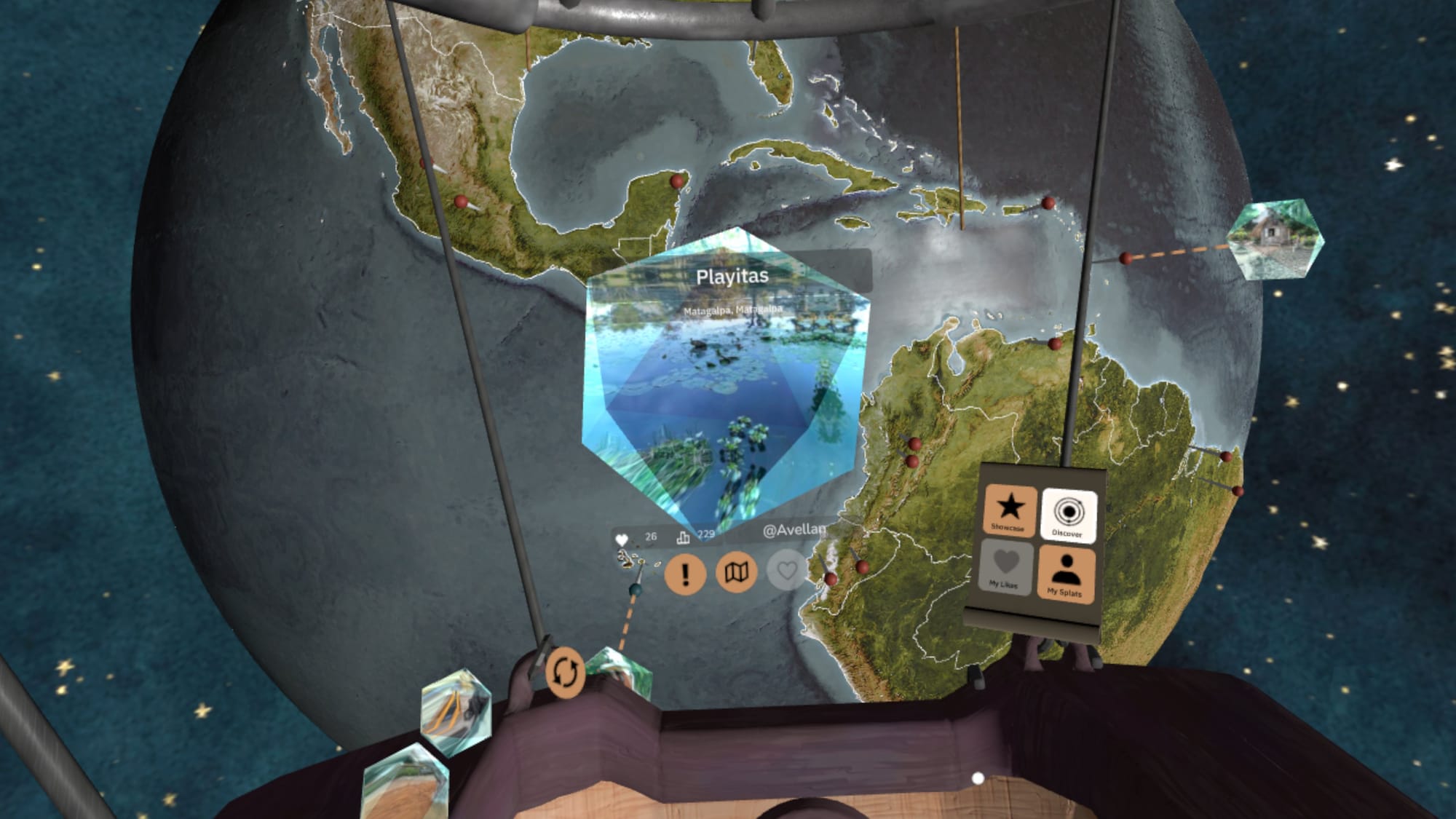
Niantic Spatial developed a newer processing system, which offers better quality and accepts video from nearly anyt support for this improved system. Into the Scaniverse can only view scenes captured with phones, using the older technology
Hyperscape: Looks Best, But Has Limits
Horizon Hyperscape produced the best combination of quality and smoothness for me. Navigation was straightforward, although I could only teleport or physically walk. There was no way to fly higher.
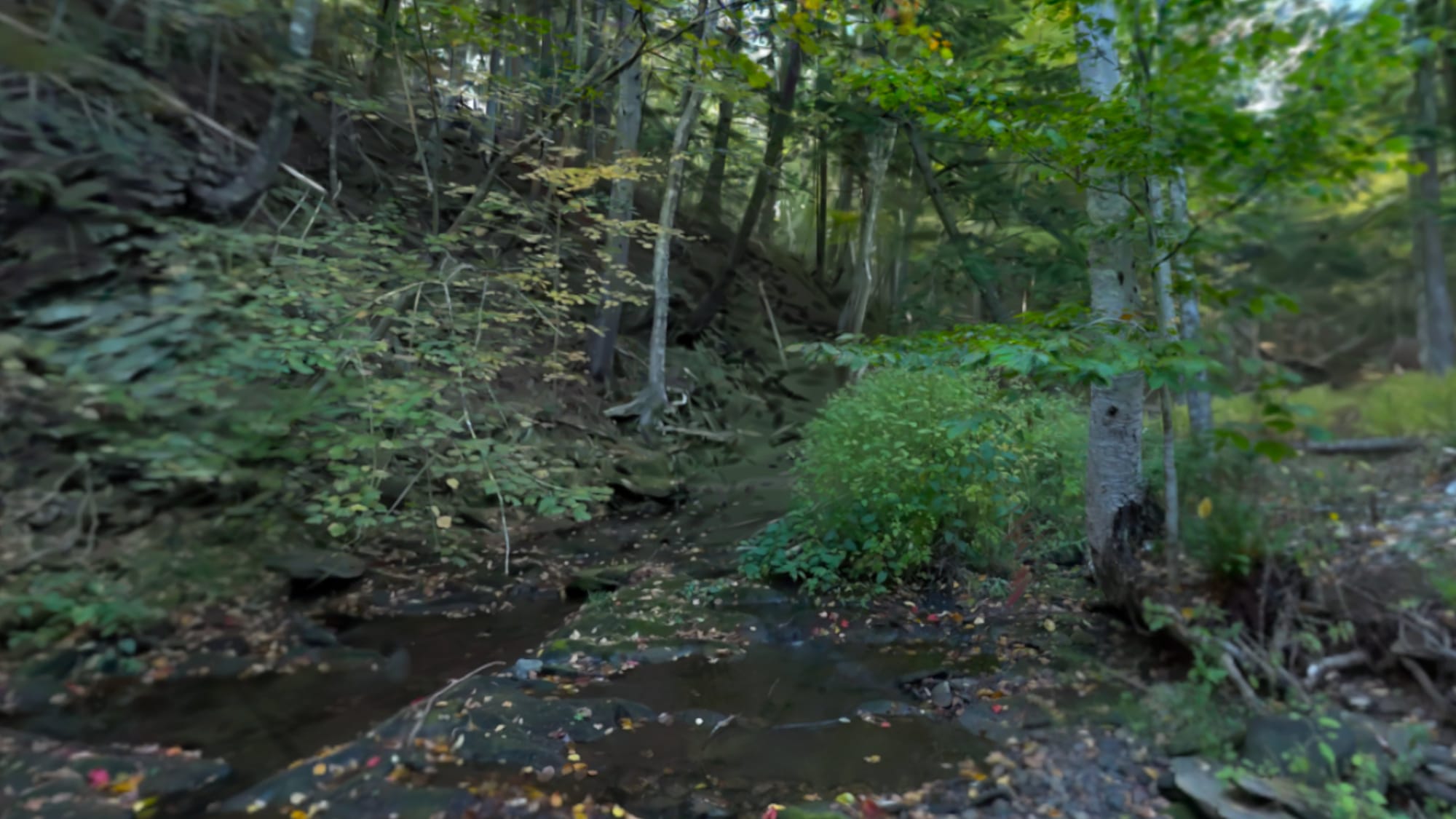
The bigger limitations are capture and sharing. I have to wear a Quest 3 or 3S to capture a scene, and I can’t share my personal captures with other people.
Meta previously let users invite friends into captures, but removed sharing and shared visits in May 2026. Capturing and revisiting spaces in your own account remain possible. That’s frustrating since sharing a scene or location is such a compelling reason to make a splat.
Generated Worlds And Moving Splats
Marble’s generated worlds offer a different kind of splat viewing. These AI-generated environments aren’t necessarily faithful captures of real places, but there’s plenty of community content to explore.

In my Quest browser, most scenes performed well and the controls felt good. I’ll revisit Marble in my splat creation article.
Gracia’s moving splats are also worth trying. Its optimized, subject-focused captures delivered impressive streaming quality in my Quest browser.
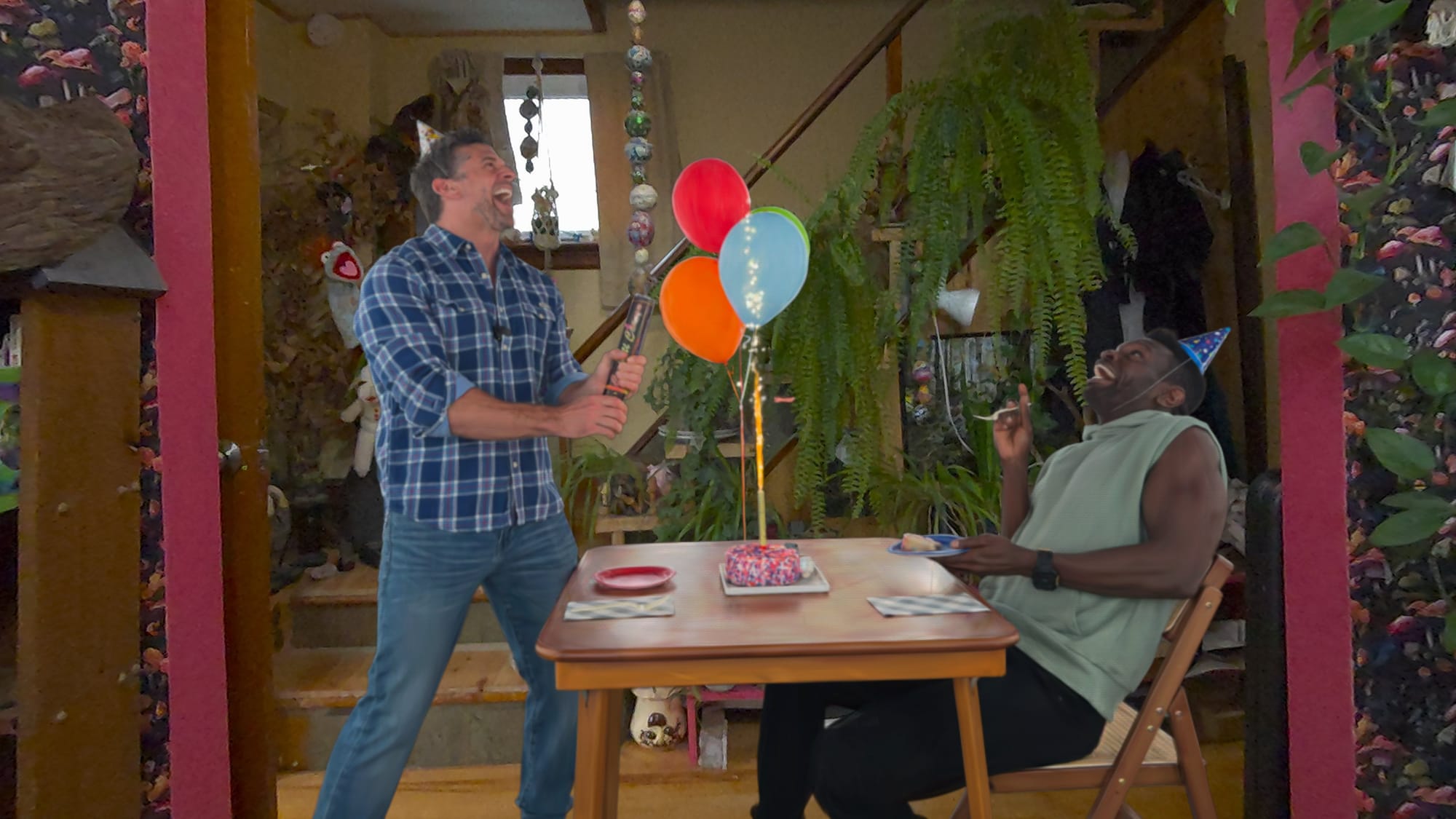
The content selection is limited, but being able to look around an animated subject adds something different from exploring a static scene. It’s worth checking back as the library grows.
Where To Start
After weeks of research, AirVis is my choice for flexible viewing and sharing, while Hyperscape offers excellent results within its restrictions. GSVision is useful to get a look at local files in VR. SuperSplat offers browser convenience, and Into the Scaniverse remains useful as an alternative to AirVis.
For something different, I’d explore Marble’s generated worlds or try Gracia’s moving subjects. Both worked well in my Quest browser and show how much more splats can offer beyond still captures.
