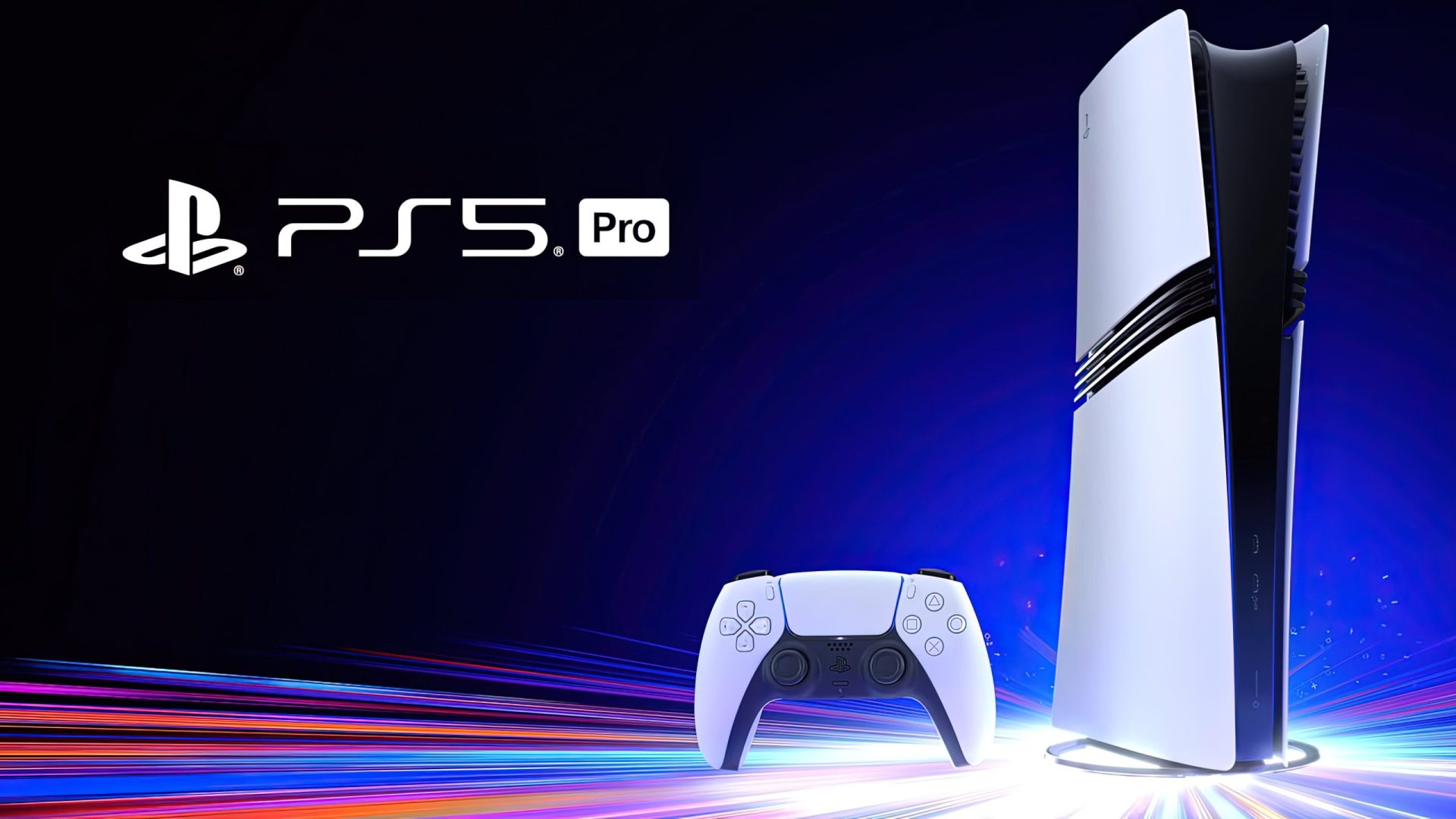



With the PlayStation 5 generation close to hitting its sixth year, chances of new features getting added to the system withy system software upgrades are slim. Still, Sony is continuing to make small improvements to both the base system and the PlayStation 5 Pro, the latest of them having come today with system software update 14.0.
The biggest improvement introduced by this new update is a PlayStation 5 Pro exclusive feature. As announced last month, the new update makes the Enhance PSSR Image Quality a default setting.
“When you update the system software, this setting automatically turns on. When you enable this feature, enhanced PSSR is used even for games that support the previous version of PSSR, so you can enjoy a sharper and clearer visual experience,” read the official update notes.
This toggle (which will eventually be deprecated once newer versions of the upscaler are out) was introduced to the PlayStation 5 Pro system earlier this year when PSSR 2.0 launched with improved image quality over its predecessor, so it now being turned on by default prevents users from accidentally playing games using the original PSSR, which left something to be desired compared to the current version.
For the rest, the new PlayStation 5 system software update introduces some minor new features, which you can check out in full below.

- You can now see who’s speaking while you’re in a voice chat.
- To show the speaker indicator, go to the voice chat card in the control center. Select More > Display Who’s Speaking and turn on Display Names.
- To choose where the speaker indicator appears on your screen, select Position.
- We’ve added the Community Activity widget to your Welcome Hub. You can switch between the following views.
- Trending Now displays ten multiplayer games or multiplayer modes that are surging in popularity. Look here for new game releases or games with major content updates.
- Top 10 displays the ten most popular games in the last week for your country or region. Look here to see what games have a large community of players you can join.
- We’ve changed the following features for PS5 consoles and PS5 Pro consoles in certain countries or regions.
- If you go to Settings > Accessories > General > Advanced Settings and select Turn Off Bluetooth, your console does not enter rest mode and HDMI Device Link does not function.
- The Turn Off Bluetooth function is for managing controller connections at esports venues and similar locations. Do not use this feature for any other purpose.
The PlayStation 5 system software update 14.0 will be downloaded automatically when the system is turned on or left in sleep mode. The update can also be downloaded from the system’s official website and installed manually.
About the author: Francesco De Meo has been covering video games and technology since 2012, starting his career at small outlets like Gamersyndrome and GeekSnack.
After joining Wccftech gaming section in 2015, he quickly expanded his video gaming coverage with in-depth reporting, interviews with iconic industry figures such as Grasshopper Manufacture founder and No More Heroes creator Goichi “Suda51” Suda, Resident Evil series creator Shinji Mikami, Team NINJA’s president and Nioh series director Fumihiko Yasuda, and Silent Hill creator Keiichiro Toyama, reviews and on-the-ground coverage of major industry events such as Gamescom and E3.
When he’s not reporting or reviewing, Francesco can be found playing the genres he loves most, spending time with his six cats, reading, writing music, playing guitar and drumming for his progressive rock band.
Follow Wccftech on Google to get more of our news coverage in your feeds.
Products mentioned