

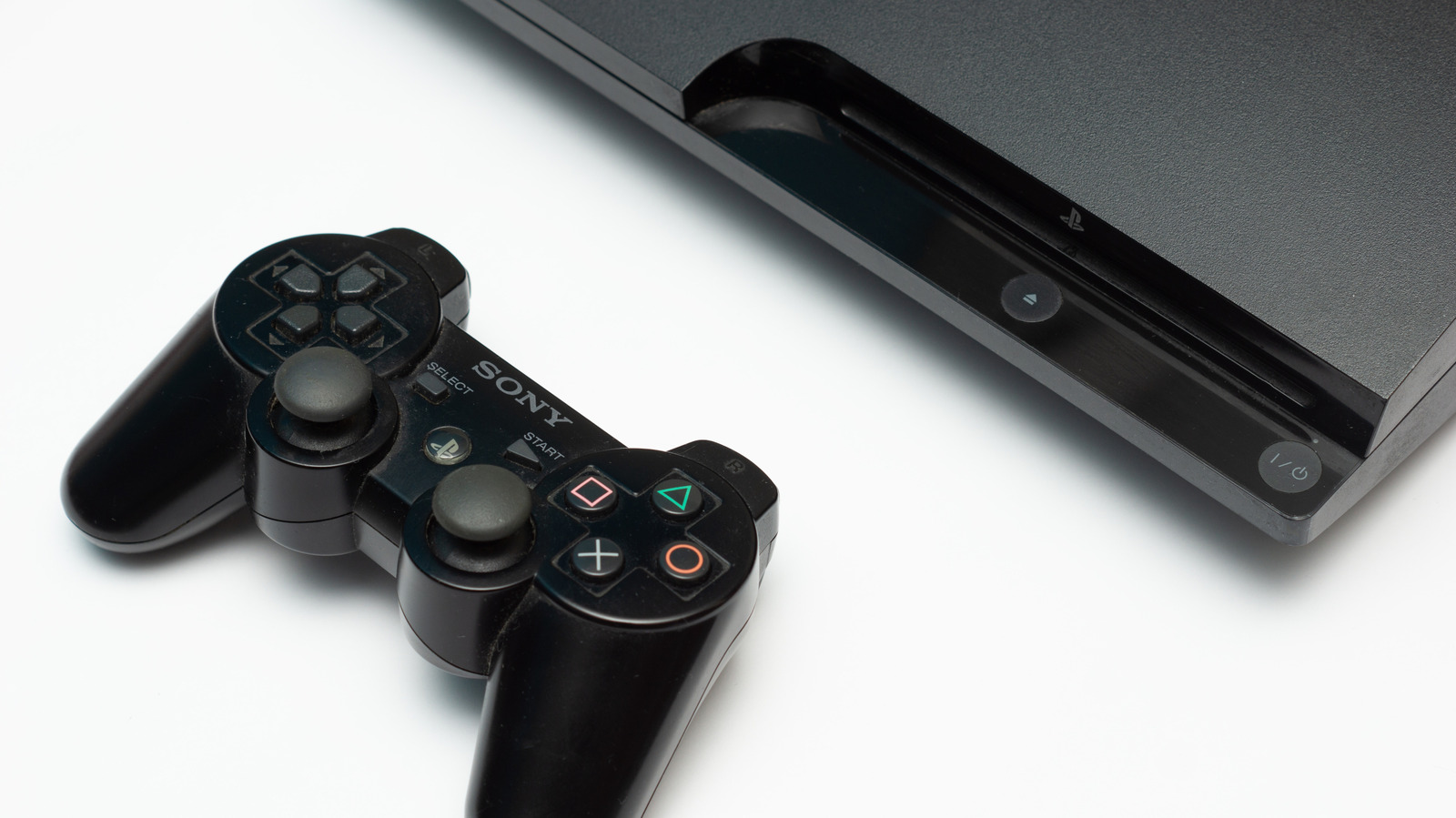
Don’t let it gather dust just yet.
Two decades, 87 million units and two new generations later, the PlayStation 3 is well into its end-of-life phase. As expected, most third-party services have dropped support for the console, with Crunchyroll pulling its app in 2022, followed by Plex in 2023, then Netflix in March 2026.
But that doesn’t make this fine piece of hardware useless. In fact, to this day, the old PlayStation 3 still has some surprise tricks and unexpected uses up its thick plastic sleeves, so there’s no reason to let it gather dust.
With the right steps and a few hours, you can use your old PlayStation 3 to stream movies from your PC, play Blu-ray discs, rip CDs and emulate your favorite retro games. If none of those do the trick, maybe something beneath the old PlayStation 3’s plastic body will.
Use your old PlayStation 3 as a disc player
The disc player on the PlayStation 3 doesn’t only play games; it also plays audio CDs, DVDs and Blu-rays right out of the box. You don’t need to go to any secret menu or install custom firmware, simply slot in the disc and enjoy. To make things even better, the PlayStation 3 has a built-in upscaler that can enhance standard-definition DVDs to HD (up to 1080p) when connectedper and cleaner
To turn on upscaling: From the main menu, go to Settings > Video Settings then scroll down to BD/DVD Upscaler and press X. Choose your preferred option from Normal, Double Scale, Full Screen and Off (disables upscaling).
If you want the full media experience, you can ditch the DualShock 3 controller for the PS3’s BD Remote control which gives you complete command over playback. Do note that you’ll need to keep your PS3 updated if you want to continue watching Blu-ray films on it. This is due to the Advanced Access Content System (AACS) copyright-protection technology. Fortunately, Sony still issues this update about once a year. If your console is offline, you can download the update from Sony onto a USB drive then install it from there.
Stream your PC’s media library
That old PlayStation 3 supports Digital Living Network Alliance (DLNA), a home networking standard that allows you to stream content from another device on the same network. The simplest example would be from PC to your PS3. Using this, you can watch locally-stored movies, home videos and music from your PC directly on your TV. Setting it up is also pretty straightforward.
To enable it on your PS3, go to Settings > Network Settings and enable Media Server Connection. Shared libraries should now appear under the Photo, Music and Video columns in the main menu. On a Windows PC, you can use the built-in Windows Media Player, but it limits the experience to only playing file formats the PS3 supports (which is not a lot). The free Universal Media Server solves this by converting unsupported files in real time, and it runs on Windows, MacOS and Linux.
If you want a simpler solution, you can fill up a USB flash drive with your favorite movies and TV shows, then simply plug it into your PlayStation 3. You’ll need to format the USB drive to FAT32 first, then create specific root folders named VIDEO, MUSIC and PICTURES so your console can read the files. FAT32 caps individual files at 4GB and video quality is limited to 1080p, so keep that in mind before you copy over your media.
Play your favorite retro games
Another good use for your old PlayStation 3 is retro gaming. Every PS3 model is backward compatible with PS1 games, but unfortunately not every model runs PS2 discs. Only the early ‘fat’ consoles can play second-generation titles. If your PS3 isn’t one of the chosen few, you’ll have to rely on the official Digital PS2 Classics on the PlayStation 3 store. Surprisingly, the PlayStation Store is still available on the PS3, but it no longer accepts credit cards or PayPal, so you’ll need a PlayStation gift card.
If you’re willing to take it a step further, you can get your PS3 to run emulators for other retro consoles including the Super Nintendo and Sega CD. But to do that you’ll need to jailbreak your old PlayStation 3, and that requires a bit of technical know-how. Be aware that this violates Sony’s licensing terms, and can brick the console.
Rip your CD collection
The PlayStation 3 can easily turn your collection of CDs into a digital music library; no PC, secret menu or custom software needed. Simply insert a disc, then go to Music on the main menu, highlight the CD icon, press the triangle button and select Import. The ripped tracks save to the console’s hard drive, and from there you can sort them into playlists and easily play them right on the console whenever you like. Do note that some copy-protected CDs aren’t supported and all formats are lossy, so you won’t get a perfect copy of your collection.
As an added bonus, you can transfer those ripped tracks to a USB drive. Simply plug in your storage (make sure it’s been formatted to FAT32), find the track or album under the Music menu, then press the triangle button, select Copy and choose your USB drive as the destination.
Use your old PlayStation 3 to get quick cash
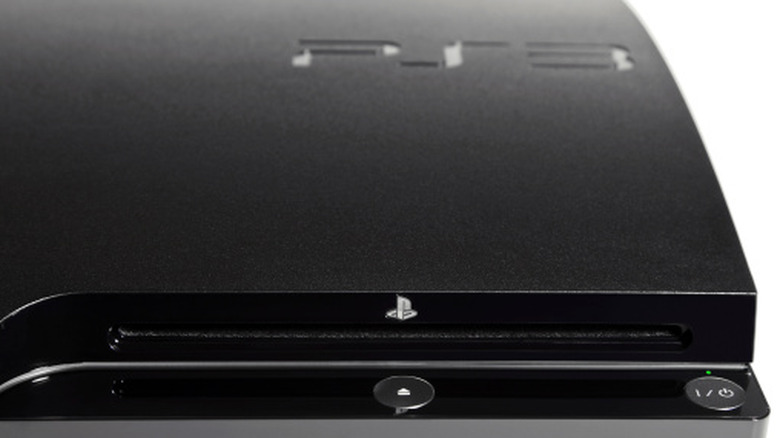
There’s always somebody willing to pay cash for your old PlayStation 3 that’s been gathering dust in a cupboard for years. Finding a buyer can be easier than you think, especially when you know where to look.
You have three main routes for selling your PlayStation 3. First is trading it in to a retailer like GameStop. It’s the most convenient and fastest option, but you’ll get the lowest value and most don’t pay actual cash (GameStop has a cash and credit option).
Second is selling online via sites like Facebook Marketplace. There, you’ll likely get the most cash for your console, but at the cost of time and effort, since you’ll be handling the sale from start to finish. The third option is selling to an electronics buyback service like BuyBackWorld. Buybacks are a good middle ground between retail trade-ins and marketplaces; they’re more convenient than a marketplace and you’ll get the money direct. However, you’ll have to wait for the company to receive and inspect your console before you get paid.
If you decide to go through the quick cash route, make sure to back up and initialize (reset) your PS3 before letting it go. First, plug in a FAT32-formatted USB drive, then go to Settings > System Settings > Backup Utility > Back Up.
Next, deactivate your PS3’s PlayStation Network account: Under PlayStation Network > Account Management > System Activation > PS3 System > Deactivate. This is necessary because Sony limits how many PS3s a single account can activate.
Finally, go to Settings > System Settings > Restore PS3 System > Read the warning and select Yes > Full Format. It takes longer than Quick Format, but it deletes your data more thoroughly.
Salvage parts from your old PlayStation 3
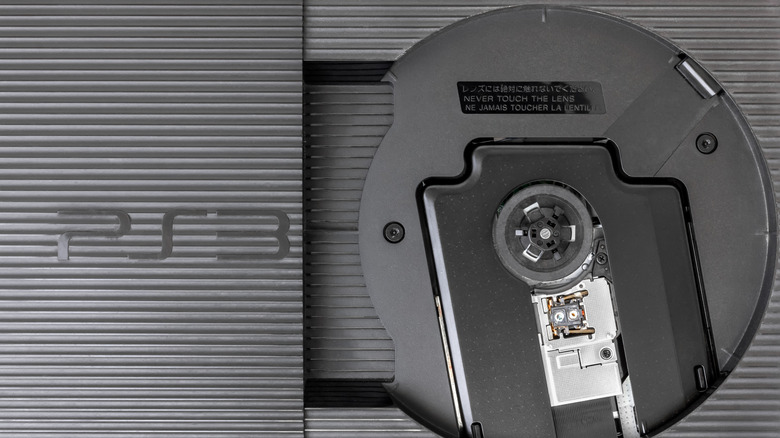
If none of the other options appeal to you, then perhaps the most unexpected solution is inside the old PlayStation 3 and require a screwdriver. Old as it may be now, but the PS3 was once powerful enough that the US Air Force used over 1,700 of them to power a 500-teraflop supercomputer. You won’t be building one of those, but a few parts are worth keeping and some even have secondary market value.
The hard drive is the easiest win. Sony designed it to be user-replaceable, and it’s a standard 2.5-inch SATA drive. With a cheap USB enclosure and a quick wipe, you’ll have some handy, ‘new’ portable storage. If you’re willing to dig deeper and have some technical knowledge, the fans, heat sinks and other parts can be reused and even sold on marketplaces like eBay.
The DualShock 3 can also be deployed away from your PlayStation 3. Steam supports it natively, which pretty much makes it plug and play, but for most other platforms you’ll need special PC software.
Once you’re done gutting your once-beloved console, don’t just throw it in the trash — make sure to recycle it responsibly.

1 Comment
Pingback: ‘His & Hers’ Actress Gets Real About Life After A Netflix Hit: “I Haven’t Been On A Film Set Since” - Comic Vibe