

We may receive a commission on purchases made from links.
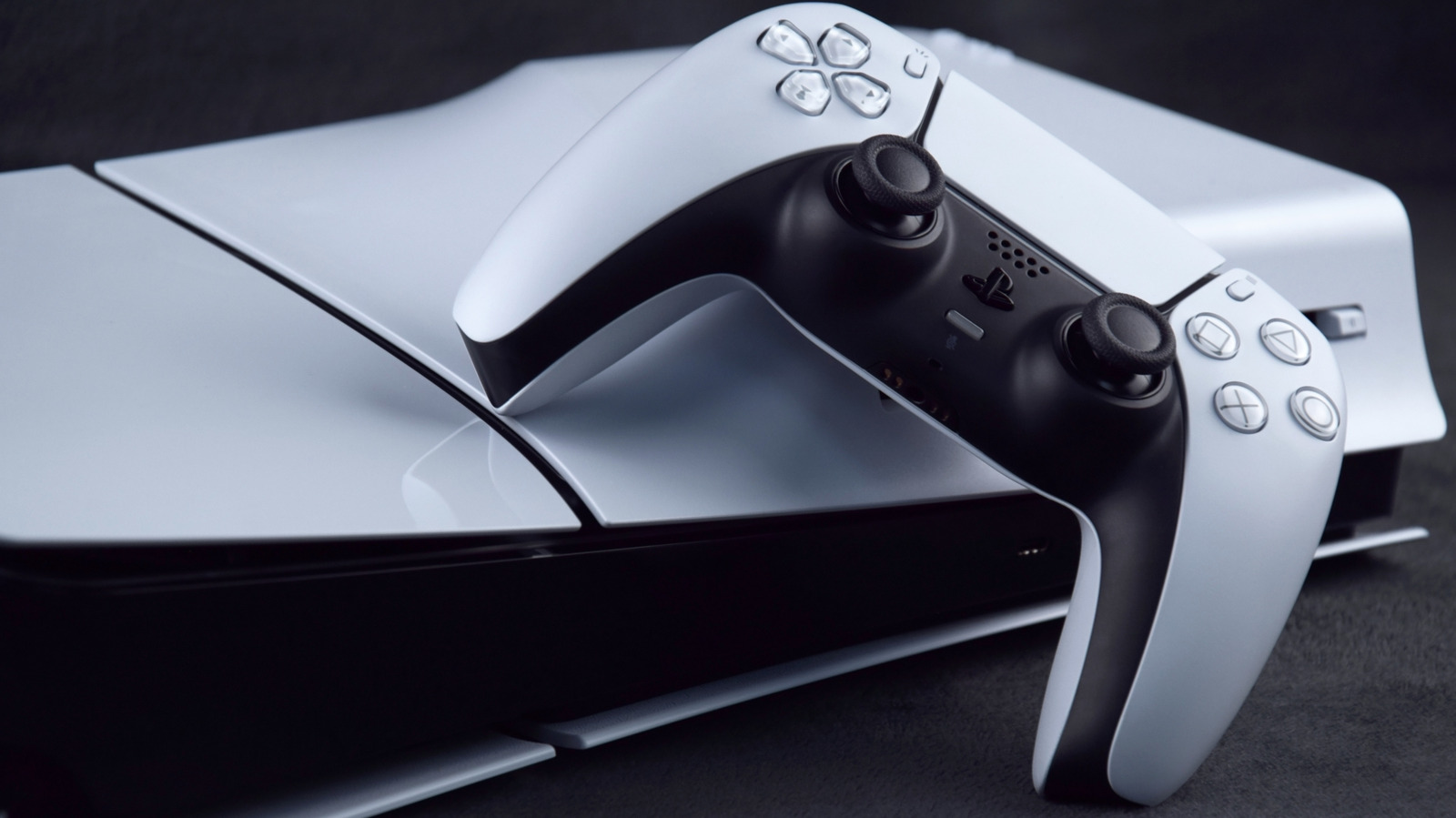
The PlayStation 5 has been entertaining audiences since 2020. Granted, the PlayStation brand has lost a lot of trust ever since Sony announced it would stop printing physical discs in 2028, but the PS5 itself is still an excellent console. Even buying a used PS5 delivers excellent value. But there’s always room for improvement.
Like with all consoles, the PS5 (and the PS5 Pro) includes everything you need to get started. In fact, since each PS5 comes with “Astro’s Playroom” pre-installed, the platform has a leg up on the Xbox Series X|S and the Nintendo Switch family in a way. However, in order to get the most out of the PS5, you’ll likely want to purchase additional, potentially essential gadgets. Yes, the PS5 is expensive, but without these accessories, you will never be able to experience the true scope of the console’s soundscape, let alone download your entire library of games.
Here are items that every PlayStation 5 owner should have. These entries are arranged in no particular order.
Additional storage
While the base PlayStation 5 ships with 825 GB of storage and the PS5 Pro upgrades that to 2 TB, depending on the games that you own, that might not be enough. Many games require hundreds of gigabytes, so you might need to play musical chairs with game files to free up storage space on your PS5. An additional drive can ease some of that burden.
The PS5 has two primary storage solutions, the first of which is an M.2 solid-state drive (SSD). Each console has a dedicated expansion slot that lets you insert a compatible drive. You can’t install just any SSD; it must be no more than 0.98 inches wide, 4.3 inches long, and 0.44 inches thick, including heat dissipation mechanisms. While you can (and should) do your own research before buying, you can always just purchase an officially licensed WD_Black SSD to guarantee compatibility (starting at $219.99).
If you aren’t keen on opening up your PS5 to install an SSD, you could alternatively purchase an external drive. These plug into the console via a USB cable and can store tons of games. While you can’t play PS5 titles off these external components — not even on external SSDs — PlayStation 4 games run off them just fine. Depending on your library, you could reserve the PS5’s internal storage for PS5 titles and save the external hard disk drive (HDD) for PS4 games. There are plenty of external HDDs, and they are often cheaper than internal SSD expansions of equivalent size. Some HDDs even come in limited edition colors and patterns, just in case you want a drive that is as flashy as it is functional.
Headphones
In the world of video games, audio is sometimes overlooked, but it can be just as important as visuals and gameplay. How can a horror game make you feel helpless and scared if the soundscape doesn’t put you on edge? The PlayStation 5 has several audio settings you should try, but what if you live in a household with several other people and don’t want to disrupt them with the sound of your gaming?
A pair of quality headphones can completely change your gaming experience. Sound effects and music become much sharper, and you might even hear nuggets of noise that you would otherwise miss. Plus, many modern headsets include noise canceling functionality and built-in microphones so that you can clearly communicate with allies during multiplayer matches. One great option is the SteelSeries Arctis Nova 7P ($199.99), but many gamers also swear by peripherals such as the Logitech G Astro A50 ($259.99), Pulse Elite Wireless Headset ($149), and Sony Inzone H9 ($198).
If you live alone (or the people in your house don’t mind the noise), a soundbar or sound system will work just as well while providing the added benefit of improving the soundscape of your general TV and streaming usage. Devices that support formats such as Dolby Atmos and other uncompressed formats are highly recommended, although they can prove expensive. Still, if you can spare the expense, purchase something like the Sonos Beam ($499) for the best experience.
External disc drive
Sony (and seemingly everyone else in the video game industry lately) is pushing an all-digital future. While audiences eagerly awaited Sony to start selling the PS5 Pro, nobody expected the company to cut out certain components and sell them as add-ons.
If you own a PS5 Pro (or a disc-less PS5 Slim), you owe it to yourself to purchase a disc drive. This item does exactly what is advertised on the box: play compatible discs. Some people might not see a point in doing this if a PS5 Slim and PS5 Pro can already play digital games. But one practical advantage is that you don’t have to wait for Sony to hold a sale on digital titles to buy a game at a discount. Plus, if you ever, say, visit a Japanese electronics store, you can buy discs for games that aren’t normally available in your region’s PS5 digital storefront.
Of course, you don’t need to buy this component if you own the original PS5 model or the slim version that included a disc drive. In fact, we’d argue a PS5 with a disc drive is the best model you can buy, but if you don’t have one, you can purchase the disc drive through retailers such as Amazon for $79.
Additional controllers
Shortly after the original PlayStation 5 was released, we declared that its controller, the PS5 DualSense, was the best gaming controller of all time. We still stand by that sentiment, so why not buy more?
While most modern multiplayer games reinforce the use of online functionality, the PlayStation 5 is no stranger to the lost art of couch co-op (and sometimes competition). But in order to play these games and ensure all participants have equal footing, you need additional DualSense controllers. You can buy them on Amazon starting at $74 at the time of publication, and if you want your collection to pop, you can purchase them in a rainbow of colors. Plus, Sony releases limited edition patterns every now and then to celebrate the releases of certain games or milestones within the PlayStation’s life.
If you’re a die-hard FPS enthusiast and want to play a few matches on your PS5, you also might want to invest in additional controllers. Or perhaps it would be more appropriate to call them alternative controllers? Companies such as Turtle Beach and Scuf Gaming sell Hall effect and TMR controllers that are not only more accurate than standard DualSense peripherals but also less likely to develop stick drift. Although, this durability and accuracy comes at a cost: The Turtle Beach Victrix Pro is a whopping $209.99 through Amazon, and the Scuf Omega is an even more expensive $219.99, also through Amazon. But these controllers are well worth the exorbitant cost since they might outlast the PS5 (and possibly the PS6).
Game streaming device
Currently, the PlayStation 2 is the best-selling console of all time, sitting at an enillion units) on the leader board, you’ll find a bunch of Nintendo platforms with one thing in common: they’re handheld devices. The Nintendo Switch sits atop them, second only to the PS2 at 155 million units. It makes you wonder if the PS5 would be more popular if it were a handheld. Oh wait, it is. Kind of
The PlayStation Portal is a unique handheld gaming device to say the least. Unlike the Switch or rival devices like the Steam Deck, the PlayStation Portal doesn’t run games off its own hardware, and instead remotely plays games off your PS5. The Portal can also play cloud games if you have a PlayStation Plus Premium subscription. Either way, you need a constant (and strong) Wi-Fi signal to use the Portal, but if you can manage that, the PlayStation Portal is worth buying. You can pick one up on Amazon for $249.
If a PlayStation 5 Portal is too rich for your blood, the Backbone One Mobile Controller will fulfill most of your mobile PS5 streaming needs. While this particular device lacks the signature prongs and haptic feedback of the PS5 Portal, it turns your phone into a makeshift mobile gaming console. Just connect to your PS5 via PS Remote Play, and you can play games with graphical fidelity that exceeds anything a phone could normally deliver. The Backbone One goes for $99.99 on Amazon, but if you buy it, make sure you purchase the right one. Only use the PlayStation Edition for PS Remote Play, and purchase the Backbone with a compatible connection port (USB-C or Lightning).
