

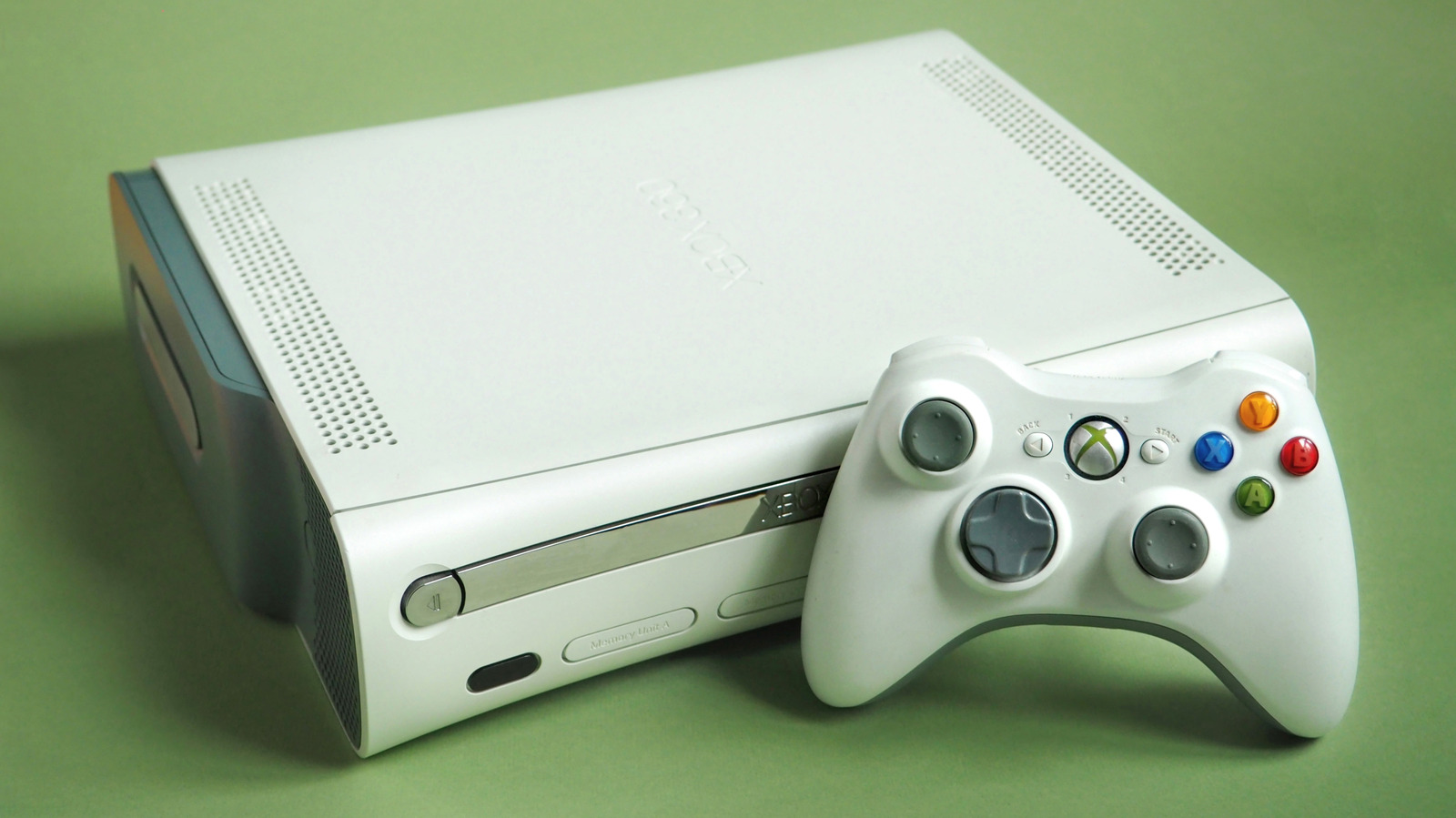
Don’t throw away your old Xbox
Letting old pieces of tech go is never easy, especially when you have fond memories of the original Xbox. But no matter how much you loved shooting seven shades of alien goo out of the Covenant in Halo: Combat Evolved, it’s unlikely you’re still using a 25-year-old console on a daily basis. If you no longer touch your OG Xbox, Xbox 360 or Xbox One, as long as it’s working, there are far better options than just tossing it out.
Make your Xbox One your go-to streaming box for the bedroom! Go retro — dust off that Xbox 360 and play those obscure DVD collections you’ve been hoarding for years! Many Xbox controllers can even be used to enjoy the best PC games! You could obviously make cash for your old console on auctioning sites like eBay. Or here’s a thought: How about gifting your past-gen Xbox to a thrift store/charity shop? Your old Xbox deserves more respect than being dumped in a dustbin.
Use that Xbox as your bedroom streaming machine
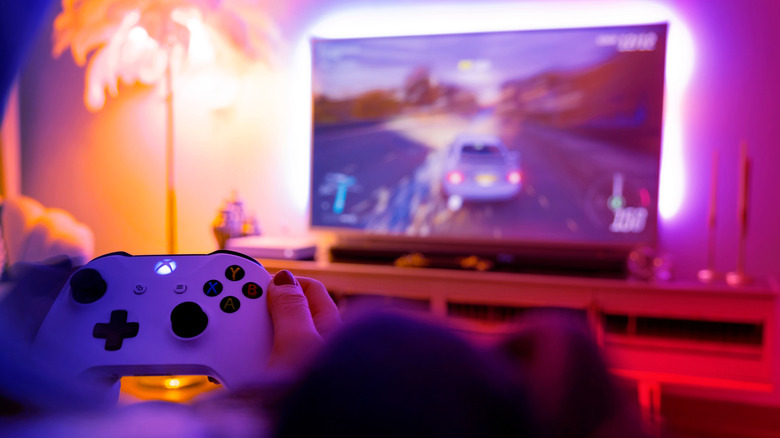
If we’re talking Xbox One, you can download and enjoy many streaming services on Microsoft’s last-gen console, including Netflix, Disney+, Amazon Prime Video, Hulu and Paramount+. Skip back to Xbox 360 and sadly, you’re mostly out of luck.
Provided you don’t have a relative who is currently begging for your old console, why not keep it? These past-gen machines are still perfectly good bedroom streaming boxes, with the added bonus that you can still still play classics on them — like Aussie-set open-world racer Forza Horizon 3 — from the comfort of your sheets.
Play your favorite Blu-rays or DVDs on it
Xbox consoles have never been associated with watching physical media as much as their PlayStation counterparts. The PS2 wasthe DVD machine — the first console to embrace a media format that would comprehensively replace video tapes. Did the original Xbox also support DVDs? In a fiddly way… yes. You needed Microsoft’s official Xbox DVD Movie Playback Kit, which came with an awkward dongle that needed to be plugged into a controller port to get it working. Not exactly an elegant solution.
If you’re reading this, it’s highly unlikely you’re trying to repurpose the 25-year-old OG Xbox as a DVD player in an age of 4K Blu-ray players, but if you have kept either an Xbox 360 or Xbox One, those make a whole lot more sense as back-up media players. The 360 will happily play DVDs straight out of the box with zero tinkering required.
As for the Xbox One, it also plays DVDs and Blu-rays/4K Blu-rays, although the latter media type requires a free Blu-ray app download from the Microsoft Store. I used to occasionally watch UHD discs on my old Xbox One X, and the supercharged console provided perfectly decent UHD movie experiences with my 4K Blu-rays.
Use it as the ultimate retro console
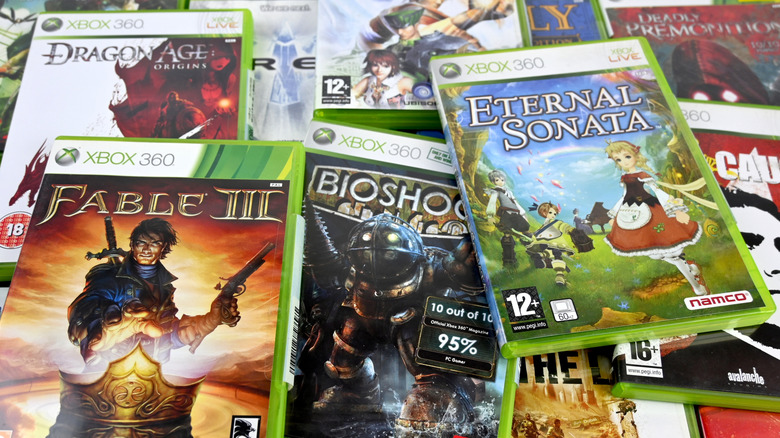
Microsoft has done a tremendous job with backwards-compatibility for several generations. Skip back to Xbox One X, and the company offered free 4K upgrades for select original Xbox games and 360 titles. These gratis updates include some absolute bangers, like Crackdown, Conker: Live & Reloaded, Halo: Reach, Red Dead Redemption, Mirror’s Edge, and many more (well, provided you still own the game).
In total, 13 OG Xbox games got Xbox One X Enhanced features, while 21 Xbox 360 titles received similar big time resolution boosts thanks to the supercharged console’s 6 TFLOPS. For context, the Xbox Series X can tap into 12.15 TFLOPS of GPU power.
The Xbox One X, Xbox One and Xbox One S will all play an impressive 632 Xbox 360 games! Microsoft’s backward compatibility program deserves all the flowers. Though sadly, Xbox has mostly dropped its commitment to adding new original Xbox and 360 titles to Game Pass since late 2021.
The Xbox 360 remains an excellent console for retro fans. Though you’ll need a hard drive so that the console can store emulation profiles, around 480 original Xbox games can be enjoyed on the 360. That’s pretty impressive considering Microsoft’s colossal black box released just shy of 1,000 titles over the course of its life. Sony’s commitment to backwards-combability has rarely impressed on the other hand, but you still shouldn’t throw away an old PlayStation either.
Gift it to charity or sell it
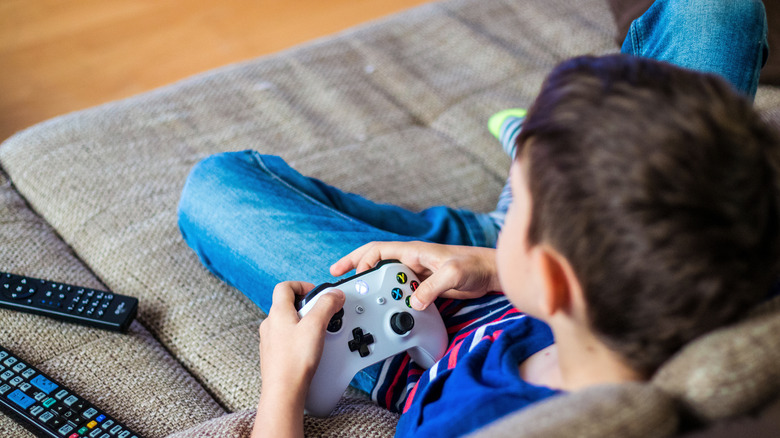
Let’s be honest. There’s no way you’re actually taking the title of this article literally. If you are legitimately thinking about disposing of your old Xbox like it was yesterday’s milk, please recycle it in a safe and eco-safe manner instead. Before you needlessly boot away your console, consider gifting it to someone else. Think of all those who could benefit from an aging Xbox. Young relatives! Charities! Children’s hospitals! Your Xbox donation could genuinely make a kid’s Christmas.
Of course, if you could use the extra money, the Xbox One X still goes for upwards of $150 on eBay. Reputable buy-back sites like Back Market Trade-in will give you cash for your console. The site currently accepts pretty much every Xbox in existence (though broken units obviously won’t fetch you much). If your Xbox One X is in flawless condition and comes with a controller and 1GB of storage, you can currently net a pretty tasty $185.
Sadly, Back Market isn’t the place to sell an old Xbox 360. At time of writing, even if it’s in great condition and comes with a controller, the site will only pony up a pathetic $3 for the classic console. Your best chance of raking in some folding money for that old 360 is by selling it on auction sites like eBay and Swappa.
That old Xbox pad could work on a PC
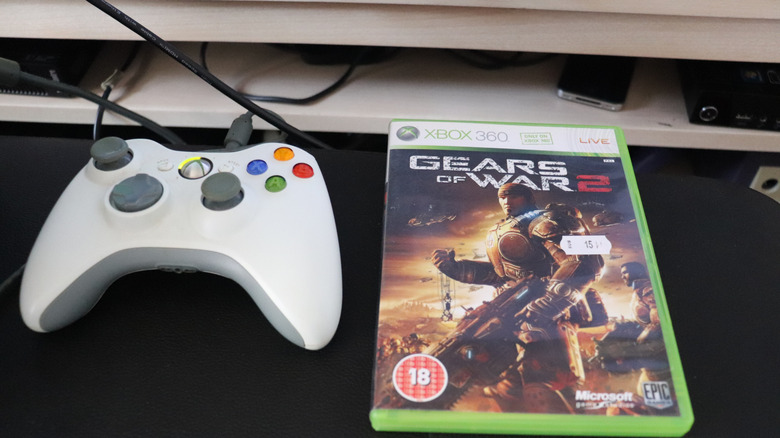
Unless we’re talking about the OG Xbox “Duke” controller, gamepads since the Xbox 360 generation can generally be repurposed to work on gaming PCs. The wired Xbox 360 controller should work just fine with a Windows 11 PC as long as you plug it into one of your rig’s USB ports — Steam is still very good at recognizing old school gamepad layouts, especially in Big Picture Mode. With non-wireless 360 controllers, you’ll likely need a cheap Microsoft wireless receiver.
There is a chance the Big Boy OG 2001 Xbox controller can function with a Series machine, yet it demands precision work. Getting the 2001 Duke to play nice with an Xbox Series X or S requires a special adapter and third-party software. Compared to this hassle, a Xbox 360 pad should still get along with most modern, Steam-compliant PCs without much issue. Well, as long as you’ve taken care of said peripheral over the years.
Xbox One controllers obviously work on Xbox Series X/S consoles, so it’s unlikely you’re going to throw them aside just because they lack a dedicated Share button. You can pair a Xbox One gamepad to a PC either through a USB cable, Bluetooth connection or picking up the Xbox Wireless Adapter for a hand-free wireless experience that’s more reliable than BT.
Factory reset your old Xbox before shifting it on
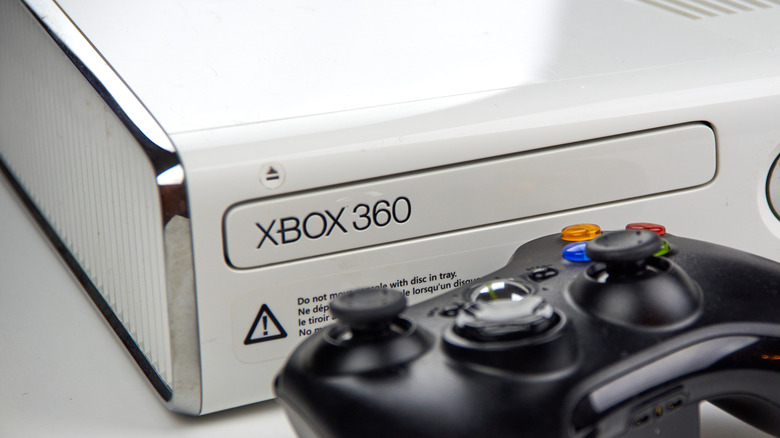
If you’ve finally decided to sell your old Xbox, then you might want to back up your old saves. More importantly, to protect your privacy/delete credit cards you might have stored on the console, you must factory reset your system before selling it.
Provided your Xbox One is connected to the interwebs, backing up saves is an idiot-proof process before the big step of a factory reset. Your console automatically backs up game saves every time you sign into your console. To secure old saves for the last time before selling your Xbox One, make sure it’s online and sign into your usual account. Then it’s a case of briefly opening any game you want to keep data from, let your console’s “Syncing data” message finish, save and quit out of the game, and you’re good to go. If you then decide to buy an Xbox Series X or S, you can download this data from the cloud.
Now it’s time to factory reset your Xbox One. Navigate to Profile & system > Settings > System > Console info > Reset console. Choose Reset and remove everything (which deletes all apps, games and local saves). Your Xbox One will be wiped clean.
If you’re keen on keeping old Xbox 360 saves, plug an empty USB drive into the console, then go to Settings > System > Storage > and choose Configure Now. The 360 will format the drive in its proprietary FAT32 system, at which you can go back to Storage > Hard Drive > Games and Apps. From here, simply select the games whose data you want to preserve, then click Copy > USB Storage Device.
To factory reset your Xbox 360, head to Settings > System > Storage, select your hard drive, press Y for Device Options, then select Format. If the console asks you for the serial number at this point, you can find it from System > Console Settings > System Info and note it down. Once your 360 has been formatted, it’s ready to sell.
You should also unlink either the Xbox 360 or Xbox One that you’re selling from your Microsoft account. To do this, head to the Microsoft Devices site and log in, then select the little monitor-shaped Devices tab. Next, choose the console you want to remove and simply press Remove this device.
With all of these steps complete, your old Xbox is now good to move on to its next owner.

1 Comment
Pingback: Peggy King Has Died - Comic Vibe