

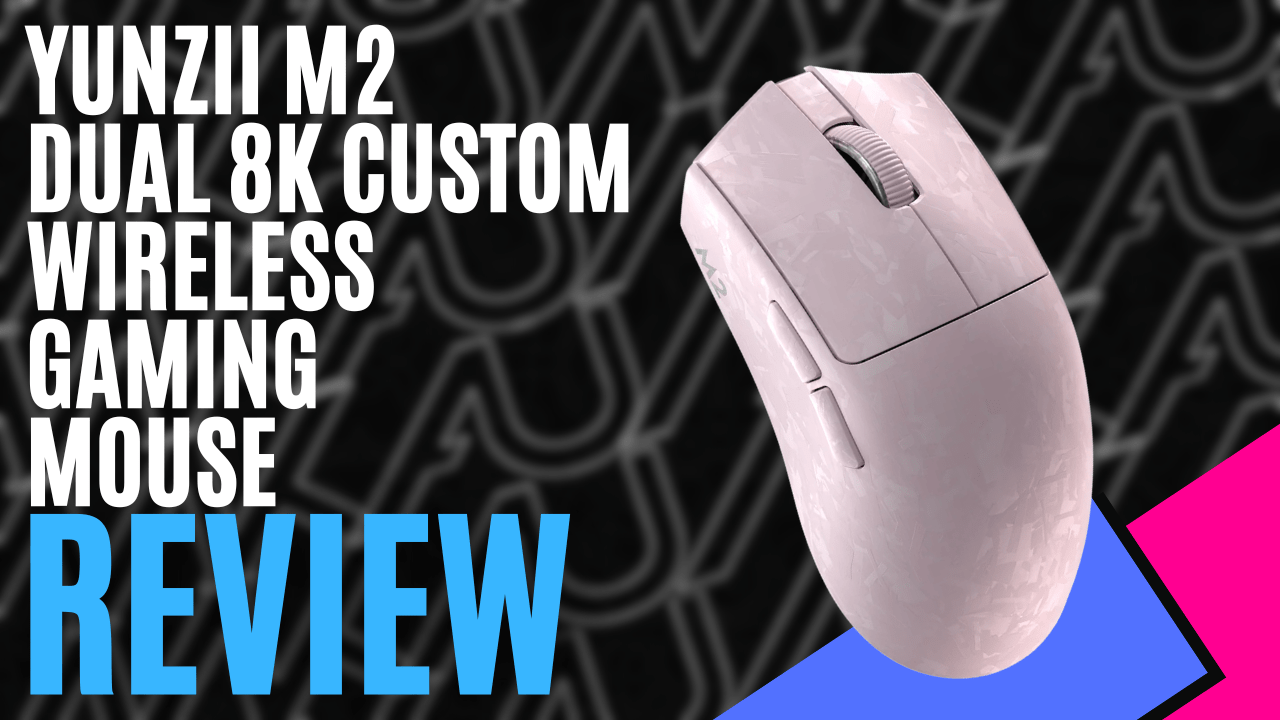
Founded in 2018 and well known for the customizable pre-built mechanical keyboards, YUNZII are nothing short of Professional keyboard enthusiasts.
They eventually broke into the mouse market with the softest launch of the YUNZII C1 as recently as 2025.
When I was first given the YUNZII M2 Dual 8K Custom Wireless Gaming Mouse, I asked, ” Is there really a mouse in here? It was so light! But slipping off the sleeve and opening it up, there really was a mouse inside, sealed away in protective bags, a subtle shade of pink poking through.
What to expect when you open the box? Pink was the colour of choice for this mouse, but it is also available in black, white and orange. After removing the sleeve and opening the lid, I found 3 neatly packed items in a sponge. A white USB-C cable with hues of pink, grip tape, a USB-A-to-USB-C adapter, a manual, and a charging tips booklet. Note that the adapter comes with no information in the booklet provided.
Taking a hard look at the mouse’s design, the first thing you notice is its weight: a lightweight 63.5g. This ultra-lightweight gaming mouse has a carbon fibre texture that can look rugged; it’s smooth and soft to the touch while showcasing a modern carbon-weave pattern that looks visually beautiful on your desk.
Even though it is lightweight, the mouse is a decent size, <a href="https://comicvibe.com/whats-coming-to-netflix-this-week-july-20th-to-26th-2026/” title=”What's Coming to Netflix This Week: July 20th to 26th, 2026″>coming in at 4.78 inches long, 2.5 inches wide and 1.55 inches high, making it suitable if you have a larger hand. With the standard left/right-click and scroll wheel mouse buttons, it also comes with two additional thumb buttons for easy mapping and the smooth scrolling of the wheel with very little resistance, but not loose, still giving you control. Small ridges in the wheel for easy control and sweat-resistant material make for a comfortable experience.
It took me longer than I care to admit to find and remove the dongle. The dongle is at the bottom of the palm end; pressing down slightly will reveal it. While the dongle is an option, the YUNZII M2 Dual 8K Custom Wireless Gaming Mouse also offers wired, 2.4 GHz – 8 kHz, and Bluetooth – 125Hz experiences. Now, while easily accessible to switch between these forms of connection, you will find it inconveniently underneath the mouse, but don’t worry, the design prevents the switch from moving while in use. A connection switch and a DPI button, both at the bottom, are a bit of a hassle to reach.
This is also where you will find the charging light indicator. Red for charging and green for fully powered. Not a bad location for a light indicator, as long as you like lifting your mouse to look at the bottom on the regular.
The YUNZII M2 Dual 8K Custom Wireless Mouse is really just a plug-and-play mouse; a simple connection, and you are off. Take out the dongle, plug it in, and it’s ready to go, or quickly switch to the cable provided in the box.
The YUNZII M2 Dual 8K Custom Wireless Gaming Mouse can suit all your DPI needs, with six levels of adjustability. The DPI defaults to 3200 but can range from 50 to 30000 with software support. Paired with a PAW 3395 sensor, it delivers 650 inches per second, a 50g acceleration, and a lift-off distance of 1 mm to 2 mm. With a 500mAh battery, you will come to love the 50 hours of gaming with the YUNZII M2 Dual 8K Custom Wireless Gaming Mouse.
YUNZII does have a software suite, but when researching it for the YUNZII M2 Dual 8K Custom Wireless Gaming Mouse, I could only find compatible software for the M1 version.
My time with the YUNZII M2 Dual 8K Custom Wireless Gaming Mouse was interesting, to say the least. While a lighter design is not my preference, I can definitely see the benefit for the everyday gamer, and it is worth the $60 USD price tag.
